Aikiu Studio vs Calligrapher.ai
In the face-off between Aikiu Studio vs Calligrapher.ai, which AI Design tool takes the crown? We scrutinize features, alternatives, upvotes, reviews, pricing, and more.
In a face-off between Aikiu Studio and Calligrapher.ai, which one takes the crown?
If we were to analyze Aikiu Studio and Calligrapher.ai, both of which are AI-powered design tools, what would we find? Both tools are equally favored, as indicated by the identical upvote count. Be a part of the decision-making process. Your vote could determine the winner.
Feeling rebellious? Cast your vote and shake things up!
Aikiu Studio

What is Aikiu Studio?
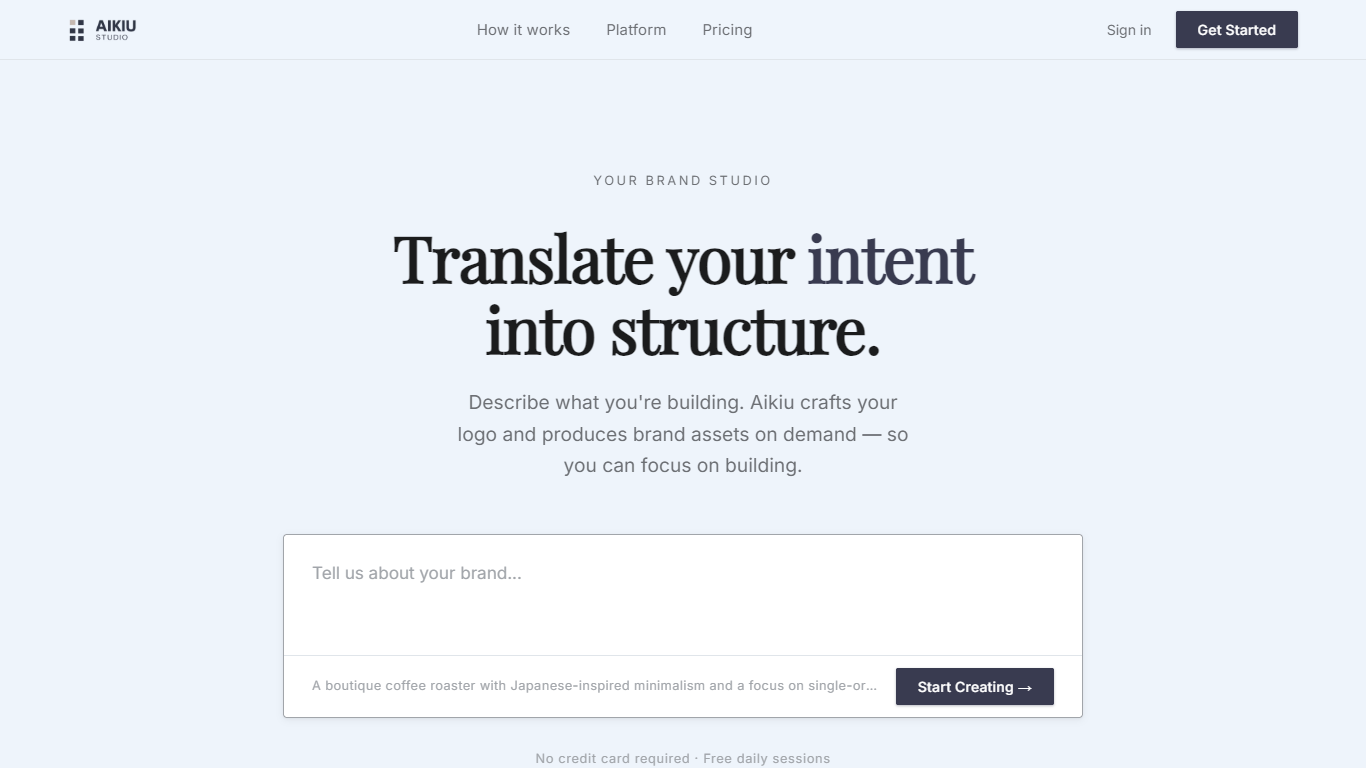
Aikiu Studio is a brand identity platform for founders who need a professional logo without hiring a designer. You describe your brand in plain language, and the tool generates a custom mark built from your brief rather than recycled templates.
The workflow moves from a short brand description to logo concepts you can refine in chat or in a visual editor. When you are ready, you can export production-ready files in SVG, PNG, and WEBP with transparent backgrounds, and commercial usage rights are included with a paid unlock.
Aikiu Studio is built by Gradient Insight and positions itself as the start of a broader identity system. A living brand profile and on-demand brand assets are listed as upcoming features beyond the logo generator.
Calligrapher.ai
What is Calligrapher.ai?
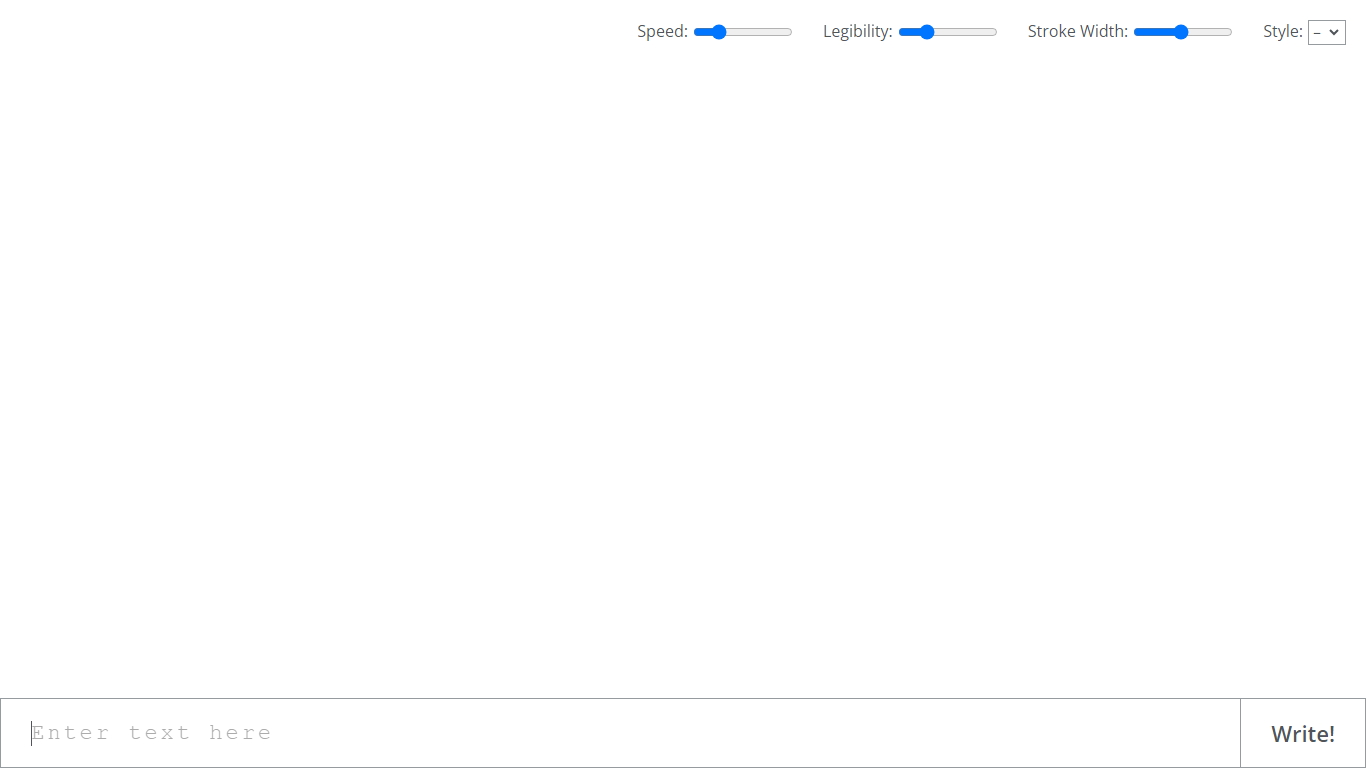
Calligrapher.ai converts typed text into realistic handwriting entirely inside your browser. You pick print or cursive styles, adjust speed, legibility, and stroke width, then download the result as an SVG. A recurrent neural network runs locally in the page, so nothing needs to upload to a server for basic generation.
Font-based script generators repeat the same letterforms every time. Calligrapher.ai varies stroke rhythm through its RNN, which looks more natural on invitations and labels but gives you less pixel-perfect control than editing paths in Illustrator. That makes it great for quick handwritten accents, not for precision logo work.
Designers, teachers, and anyone making cards, worksheets, or social graphics use Calligrapher.ai when they want pen-and-ink texture without scanning real handwriting. The interface is a single canvas with four sliders and a download button, so the learning curve is essentially zero.
Aikiu Studio Upvotes
Calligrapher.ai Upvotes
Aikiu Studio Top Features
Describe your brand in a few sentences and get logo concepts tailored to that brief
Refine typography, icons, colors, and layout through chat or a direct editor
Start free with 10 daily credits and preview work before you pay to unlock
Unlock one finished logo for with SVG, PNG, JPG, and WEBP exports
Buy credit packs when you need more generations or refinements beyond the daily free allowance
Calligrapher.ai Top Features
Generates handwriting in the browser with a recurrent neural network
Adjustable speed, legibility, stroke width, and style sliders
Supports multiple print and cursive handwriting styles
One-click SVG download for use in design tools
No account required on the homepage interface
Full-screen canvas workspace with a simple Write action button
Aikiu Studio Category
- Design
Calligrapher.ai Category
- Design
Aikiu Studio Pricing Type
- Freemium
Calligrapher.ai Pricing Type
- Free