
Last updated 08-11-2026
Category:
Overall Rating:
3.0 🏆
Reviews:
Join thousands of AI enthusiasts in the World of AI!
Calligrapher.ai
Calligrapher.ai converts typed text into realistic handwriting entirely inside your browser. You pick print or cursive styles, adjust speed, legibility, and stroke width, then download the result as an SVG. A recurrent neural network runs locally in the page, so nothing needs to upload to a server for basic generation.
Font-based script generators repeat the same letterforms every time. Calligrapher.ai varies stroke rhythm through its RNN, which looks more natural on invitations and labels but gives you less pixel-perfect control than editing paths in Illustrator. That makes it great for quick handwritten accents, not for precision logo work.
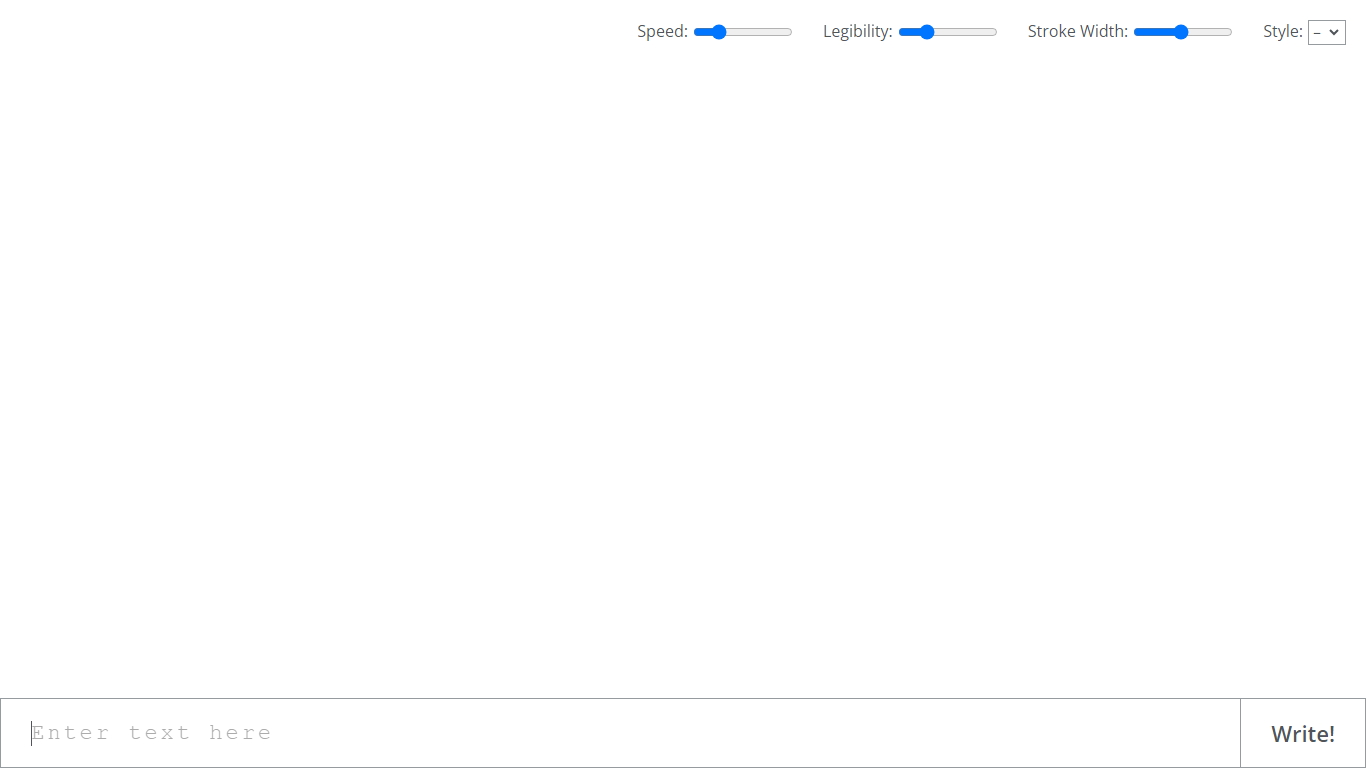
Designers, teachers, and anyone making cards, worksheets, or social graphics use Calligrapher.ai when they want pen-and-ink texture without scanning real handwriting. The interface is a single canvas with four sliders and a download button, so the learning curve is essentially zero.
Generates handwriting in the browser with a recurrent neural network
Adjustable speed, legibility, stroke width, and style sliders
Supports multiple print and cursive handwriting styles
One-click SVG download for use in design tools
No account required on the homepage interface
Full-screen canvas workspace with a simple Write action button
Free with no login on the homepage
SVG export works in standard design apps
Sliders make handwriting feel less uniform than fonts
Runs in-browser without a separate desktop install
Minimal interface gets you to output quickly
Homepage exposes almost no documentation beyond the editor
Limited to SVG export with no listed PNG or PDF options
Thin marketing site with no feature roadmap or API
Fine control is weaker than manual vector editing
What is Calligrapher.ai?
Calligrapher.ai is a free design tool that turns typed text into realistic handwriting using an in-browser recurrent neural network. You customize style and stroke settings, then download the output as an SVG file.
Is Calligrapher.ai free?
Yes. Calligrapher.ai is free to use from the website with no pricing page or account requirement visible on the homepage. You adjust settings and download SVG files directly in the browser.
What file format does Calligrapher.ai export?
Calligrapher.ai exports generated handwriting as SVG, which keeps strokes scalable for invitations, worksheets, and other design projects.
Can I customize the handwriting style on Calligrapher.ai?
Yes. Calligrapher.ai lets you change speed, legibility, stroke width, and style before generating text. You can switch between print and cursive looks to match your project.
Does Calligrapher.ai run online or offline?
Calligrapher.ai runs the handwriting model in your browser. The homepage describes it as an in-browser recurrent neural network, so generation happens client-side once the page loads.
Who should use Calligrapher.ai?
Calligrapher.ai suits designers, educators, and hobbyists who need handwritten text for cards, labels, social posts, or classroom materials without scanning physical writing samples.