Sizzlepop.ai vs Calligrapher.ai
In the clash of Sizzlepop.ai vs Calligrapher.ai, which AI Design tool emerges victorious? We assess reviews, pricing, alternatives, features, upvotes, and more.
When we put Sizzlepop.ai and Calligrapher.ai head to head, which one emerges as the victor?
Let's take a closer look at Sizzlepop.ai and Calligrapher.ai, both of which are AI-driven design tools, and see what sets them apart. There's no clear winner in terms of upvotes, as both tools have received the same number. Every vote counts! Cast yours and contribute to the decision of the winner.
Does the result make you go "hmm"? Cast your vote and turn that frown upside down!
Sizzlepop.ai
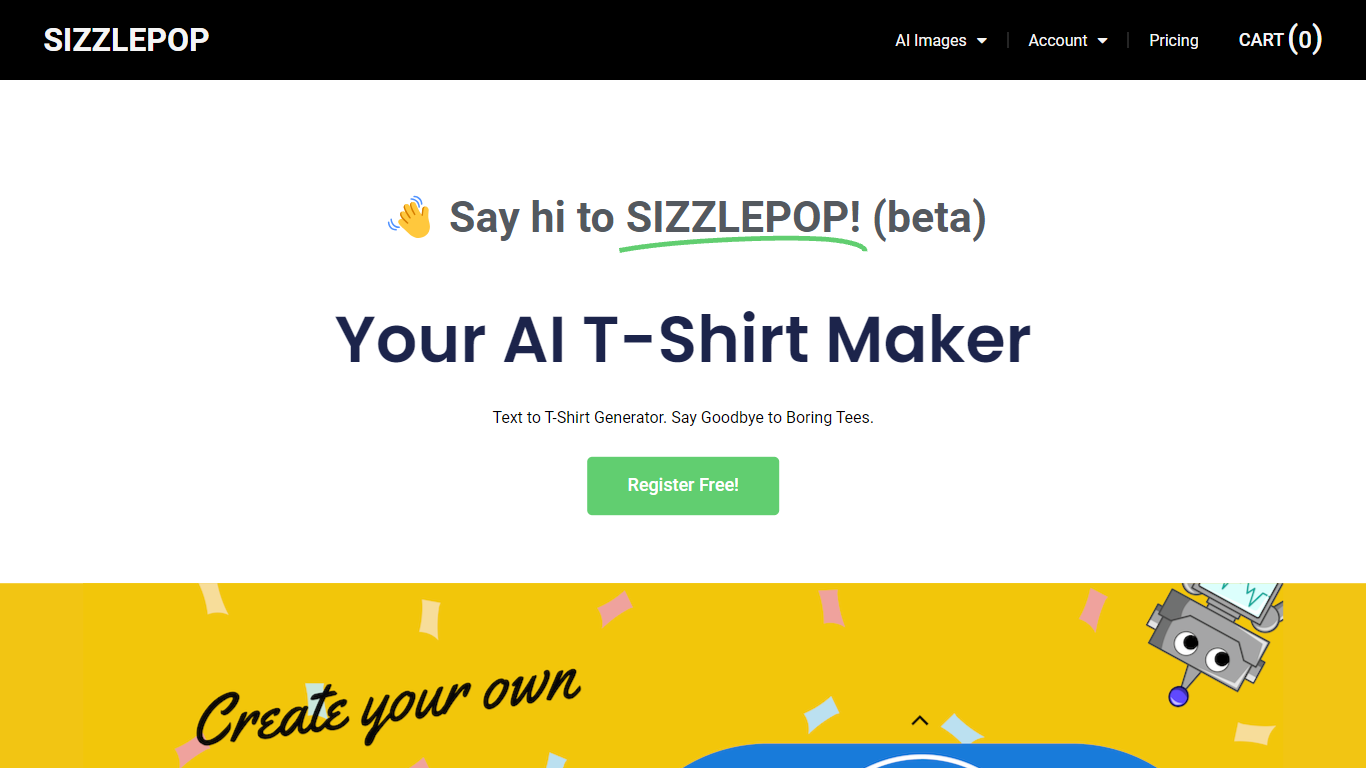

What is Sizzlepop.ai?
Sizzlepop.ai turns a short text prompt into artwork you can preview on t-shirts, mugs, phone cases, posters, and other merch. You type what you want in plain English, pick a style preset like retro screenprint or kawaii sticker, and get a draft in about three seconds. Free drafts need no signup to start, though watermarked 512px previews clear up when you buy the file or a printed product.
Where standalone image generators stop at a download link, Sizzlepop.ai runs the full loop: generate, mock up on real products, checkout, and US printing with free shipping. It also publishes a weekly trending-niche page and side-by-side comparisons of other AI merch tools, which is unusual for a product that sells its own prints. The trade-off is that print-quality modes and vector output sit behind the $12 per month Pro plan, and free tiers cap you at five drafts per day.
Gift shoppers, casual creators, and small merch sellers use it when they want a one-off tee or mug without opening Photoshop or juggling a separate print-on-demand vendor. Popular niches on the site include pickleball humor, retro national parks, and teacher-era designs, with prompts you can remix from a public gallery wall.
Calligrapher.ai
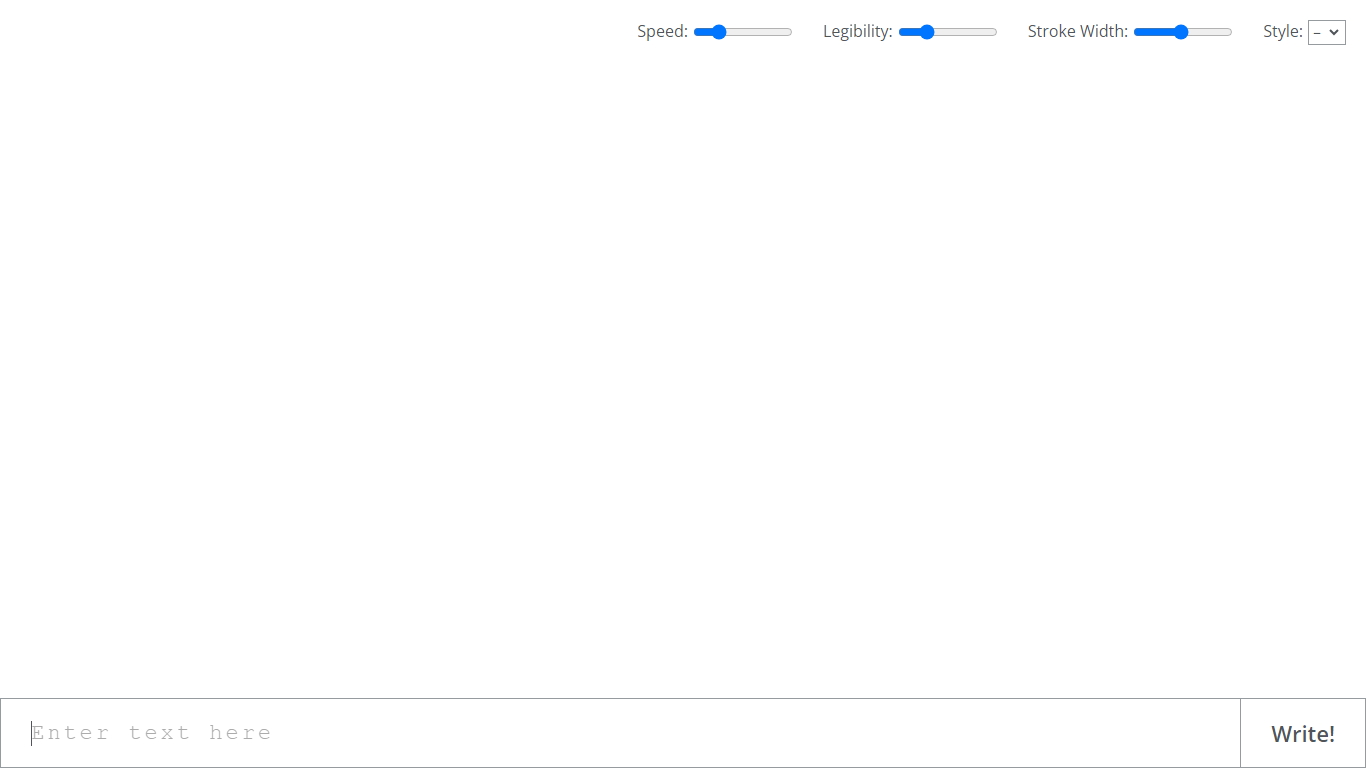
What is Calligrapher.ai?
Calligrapher.ai converts typed text into realistic handwriting entirely inside your browser. You pick print or cursive styles, adjust speed, legibility, and stroke width, then download the result as an SVG. A recurrent neural network runs locally in the page, so nothing needs to upload to a server for basic generation.
Font-based script generators repeat the same letterforms every time. Calligrapher.ai varies stroke rhythm through its RNN, which looks more natural on invitations and labels but gives you less pixel-perfect control than editing paths in Illustrator. That makes it great for quick handwritten accents, not for precision logo work.
Designers, teachers, and anyone making cards, worksheets, or social graphics use Calligrapher.ai when they want pen-and-ink texture without scanning real handwriting. The interface is a single canvas with four sliders and a download button, so the learning curve is essentially zero.
Sizzlepop.ai Upvotes
Calligrapher.ai Upvotes
Sizzlepop.ai Top Features
5 free AI drafts per day (30 per day with a free account), delivered as 512px watermarked previews
$9 one-time file unlocks a ~4000px transparent PNG at ~300 DPI with no watermark
Pro plan at $12 per month includes 150 print-quality generations and unlimited 1024px drafts
Style presets include Retro screenprint, Line art, Cute sticker, Watercolor, and Streetwear
Preview designs on tees, mugs, phone cases, posters, stickers, and puzzles before checkout
US printing with free shipping; orders arrive in about 5 to 8 business days
Calligrapher.ai Top Features
Generates handwriting in the browser with a recurrent neural network
Adjustable speed, legibility, stroke width, and style sliders
Supports multiple print and cursive handwriting styles
One-click SVG download for use in design tools
No account required on the homepage interface
Full-screen canvas workspace with a simple Write action button
Sizzlepop.ai Category
- Design
Calligrapher.ai Category
- Design
Sizzlepop.ai Pricing Type
- Freemium
Calligrapher.ai Pricing Type
- Free