Flaminyo vs Calligrapher.ai
Compare Flaminyo vs Calligrapher.ai and see which AI Design tool is better when we compare features, reviews, pricing, alternatives, upvotes, etc.
Which one is better? Flaminyo or Calligrapher.ai?
When we compare Flaminyo with Calligrapher.ai, which are both AI-powered design tools, The upvote count reveals a draw, with both tools earning the same number of upvotes. You can help us determine the winner by casting your vote and tipping the scales in favor of one of the tools.
Not your cup of tea? Upvote your preferred tool and stir things up!
Flaminyo
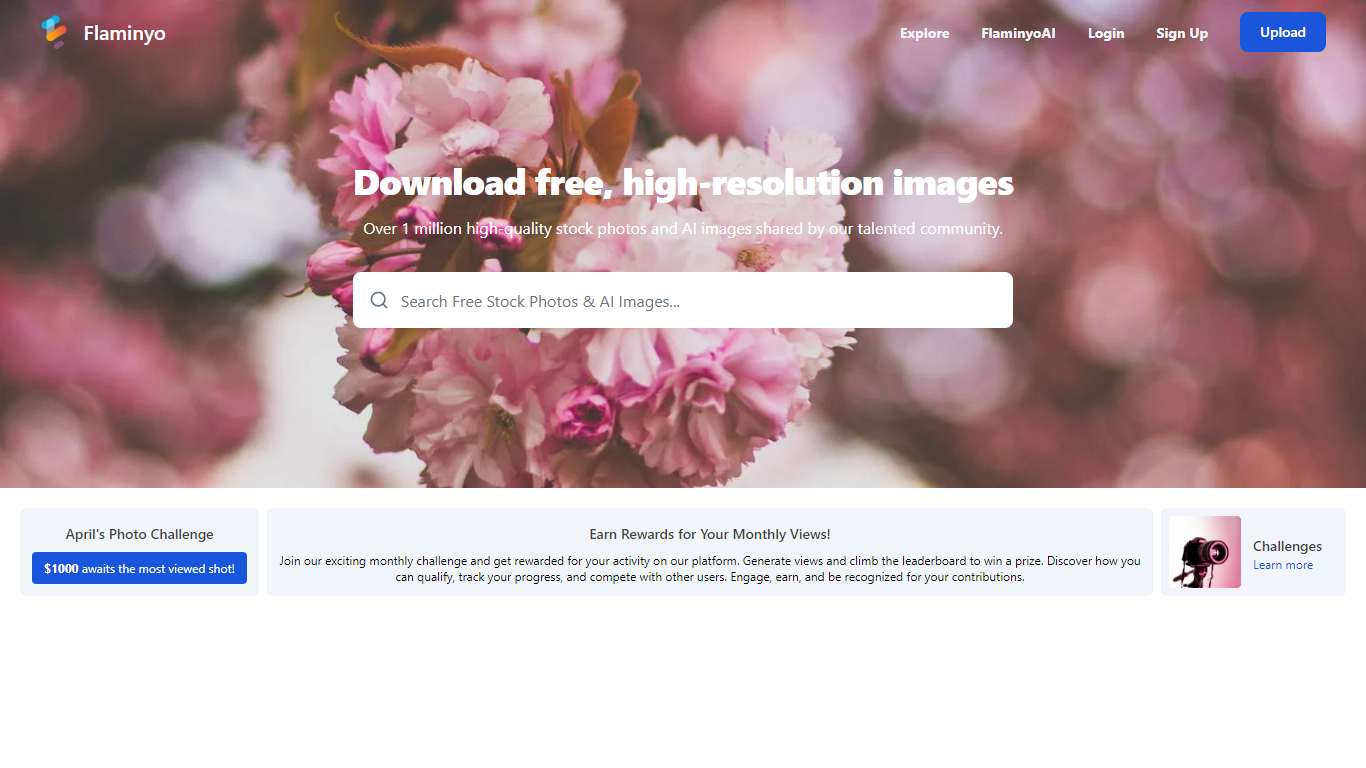

What is Flaminyo?
Flaminyo is a free stock photo platform where you can browse and download over a million high-quality images, including community uploads and AI-generated visuals. It targets designers, marketers, and content creators who need royalty-free photos without subscription fees or ads.
The platform blends traditional stock photography with a dedicated AI image section called FlaminyoAI. AI-generated photos carry a badge so you can tell them apart from camera shots, and many images are exclusive to the platform since they are created by its community of AI enthusiasts.
Photographers can upload their work, compete on a monthly leaderboard, and join themed photo challenges with cash prizes. The site emphasizes unlimited free downloads and a community-driven catalog rather than a paid stock library model.
Calligrapher.ai
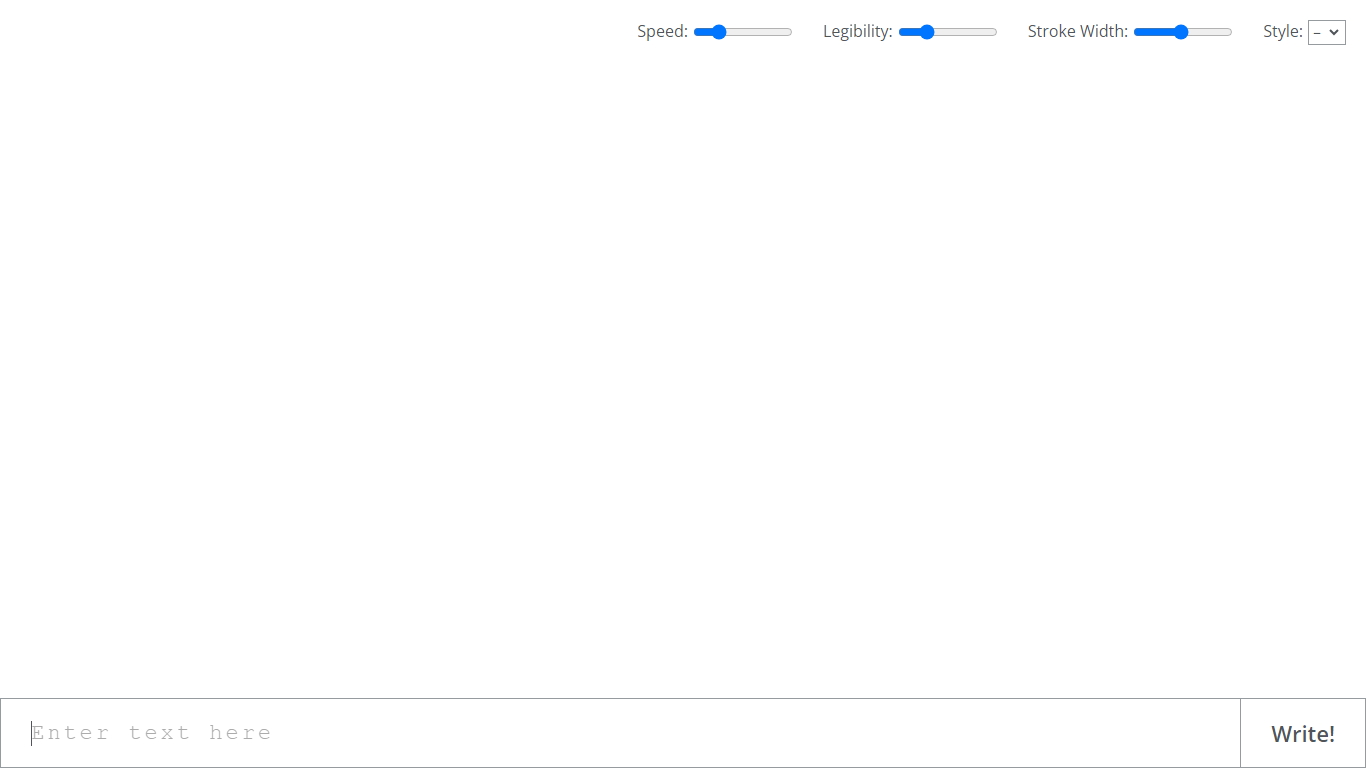
What is Calligrapher.ai?
Calligrapher.ai converts typed text into realistic handwriting entirely inside your browser. You pick print or cursive styles, adjust speed, legibility, and stroke width, then download the result as an SVG. A recurrent neural network runs locally in the page, so nothing needs to upload to a server for basic generation.
Font-based script generators repeat the same letterforms every time. Calligrapher.ai varies stroke rhythm through its RNN, which looks more natural on invitations and labels but gives you less pixel-perfect control than editing paths in Illustrator. That makes it great for quick handwritten accents, not for precision logo work.
Designers, teachers, and anyone making cards, worksheets, or social graphics use Calligrapher.ai when they want pen-and-ink texture without scanning real handwriting. The interface is a single canvas with four sliders and a download button, so the learning curve is essentially zero.
Flaminyo Upvotes
Calligrapher.ai Upvotes
Flaminyo Top Features
Over 1 million royalty-free stock photos and AI images to download
Dedicated FlaminyoAI section with badge-labeled AI-generated visuals
Unlimited free downloads with no ads on the platform
Monthly photo challenges with cash prizes up to $1,000
Leaderboard ranking photographers by views over the last 30 days
Calligrapher.ai Top Features
Generates handwriting in the browser with a recurrent neural network
Adjustable speed, legibility, stroke width, and style sliders
Supports multiple print and cursive handwriting styles
One-click SVG download for use in design tools
No account required on the homepage interface
Full-screen canvas workspace with a simple Write action button
Flaminyo Category
- Design
Calligrapher.ai Category
- Design
Flaminyo Pricing Type
- Free
Calligrapher.ai Pricing Type
- Free