Made Live vs Calligrapher.ai
Dive into the comparison of Made Live vs Calligrapher.ai and discover which AI Design tool stands out. We examine alternatives, upvotes, features, reviews, pricing, and beyond.
When comparing Made Live and Calligrapher.ai, which one rises above the other?
When we compare Made Live and Calligrapher.ai, two exceptional design tools powered by artificial intelligence, and place them side by side, several key similarities and differences come to light. The upvote count is neck and neck for both Made Live and Calligrapher.ai. You can help us determine the winner by casting your vote and tipping the scales in favor of one of the tools.
Not your cup of tea? Upvote your preferred tool and stir things up!
Made Live

What is Made Live?
Made Live enables authors and artists to create, publish, and distribute illustrated books such as children's stories, comics, and graphic novels. It provides tools that support the entire publishing process from initial creation to reaching readers.
This tool stands out by focusing specifically on richly illustrated content, offering features tailored to the unique needs of visual storytelling. Unlike general publishing tools, Made Live emphasizes creative control and accessibility for both beginners and experienced creators.
Made Live combines a user-friendly interface with end-to-end publishing solutions, allowing users to maintain ownership of their work while simplifying distribution. This approach helps creators share their illustrated stories with a broad audience without sacrificing artistic vision.
Calligrapher.ai
What is Calligrapher.ai?
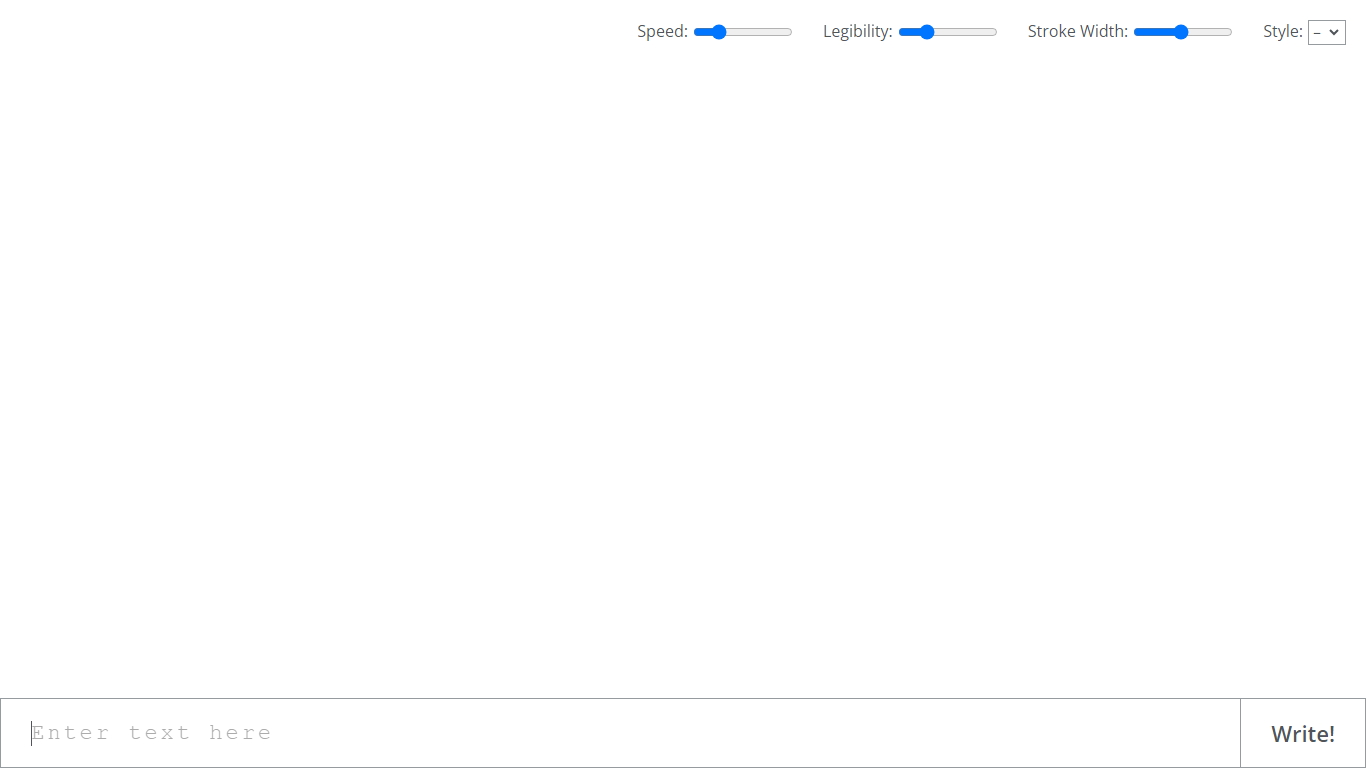
Calligrapher.ai converts typed text into realistic handwriting entirely inside your browser. You pick print or cursive styles, adjust speed, legibility, and stroke width, then download the result as an SVG. A recurrent neural network runs locally in the page, so nothing needs to upload to a server for basic generation.
Font-based script generators repeat the same letterforms every time. Calligrapher.ai varies stroke rhythm through its RNN, which looks more natural on invitations and labels but gives you less pixel-perfect control than editing paths in Illustrator. That makes it great for quick handwritten accents, not for precision logo work.
Designers, teachers, and anyone making cards, worksheets, or social graphics use Calligrapher.ai when they want pen-and-ink texture without scanning real handwriting. The interface is a single canvas with four sliders and a download button, so the learning curve is essentially zero.
Made Live Upvotes
Calligrapher.ai Upvotes
Made Live Top Features
📚 End-to-End Publishing: Manage creation, publishing, and distribution in one platform.
🎨 Illustration-Focused Tools: Designed specifically for children's books, comics, and graphic novels.
🖥️ User-Friendly Interface: Accessible to both beginners and experienced creators.
🌍 Broad Distribution: Features to help reach a wide audience effectively.
🔒 Full Creative Control: Maintain ownership and control over your published work.
📄 Supports Multiple Formats: Publish in formats suitable for illustrated content.
💡 Streamlined Workflow: Simplifies the publishing process from start to finish.
Calligrapher.ai Top Features
Generates handwriting in the browser with a recurrent neural network
Adjustable speed, legibility, stroke width, and style sliders
Supports multiple print and cursive handwriting styles
One-click SVG download for use in design tools
No account required on the homepage interface
Full-screen canvas workspace with a simple Write action button
Made Live Category
- Design
Calligrapher.ai Category
- Design
Made Live Pricing Type
- Freemium
Calligrapher.ai Pricing Type
- Free