Magic Brush AI vs Calligrapher.ai
When comparing Magic Brush AI vs Calligrapher.ai, which AI Design tool shines brighter? We look at pricing, alternatives, upvotes, features, reviews, and more.
In a comparison between Magic Brush AI and Calligrapher.ai, which one comes out on top?
When we put Magic Brush AI and Calligrapher.ai side by side, both being AI-powered design tools, The upvote count is neck and neck for both Magic Brush AI and Calligrapher.ai. Since other aitools.fyi users could decide the winner, the ball is in your court now to cast your vote and help us determine the winner.
Feeling rebellious? Cast your vote and shake things up!
Magic Brush AI


What is Magic Brush AI?
Magic Brush AI introduces an innovative AI-powered plugin specifically designed for Figma users who wish to enhance their design process. The Magic Brush AI plugin seamlessly integrates with Figma, allowing designers to generate and edit images directly within the application. If you're looking to speed up your design workflow and leverage artificial intelligence in your projects, Magic Brush AI offers a simple yet powerful solution. With easy installation and a user-friendly interface, Magic Brush expands creative possibilities without ever leaving your favorite design platform. Additionally, the community aspect is emphasized with an invitation to join their Discord, suggesting a focus on user engagement and support. Designed by Elie Toubiana from sunshine-filled Los Angeles, CA, Magic Brush AI is poised to transform how creatives interact with Figma and image editing.
Calligrapher.ai
What is Calligrapher.ai?
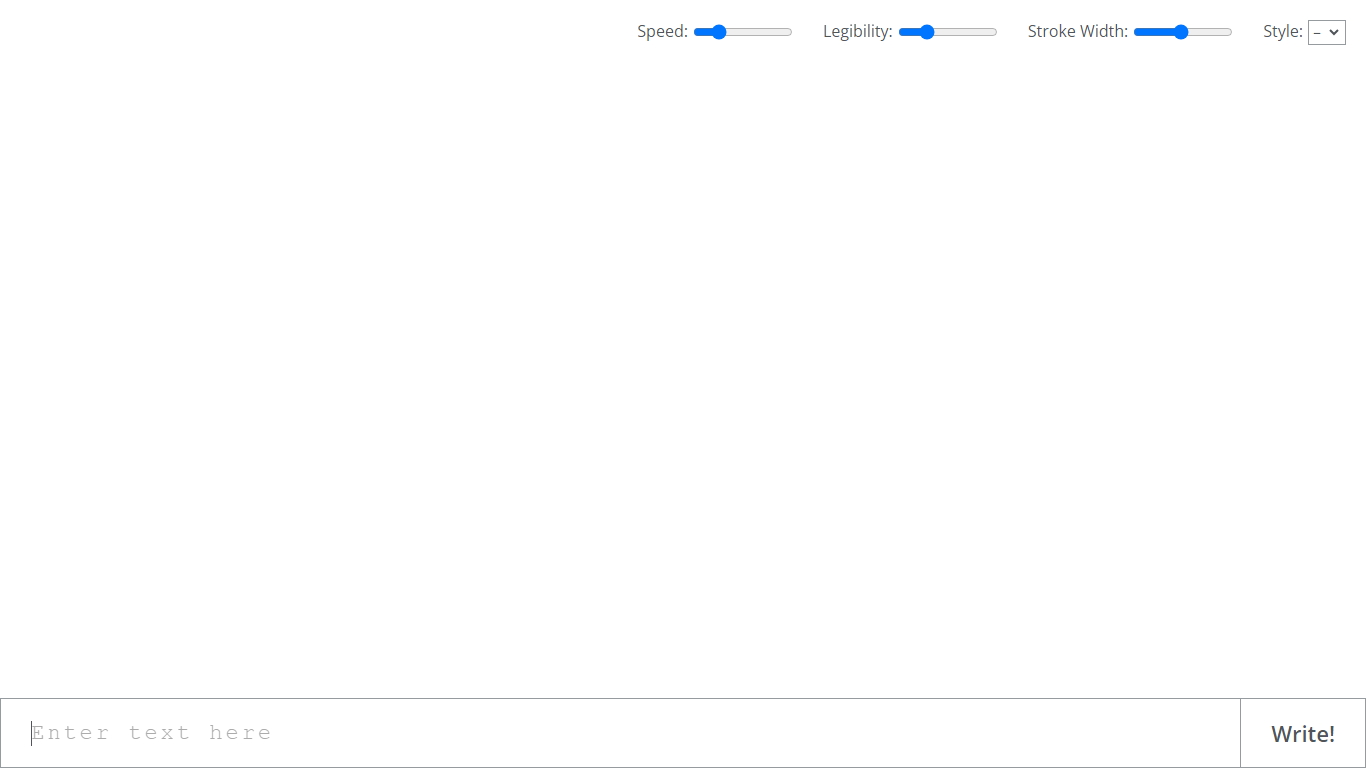
Calligrapher.ai converts typed text into realistic handwriting entirely inside your browser. You pick print or cursive styles, adjust speed, legibility, and stroke width, then download the result as an SVG. A recurrent neural network runs locally in the page, so nothing needs to upload to a server for basic generation.
Font-based script generators repeat the same letterforms every time. Calligrapher.ai varies stroke rhythm through its RNN, which looks more natural on invitations and labels but gives you less pixel-perfect control than editing paths in Illustrator. That makes it great for quick handwritten accents, not for precision logo work.
Designers, teachers, and anyone making cards, worksheets, or social graphics use Calligrapher.ai when they want pen-and-ink texture without scanning real handwriting. The interface is a single canvas with four sliders and a download button, so the learning curve is essentially zero.
Magic Brush AI Upvotes
Calligrapher.ai Upvotes
Magic Brush AI Top Features
AI Powered Plugin: A convenient Figma plugin that utilizes AI for image generation and editing.
Seamless Integration: Integrates with Figma for a streamlined design workflow.
Easy Installation: Simple process to install the plugin directly on Figma.
Community Support: Access to a Discord community for networking and support.
Frequent Updates: Continual improvements and feature additions to enhance user experience.
Calligrapher.ai Top Features
Generates handwriting in the browser with a recurrent neural network
Adjustable speed, legibility, stroke width, and style sliders
Supports multiple print and cursive handwriting styles
One-click SVG download for use in design tools
No account required on the homepage interface
Full-screen canvas workspace with a simple Write action button
Magic Brush AI Category
- Design
Calligrapher.ai Category
- Design
Magic Brush AI Pricing Type
- Freemium
Calligrapher.ai Pricing Type
- Free