Aikiu Studio vs Image Creator from Microsoft Designer
Dive into the comparison of Aikiu Studio vs Image Creator from Microsoft Designer and discover which AI Design tool stands out. We examine alternatives, upvotes, features, reviews, pricing, and beyond.
When comparing Aikiu Studio and Image Creator from Microsoft Designer, which one rises above the other?
When we compare Aikiu Studio and Image Creator from Microsoft Designer, two exceptional design tools powered by artificial intelligence, and place them side by side, several key similarities and differences come to light. There's no clear winner in terms of upvotes, as both tools have received the same number. The power is in your hands! Cast your vote and have a say in deciding the winner.
Does the result make you go "hmm"? Cast your vote and turn that frown upside down!
Aikiu Studio

What is Aikiu Studio?
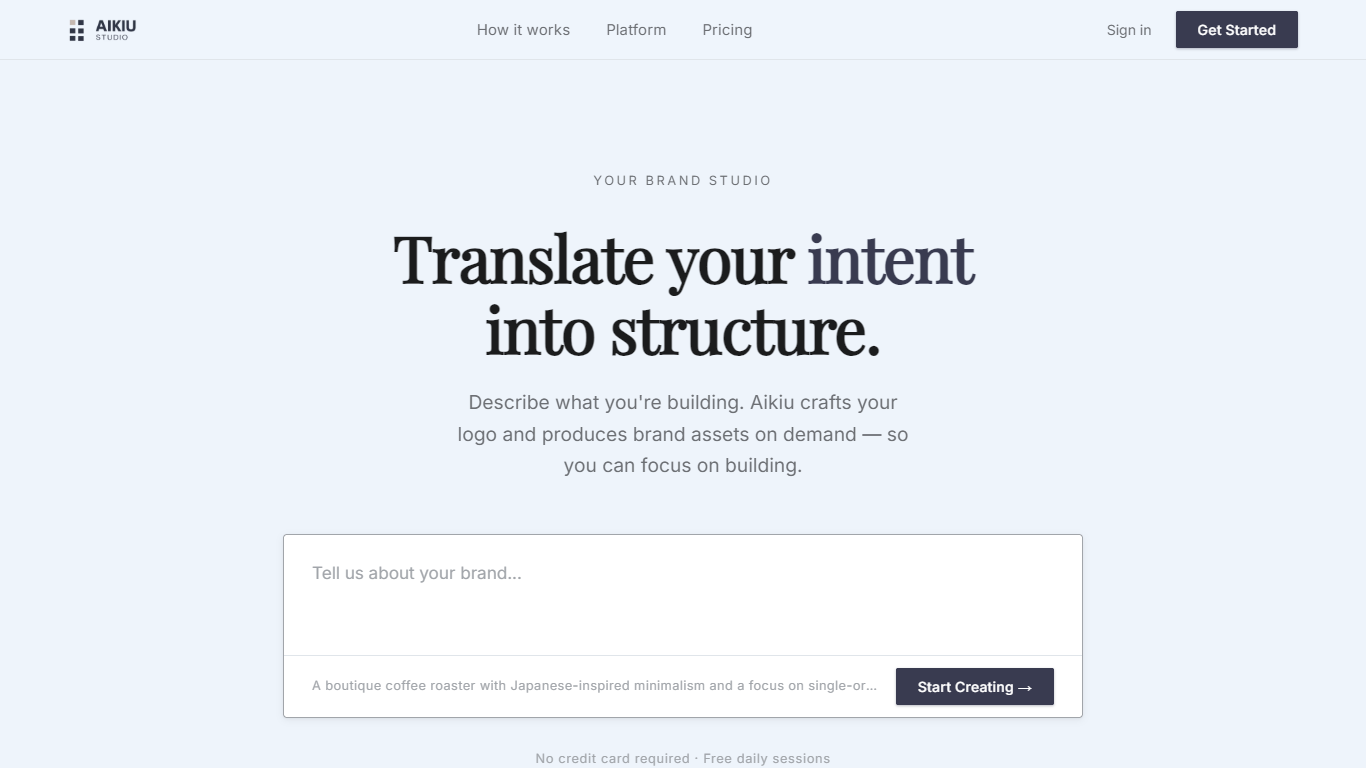
Aikiu Studio is a brand identity platform for founders who need a professional logo without hiring a designer. You describe your brand in plain language, and the tool generates a custom mark built from your brief rather than recycled templates.
The workflow moves from a short brand description to logo concepts you can refine in chat or in a visual editor. When you are ready, you can export production-ready files in SVG, PNG, and WEBP with transparent backgrounds, and commercial usage rights are included with a paid unlock.
Aikiu Studio is built by Gradient Insight and positions itself as the start of a broader identity system. A living brand profile and on-demand brand assets are listed as upcoming features beyond the logo generator.
Image Creator from Microsoft Designer
What is Image Creator from Microsoft Designer?
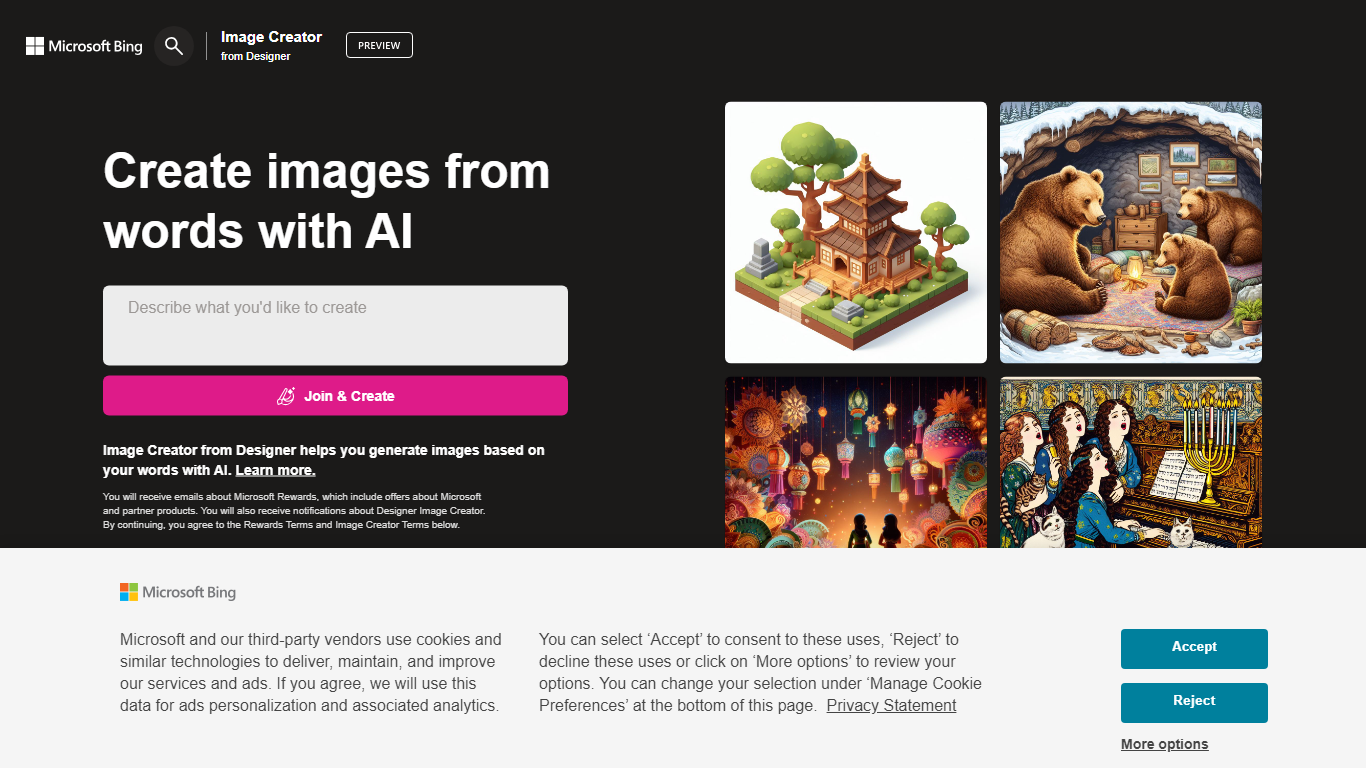
Image Creator from Microsoft Designer lives inside Bing and turns text prompts and uploaded photos into images and short videos at no cost. You pick a model, set aspect ratio, and generate up to 4 images per prompt, or switch to video mode for 8-second clips. It also bundles AI photo editing tools like background removal, retouch, expand, and enhance on the same page.
Where Midjourney and Leonardo sell subscriptions for speed and model choice, Image Creator stays free for anyone with a personal Microsoft account. You get 15 fast generations per day, then unlimited standard-speed runs, with optional Microsoft Rewards points to buy back fast mode. The trade-off is tighter content policy enforcement, regional blocks in some countries, and no API for developers.
It fits marketers, students, and hobbyists who already use Microsoft accounts and want quick visuals without installing software. Teachers and small teams use the template gallery for stickers and social graphics. Anyone needing commercial-grade control or private model training will outgrow it fast.
Aikiu Studio Upvotes
Image Creator from Microsoft Designer Upvotes
Aikiu Studio Top Features
Describe your brand in a few sentences and get logo concepts tailored to that brief
Refine typography, icons, colors, and layout through chat or a direct editor
Start free with 10 daily credits and preview work before you pay to unlock
Unlock one finished logo for with SVG, PNG, JPG, and WEBP exports
Buy credit packs when you need more generations or refinements beyond the daily free allowance
Image Creator from Microsoft Designer Top Features
15 free fast image generations per day, replenished every 24 hours
Choose DALL-E 3, GPT-4o, MAI-Image-2.5-Flash, or MAI-Image-2e stylized mode
Generate 1, 2, or 4 images per prompt with aspect ratios from 1:1 square to 2:3 vertical
Built-in photo editor with background remover, retouch, expand, and enhance tools
Create 8-second AI videos in 9:16 or 16:9 with Fast or Standard priority
100+ prompt languages supported via Microsoft Translator integration
Aikiu Studio Category
- Design
Image Creator from Microsoft Designer Category
- Design
Aikiu Studio Pricing Type
- Freemium
Image Creator from Microsoft Designer Pricing Type
- Freemium