Pixelgen vs Image Creator from Microsoft Designer
In the contest of Pixelgen vs Image Creator from Microsoft Designer, which AI Design tool is the champion? We evaluate pricing, alternatives, upvotes, features, reviews, and more.
If you had to choose between Pixelgen and Image Creator from Microsoft Designer, which one would you go for?
When we examine Pixelgen and Image Creator from Microsoft Designer, both of which are AI-enabled design tools, what unique characteristics do we discover? The upvote count reveals a draw, with both tools earning the same number of upvotes. You can help us determine the winner by casting your vote and tipping the scales in favor of one of the tools.
Disagree with the result? Upvote your favorite tool and help it win!
Pixelgen


What is Pixelgen?
Pixelgen is a forward-thinking platform that enables users to craft and manipulate pixel-based images with ease. With a focus on simplicity and user experience, Pixelgen presents a set of intuitive tools designed for both novices and professionals seeking to create, edit, or enhance their digital graphics.
The software features a user-friendly interface that simplifies the process of generating pixel art, providing an array of functionalities from basic editing to more advanced features for detailed and intricate designs.
Whether you're a game developer needing sprites for your game, a digital artist exploring the pixel art style, or a hobbyist looking to express creativity, Pixelgen offers the perfect blend of accessibility and power to bring your pixel creations to life.
Image Creator from Microsoft Designer
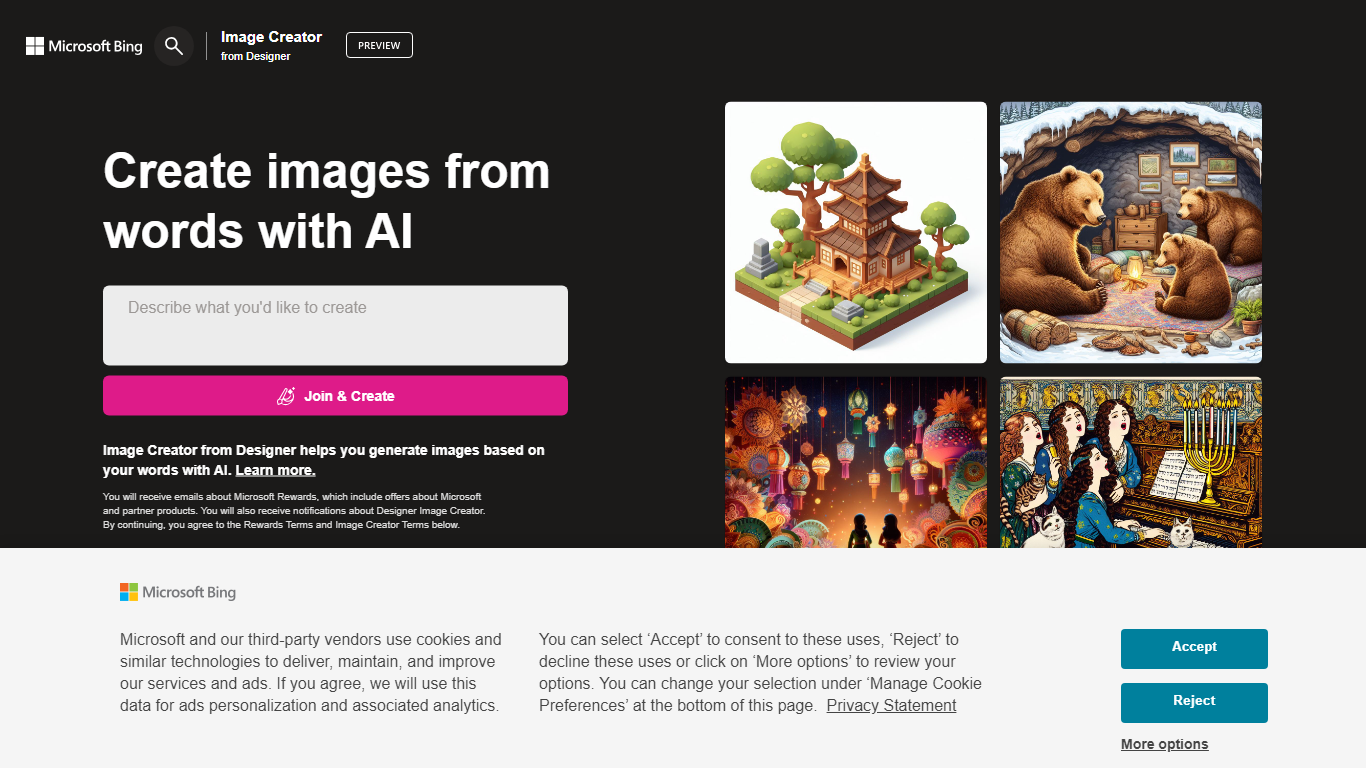
What is Image Creator from Microsoft Designer?
Image Creator from Microsoft Designer lives inside Bing and turns text prompts and uploaded photos into images and short videos at no cost. You pick a model, set aspect ratio, and generate up to 4 images per prompt, or switch to video mode for 8-second clips. It also bundles AI photo editing tools like background removal, retouch, expand, and enhance on the same page.
Where Midjourney and Leonardo sell subscriptions for speed and model choice, Image Creator stays free for anyone with a personal Microsoft account. You get 15 fast generations per day, then unlimited standard-speed runs, with optional Microsoft Rewards points to buy back fast mode. The trade-off is tighter content policy enforcement, regional blocks in some countries, and no API for developers.
It fits marketers, students, and hobbyists who already use Microsoft accounts and want quick visuals without installing software. Teachers and small teams use the template gallery for stickers and social graphics. Anyone needing commercial-grade control or private model training will outgrow it fast.
Pixelgen Upvotes
Image Creator from Microsoft Designer Upvotes
Pixelgen Top Features
Intuitive Design: A user-friendly interface that caters to both beginners and professionals.
Pixel Art Creation: Allows for the crafting of pixel-based imagery, perfect for game developers and artists.
Advanced Editing Tools: Offers a variety of editing options for creating detailed and intricate designs.
Accessibility: Designed to be accessible to users with different skill levels.
Versatility: Suitable for various creative projects, including game design and digital art.
Image Creator from Microsoft Designer Top Features
15 free fast image generations per day, replenished every 24 hours
Choose DALL-E 3, GPT-4o, MAI-Image-2.5-Flash, or MAI-Image-2e stylized mode
Generate 1, 2, or 4 images per prompt with aspect ratios from 1:1 square to 2:3 vertical
Built-in photo editor with background remover, retouch, expand, and enhance tools
Create 8-second AI videos in 9:16 or 16:9 with Fast or Standard priority
100+ prompt languages supported via Microsoft Translator integration
Pixelgen Category
- Design
Image Creator from Microsoft Designer Category
- Design
Pixelgen Pricing Type
- Freemium
Image Creator from Microsoft Designer Pricing Type
- Freemium