Readdy vs Image Creator from Microsoft Designer
In the battle of Readdy vs Image Creator from Microsoft Designer, which AI Design tool comes out on top? We compare reviews, pricing, alternatives, upvotes, features, and more.
Between Readdy and Image Creator from Microsoft Designer, which one is superior?
Upon comparing Readdy with Image Creator from Microsoft Designer, which are both AI-powered design tools, The upvote count reveals a draw, with both tools earning the same number of upvotes. Since other aitools.fyi users could decide the winner, the ball is in your court now to cast your vote and help us determine the winner.
Not your cup of tea? Upvote your preferred tool and stir things up!
Readdy

What is Readdy?
Readdy is a no-code AI website builder that turns a text prompt, template, screenshot, or reference URL into a full multi-page site in minutes. You describe what you want, and it generates layouts, copy, images, and navigation with responsive design baked in from the start.
What sets it apart from a typical page builder is the end-to-end stack. Readdy covers generation, a visual editor with Selector Mode, hosting, custom domains, SEO controls, form storage, and integrations like Stripe, Shopify, Calendly, and Supabase without wiring up separate tools.
It fits solo creators, small businesses, and web agencies that need to ship business sites, portfolios, blogs, landing pages, or storefronts fast. Agency tiers add white-label delivery, lead finding, outreach campaigns, and client management under your own brand.
Image Creator from Microsoft Designer
What is Image Creator from Microsoft Designer?
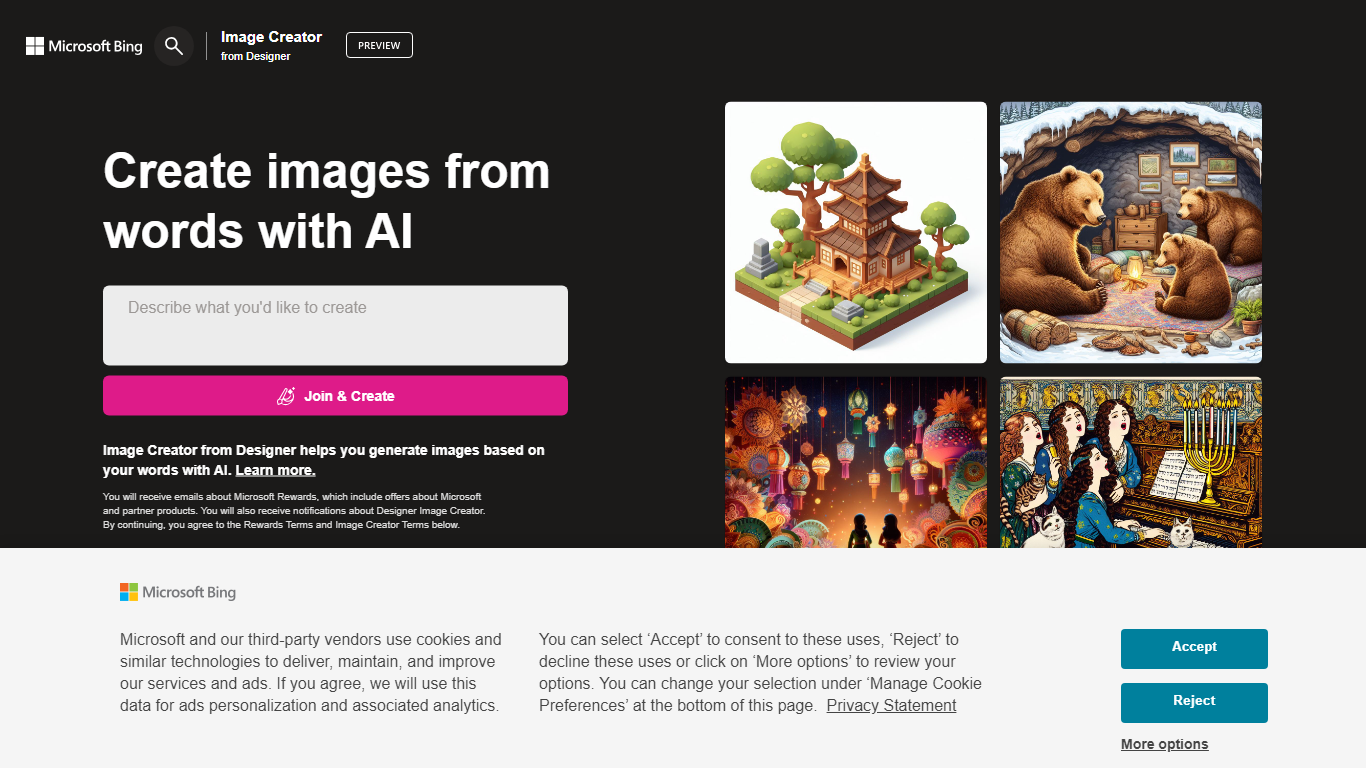
Image Creator from Microsoft Designer lives inside Bing and turns text prompts and uploaded photos into images and short videos at no cost. You pick a model, set aspect ratio, and generate up to 4 images per prompt, or switch to video mode for 8-second clips. It also bundles AI photo editing tools like background removal, retouch, expand, and enhance on the same page.
Where Midjourney and Leonardo sell subscriptions for speed and model choice, Image Creator stays free for anyone with a personal Microsoft account. You get 15 fast generations per day, then unlimited standard-speed runs, with optional Microsoft Rewards points to buy back fast mode. The trade-off is tighter content policy enforcement, regional blocks in some countries, and no API for developers.
It fits marketers, students, and hobbyists who already use Microsoft accounts and want quick visuals without installing software. Teachers and small teams use the template gallery for stickers and social graphics. Anyone needing commercial-grade control or private model training will outgrow it fast.
Readdy Upvotes
Image Creator from Microsoft Designer Upvotes
Readdy Top Features
Generates complete websites from a text prompt, screenshot, reference URL, or 500+ industry templates
Selector Mode lets you click any element to edit text, colors, spacing, or AI-generated backgrounds in real time
One-click publish with hosting, SSL, custom domains, sitemap.xml, and Google Search Console verification
Built-in form backend stores submissions in Supabase with no external database setup
Connects Stripe, Shopify, Calendly, Mailchimp, and Google Analytics from the same dashboard
Agency plans add white-label portals, AI lead finder, batch demo sites, and cold email outreach campaigns
Image Creator from Microsoft Designer Top Features
15 free fast image generations per day, replenished every 24 hours
Choose DALL-E 3, GPT-4o, MAI-Image-2.5-Flash, or MAI-Image-2e stylized mode
Generate 1, 2, or 4 images per prompt with aspect ratios from 1:1 square to 2:3 vertical
Built-in photo editor with background remover, retouch, expand, and enhance tools
Create 8-second AI videos in 9:16 or 16:9 with Fast or Standard priority
100+ prompt languages supported via Microsoft Translator integration
Readdy Category
- Design
Image Creator from Microsoft Designer Category
- Design
Readdy Pricing Type
- Freemium
Image Creator from Microsoft Designer Pricing Type
- Freemium