Aikiu Studio vs ImageCreator
Compare Aikiu Studio vs ImageCreator and see which AI Design tool is better when we compare features, reviews, pricing, alternatives, upvotes, etc.
Which one is better? Aikiu Studio or ImageCreator?
When we compare Aikiu Studio with ImageCreator, which are both AI-powered design tools, The upvote count reveals a draw, with both tools earning the same number of upvotes. Every vote counts! Cast yours and contribute to the decision of the winner.
Think we got it wrong? Cast your vote and show us who's boss!
Aikiu Studio
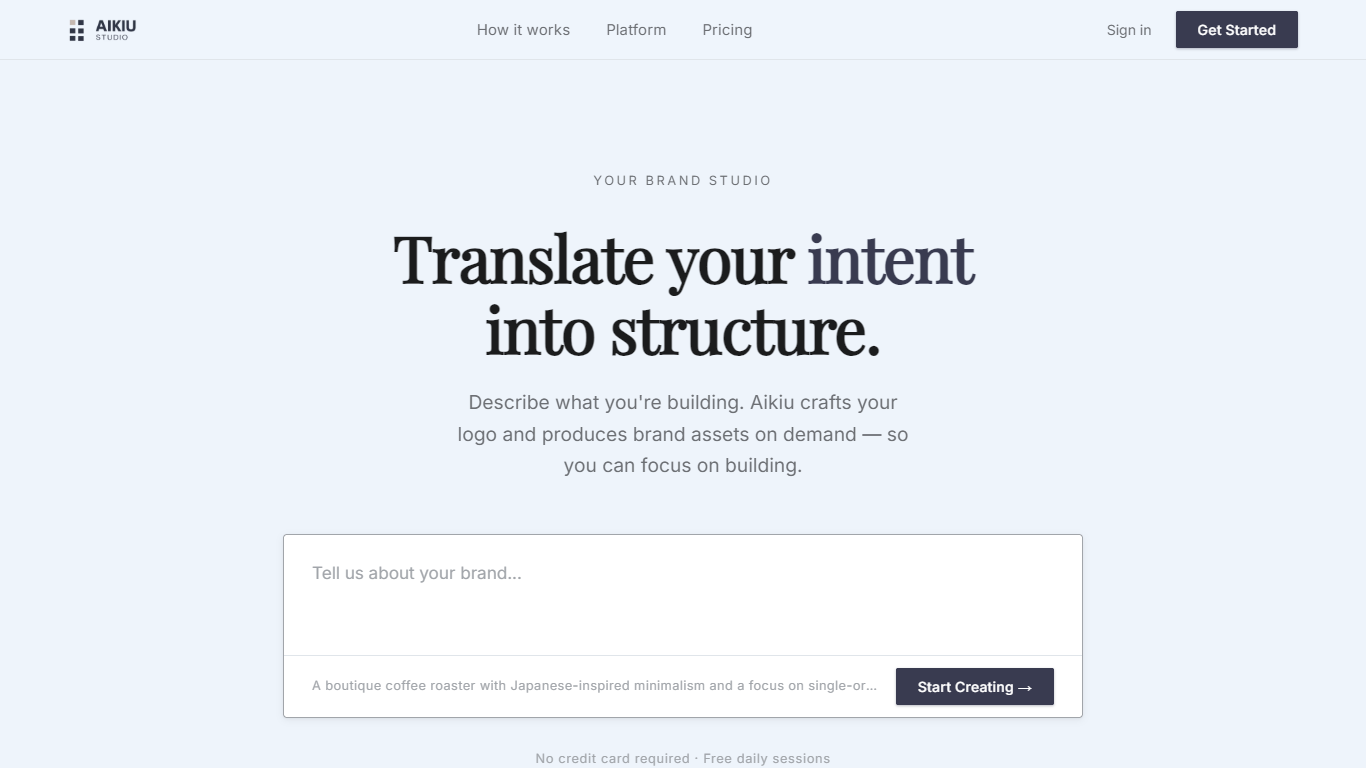

What is Aikiu Studio?
Aikiu Studio is a brand identity platform for founders who need a professional logo without hiring a designer. You describe your brand in plain language, and the tool generates a custom mark built from your brief rather than recycled templates.
The workflow moves from a short brand description to logo concepts you can refine in chat or in a visual editor. When you are ready, you can export production-ready files in SVG, PNG, and WEBP with transparent backgrounds, and commercial usage rights are included with a paid unlock.
Aikiu Studio is built by Gradient Insight and positions itself as the start of a broader identity system. A living brand profile and on-demand brand assets are listed as upcoming features beyond the logo generator.
ImageCreator
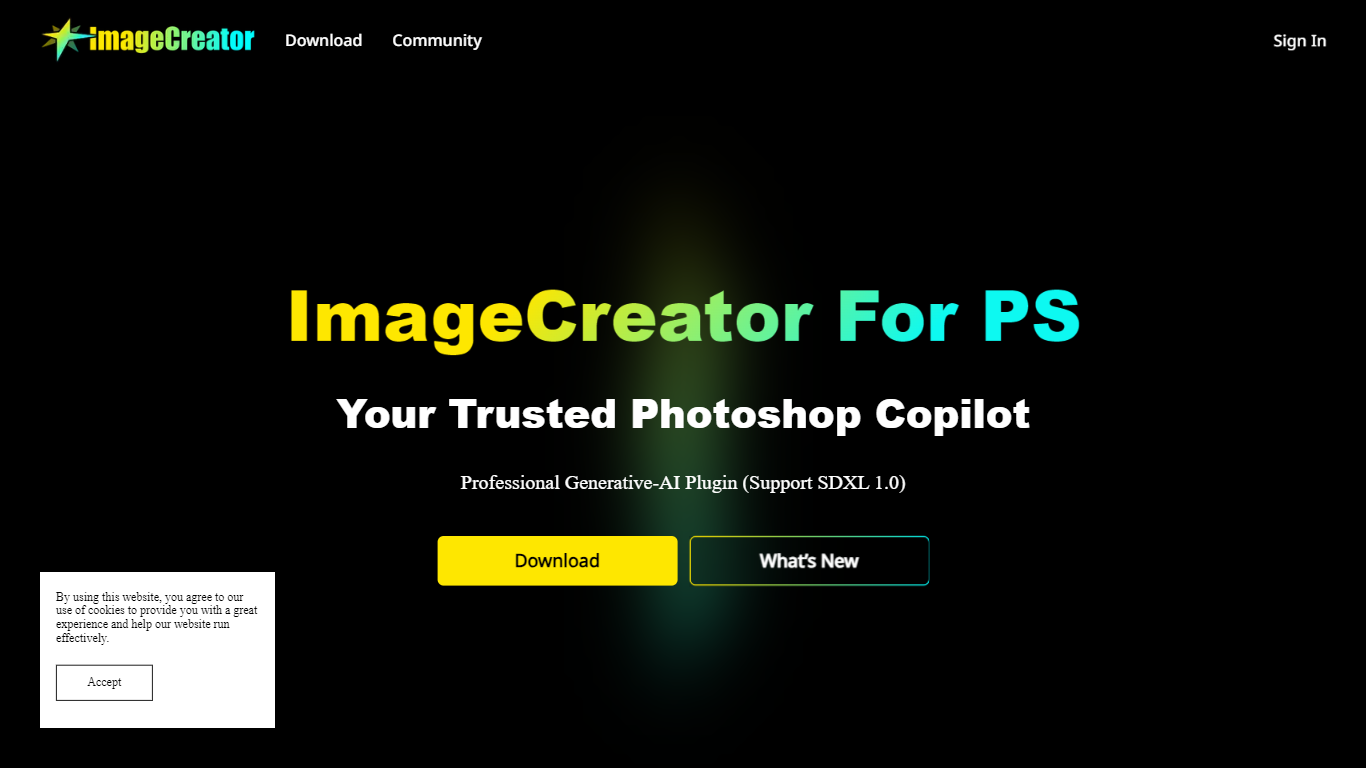
What is ImageCreator?
ImageCreator brings Stable Diffusion generation into Adobe Photoshop through a downloadable plugin from AlkaidVision, so designers can create selections, pick a model, and generate art without leaving their canvas. The workflow supports TXT2IMG, IMG2IMG, and FILL modes, plus SDXL 1.0 and LoRA model combinations shown in the gallery. ControlNet, positive and negative prompt fields, and a personal notebook editor sit inside the panel for tighter control over output.
Browser-based image generators keep you exporting PNGs back into Photoshop, while Adobe's built-in generative fill uses Adobe models only. ImageCreator plugs into Photoshop on Windows, macOS, and Creative Cloud with a one-click installer and links to Adobe Exchange, and its ModelHub lets you load custom checkpoints directly in the plugin. That matters when you already rely on community models like Realistic Vision V2.0 or Dream Shaper XL 1.0.
Photoshop illustrators, concept artists, and photo compositors who want local model choice use ImageCreator for production-ready assets. Version 1.0.0 installers are listed on the download section, documentation lives on GitBook, and support reaches [email protected].
Aikiu Studio Upvotes
ImageCreator Upvotes
Aikiu Studio Top Features
Describe your brand in a few sentences and get logo concepts tailored to that brief
Refine typography, icons, colors, and layout through chat or a direct editor
Start free with 10 daily credits and preview work before you pay to unlock
Unlock one finished logo for with SVG, PNG, JPG, and WEBP exports
Buy credit packs when you need more generations or refinements beyond the daily free allowance
ImageCreator Top Features
Supports SDXL 1.0 plus LoRA combinations such as Dream Shaper XL 1.0 and SDXL 1.0 + LoRA in the model gallery
Three in-panel generation modes cover TXT2IMG, IMG2IMG, and FILL workflows inside Photoshop
ModelHub lets you customize checkpoints and run them directly in the Photoshop plugin
ControlNet integrates multiple control models and process settings for more precise compositions
Version 1.0.0 installers are offered for Windows, macOS, and Creative Cloud with one-click setup
Gallery showcases named models including Realistic Vision V2.0, MeinaMix, Counterfeit, and Inkpunk Diffusion
Aikiu Studio Category
- Design
ImageCreator Category
- Design
Aikiu Studio Pricing Type
- Freemium
ImageCreator Pricing Type
- Freemium