
Last updated 08-12-2026
Category:
Reviews:
Join thousands of AI enthusiasts in the World of AI!
ImageCreator
ImageCreator brings Stable Diffusion generation into Adobe Photoshop through a downloadable plugin from AlkaidVision, so designers can create selections, pick a model, and generate art without leaving their canvas. The workflow supports TXT2IMG, IMG2IMG, and FILL modes, plus SDXL 1.0 and LoRA model combinations shown in the gallery. ControlNet, positive and negative prompt fields, and a personal notebook editor sit inside the panel for tighter control over output.
Browser-based image generators keep you exporting PNGs back into Photoshop, while Adobe's built-in generative fill uses Adobe models only. ImageCreator plugs into Photoshop on Windows, macOS, and Creative Cloud with a one-click installer and links to Adobe Exchange, and its ModelHub lets you load custom checkpoints directly in the plugin. That matters when you already rely on community models like Realistic Vision V2.0 or Dream Shaper XL 1.0.
Photoshop illustrators, concept artists, and photo compositors who want local model choice use ImageCreator for production-ready assets. Version 1.0.0 installers are listed on the download section, documentation lives on GitBook, and support reaches [email protected].
Supports SDXL 1.0 plus LoRA combinations such as Dream Shaper XL 1.0 and SDXL 1.0 + LoRA in the model gallery
Three in-panel generation modes cover TXT2IMG, IMG2IMG, and FILL workflows inside Photoshop
ModelHub lets you customize checkpoints and run them directly in the Photoshop plugin
ControlNet integrates multiple control models and process settings for more precise compositions
Version 1.0.0 installers are offered for Windows, macOS, and Creative Cloud with one-click setup
Gallery showcases named models including Realistic Vision V2.0, MeinaMix, Counterfeit, and Inkpunk Diffusion
Runs inside Photoshop instead of forcing a separate browser workflow for compositing.
ModelHub supports custom checkpoints alongside bundled models like Realistic Vision V2.0.
One-click installers are published for Windows, macOS, and Creative Cloud at version 1.0.0.
ControlNet and prompt notebooks give more control than a single text box.
Public marketing pages do not list subscription pricing or credit limits for the plugin.
Generation requires Adobe Photoshop and the listed desktop or Creative Cloud install paths.
Live homepage fetches were intermittent during research, so some legal pages could not be reloaded.
What is ImageCreator?
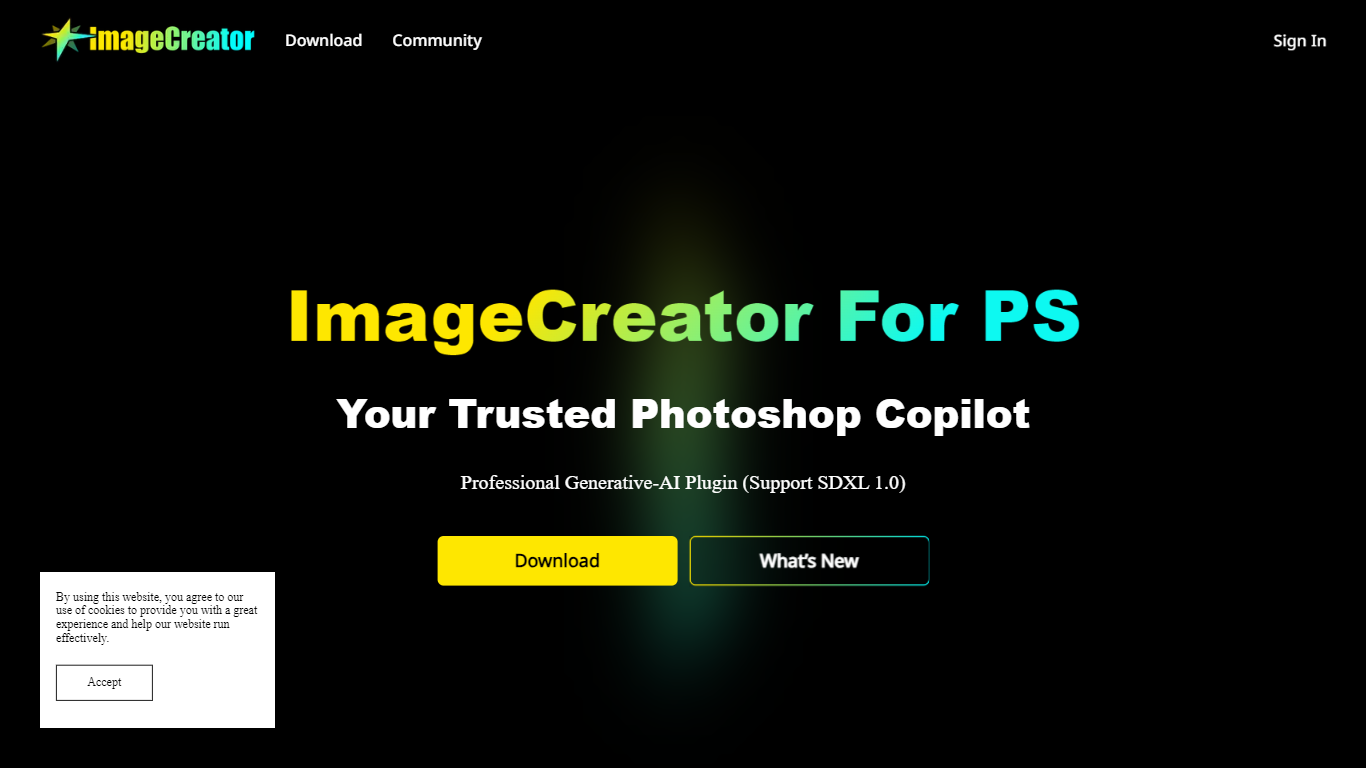
ImageCreator is a generative plugin for Adobe Photoshop built by AlkaidVision. It runs inside Photoshop, lets you select an area, choose a model, and generate images with TXT2IMG, IMG2IMG, or FILL modes while supporting SDXL 1.0.
Which apps does ImageCreator support?
ImageCreator lists download builds for Windows, macOS, and Adobe Creative Cloud at version 1.0.0. The site also points to an Adobe Exchange listing for the AlkaidArt plugin package.
What models does ImageCreator include?
ImageCreator's gallery highlights models such as Realistic Vision V2.0, MeinaMix, Deliberate, Counterfeit, RPG, Dream Shaper XL 1.0, and SDXL 1.0 with LoRA. ModelHub adds support for loading customized checkpoints in the plugin.
Does ImageCreator support ControlNet?
Yes. ImageCreator includes ControlNet with multiple control models and process settings that work together inside the Photoshop panel. The feature page also documents positive and negative prompt editing plus a notebook editor.
How do you install ImageCreator?
ImageCreator's download section offers one-click installers for Windows, macOS, and Creative Cloud at version 1.0.0. The page links to a GitBook guide at alkaidart.gitbook.io for setup help.
How do you contact ImageCreator support?
ImageCreator lists [email protected] on the homepage footer for contact. The site also links to community channels such as YouTube, Discord, Twitter, and GitBook for updates.