BlogImagery vs ImageCreator
Explore the showdown between BlogImagery vs ImageCreator and find out which AI Design tool wins. We analyze upvotes, features, reviews, pricing, alternatives, and more.
When comparing BlogImagery and ImageCreator, which one rises above the other?
When we contrast BlogImagery with ImageCreator, both of which are exceptional AI-operated design tools, and place them side by side, we can spot several crucial similarities and divergences. Both tools are equally favored, as indicated by the identical upvote count. Since other aitools.fyi users could decide the winner, the ball is in your court now to cast your vote and help us determine the winner.
Don't agree with the result? Cast your vote and be a part of the decision-making process!
BlogImagery
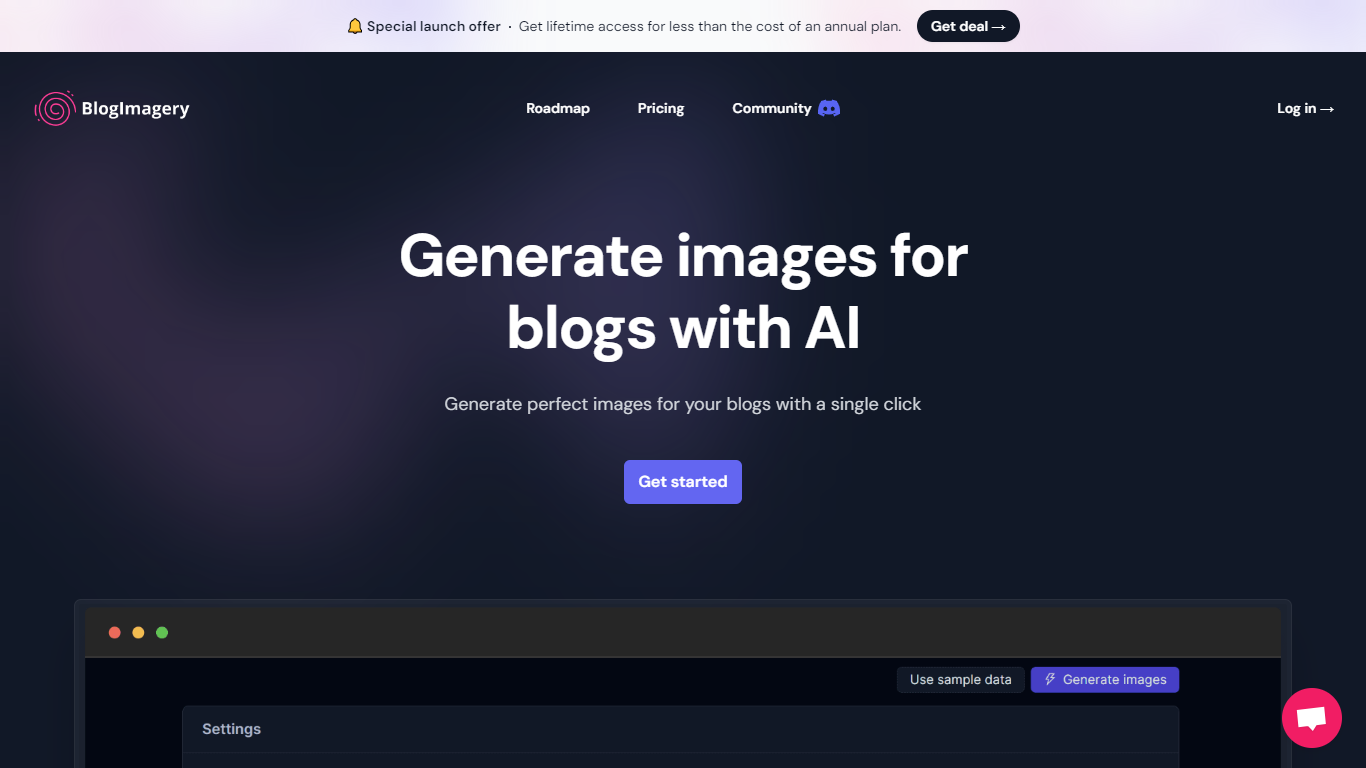

What is BlogImagery ?
BlogImagery is a revolutionary tool designed to help content creators generate original, eye-catching images for their blogs with just a single click. Leveraging the power of AI, BlogImagery reduces the time and effort typically spent on sourcing stock photos, providing a swift and easy solution for bloggers to create unique visuals that align with their content.
With BlogImagery, you can select from multiple art styles such as Cinematic, Colorful Scribbles, Colorpop, Digital Painting, and Vintage Photography to perfectly match your blog's aesthetic. The AI-generated images are not only copyright-free but also enhance articles by transforming text-heavy content into visually appealing posts. Users can expect original images to perform better in engagement compared to standard stock photos.
BlogImagery also aids in explaining complex or abstract concepts through visuals, catering to audiences who might not be experts in the subject matter. The service offers a special launch deal with lifetime access at a highly attractive price point, and plans are versatile with monthly and lifetime payment options to suit different needs.
ImageCreator
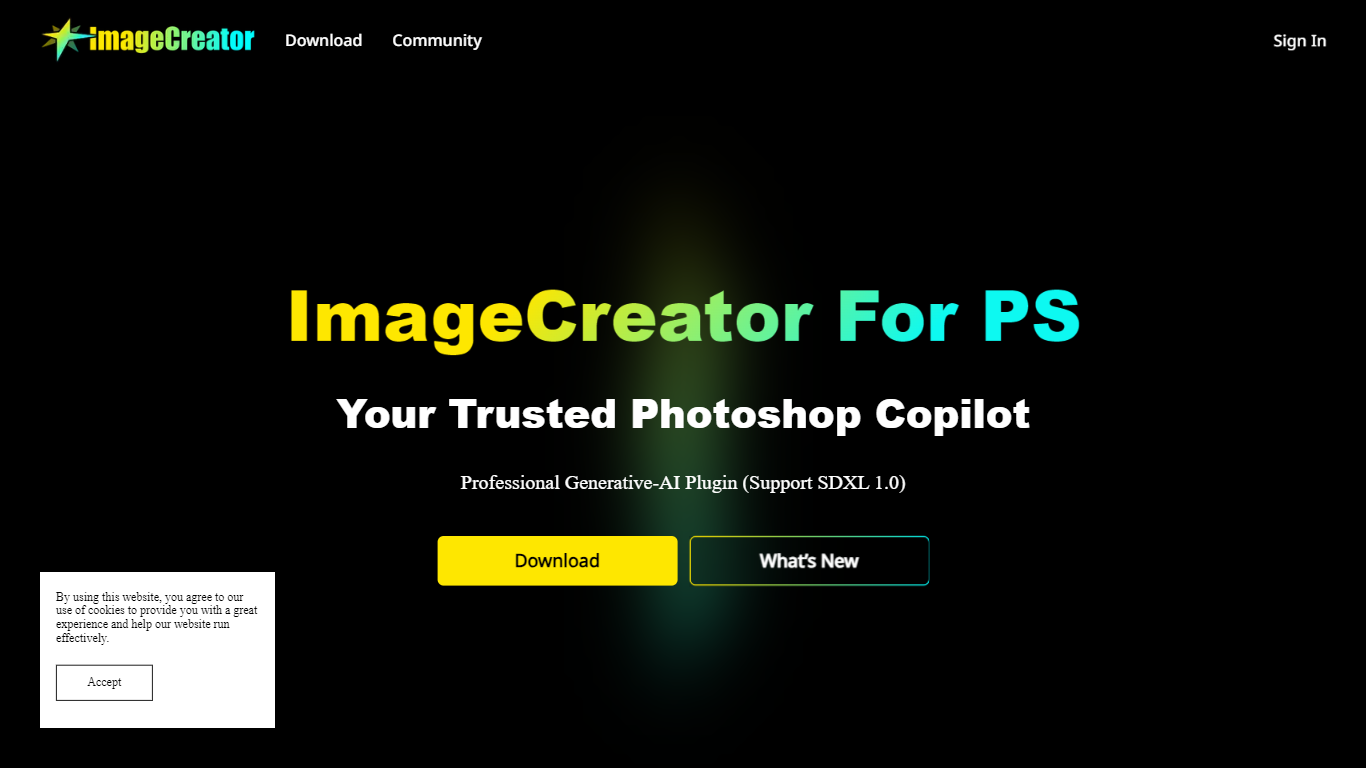
What is ImageCreator?
ImageCreator brings Stable Diffusion generation into Adobe Photoshop through a downloadable plugin from AlkaidVision, so designers can create selections, pick a model, and generate art without leaving their canvas. The workflow supports TXT2IMG, IMG2IMG, and FILL modes, plus SDXL 1.0 and LoRA model combinations shown in the gallery. ControlNet, positive and negative prompt fields, and a personal notebook editor sit inside the panel for tighter control over output.
Browser-based image generators keep you exporting PNGs back into Photoshop, while Adobe's built-in generative fill uses Adobe models only. ImageCreator plugs into Photoshop on Windows, macOS, and Creative Cloud with a one-click installer and links to Adobe Exchange, and its ModelHub lets you load custom checkpoints directly in the plugin. That matters when you already rely on community models like Realistic Vision V2.0 or Dream Shaper XL 1.0.
Photoshop illustrators, concept artists, and photo compositors who want local model choice use ImageCreator for production-ready assets. Version 1.0.0 installers are listed on the download section, documentation lives on GitBook, and support reaches [email protected].
BlogImagery Upvotes
ImageCreator Upvotes
BlogImagery Top Features
One-Click Image Generation: Produce perfect images for your blog posts at the click of a button.
Diverse Art Styles: Choose from styles like Cinematic, Colorful Scribbles, and Vintage Photography to align with your blog's aesthetic.
Engagement Boost: Use original AI-generated images to significantly improve engagement over stock photos.
Copyright-Free: Access a library of images without worrying about copyright issues.
Complex Concept Illustration: Explain difficult concepts through visuals, making them easier to understand for your readers.
ImageCreator Top Features
Supports SDXL 1.0 plus LoRA combinations such as Dream Shaper XL 1.0 and SDXL 1.0 + LoRA in the model gallery
Three in-panel generation modes cover TXT2IMG, IMG2IMG, and FILL workflows inside Photoshop
ModelHub lets you customize checkpoints and run them directly in the Photoshop plugin
ControlNet integrates multiple control models and process settings for more precise compositions
Version 1.0.0 installers are offered for Windows, macOS, and Creative Cloud with one-click setup
Gallery showcases named models including Realistic Vision V2.0, MeinaMix, Counterfeit, and Inkpunk Diffusion
BlogImagery Category
- Design
ImageCreator Category
- Design
BlogImagery Pricing Type
- Freemium
ImageCreator Pricing Type
- Freemium