ImageToPromptAI vs ImageCreator
In the contest of ImageToPromptAI vs ImageCreator, which AI Design tool is the champion? We evaluate pricing, alternatives, upvotes, features, reviews, and more.
If you had to choose between ImageToPromptAI and ImageCreator, which one would you go for?
When we examine ImageToPromptAI and ImageCreator, both of which are AI-enabled design tools, what unique characteristics do we discover? There's no clear winner in terms of upvotes, as both tools have received the same number. Be a part of the decision-making process. Your vote could determine the winner.
You don't agree with the result? Cast your vote to help us decide!
ImageToPromptAI

What is ImageToPromptAI?
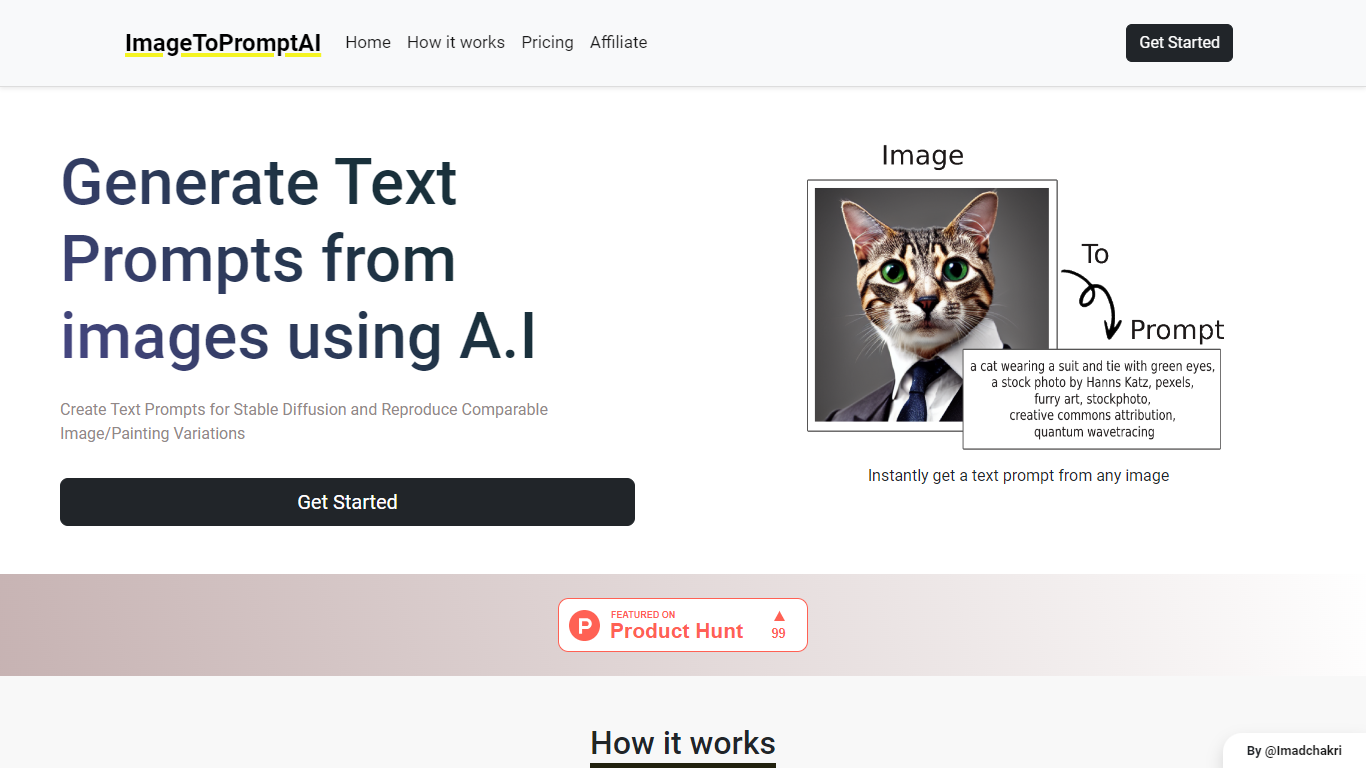
ImageToPromptAI offers an innovative service that transforms your images into text prompts, catering to users who utilize AI models like Stable Diffusion for versatile creative projects. By uploading an image, you can immediately receive a corresponding text prompt that can be used to generate similar images or painting variations.
This service does away with subscriptions, allowing you to pay as you go for your specific needs. Whether for personal enjoyment or professional use, ImageToPromptAI streamlines the process of cross-media translation from visual to textual inputs.
ImageCreator
What is ImageCreator?
ImageCreator brings Stable Diffusion generation into Adobe Photoshop through a downloadable plugin from AlkaidVision, so designers can create selections, pick a model, and generate art without leaving their canvas. The workflow supports TXT2IMG, IMG2IMG, and FILL modes, plus SDXL 1.0 and LoRA model combinations shown in the gallery. ControlNet, positive and negative prompt fields, and a personal notebook editor sit inside the panel for tighter control over output.
Browser-based image generators keep you exporting PNGs back into Photoshop, while Adobe's built-in generative fill uses Adobe models only. ImageCreator plugs into Photoshop on Windows, macOS, and Creative Cloud with a one-click installer and links to Adobe Exchange, and its ModelHub lets you load custom checkpoints directly in the plugin. That matters when you already rely on community models like Realistic Vision V2.0 or Dream Shaper XL 1.0.
Photoshop illustrators, concept artists, and photo compositors who want local model choice use ImageCreator for production-ready assets. Version 1.0.0 installers are listed on the download section, documentation lives on GitBook, and support reaches [email protected].
ImageToPromptAI Upvotes
ImageCreator Upvotes
ImageToPromptAI Top Features
Transform Image to Text: Instantly convert images into prompts for AI models.
Pay-As-You-Go Pricing: Flexible payment model, with no need for subscriptions.
Multiple Tiers: Choose from Basic, Pro, or Ultra plans according to your needs.
Ease of Use: Simple interface for uploading images and generating prompts.
No Account Required: Start using the service without the need for a user account.
ImageCreator Top Features
Supports SDXL 1.0 plus LoRA combinations such as Dream Shaper XL 1.0 and SDXL 1.0 + LoRA in the model gallery
Three in-panel generation modes cover TXT2IMG, IMG2IMG, and FILL workflows inside Photoshop
ModelHub lets you customize checkpoints and run them directly in the Photoshop plugin
ControlNet integrates multiple control models and process settings for more precise compositions
Version 1.0.0 installers are offered for Windows, macOS, and Creative Cloud with one-click setup
Gallery showcases named models including Realistic Vision V2.0, MeinaMix, Counterfeit, and Inkpunk Diffusion
ImageToPromptAI Category
- Design
ImageCreator Category
- Design
ImageToPromptAI Pricing Type
- Freemium
ImageCreator Pricing Type
- Freemium