Aikiu Studio vs ReLogo AI
Dive into the comparison of Aikiu Studio vs ReLogo AI and discover which AI Design tool stands out. We examine alternatives, upvotes, features, reviews, pricing, and beyond.
When comparing Aikiu Studio and ReLogo AI, which one rises above the other?
When we compare Aikiu Studio and ReLogo AI, two exceptional design tools powered by artificial intelligence, and place them side by side, several key similarities and differences come to light. There's no clear winner in terms of upvotes, as both tools have received the same number. Every vote counts! Cast yours and contribute to the decision of the winner.
Not your cup of tea? Upvote your preferred tool and stir things up!
Aikiu Studio

What is Aikiu Studio?
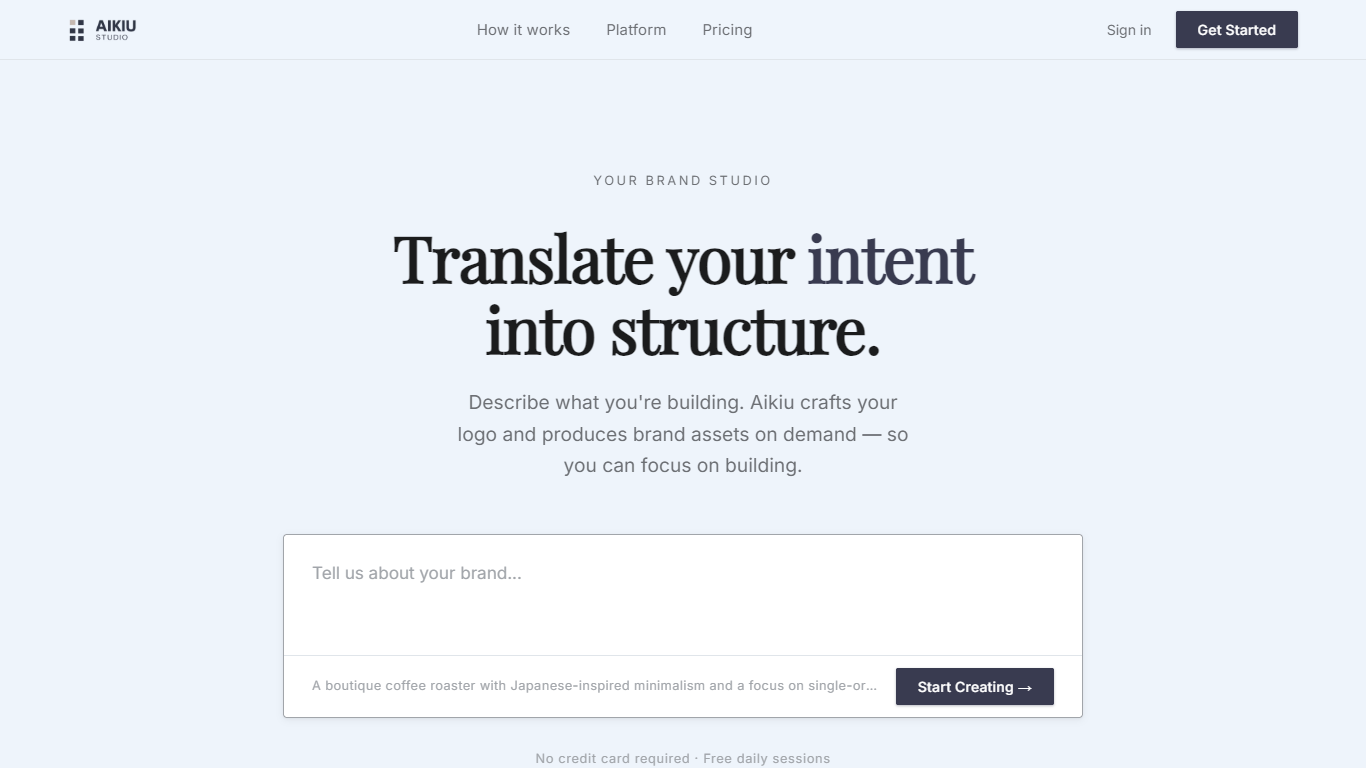
Aikiu Studio is a brand identity platform for founders who need a professional logo without hiring a designer. You describe your brand in plain language, and the tool generates a custom mark built from your brief rather than recycled templates.
The workflow moves from a short brand description to logo concepts you can refine in chat or in a visual editor. When you are ready, you can export production-ready files in SVG, PNG, and WEBP with transparent backgrounds, and commercial usage rights are included with a paid unlock.
Aikiu Studio is built by Gradient Insight and positions itself as the start of a broader identity system. A living brand profile and on-demand brand assets are listed as upcoming features beyond the logo generator.
ReLogo AI
What is ReLogo AI?
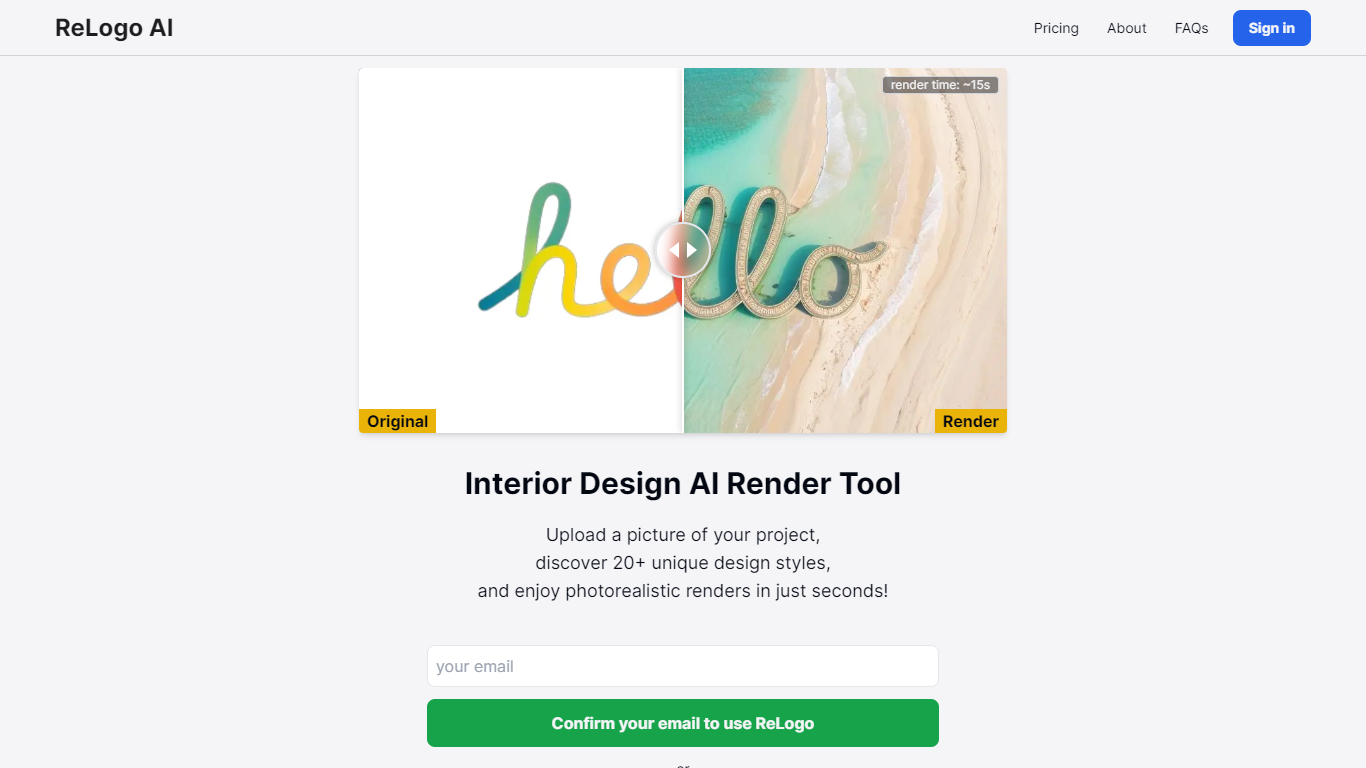
ReLogo AI turns an uploaded logo into photorealistic brand visuals across 20+ design styles in about 15 seconds. You pick themes or write prompts, and the design tool re-renders your mark with different lighting, materials, and environments while keeping the core logo recognizable. Sign in with Google or email to start generating.
Unlike full logo generators that invent a mark from scratch, ReLogo AI assumes you already have a logo and focuses on expressive brand mockups. That makes it closer to a scene renderer than a vector editor like Canva or Looka. Pro plans remove watermarks, unlock private mode, and double output resolution for client-ready assets.
Freelancers, agencies, and founders use it to preview how a logo looks on packaging, signage, or social posts without opening Photoshop. The free tier allows 3 renders per day with watermarks, while Pro runs $19 per month or $15.83 per month billed annually for unlimited renders.
Aikiu Studio Upvotes
ReLogo AI Upvotes
Aikiu Studio Top Features
Describe your brand in a few sentences and get logo concepts tailored to that brief
Refine typography, icons, colors, and layout through chat or a direct editor
Start free with 10 daily credits and preview work before you pay to unlock
Unlock one finished logo for with SVG, PNG, JPG, and WEBP exports
Buy credit packs when you need more generations or refinements beyond the daily free allowance
ReLogo AI Top Features
Upload a logo and explore 20+ unique design styles with renders in about 15 seconds
Free plan includes 3 renders per day with commercial use allowed
Monthly Pro at $19 includes unlimited renders and 2x enhanced image quality
Yearly Pro at $15.83 per month billed annually matches Pro features at lower cost
Pro plans add watermark-free exports, private mode, and all lighting styles
Render with preset themes or custom text prompts for scene control
API access listed for integrating ReLogo AI into external workflows
Aikiu Studio Category
- Design
ReLogo AI Category
- Design
Aikiu Studio Pricing Type
- Freemium
ReLogo AI Pricing Type
- Freemium