Aikiu Studio vs Remove Bg AI
In the battle of Aikiu Studio vs Remove Bg AI, which AI Design tool comes out on top? We compare reviews, pricing, alternatives, upvotes, features, and more.
Between Aikiu Studio and Remove Bg AI, which one is superior?
Upon comparing Aikiu Studio with Remove Bg AI, which are both AI-powered design tools, Neither tool takes the lead, as they both have the same upvote count. Since other aitools.fyi users could decide the winner, the ball is in your court now to cast your vote and help us determine the winner.
Disagree with the result? Upvote your favorite tool and help it win!
Aikiu Studio

What is Aikiu Studio?
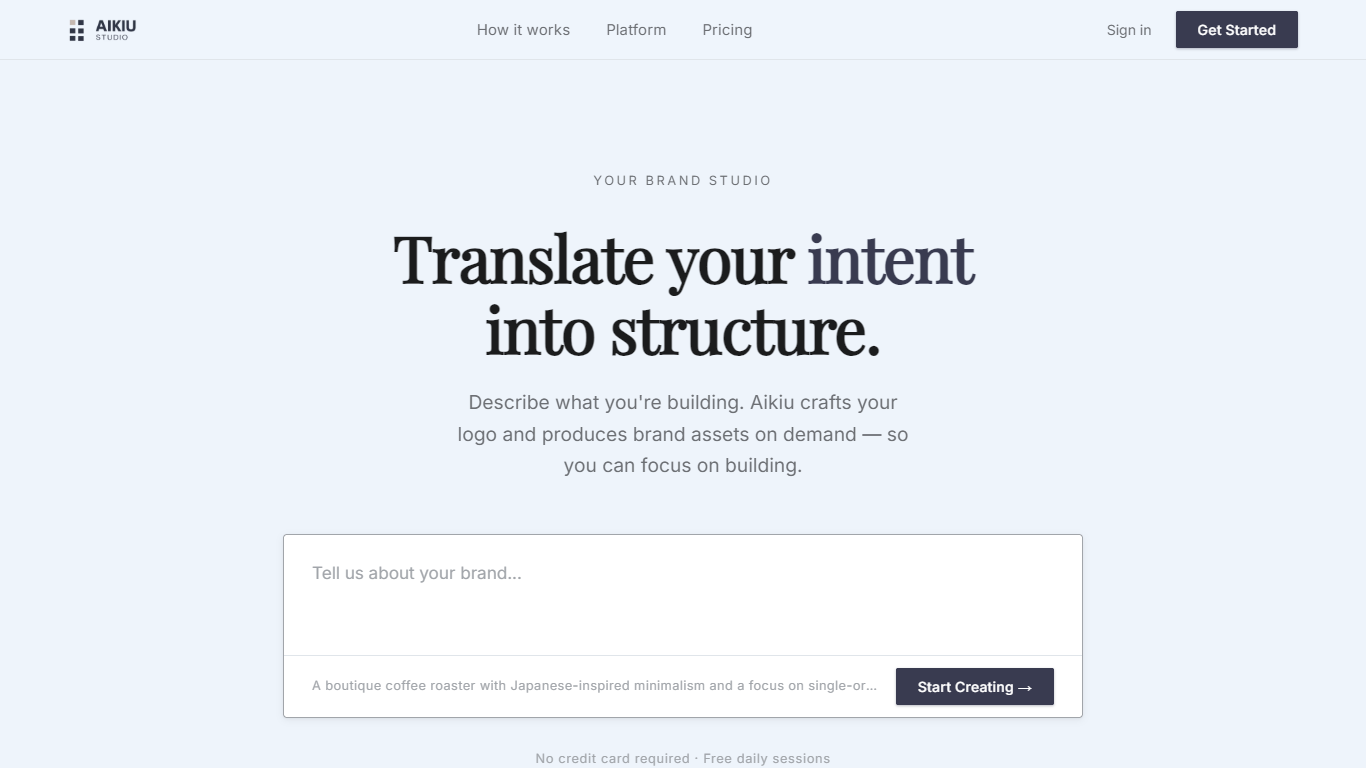
Aikiu Studio is a brand identity platform for founders who need a professional logo without hiring a designer. You describe your brand in plain language, and the tool generates a custom mark built from your brief rather than recycled templates.
The workflow moves from a short brand description to logo concepts you can refine in chat or in a visual editor. When you are ready, you can export production-ready files in SVG, PNG, and WEBP with transparent backgrounds, and commercial usage rights are included with a paid unlock.
Aikiu Studio is built by Gradient Insight and positions itself as the start of a broader identity system. A living brand profile and on-demand brand assets are listed as upcoming features beyond the logo generator.
Remove Bg AI
What is Remove Bg AI?
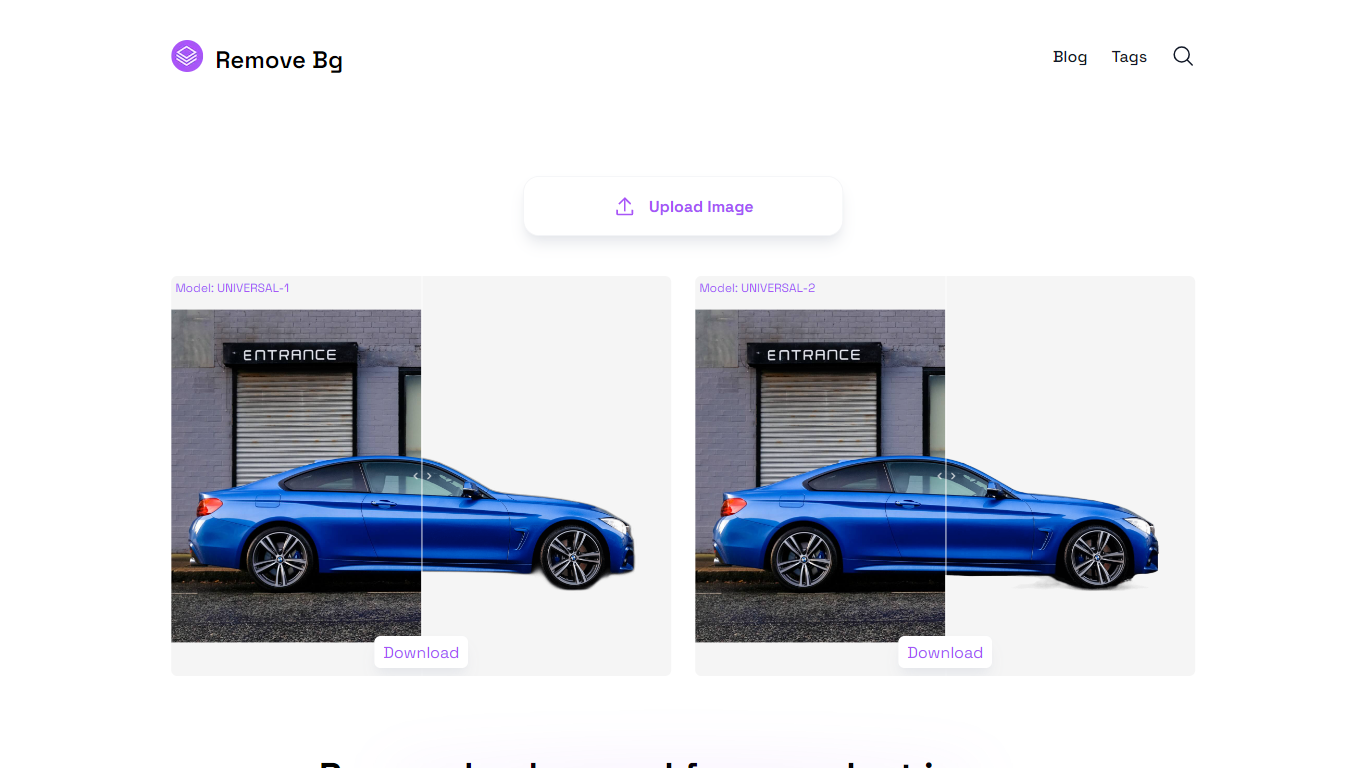
Remove Bg AI removes backgrounds from images directly on your device by processing them locally in your browser. It downloads an AI model to your browser, enabling background removal without uploading images to any server, ensuring privacy and security.
This tool stands out by offering offline processing with multiple AI models tailored for universal images, portraits, or faster results. Users can balance quality and speed depending on their device capabilities, unlike many alternatives that require online uploads.
Remove Bg AI supports common image formats including PNG, JPG, JPEG, and WEBP, with size limits up to 6400 pixels and 10 MB. It also provides mask editing tools to refine cutouts by removing or restoring parts before saving the final transparent image.
Ideal for professionals and hobbyists, Remove Bg AI requires no account or subscription and works on modern browsers across desktop and mobile devices. It processes one image at a time and is currently in maintenance mode, offering free access without new paid plans.
Overall, Remove Bg AI delivers a straightforward, privacy-focused solution for background removal suitable for product photography, graphic design, social media content, marketing materials, and personal projects.
Aikiu Studio Upvotes
Remove Bg AI Upvotes
Aikiu Studio Top Features
Describe your brand in a few sentences and get logo concepts tailored to that brief
Refine typography, icons, colors, and layout through chat or a direct editor
Start free with 10 daily credits and preview work before you pay to unlock
Unlock one finished logo for with SVG, PNG, JPG, and WEBP exports
Buy credit packs when you need more generations or refinements beyond the daily free allowance
Remove Bg AI Top Features
🖥️ Local Processing: All background removal happens in your browser, keeping your photos private on your device.
🎨 Mask Editing: Refine cutouts by removing or restoring parts of the image before saving the final result.
📁 Wide Format Support: Handles PNG, JPG, JPEG, and WEBP images up to 6400 pixels and 10 MB in size.
⚡ Multiple AI Models: Choose from universal, portrait, or fast models to balance quality and speed based on your device.
🚗 Versatile Use Cases: Supports products, portraits, animals, vehicles, logos, and graphics for various projects.
Aikiu Studio Category
- Design
Remove Bg AI Category
- Design
Aikiu Studio Pricing Type
- Freemium
Remove Bg AI Pricing Type
- Free