Aikiu Studio vs Tango on Chrome Web Store
In the battle of Aikiu Studio vs Tango on Chrome Web Store, which AI Design tool comes out on top? We compare reviews, pricing, alternatives, upvotes, features, and more.
Between Aikiu Studio and Tango on Chrome Web Store, which one is superior?
Upon comparing Aikiu Studio with Tango on Chrome Web Store, which are both AI-powered design tools, The upvote count shows a clear preference for Tango on Chrome Web Store. Tango on Chrome Web Store has been upvoted 7 times by aitools.fyi users, and Aikiu Studio has been upvoted 6 times.
Want to flip the script? Upvote your favorite tool and change the game!
Aikiu Studio
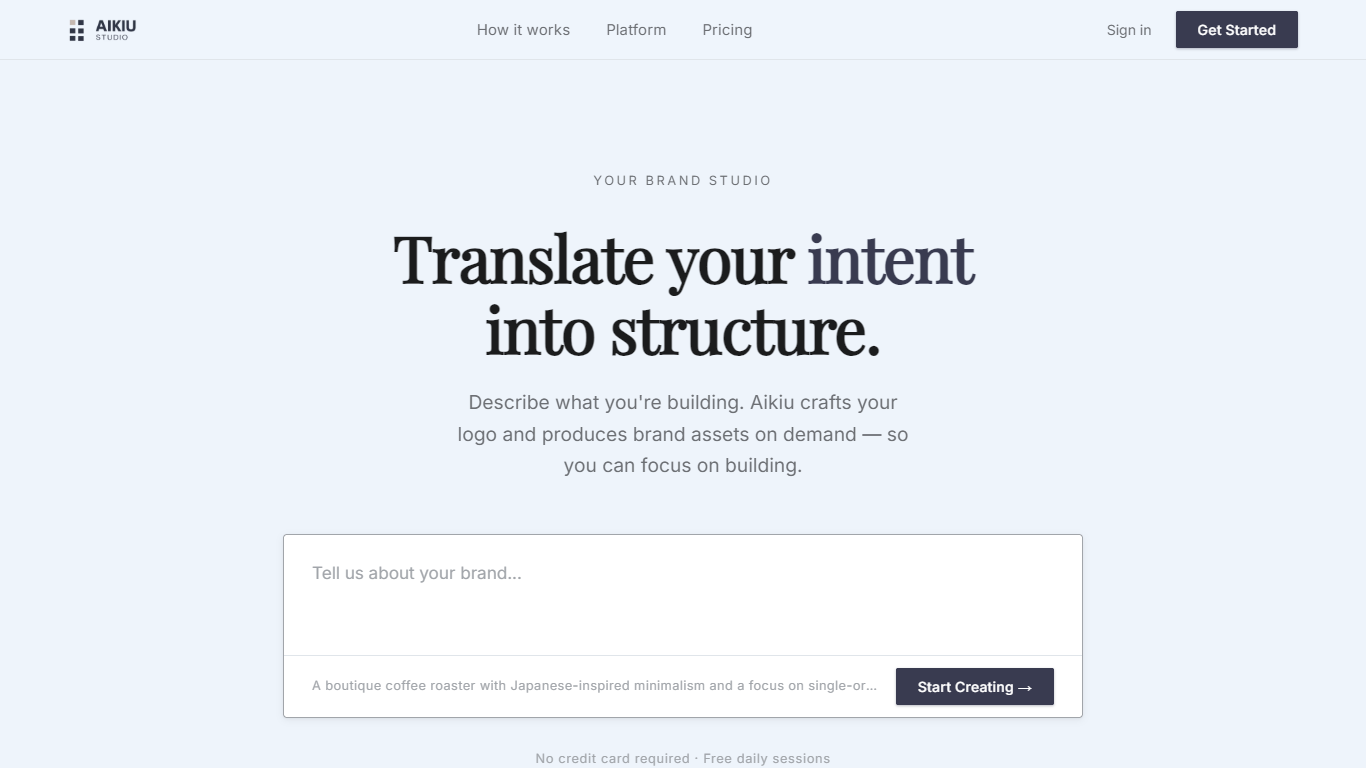

What is Aikiu Studio?
Aikiu Studio is a brand identity platform for founders who need a professional logo without hiring a designer. You describe your brand in plain language, and the tool generates a custom mark built from your brief rather than recycled templates.
The workflow moves from a short brand description to logo concepts you can refine in chat or in a visual editor. When you are ready, you can export production-ready files in SVG, PNG, and WEBP with transparent backgrounds, and commercial usage rights are included with a paid unlock.
Aikiu Studio is built by Gradient Insight and positions itself as the start of a broader identity system. A living brand profile and on-demand brand assets are listed as upcoming features beyond the logo generator.
Tango on Chrome Web Store
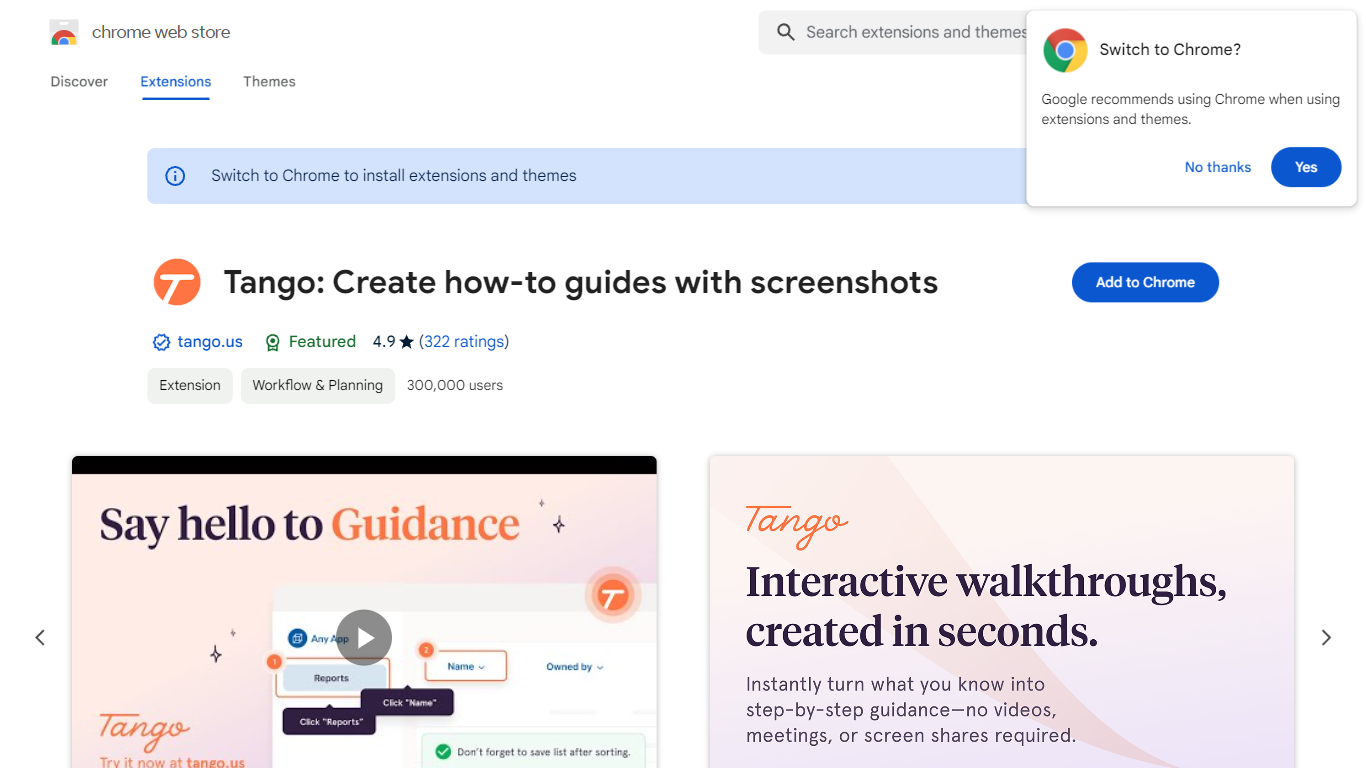
What is Tango on Chrome Web Store?
Tango is a Chrome extension that records your clicks and turns workflows into step-by-step how-to guides with cropped screenshots. The extension also builds interactive walkthroughs through Guide Me, pins knowledge with Nuggets inside the tools teams already use, and on Enterprise plans automates CRM tasks in Salesforce and HubSpot without APIs. The Chrome Web Store listing reports 400,000 users and a 4.8 average rating.
Compared with manual screenshot documentation or static Loom videos, Tango captures processes as you work and exports guides to PDF, HTML, or Markdown. Guide Me overlays steps directly on screen so employees learn by doing, while Nuggets surfaces guides inside live apps instead of sending people to stale wikis.
Operations, IT, sales, support, and training teams use Tango for SOPs, onboarding, and CRM hygiene. The free browser extension documents any web app with no integration setup, and Enterprise customers unlock cross-tab automations for data entry, opportunity updates, and billing handoffs with SOC 2 compliance and advanced blur controls.
Aikiu Studio Upvotes
Tango on Chrome Web Store Upvotes
Aikiu Studio Top Features
Describe your brand in a few sentences and get logo concepts tailored to that brief
Refine typography, icons, colors, and layout through chat or a direct editor
Start free with 10 daily credits and preview work before you pay to unlock
Unlock one finished logo for with SVG, PNG, JPG, and WEBP exports
Buy credit packs when you need more generations or refinements beyond the daily free allowance
Tango on Chrome Web Store Top Features
Chrome extension with 400,000 users and a 4.8 rating on the Web Store
Captures clicks into step-by-step guides with auto-cropped screenshots
Guide Me turns guides into on-screen interactive walkthroughs
Nuggets pins guides and knowledge inside the apps teams already use
Exports guides to PDF, HTML, or Markdown with shareable links
Enterprise plans automate Salesforce and HubSpot tasks without APIs
SOC 2 compliance with advanced blur for sensitive on-screen data
Aikiu Studio Category
- Design
Tango on Chrome Web Store Category
- Design
Aikiu Studio Pricing Type
- Freemium
Tango on Chrome Web Store Pricing Type
- Freemium