
Last updated 07-30-2026
Category:
Reviews:
Join thousands of AI enthusiasts in the World of AI!
Tango on Chrome Web Store
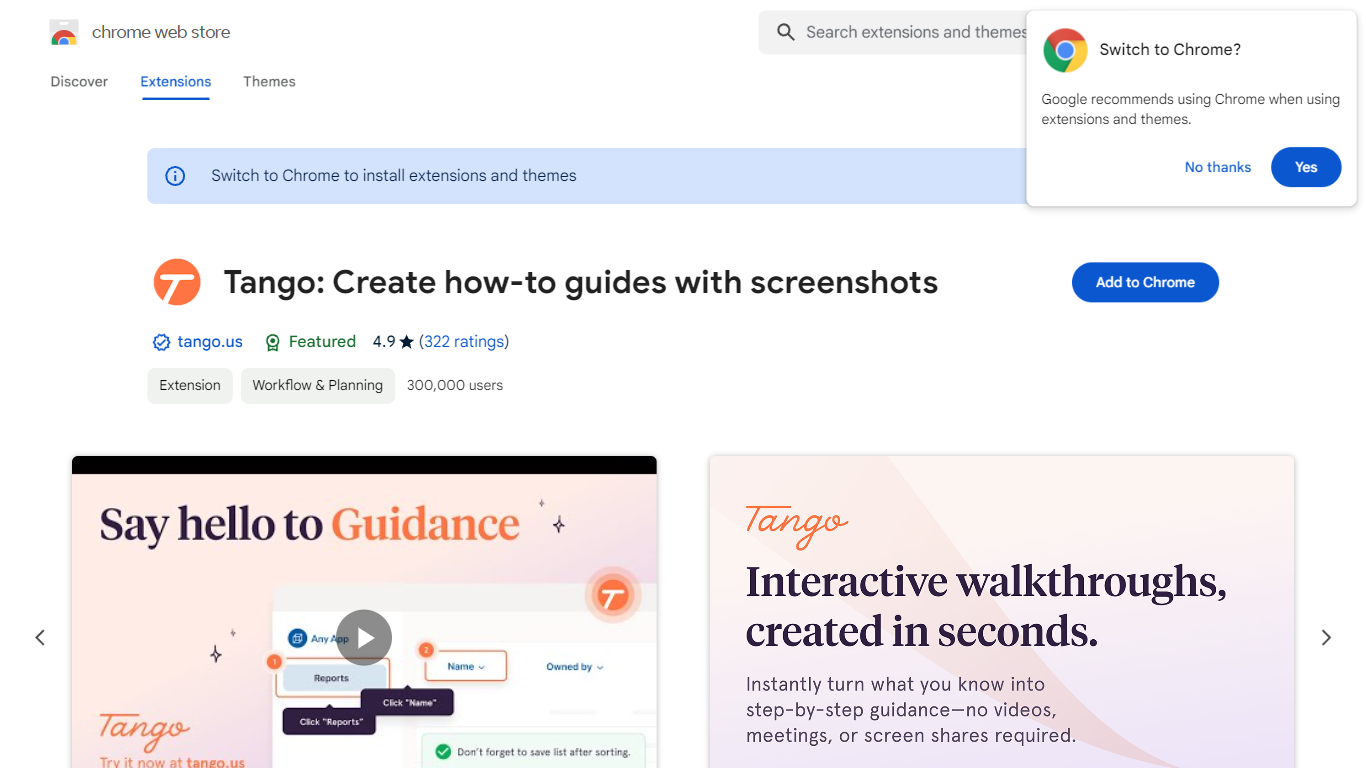
Tango is a Chrome extension that records your clicks and turns workflows into step-by-step how-to guides with cropped screenshots. The extension also builds interactive walkthroughs through Guide Me, pins knowledge with Nuggets inside the tools teams already use, and on Enterprise plans automates CRM tasks in Salesforce and HubSpot without APIs. The Chrome Web Store listing reports 400,000 users and a 4.8 average rating.
Compared with manual screenshot documentation or static Loom videos, Tango captures processes as you work and exports guides to PDF, HTML, or Markdown. Guide Me overlays steps directly on screen so employees learn by doing, while Nuggets surfaces guides inside live apps instead of sending people to stale wikis.
Operations, IT, sales, support, and training teams use Tango for SOPs, onboarding, and CRM hygiene. The free browser extension documents any web app with no integration setup, and Enterprise customers unlock cross-tab automations for data entry, opportunity updates, and billing handoffs with SOC 2 compliance and advanced blur controls.
Chrome extension with 400,000 users and a 4.8 rating on the Web Store
Captures clicks into step-by-step guides with auto-cropped screenshots
Guide Me turns guides into on-screen interactive walkthroughs
Nuggets pins guides and knowledge inside the apps teams already use
Exports guides to PDF, HTML, or Markdown with shareable links
Enterprise plans automate Salesforce and HubSpot tasks without APIs
SOC 2 compliance with advanced blur for sensitive on-screen data
Captures documentation while you work with no integration setup required
Guide Me and Nuggets deliver help inside live apps instead of static wikis
400,000 Chrome Web Store users with a 4.8 average rating
Exports to PDF, HTML, and Markdown for flexible sharing
CRM automations require an Enterprise plan, not the free extension
Chrome extension focus means limited coverage for desktop-only software
Enterprise pricing is not published on the marketing site
What is Tango?
Tango is a Chrome extension that documents workflows by capturing your clicks into step-by-step how-to guides. Tango also offers interactive walkthroughs, in-app knowledge pins called Nuggets, and Enterprise CRM automations for Salesforce and HubSpot.
Is Tango free?
Yes. Tango offers a free Chrome extension to create and share how-to guides with no credit card required. Tango Enterprise plans add cross-tab automations and advanced CRM workflows that the Chrome listing notes are limited to paid tiers.
How does Tango create guides?
Tango records your process as you complete it in the browser and automatically turns each click into a formatted guide with cropped screenshots. Tango lets you share guides via link or export them to PDF, HTML, or Markdown.
What is Tango Guide Me?
Tango Guide Me converts a how-to guide into an interactive walkthrough that highlights where to click and what to type on screen. Tango surfaces notes and callouts while employees follow the process step by step.
Can Tango automate Salesforce or HubSpot?
Yes, on Tango Enterprise plans. Tango automates CRM data entry, opportunity updates, and billing handoffs across browser tabs without APIs or code, according to the Chrome Web Store listing.
Who is Tango for?
Tango targets operations, IT, HR, sales, finance, support, and training teams that need SOPs and onboarding guides. Tango lists insurance, healthcare, and financial services as common industries on its Chrome extension page.