AirCaption vs Clipchamp
Dive into the comparison of AirCaption vs Clipchamp and discover which AI Video Editing tool stands out. We examine alternatives, upvotes, features, reviews, pricing, and beyond.
When comparing AirCaption and Clipchamp, which one rises above the other?
When we compare AirCaption and Clipchamp, two exceptional video editing tools powered by artificial intelligence, and place them side by side, several key similarities and differences come to light. The upvote count reveals a draw, with both tools earning the same number of upvotes. You can help us determine the winner by casting your vote and tipping the scales in favor of one of the tools.
Think we got it wrong? Cast your vote and show us who's boss!
AirCaption
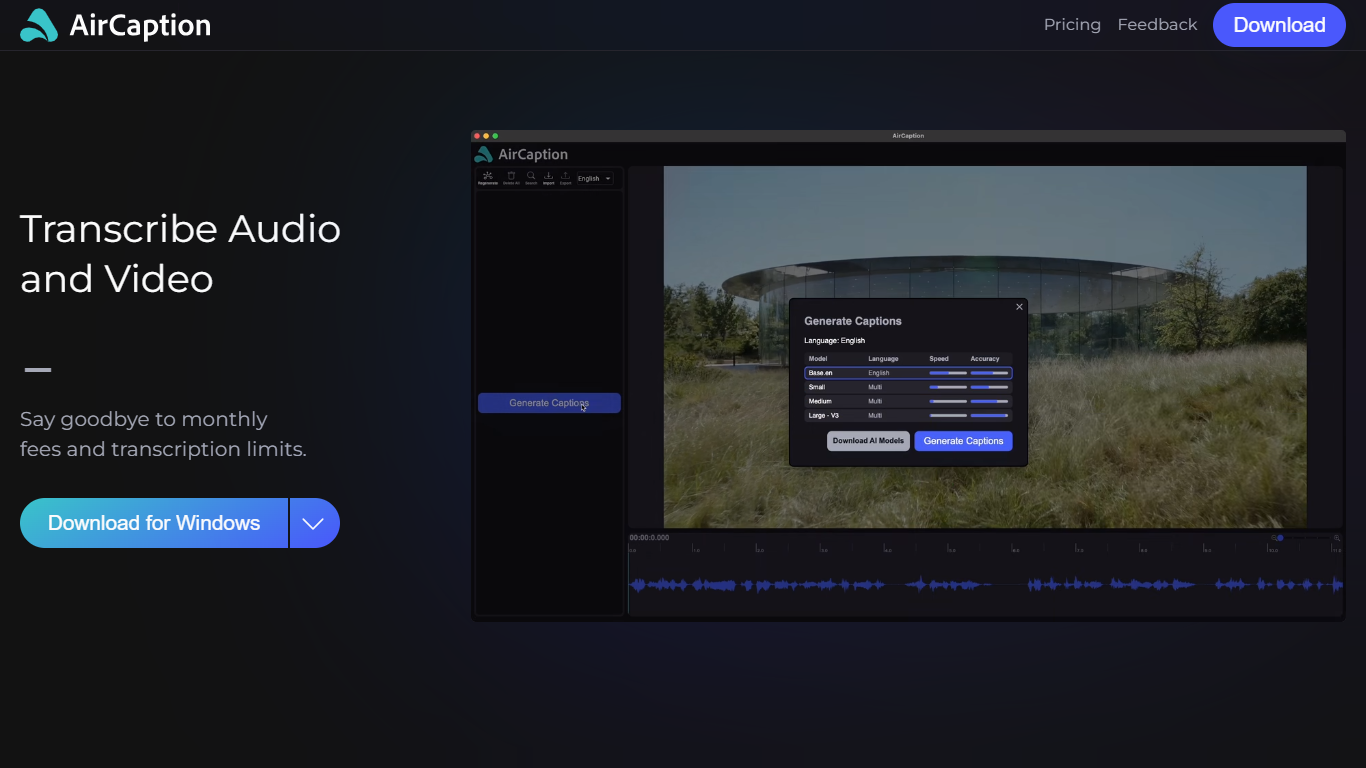

What is AirCaption ?
AirCaption is desktop transcription software for Mac and Windows that turns audio and video into captions, transcripts, and subtitles on your machine. It targets video editors, podcasters, marketers, and anyone who needs fast speech-to-text without uploading media to the cloud.
The app runs locally using NVIDIA Parakeet and OpenAI Whisper models, so files stay on your computer. You generate captions, review timing and text in a built-in editor, then export to SRT, VTT, plain text, or captioned video. It supports batch queueing for folder drops and works offline after setup.
AirCaption subtitles content in up to 67 languages (beta) and ships separate builds for Mac Apple Silicon, Mac Intel, and Windows with NVIDIA GPU or CPU-only options.
Clipchamp

What is Clipchamp?
Clipchamp enables users to record, edit, and share high-definition videos directly from their web browser or Windows app. It offers tools for creating videos with webcam, screen, and voice recordings, combined with AI-powered editing features like noise suppression and automatic subtitle generation.
What distinguishes Clipchamp from other video editors is its integration of advanced AI tools such as a natural voiceover generator with over 400 voices and an AI silence remover that automatically cuts long pauses. It also provides customizable color and gradient backgrounds and supports exporting videos up to 4K resolution without watermarks for premium users.
Clipchamp's content library includes royalty-free stock videos, images, music, and templates tailored for social media, education, and business use. Its privacy-first approach ensures all recordings remain on the user's device unless shared, making it a secure choice for video creation.
With features like multi-item editing, grouping, and a flexible video resizer supporting multiple aspect ratios, Clipchamp offers a comprehensive editing experience suitable for creators of all skill levels. It works seamlessly in Microsoft Edge and Google Chrome browsers, with an optional Windows app available for enhanced performance.
AirCaption Upvotes
Clipchamp Upvotes
AirCaption Top Features
Transcribes audio and video locally with NVIDIA Parakeet and OpenAI Whisper models
Works fully offline so media and captions never leave your computer
Built-in editor to adjust caption text and timing before export
Exports SRT, VTT, TXT, or captioned video files
Batch queue lets you drag entire folders in for automatic transcription
Supports subtitle generation in up to 67 languages (beta)
Keyboard hotkeys speed up caption editing workflows
Imports existing SRT and VTT files for re-editing
Clipchamp Top Features
🎤 Natural AI voiceover generator with 400+ voices and adjustable pitch and pace
📝 AI subtitle generator creating accurate captions in 80+ languages with editable styles
📹 Screen and webcam recorder with unlimited retakes and no watermarks
🔇 AI silence remover to automatically cut long pauses and silences from videos
🎨 Custom color and gradient video backgrounds with HSV and HEX color picker
📺 Video exports up to 4K resolution available with premium subscription
🎬 Multi-item editing and grouping tools for efficient workflow
AirCaption Category
- Video Editing
Clipchamp Category
- Video Editing
AirCaption Pricing Type
- Freemium
Clipchamp Pricing Type
- Freemium