
Last updated 07-24-2026
Category:
Reviews:
Join thousands of AI enthusiasts in the World of AI!
AirCaption
AirCaption is desktop transcription software for Mac and Windows that turns audio and video into captions, transcripts, and subtitles on your machine. It targets video editors, podcasters, marketers, and anyone who needs fast speech-to-text without uploading media to the cloud.
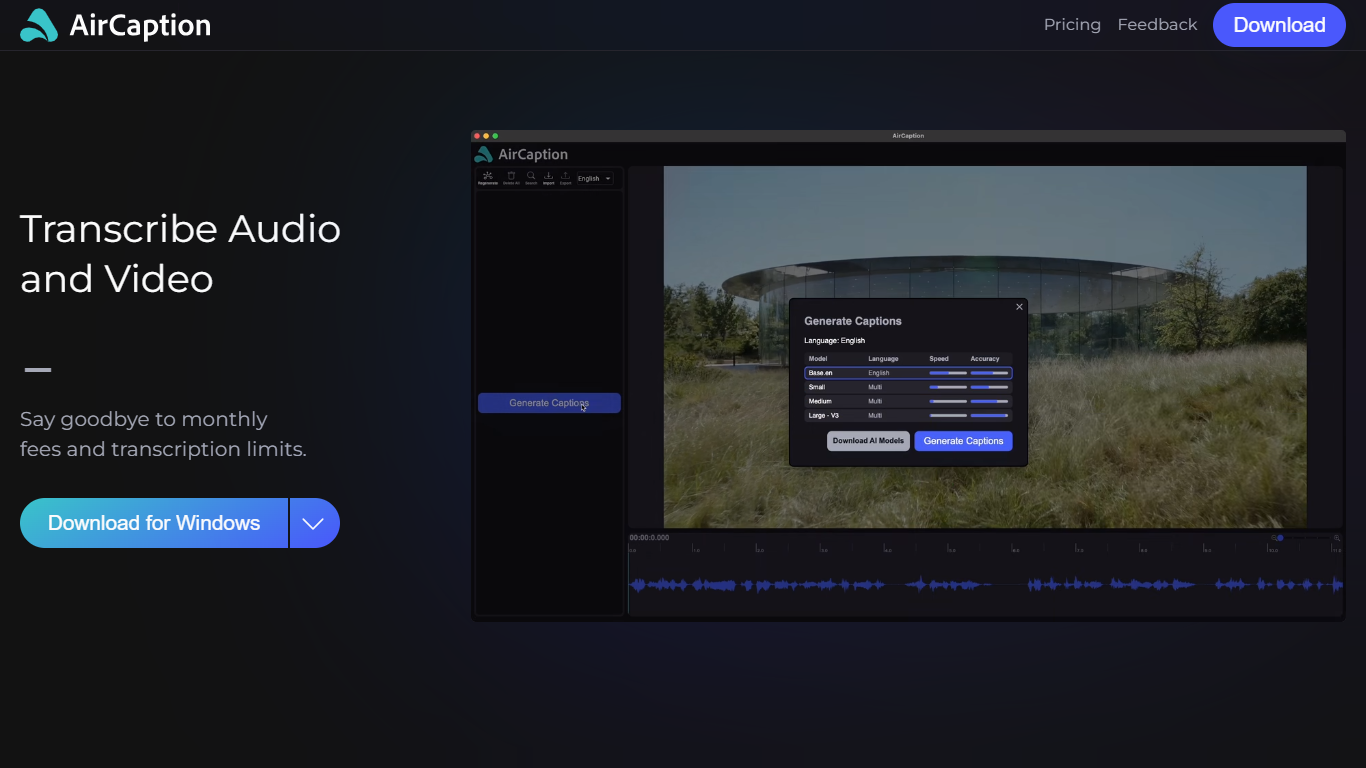
The app runs locally using NVIDIA Parakeet and OpenAI Whisper models, so files stay on your computer. You generate captions, review timing and text in a built-in editor, then export to SRT, VTT, plain text, or captioned video. It supports batch queueing for folder drops and works offline after setup.
AirCaption subtitles content in up to 67 languages (beta) and ships separate builds for Mac Apple Silicon, Mac Intel, and Windows with NVIDIA GPU or CPU-only options.
Transcribes audio and video locally with NVIDIA Parakeet and OpenAI Whisper models
Works fully offline so media and captions never leave your computer
Built-in editor to adjust caption text and timing before export
Exports SRT, VTT, TXT, or captioned video files
Batch queue lets you drag entire folders in for automatic transcription
Supports subtitle generation in up to 67 languages (beta)
Keyboard hotkeys speed up caption editing workflows
Imports existing SRT and VTT files for re-editing
Processes media locally for privacy with no cloud upload required.
Free Essentials tier includes unlimited transcription and offline use.
Exports common caption formats plus captioned video in one workflow.
Desktop-only with no web or mobile app option listed.
Windows builds may require clicking run anyway until code signing ships.
Is AirCaption free?
Yes. The Essentials plan is free and includes unlimited AI transcription, caption editing, export to SRT/VTT/text/video, keyword search in media, and offline use. Pro adds larger AI models and batch queue features for $9.99 per month.
Does AirCaption work offline?
Yes. AirCaption processes audio and video entirely on your local machine with no internet required after installation.
What platforms does AirCaption support?
AirCaption offers downloads for Mac (Apple Silicon on macOS 11+, Intel on macOS 10.15+) and Windows (NVIDIA GPU or CPU builds on Windows 7+).
What caption formats can I export?
AirCaption exports captions and subtitles as SRT, VTT, plain text, or captioned video files.
How many languages does AirCaption support?
AirCaption can subtitle video in up to 67 languages in beta, with caption generation available in up to 60 languages on the free Essentials plan.