AirCaption vs Timebolt
In the contest of AirCaption vs Timebolt, which AI Video Editing tool is the champion? We evaluate pricing, alternatives, upvotes, features, reviews, and more.
If you had to choose between AirCaption and Timebolt, which one would you go for?
When we examine AirCaption and Timebolt, both of which are AI-enabled video editing tools, what unique characteristics do we discover? In the race for upvotes, Timebolt takes the trophy. Timebolt has been upvoted 18 times by aitools.fyi users, and AirCaption has been upvoted 6 times.
Feeling rebellious? Cast your vote and shake things up!
AirCaption
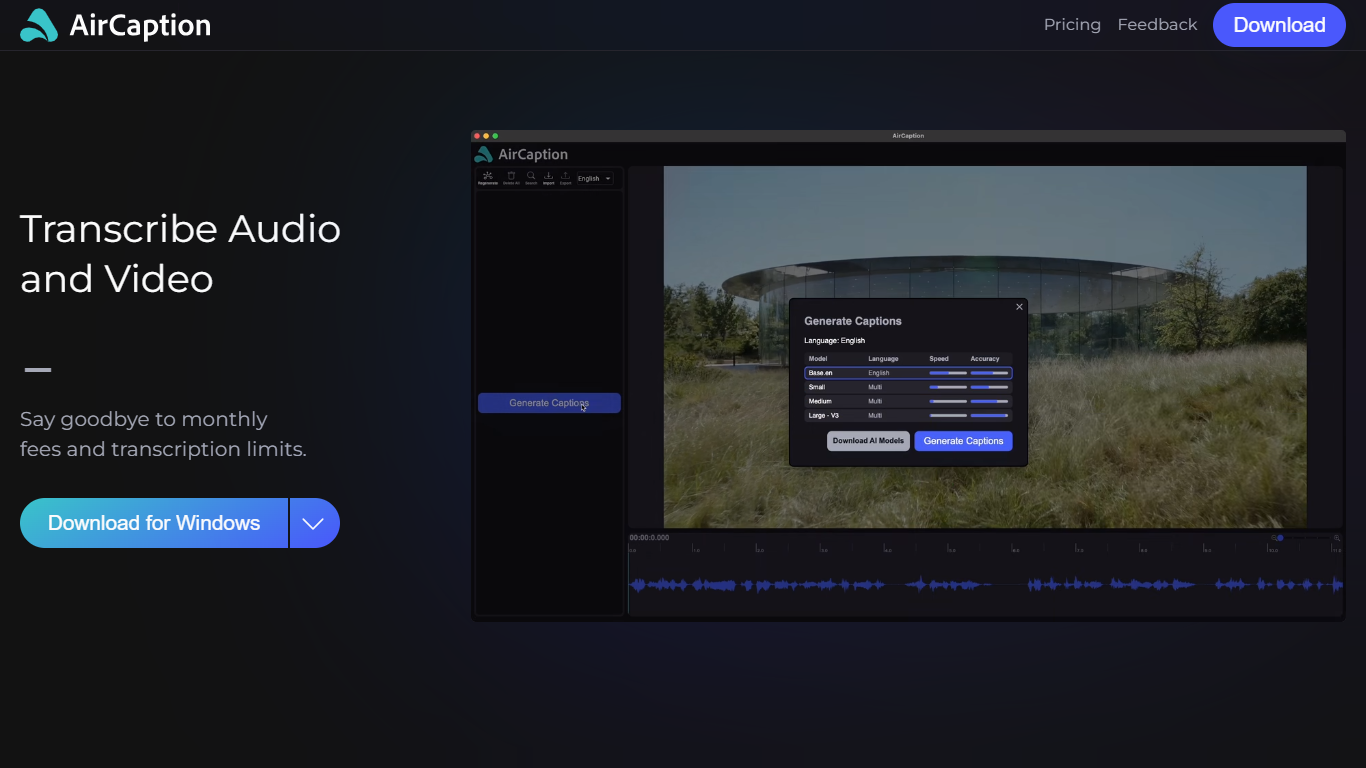

What is AirCaption ?
AirCaption is desktop transcription software for Mac and Windows that turns audio and video into captions, transcripts, and subtitles on your machine. It targets video editors, podcasters, marketers, and anyone who needs fast speech-to-text without uploading media to the cloud.
The app runs locally using NVIDIA Parakeet and OpenAI Whisper models, so files stay on your computer. You generate captions, review timing and text in a built-in editor, then export to SRT, VTT, plain text, or captioned video. It supports batch queueing for folder drops and works offline after setup.
AirCaption subtitles content in up to 67 languages (beta) and ships separate builds for Mac Apple Silicon, Mac Intel, and Windows with NVIDIA GPU or CPU-only options.
Timebolt

What is Timebolt?
Timebolt is a desktop video editor built around waveform-first jump cuts for podcasts, interviews, and screen recordings. It strips silence, filler words, and bad takes with 0.01 second cut control, then exports timelines to Premiere Pro, Final Cut Pro, DaVinci Resolve, or Camtasia without re-cutting by hand.
Most text-based AI editors guess where pauses live and leave hundreds of missed cuts per hour. Timebolt measures the audio waveform first, which is why its benchmark claims zero mistakes left per hour while rivals like Descript and Gling still need manual cleanup. That trade-off favors editors who want frame-tight cuts over a chat-style transcript workflow.
Podcasters, YouTubers, and course creators use Timebolt to shrink raw talking-head footage before publishing. Post-production teams also route Riverside multicam sessions through Timebolt XML exports so senior editors finish polish work in their preferred NLE.
AirCaption Upvotes
Timebolt Upvotes
AirCaption Top Features
Transcribes audio and video locally with NVIDIA Parakeet and OpenAI Whisper models
Works fully offline so media and captions never leave your computer
Built-in editor to adjust caption text and timing before export
Exports SRT, VTT, TXT, or captioned video files
Batch queue lets you drag entire folders in for automatic transcription
Supports subtitle generation in up to 67 languages (beta)
Keyboard hotkeys speed up caption editing workflows
Imports existing SRT and VTT files for re-editing
Timebolt Top Features
0.01 second cut control on waveform-based silence removal
Processes an hour of footage in about 13 seconds for jump cuts
Exports XML timelines to Premiere Pro, Final Cut Pro, and DaVinci Resolve
UMCHECK removes filler words automatically from recorded speech
Free 4K screen capture tool for Mac and Windows
Benchmark reports zero missed cuts per hour versus hundreds on rival AI editors
AirCaption Category
- Video Editing
Timebolt Category
- Video Editing
AirCaption Pricing Type
- Freemium
Timebolt Pricing Type
- Freemium