AirCaption vs Typeframes
Compare AirCaption vs Typeframes and see which AI Video Editing tool is better when we compare features, reviews, pricing, alternatives, upvotes, etc.
Which one is better? AirCaption or Typeframes?
When we compare AirCaption with Typeframes, which are both AI-powered video editing tools, The upvote count shows a clear preference for Typeframes. The upvote count for Typeframes is 7, and for AirCaption it's 6.
Want to flip the script? Upvote your favorite tool and change the game!
AirCaption

What is AirCaption ?
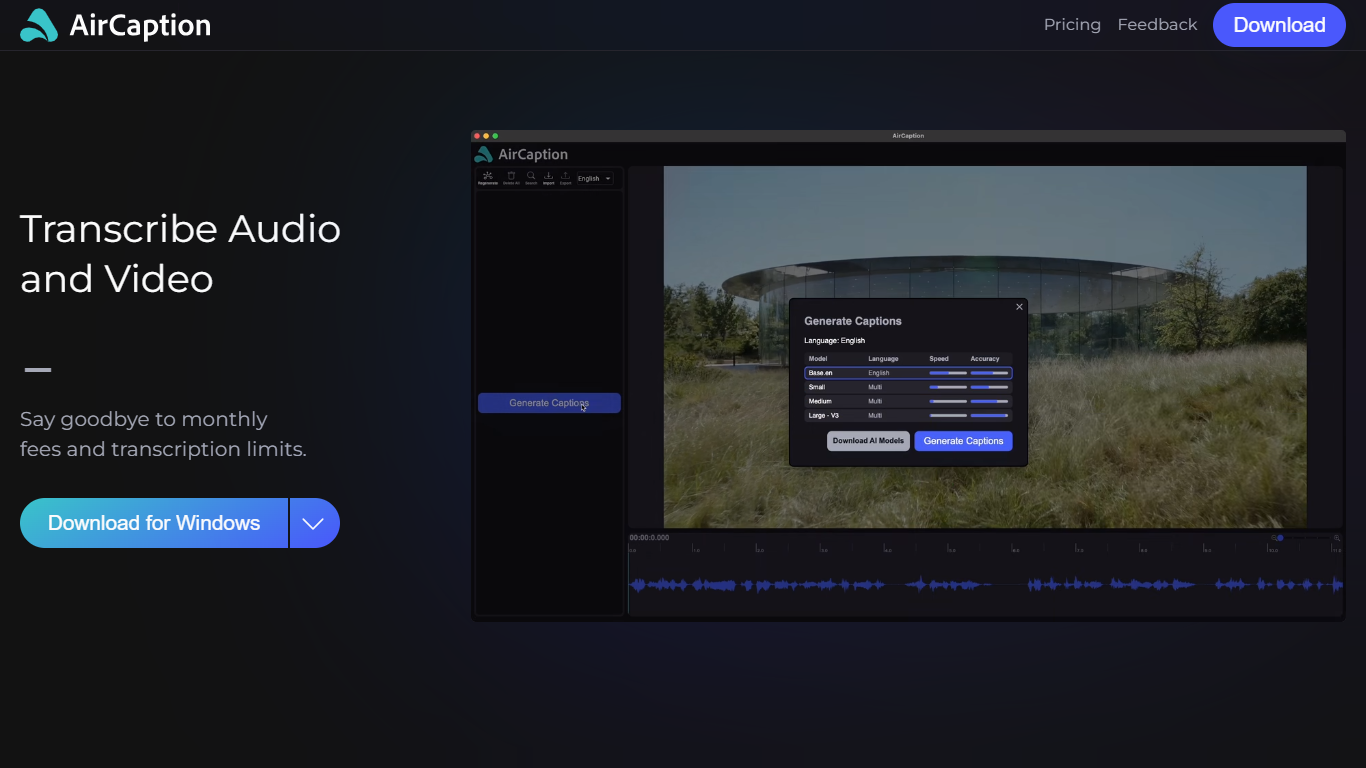
AirCaption is desktop transcription software for Mac and Windows that turns audio and video into captions, transcripts, and subtitles on your machine. It targets video editors, podcasters, marketers, and anyone who needs fast speech-to-text without uploading media to the cloud.
The app runs locally using NVIDIA Parakeet and OpenAI Whisper models, so files stay on your computer. You generate captions, review timing and text in a built-in editor, then export to SRT, VTT, plain text, or captioned video. It supports batch queueing for folder drops and works offline after setup.
AirCaption subtitles content in up to 67 languages (beta) and ships separate builds for Mac Apple Silicon, Mac Intel, and Windows with NVIDIA GPU or CPU-only options.
Typeframes

What is Typeframes?
Typeframes converts simple text prompts into engaging product videos optimized for social media platforms like YouTube, Instagram, and TikTok. It enables users to produce high-quality videos quickly without advanced video editing skills.
What sets Typeframes apart is its AI-driven approach that simplifies video production by offering customizable templates and automated suggestions to boost engagement. Unlike traditional video editors, it focuses on speed and ease of use, allowing creators to generate videos in minutes rather than hours.
The platform supports exporting videos in multiple resolutions tailored for different social media formats, including vertical videos. This makes Typeframes especially useful for content creators and marketers aiming to produce consistent, platform-optimized video content efficiently.
By streamlining the video creation process, Typeframes helps users save time and resources while enhancing their social media presence with visually appealing videos.
AirCaption Upvotes
Typeframes Upvotes
AirCaption Top Features
Transcribes audio and video locally with NVIDIA Parakeet and OpenAI Whisper models
Works fully offline so media and captions never leave your computer
Built-in editor to adjust caption text and timing before export
Exports SRT, VTT, TXT, or captioned video files
Batch queue lets you drag entire folders in for automatic transcription
Supports subtitle generation in up to 67 languages (beta)
Keyboard hotkeys speed up caption editing workflows
Imports existing SRT and VTT files for re-editing
Typeframes Top Features
Transform text prompts into engaging videos quickly
Customize templates to match your brand style easily
Create vertical videos optimized for social platforms
Simple interface requires no video editing skills
Export videos in multiple resolutions including high quality
AI-driven suggestions to boost video engagement
AirCaption Category
- Video Editing
Typeframes Category
- Video Editing
AirCaption Pricing Type
- Freemium
Typeframes Pricing Type
- Freemium