Supercreator vs AirCaption
In the clash of Supercreator vs AirCaption , which AI Video Editing tool emerges victorious? We assess reviews, pricing, alternatives, features, upvotes, and more.
When we put Supercreator and AirCaption head to head, which one emerges as the victor?
Let's take a closer look at Supercreator and AirCaption , both of which are AI-driven video editing tools, and see what sets them apart. Both tools are equally favored, as indicated by the identical upvote count. The power is in your hands! Cast your vote and have a say in deciding the winner.
Does the result make you go "hmm"? Cast your vote and turn that frown upside down!
Supercreator


What is Supercreator?
Supercreator.ai is a creator platform from CLB Creative that pairs AI-assisted scripting and video tools with templates, communities, and automations. The product is available through the web app at app.supercreator.ai and an iOS app where users sign in with Apple ID, pick interest categories, and move from idea to finished short-form content.
The public site positions Supercreator as an invitation-only entry point for creators and partners, while legal pages describe a broader ecosystem: registered users can browse template libraries, join free or paid communities, and publish creations after account review. Premium subscribers keep scripts and videos private; free users may have their generated content visible to others on the platform.
AirCaption
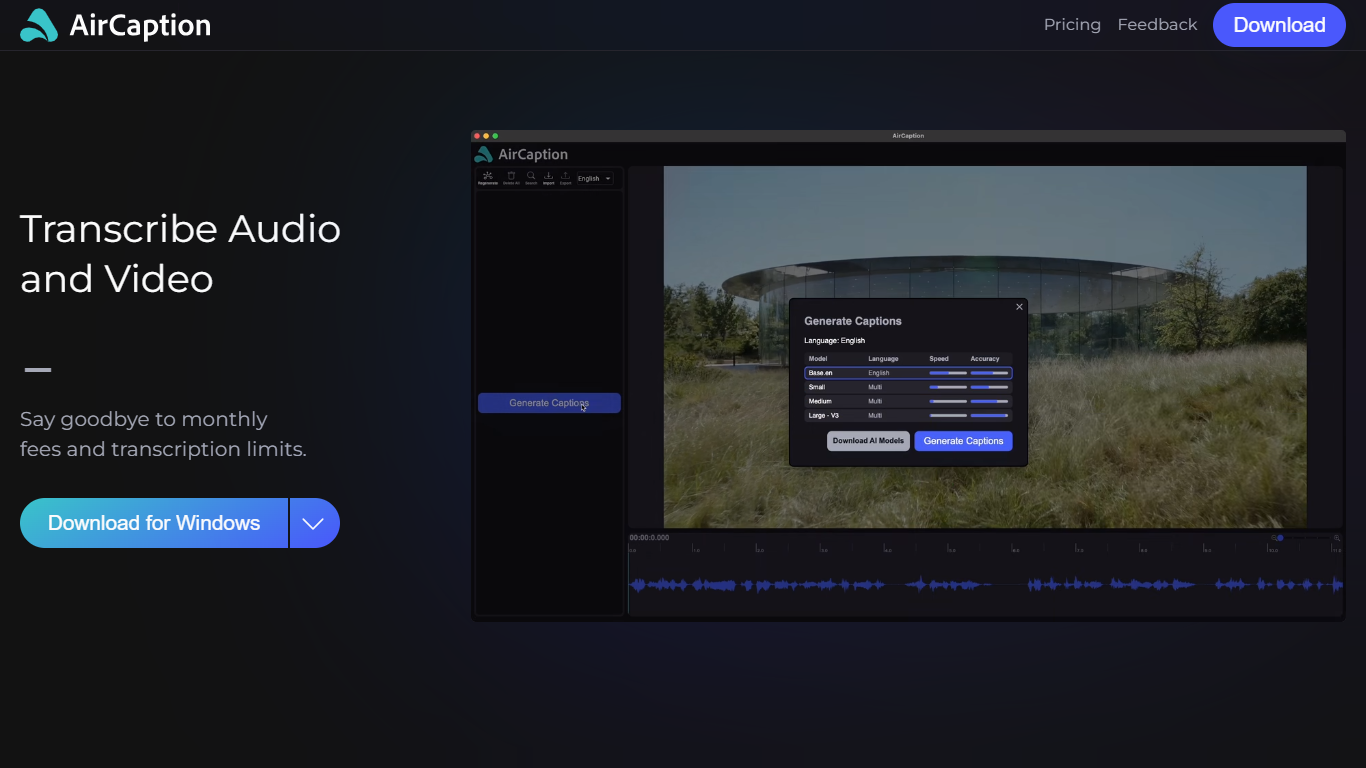
What is AirCaption ?
AirCaption is desktop transcription software for Mac and Windows that turns audio and video into captions, transcripts, and subtitles on your machine. It targets video editors, podcasters, marketers, and anyone who needs fast speech-to-text without uploading media to the cloud.
The app runs locally using NVIDIA Parakeet and OpenAI Whisper models, so files stay on your computer. You generate captions, review timing and text in a built-in editor, then export to SRT, VTT, plain text, or captioned video. It supports batch queueing for folder drops and works offline after setup.
AirCaption subtitles content in up to 67 languages (beta) and ships separate builds for Mac Apple Silicon, Mac Intel, and Windows with NVIDIA GPU or CPU-only options.
Supercreator Upvotes
AirCaption Upvotes
Supercreator Top Features
Generate video scripts with AI from your topics or existing source material
Record in-app with speech mode that turns spoken lines into on-screen text
Apply TrueDepth AR face masks and effects while filming on iPhone
Separate foreground subjects from backgrounds for green-screen style shots
Browse a template library to start projects faster
Join free or paid creator communities inside the platform
Choose interest categories such as sports, fashion, education, or finance for tailored suggestions
AirCaption Top Features
Transcribes audio and video locally with NVIDIA Parakeet and OpenAI Whisper models
Works fully offline so media and captions never leave your computer
Built-in editor to adjust caption text and timing before export
Exports SRT, VTT, TXT, or captioned video files
Batch queue lets you drag entire folders in for automatic transcription
Supports subtitle generation in up to 67 languages (beta)
Keyboard hotkeys speed up caption editing workflows
Imports existing SRT and VTT files for re-editing
Supercreator Category
- Video Editing
AirCaption Category
- Video Editing
Supercreator Pricing Type
- Freemium
AirCaption Pricing Type
- Freemium