AISheeter vs Rows AI
When comparing AISheeter vs Rows AI, which AI Excel tool shines brighter? We look at pricing, alternatives, upvotes, features, reviews, and more.
In a comparison between AISheeter and Rows AI, which one comes out on top?
When we put AISheeter and Rows AI side by side, both being AI-powered excel tools, The upvote count shows a clear preference for Rows AI. The number of upvotes for Rows AI stands at 7, and for AISheeter it's 6.
Think we got it wrong? Cast your vote and show us who's boss!
AISheeter

What is AISheeter?
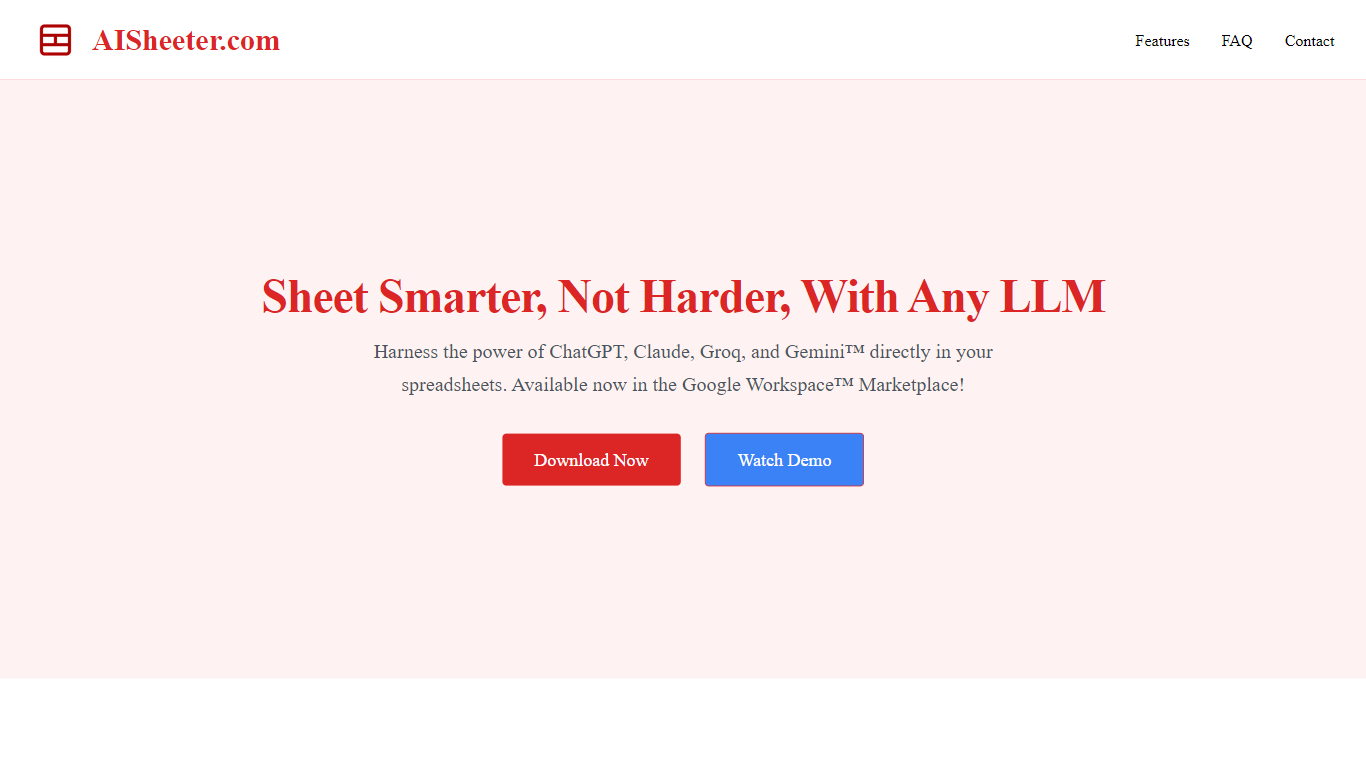
AISheeter is a Google Sheets add-on that puts a reasoning agent inside your spreadsheet. You describe what you need in plain language, and it can format cells, write formulas, build charts, filter data, and run analysis without leaving the sheet. It fits anyone who lives in spreadsheets for reporting, modeling, or cleanup work, especially teams that want AI next to their data instead of in a separate chat window.
Most spreadsheet AI tools stop at one-shot prompts or a single model. AISheeter chains multi-step workflows from one command, shows the model's thinking when you use reasoning models, and remembers session context plus past successful commands. It also prefers native Google Sheets formulas for math when that is faster and cheaper, which keeps recurring calculations auditable and free of LLM cost. The trade-off is narrow scope: it runs only as a Google Workspace Marketplace add-on, not in Excel or as a standalone app.
The product fits sales teams cleaning CRM exports, founders building financial models, and ops managers who process thousands of rows. Bulk jobs run on AISheeter's servers so you can close the sidebar while up to 10,000 rows process on paid plans. With BYOK pricing you connect your own OpenAI, Anthropic, Google, Groq, or DeepSeek keys and pay providers directly with no markup from AISheeter.
Install from the Google Workspace Marketplace takes about 30 seconds, and the free tier includes 100 AI credits plus 600 BYOK requests each month. Pro at $14.99 per month raises credits to 1,000 and unlocks full-size models plus persistent memory. Over 500 users rate it 4.9 out of 5 on the site.
Rows AI
What is Rows AI?
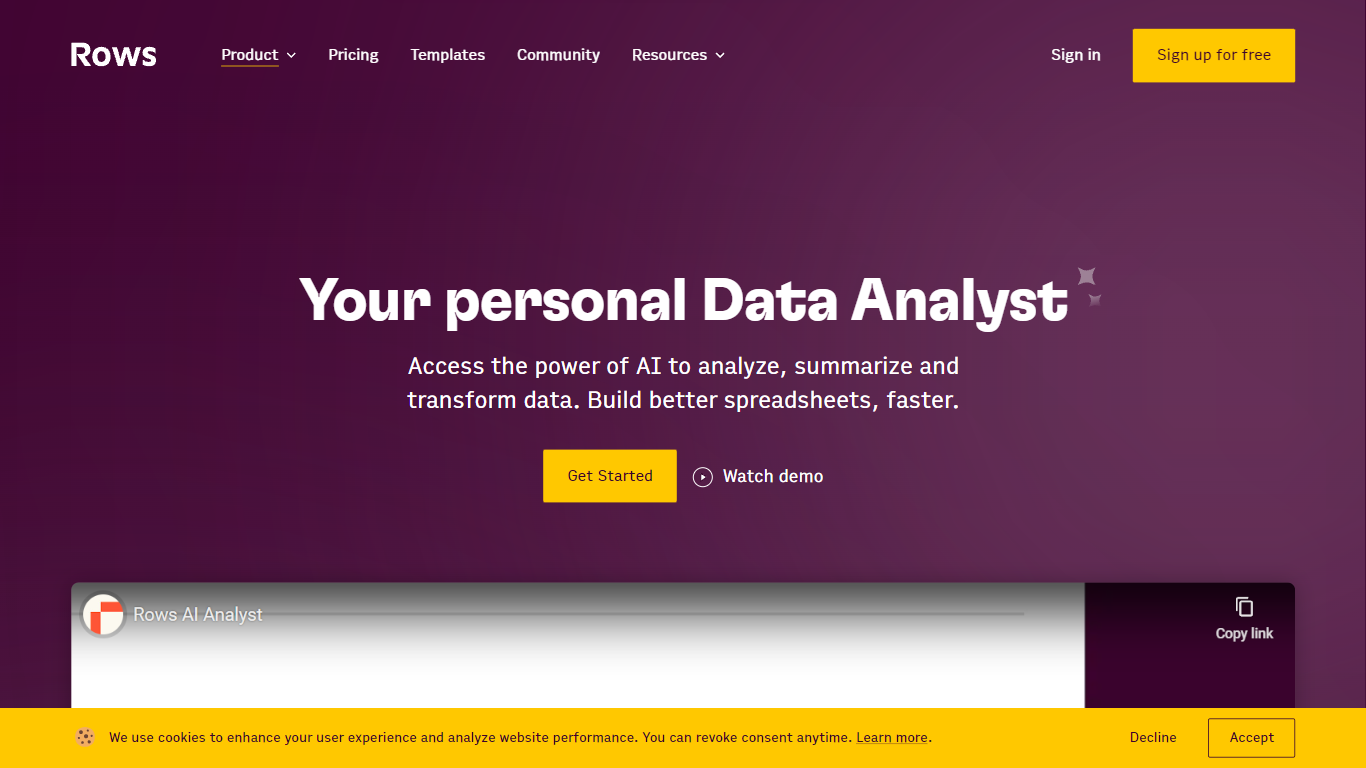
Rows AI is the AI layer inside Rows, a modern spreadsheet platform for teams. Type = in any cell, describe what you need in plain language, and Rows handles formulas, charts, imports, and analysis without menus or manual stitching. The product positions itself as your data team of one, from quick calculations to forecasting, pivoting, and multi-table work.
What sets Rows apart is how deeply AI is woven into spreadsheet workflows. You can extract tables from PDFs and images, classify text, enrich cells with company and location data, research the web in real time, and run Python-backed analysis without writing code. Built-in integrations pull live data from tools like Google Analytics, Search Console, Facebook Ads, Stripe, HubSpot, and dozens more.
Rows is built for analysts, operators, and teams who live in spreadsheets but want faster reporting, cleaner models, and less formula wrangling. Workspaces support real-time collaboration, embeddable charts, forms, and view modes for sharing dashboards internally or on the web. Rows joined Superhuman in 2026; the product remains available at rows.com while the company transitions under the Superhuman umbrella.
AISheeter Upvotes
Rows AI Upvotes
AISheeter Top Features
10 specialized skills covering format, chart, formula, filter, validation, conditional formatting, sheet ops, data writing, and analysis
5 AI providers including GPT-5.4, Claude Sonnet 4.5, Gemini 2.5, Groq Llama 3.3 70B, and DeepSeek V3/R1 with BYOK and zero markup
Self-correcting agent catches wrong column refs, missing fields, and illogical params, then retries before execution
Formula-first engine uses native Google Sheets formulas for math at zero LLM cost when that is the faster path
Server-side bulk jobs process up to 10,000 rows per job on paid plans while the browser sidebar stays closed
Intent cache resolves similar commands in about 10ms after the first successful match
14 chart types including bar, line, pie, scatter, combo, histogram, area, and donut
Rows AI Top Features
Type = in a cell and describe the task; Rows builds formulas, fixes errors, and creates charts from the prompt
Pull tables out of PDFs, invoices, and screenshots with vision models and custom extraction instructions
Join tables, add lookup columns, and run multi-table analysis without manual VLOOKUP wrangling
Built-in Python for cohorts, forecasts, segmentation, and advanced stats with no code required
Classify text into tags, run sentiment analysis, and enrich rows with company and location data
Connect to 50+ integrations including GA4, Google Ads, LinkedIn Ads, Stripe, HubSpot, and Snowflake
AISheeter Category
- Excel
Rows AI Category
- Excel
AISheeter Pricing Type
- Freemium
Rows AI Pricing Type
- Freemium