AiVOOV.com vs SpeechGPT
Explore the showdown between AiVOOV.com vs SpeechGPT and find out which AI Audio Generation tool wins. We analyze upvotes, features, reviews, pricing, alternatives, and more.
When comparing AiVOOV.com and SpeechGPT, which one rises above the other?
When we contrast AiVOOV.com with SpeechGPT, both of which are exceptional AI-operated audio generation tools, and place them side by side, we can spot several crucial similarities and divergences. Both tools are equally favored, as indicated by the identical upvote count. The power is in your hands! Cast your vote and have a say in deciding the winner.
Not your cup of tea? Upvote your preferred tool and stir things up!
AiVOOV.com

What is AiVOOV.com?
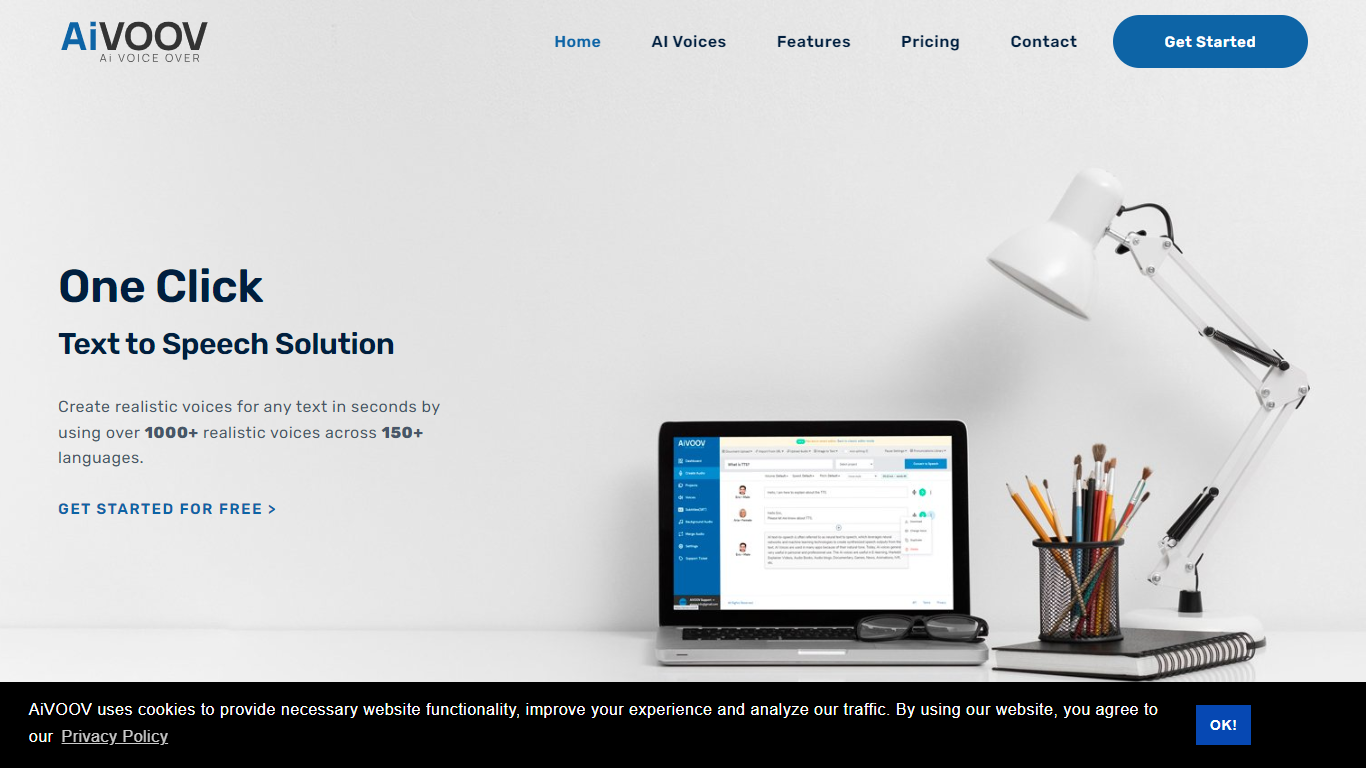
AiVOOV is an online text-to-speech platform that turns written scripts into voiceovers using a large catalog of synthetic voices. You type or import text, pick a voice and language, and download audio for videos, courses, podcasts, and other projects without booking studio time.
The product pulls voices from major cloud providers including Amazon, Google, IBM, Microsoft, and OpenAI, with standard and neural options across 155+ languages. The editor supports speech styles, custom pronunciations, SSML tags, and multi-voice conversations within a single file.
AiVOOV also covers more than basic narration. Paid tiers add document and URL import, speech-to-text, SRT generation, audiobook tools, podcast hosting with RSS feeds, background music, and workflow integrations through WordPress, Canva, Adobe Express, Zapier, and a Chrome extension. Enterprise customers listed on the site include Wipro, Verizon, and LG.
SpeechGPT

What is SpeechGPT?
SpeechGPT lets you hold voice conversations in the browser using your own OpenAI API key. You type or record messages, send them through a chat interface, and hear spoken replies without installing desktop software.
Unlike hosted TTS services that bundle model costs into a subscription, SpeechGPT runs in the browser and bills you only through the OpenAI, Azure Speech Services, or Amazon Polly accounts you connect. That makes it a lightweight option for developers and language learners who already have API access and want a simple voice chat front end.
The interface supports English, Spanish, and Chinese UI labels, includes a record button for speech input, and stores session data locally in the browser. It suits developers testing voice chat flows, language learners practicing spoken prompts, and anyone who wants a minimal ChatGPT voice client on mobile or desktop.
AiVOOV.com Upvotes
SpeechGPT Upvotes
AiVOOV.com Top Features
Choose from 2300+ voices across 155+ languages, with standard, premium, and ultra neural tiers
Build multi-voice scripts in one file, mixing providers and adjusting rate, pitch, emphasis, and pauses
Import text by typing, uploading documents or PDFs, pasting URLs, uploading audio, or running photo OCR
Export finished audio as MP3 or WAV, generate SRT subtitles, and merge multiple clips with optional background music
Host podcasts with public pages and RSS feeds, or publish multilingual audiobooks with per-title links and embed codes
Connect to Canva, Adobe Express, WordPress, Zapier, Pabbly, Chrome, WhatsApp, n8n, and Make for automated voice workflows
SpeechGPT Top Features
Chat interface accepts typed messages or recorded speech input with Enter to send
Requires your OpenAI API key in settings before the app will run conversations
Optional Azure Speech Services or Amazon Polly access keys for alternate text-to-speech backends
UI available in English, Spanish, and Chinese from the in-app language selector
Shift plus Enter inserts a newline without sending the message
Runs as a web app on Vercel with no separate desktop install required
AiVOOV.com Category
- Audio Generation
SpeechGPT Category
- Audio Generation
AiVOOV.com Pricing Type
- Freemium
SpeechGPT Pricing Type
- Free