Algo vs HitPaw Video Enhancer
When comparing Algo vs HitPaw Video Enhancer, which AI Video Editing tool shines brighter? We look at pricing, alternatives, upvotes, features, reviews, and more.
In a comparison between Algo and HitPaw Video Enhancer, which one comes out on top?
When we put Algo and HitPaw Video Enhancer side by side, both being AI-powered video editing tools, The users have made their preference clear, HitPaw Video Enhancer leads in upvotes. HitPaw Video Enhancer has attracted 7 upvotes from aitools.fyi users, and Algo has attracted 6 upvotes.
Feeling rebellious? Cast your vote and shake things up!
Algo

What is Algo?
Algo builds custom video editing pipelines for teams that need motion graphics driven by live data, not one-off clips cut by hand. The Turin-based studio designs templates in After Effects, Lottie, or Cavalry, then hosts them on a cloud platform where your data triggers rendering without manual timeline work. Each client gets a tailored project dashboard and optional API access once the eight-step creative and technical setup is complete.
Where most video editors stop at a single export, Algo is built for campaigns that repeat at scale: a unique wrap video per wallet user, a daily chart that updates when markets move, or a city-specific clip pulled from an API call. You get a managed creative setup (about two months on average) rather than a self-serve SaaS template library, which is the trade-off if you want templates wired to your own data schema and delivery stack.
Marketing teams, publishers, fintech apps, and sports leagues use Algo's dashboard or API to launch, filter, and publish videos. Outputs ship as MP4, GIF, or Lottie JSON, with optional auto-posting to Instagram, YouTube, TikTok, LinkedIn, and cloud storage. The Figma plugin path lets in-house design teams edit motion systems inside familiar files after the studio hands off the template library.
Algo runs After Effects in Microsoft Azure and has rendered work for Bloomberg, The New York Times, Google, Johns Hopkins University, and Aave. Client projects span autonomous election trackers, podcast audiograms, and in-app personalized finance animations.
HitPaw Video Enhancer
What is HitPaw Video Enhancer?
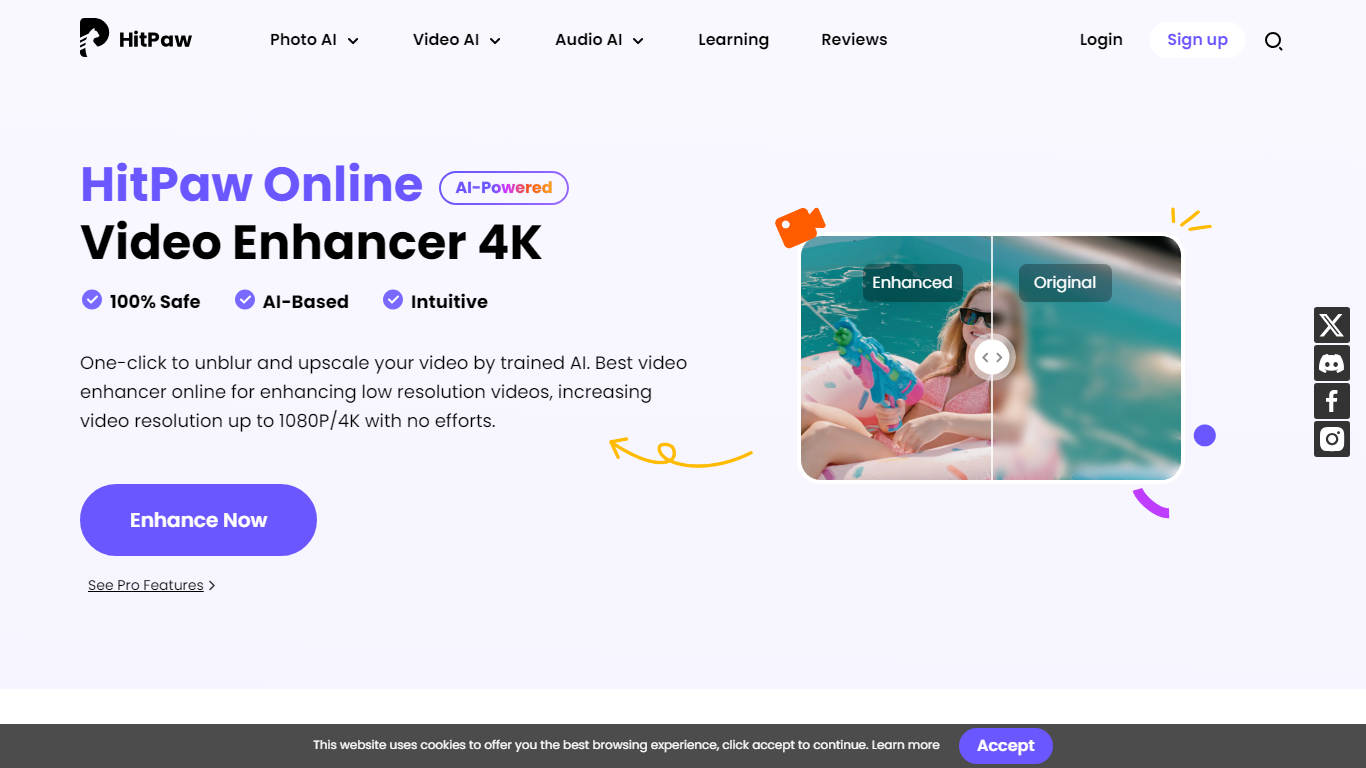
HitPaw Video Enhancer upscales blurry clips to 4K directly in the browser, with dedicated models for faces, anime, general denoise, and black-and-white colorization. Upload MP4, WebM, MOV, or GIF files up to 2GB, pick an enhancement mode, preview side-by-side results, and export without installing desktop software.
Desktop upscalers like Topaz require heavy local GPU work and large installs. HitPaw runs processing on cloud servers, which keeps your laptop free during renders and suits quick fixes to phone footage, old DV tapes, or compressed social clips. The trade-off is credit-based limits on export length rather than unlimited local batch jobs.
YouTubers, family archivists, e-commerce sellers, and anime editors use HitPaw when a single clip needs sharpening before posting. Free accounts get preview-only access; paid HitPaw Ultra plans start at $9.99 per week with up to 600 seconds of video enhancement credits.
Algo Upvotes
HitPaw Video Enhancer Upvotes
Algo Top Features
Builds custom data-driven templates in After Effects, Lottie, or Cavalry, then renders through a cloud After Effects engine
Scales from 5 videos per month to 200 million with server-side rendering, batch API calls, and on-demand triggers
Average render time of 30 seconds for a 30-second video file; Lottie customization completes in 0.012 seconds
Outputs responsive 16:9, 1:1, 4:5, and 9:16 videos from a single engineered template
Figma plugin subscription is $300 per month for unlimited cloud renders after studio setup packages from $16,000
REST API returns a status URL to track customization, rendering, and final MP4 or Lottie delivery
Auto-posts finished videos to Instagram, YouTube, TikTok, LinkedIn, Slack, AWS S3, Azure Storage, and FTP
HitPaw Video Enhancer Top Features
Upscale 1080p footage to 4K online with separate Face, Anime, and General Denoise enhancement models
Accepts MP4, WebM, MOV, and GIF uploads up to 2GB with maximum input resolution of 4K
AI noise reduction removes grain, motion blur, and low-light artifacts frame by frame
Face model tracks subjects to sharpen contours and reduce skin blemishes in portrait clips
Colorize mode adds realistic tones to black-and-white family archives and historical footage
Cloud rendering processes clips on remote servers so local CPU and GPU stay free during exports
Algo Category
- Video Editing
HitPaw Video Enhancer Category
- Video Editing
Algo Pricing Type
- Freemium
HitPaw Video Enhancer Pricing Type
- Freemium