Algo vs Shortdeo
Explore the showdown between Algo vs Shortdeo and find out which AI Video Editing tool wins. We analyze upvotes, features, reviews, pricing, alternatives, and more.
When comparing Algo and Shortdeo, which one rises above the other?
When we contrast Algo with Shortdeo, both of which are exceptional AI-operated video editing tools, and place them side by side, we can spot several crucial similarities and divergences. Neither tool takes the lead, as they both have the same upvote count. You can help us determine the winner by casting your vote and tipping the scales in favor of one of the tools.
Not your cup of tea? Upvote your preferred tool and stir things up!
Algo

What is Algo?
Algo builds custom video editing pipelines for teams that need motion graphics driven by live data, not one-off clips cut by hand. The Turin-based studio designs templates in After Effects, Lottie, or Cavalry, then hosts them on a cloud platform where your data triggers rendering without manual timeline work. Each client gets a tailored project dashboard and optional API access once the eight-step creative and technical setup is complete.
Where most video editors stop at a single export, Algo is built for campaigns that repeat at scale: a unique wrap video per wallet user, a daily chart that updates when markets move, or a city-specific clip pulled from an API call. You get a managed creative setup (about two months on average) rather than a self-serve SaaS template library, which is the trade-off if you want templates wired to your own data schema and delivery stack.
Marketing teams, publishers, fintech apps, and sports leagues use Algo's dashboard or API to launch, filter, and publish videos. Outputs ship as MP4, GIF, or Lottie JSON, with optional auto-posting to Instagram, YouTube, TikTok, LinkedIn, and cloud storage. The Figma plugin path lets in-house design teams edit motion systems inside familiar files after the studio hands off the template library.
Algo runs After Effects in Microsoft Azure and has rendered work for Bloomberg, The New York Times, Google, Johns Hopkins University, and Aave. Client projects span autonomous election trackers, podcast audiograms, and in-app personalized finance animations.
Shortdeo
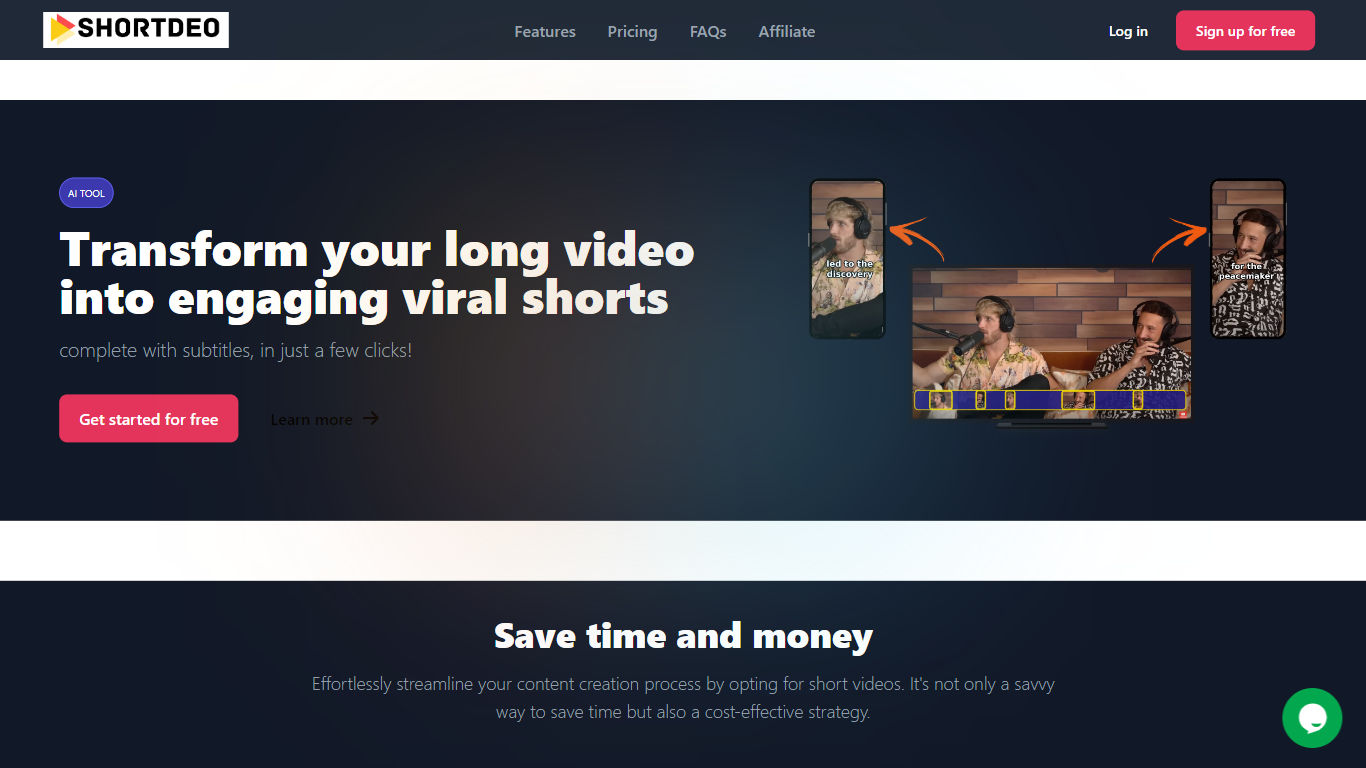
What is Shortdeo?
Shortdeo turns long uploads or YouTube links into short vertical clips with auto captions. Paste a URL or MP4, and its scene detection splits the footage into shareable segments sized for TikTok, Instagram Reels, and similar feeds. The tool targets Video Editing workflows where you already have a long recording and need many social clips fast.
Manual clipping means scrubbing timelines and typing subtitles by hand. Shortdeo chains scene detection, auto-cropping around active speakers, multi-face split screens, and transcription into one workflow, then exports up to 4K at 2160x3840. That combination suits creators who have a long podcast or webinar recording and want dozens of social clips without hiring an editor.
Podcasters, course creators, and social media managers use it to repurpose interviews, reviews, and commentary videos across platforms. Paid plans start at $19.99 per month with clip export limits, and the company currently disables free trials while offering purchase refunds for unsatisfied customers.
Algo Upvotes
Shortdeo Upvotes
Algo Top Features
Builds custom data-driven templates in After Effects, Lottie, or Cavalry, then renders through a cloud After Effects engine
Scales from 5 videos per month to 200 million with server-side rendering, batch API calls, and on-demand triggers
Average render time of 30 seconds for a 30-second video file; Lottie customization completes in 0.012 seconds
Outputs responsive 16:9, 1:1, 4:5, and 9:16 videos from a single engineered template
Figma plugin subscription is $300 per month for unlimited cloud renders after studio setup packages from $16,000
REST API returns a status URL to track customization, rendering, and final MP4 or Lottie delivery
Auto-posts finished videos to Instagram, YouTube, TikTok, LinkedIn, Slack, AWS S3, Azure Storage, and FTP
Shortdeo Top Features
Starter plan exports 50 clips per month at up to 1080x1920 Full HD
Professional plan exports 400 clips monthly with 4K output at 2160x3840
Magic Scene Detection splits long videos into short segments automatically
Auto-captions transcribe speech and add subtitles without manual typing
Multi-face detection builds split-screen layouts when several speakers are active
Supports 11 languages including English, French, German, Spanish, and Japanese
Algo Category
- Video Editing
Shortdeo Category
- Video Editing
Algo Pricing Type
- Freemium
Shortdeo Pricing Type
- Paid