Anania vs Journey
In the clash of Anania vs Journey, which AI PDF tool emerges victorious? We assess reviews, pricing, alternatives, features, upvotes, and more.
If you had to choose between Anania and Journey, which one would you go for?
Let's take a closer look at Anania and Journey, both of which are AI-driven pdf tools, and see what sets them apart. The upvote count reveals a draw, with both tools earning the same number of upvotes. You can help us determine the winner by casting your vote and tipping the scales in favor of one of the tools.
Disagree with the result? Upvote your favorite tool and help it win!
Anania
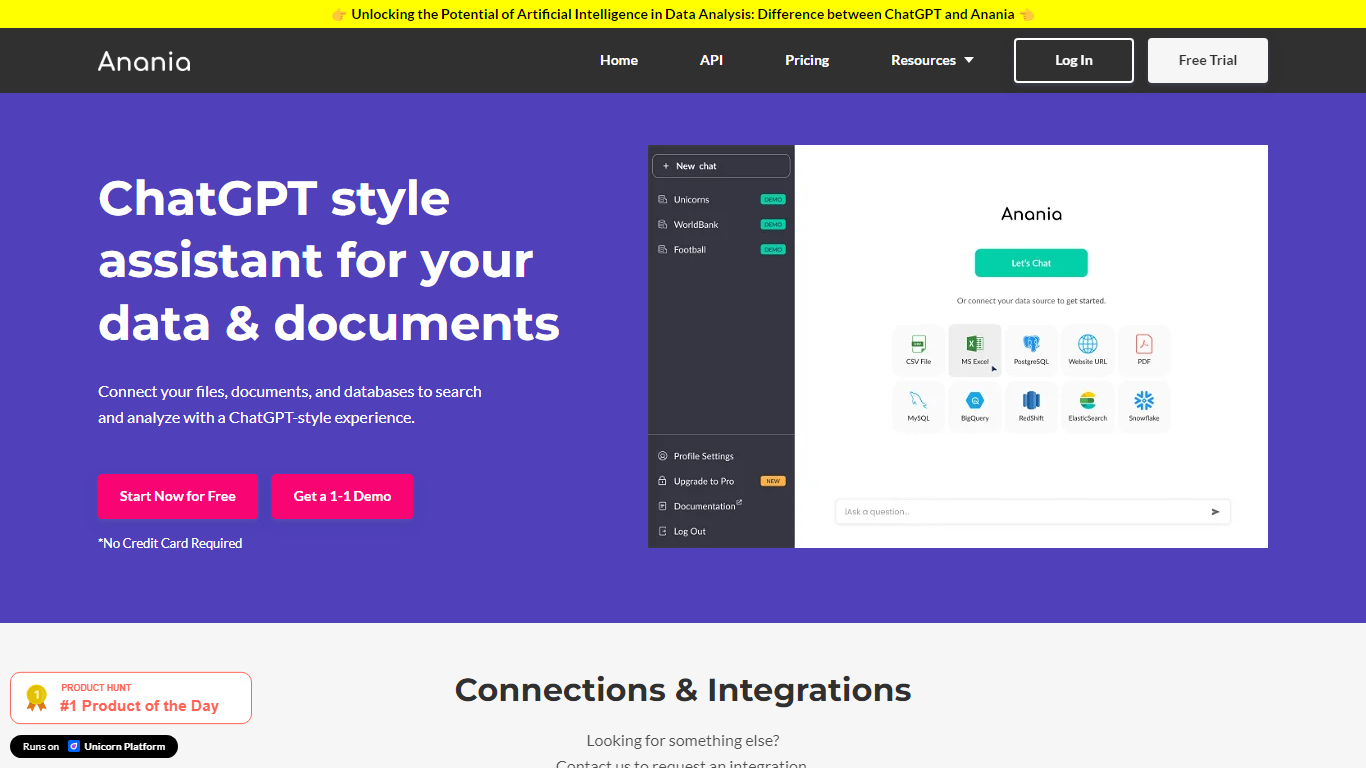

What is Anania?
Experience the fusion of artificial intelligence and data analysis with Anania, your go-to AI assistant similar to ChatGPT. Designed to revolutionize the way you interact with data, Anania seamlessly connects to Excel files, documents, databases, and URLs, enabling you to ask questions and receive insights as you would in a conversation. Offering a user-friendly API, transparent pricing plans, and an array of resources including generative AI articles, a Slack community, and comprehensive documentation, Anania simplifies complex data tasks. Take advantage of our Free Trial to explore the full capabilities of Anania and elevate your data analysis to new heights.
Journey
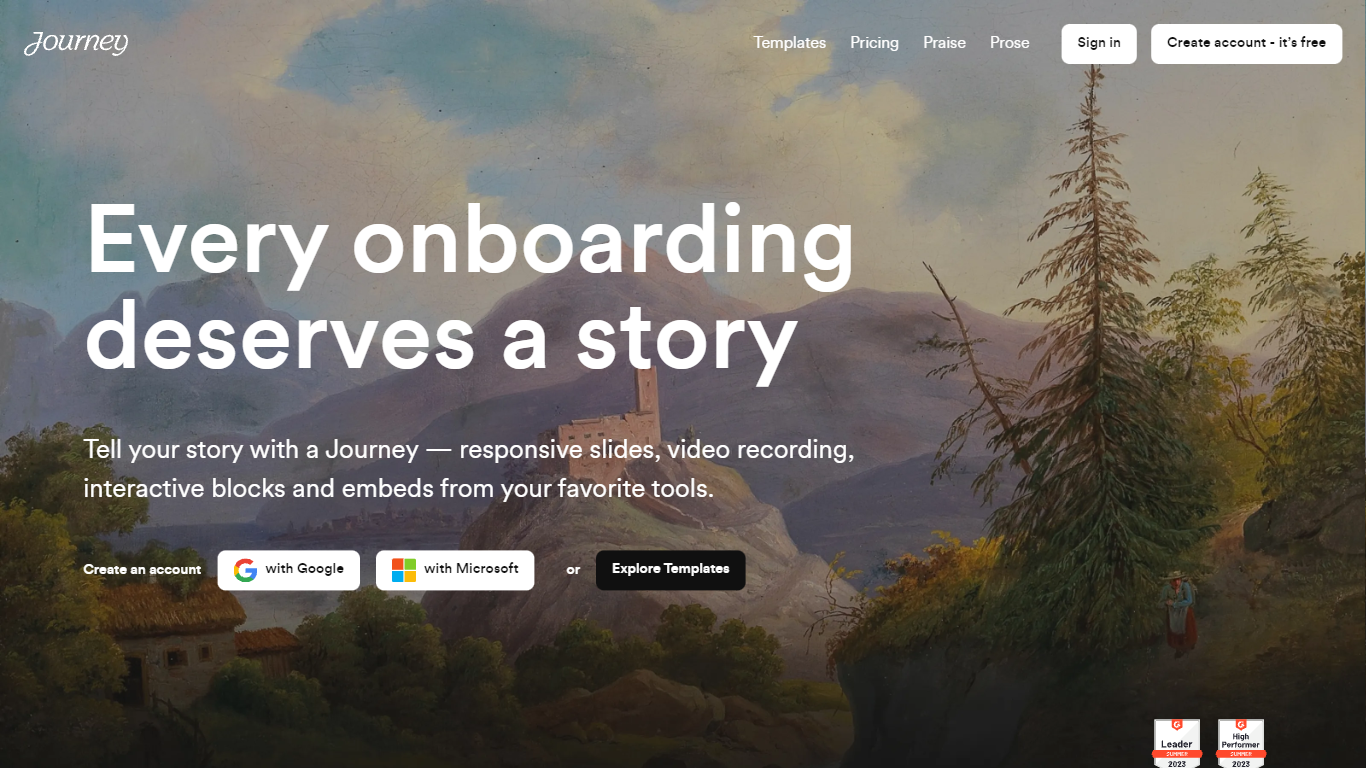
What is Journey?
Journey packages pitch decks, case studies, pricing sheets, and follow-up docs into one branded page your buyer can forward internally. Instead of emailing scattered PDFs and links, you build a structured page with folders, a table of contents, and embeds from tools like Loom, Gong, Notion, and DocuSign. Recipients open a single URL, skim sections in any order, and you see who engaged and for how long.
Where a Google Doc or Notion page feels like homework, Journey is built for post-call follow-up and deal rooms. Pitch Mode and Microsite Mode give you two layouts for the same content blocks, and the Grow plan adds an AI chatbot that answers questions about your page. The free Start tier caps you at two live Journeys, which is the main trade-off against sending a plain shared folder.
Sales reps, founders, and customer success teams use Journey after demos to give busy stakeholders one place for the pitch, proof, and trust materials. It fits teams that already have good content but lose momentum when buyers dig through email threads to find it.
Anania Upvotes
Journey Upvotes
Anania Top Features
Conversational Data Interaction: Connect to various data sources and interact with your data conversationally.
Seamless API Access: Integrate Anania's capabilities into your existing systems with ease.
Transparent Pricing: Choose the right plan for your needs with clear upfront pricing.
Rich Resource Hub: Access articles join community discussions and find documentation to enhance your experience.
Free Trial Access: Test the full suite of features without any commitment.
Journey Top Features
Start plan includes up to 2 Journeys; Grow and Scale offer unlimited Journeys with a 14-day free trial on every tier
Embed blocks for Loom, Gong, Calendly, Notion, PandaDoc, DocuSign, Google Drive, Dropbox, and YouTube without leaving the page
Grow plan unlocks an AI chatbot that lets recipients ask questions about your Journey content
Scale adds session replays plus Clay and Zapier integrations for outbound personalization workflows
Engagement insights show who viewed your page, what sections they opened, and how long they spent
Custom domain add-on costs $10 per month on any paid plan
Recipients view published Journeys without creating an account or logging in
Anania Category
- PDF
Journey Category
- PDF
Anania Pricing Type
- Freemium
Journey Pricing Type
- Freemium