
Last updated 08-12-2026
Category:
Reviews:
Join thousands of AI enthusiasts in the World of AI!
Journey
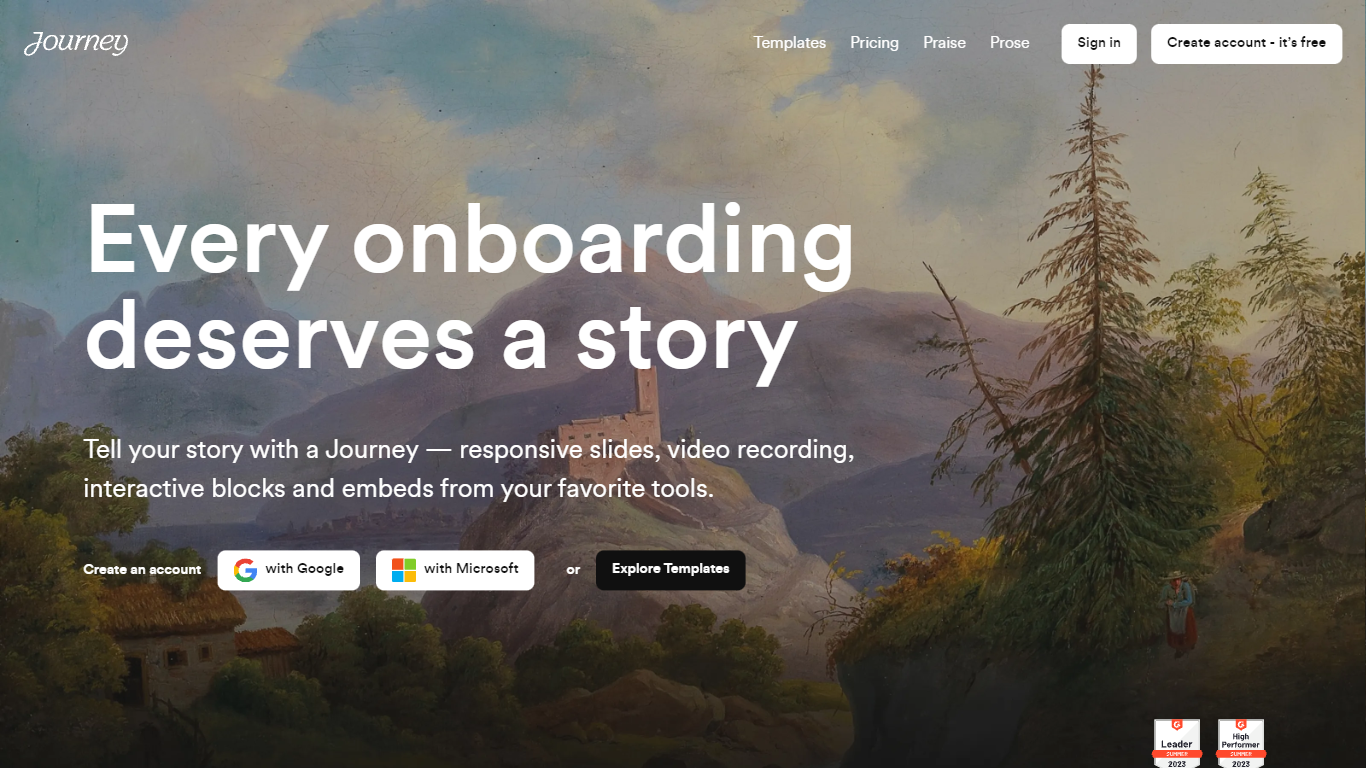
Journey packages pitch decks, case studies, pricing sheets, and follow-up docs into one branded page your buyer can forward internally. Instead of emailing scattered PDFs and links, you build a structured page with folders, a table of contents, and embeds from tools like Loom, Gong, Notion, and DocuSign. Recipients open a single URL, skim sections in any order, and you see who engaged and for how long.
Where a Google Doc or Notion page feels like homework, Journey is built for post-call follow-up and deal rooms. Pitch Mode and Microsite Mode give you two layouts for the same content blocks, and the Grow plan adds an AI chatbot that answers questions about your page. The free Start tier caps you at two live Journeys, which is the main trade-off against sending a plain shared folder.
Sales reps, founders, and customer success teams use Journey after demos to give busy stakeholders one place for the pitch, proof, and trust materials. It fits teams that already have good content but lose momentum when buyers dig through email threads to find it.
Start plan includes up to 2 Journeys; Grow and Scale offer unlimited Journeys with a 14-day free trial on every tier
Embed blocks for Loom, Gong, Calendly, Notion, PandaDoc, DocuSign, Google Drive, Dropbox, and YouTube without leaving the page
Grow plan unlocks an AI chatbot that lets recipients ask questions about your Journey content
Scale adds session replays plus Clay and Zapier integrations for outbound personalization workflows
Engagement insights show who viewed your page, what sections they opened, and how long they spent
Custom domain add-on costs $10 per month on any paid plan
Recipients view published Journeys without creating an account or logging in
Replaces scattered email attachments with one branded, shareable page
Wide embed library covers Gong, Loom, DocuSign, Notion, and PandaDoc in the same follow-up link
14-day free trial on every paid tier lets teams test before committing
Engagement insights and session replays on higher plans show which stakeholders actually read your materials
Recipients view pages without creating an account
Start plan limits you to 2 Journeys, which may not suit teams running many active deals
AI chatbot, session replays, and Clay or Zapier integrations require Grow or Scale plans
Custom domains cost an extra $10 per month on top of the base subscription
Made in Journey branding remains on the Start plan until you upgrade
What is Journey?
Journey is a shareable page builder for sales follow-up. You combine pitch decks, case studies, videos, and pricing into one branded URL so buyers stop hunting through email attachments.
How much does Journey cost?
Journey offers a Freemium model with a 14-day free trial on paid tiers. Start is $7 per month billed annually ($9 monthly) for up to 2 Journeys. Grow is $24 annually ($29 monthly) with unlimited Journeys and an AI chatbot. Scale is $49 annually ($59 monthly) with session replays and Clay or Zapier integrations.
Do Journey recipients need an account?
No. Journey recipients open a published page through a shared link without signing up or logging in. Sellers control access with password protection on the Start plan and advanced gated controls on higher tiers.
What analytics does Journey provide?
Journey tracks content and visitor insights on every plan, with advanced engagement data on Grow and Scale. Scale also includes session replays so you can see how buyers move through your page section by section.
Can Journey embed content from other tools?
Yes. Journey supports embed blocks for Loom, Gong, Calendly, Notion, Vimeo, Airtable, Typeform, HubSpot, PandaDoc, DocuSign, Google Drive, Dropbox, and generic URLs so existing assets stay in one follow-up link.
How is Journey different from sending a Google Doc?
Journey wraps multiple files and embeds in a branded page with folders, a table of contents, and engagement tracking. A shared Google Doc does not show which stakeholder read which section or how long they spent before forwarding internally.