Konjer vs Journey
Dive into the comparison of Konjer vs Journey and discover which AI PDF tool stands out. We examine alternatives, upvotes, features, reviews, pricing, and beyond.
In a comparison between Konjer and Journey, which one comes out on top?
When we compare Konjer and Journey, two exceptional pdf tools powered by artificial intelligence, and place them side by side, several key similarities and differences come to light. Neither tool takes the lead, as they both have the same upvote count. The power is in your hands! Cast your vote and have a say in deciding the winner.
Think we got it wrong? Cast your vote and show us who's boss!
Konjer


What is Konjer?
Konjer is a chat library where books become conversational partners instead of static files. The site calls itself a library full of books you can talk to, and the portal welcomes visitors to chat with any title in the collection.
Unlike a PDF reader or a general-purpose chatbot, Konjer lists each book with a short topic blurb before you open a chat. The portal shows nonfiction titles like The Mom Test and Sapiens, so you choose a work and then ask questions in dialogue form.
Konjer fits curious readers who want to probe ideas through back-and-forth conversation rather than linear reading. Students and self-learners exploring business or science books can use it as a lightweight study companion when they want a title to answer follow-up questions.
Journey
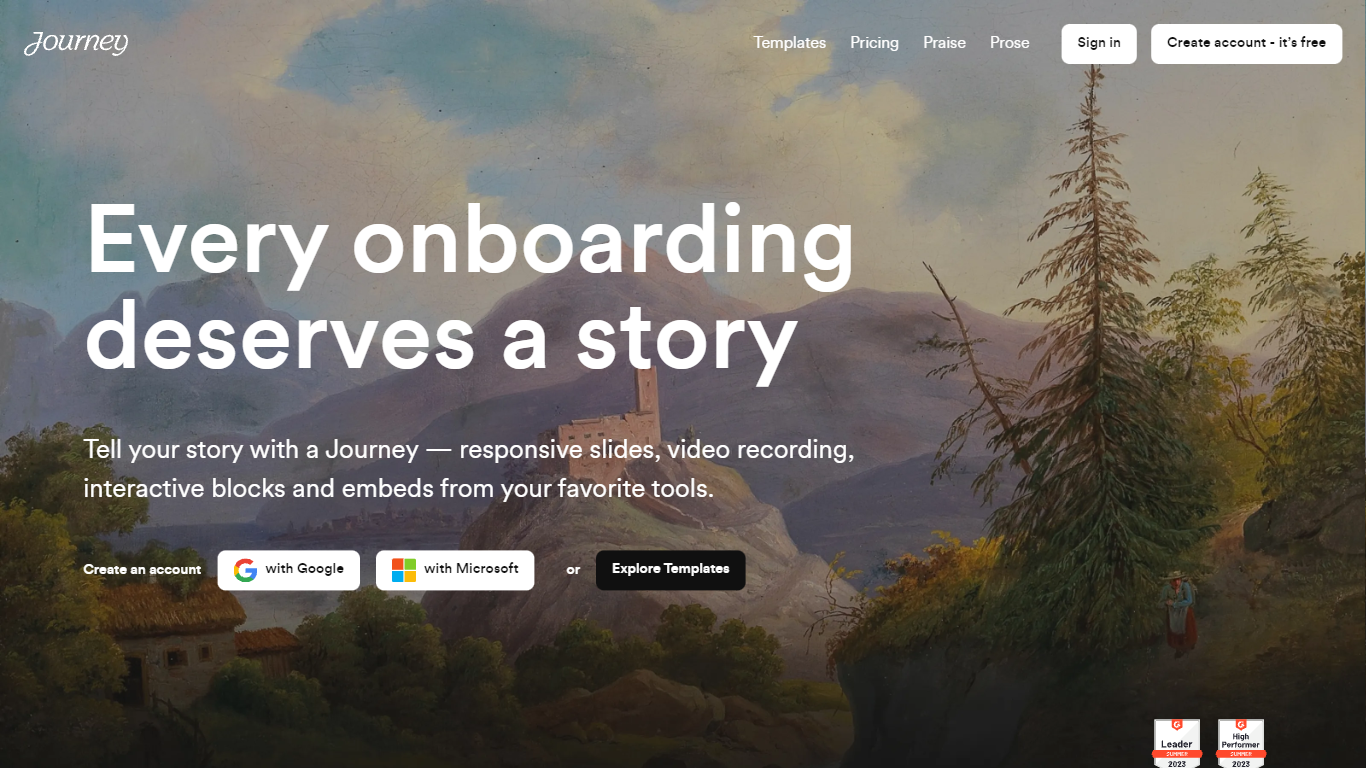
What is Journey?
Journey packages pitch decks, case studies, pricing sheets, and follow-up docs into one branded page your buyer can forward internally. Instead of emailing scattered PDFs and links, you build a structured page with folders, a table of contents, and embeds from tools like Loom, Gong, Notion, and DocuSign. Recipients open a single URL, skim sections in any order, and you see who engaged and for how long.
Where a Google Doc or Notion page feels like homework, Journey is built for post-call follow-up and deal rooms. Pitch Mode and Microsite Mode give you two layouts for the same content blocks, and the Grow plan adds an AI chatbot that answers questions about your page. The free Start tier caps you at two live Journeys, which is the main trade-off against sending a plain shared folder.
Sales reps, founders, and customer success teams use Journey after demos to give busy stakeholders one place for the pitch, proof, and trust materials. It fits teams that already have good content but lose momentum when buyers dig through email threads to find it.
Konjer Upvotes
Journey Upvotes
Konjer Top Features
Portal lists books such as The Mom Test and Sapiens with a one-line topic blurb before you chat
Homepage tagline frames the product as a library full of books you can talk to
Meta description promises chats with favorite characters and historical figures, not just text search
Each book entry opens as a conversational session from the living library portal
Built as a Next.js web app hosted on konjer.xyz with a dedicated portal-sub entry path
Journey Top Features
Start plan includes up to 2 Journeys; Grow and Scale offer unlimited Journeys with a 14-day free trial on every tier
Embed blocks for Loom, Gong, Calendly, Notion, PandaDoc, DocuSign, Google Drive, Dropbox, and YouTube without leaving the page
Grow plan unlocks an AI chatbot that lets recipients ask questions about your Journey content
Scale adds session replays plus Clay and Zapier integrations for outbound personalization workflows
Engagement insights show who viewed your page, what sections they opened, and how long they spent
Custom domain add-on costs $10 per month on any paid plan
Recipients view published Journeys without creating an account or logging in
Konjer Category
- PDF
Journey Category
- PDF
Konjer Pricing Type
- Freemium
Journey Pricing Type
- Freemium