
Last updated 08-14-2026
Category:
Reviews:
Join thousands of AI enthusiasts in the World of AI!
PDFgen
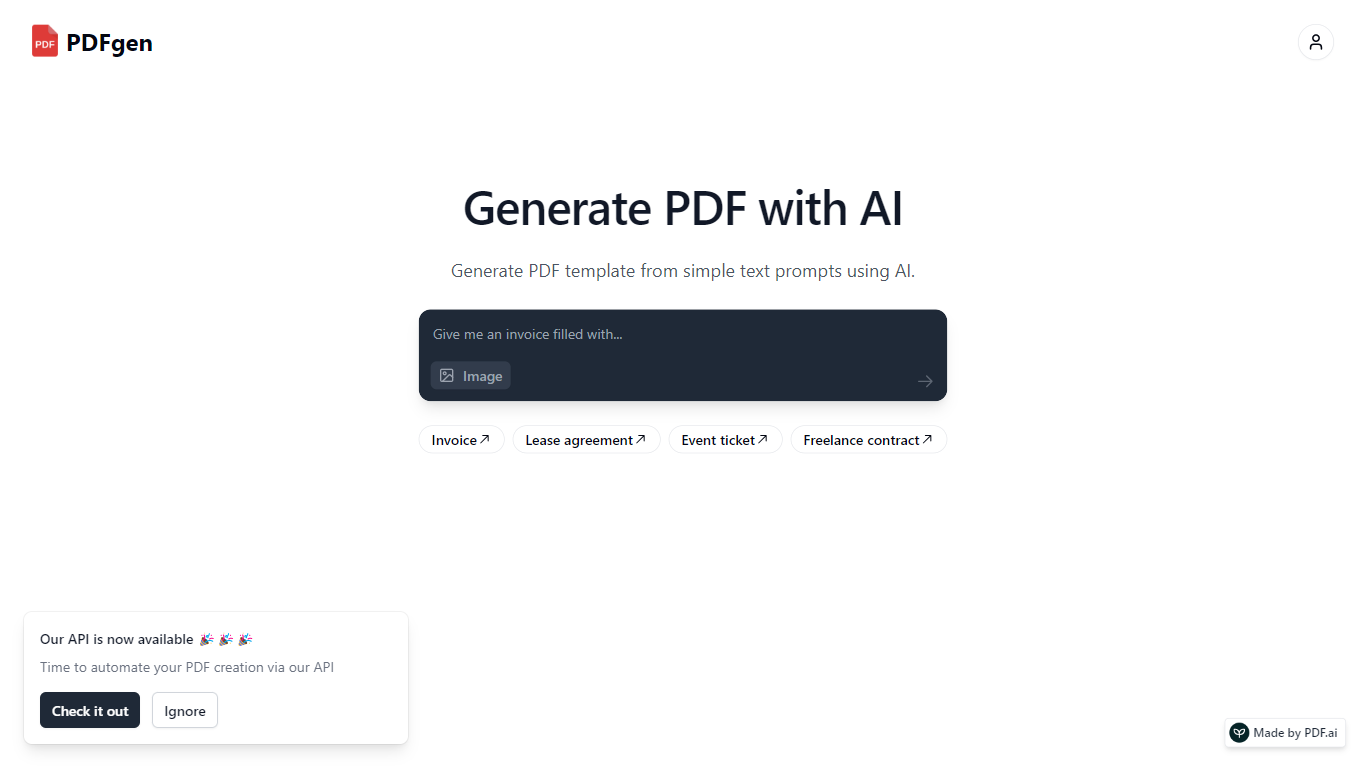
PDFgen turns AI prompts, HTML, Markdown, or saved templates into pixel-perfect PDFs through a REST API. You can design documents in a browser dashboard, mark Handlebars fields for dynamic data, then call one endpoint to render invoices, tickets, certificates, or custom layouts at scale. The docs bill usage in credits where one credit covers up to five pages.
Unlike self-hosted headless Chrome setups, PDFgen runs the rendering stack for you and returns either the binary file or a signed URL. Prompt-based generation costs double the standard page rate because the model writes HTML before render, which is worth knowing if you plan to generate documents from natural language rather than fixed templates.
Developers wiring PDF output into SaaS billing, event platforms, or no-code automations use PDFgen to skip browser infrastructure. Starter and Business plans expose rate limits of 120 and 240 requests per minute, and Business adds bring-your-own AWS S3 delivery plus priority support.
Generate PDFs from saved templates, raw HTML, Markdown, or AI prompts via POST /api/v1/generate
Free plan includes 30 credits per month and up to 5 templates with watermark downloads
Starter plan at $29 per month includes 1,000 credits and 120 API requests per minute
Handlebars fields, loops, and conditionals for line items, totals, and conditional sections
Page sizes include A4, US Letter, Legal, A3, A5, and Tabloid
Password-protected PDF export with print and copy permission controls
Business plan supports bring-your-own AWS S3 delivery and 240 requests per minute
Single REST endpoint covers templates, HTML, Markdown, and AI prompt sources.
Credit-based billing only charges successful generations, with clear per-five-page math.
Template editor supports Handlebars loops, conditionals, and click-to-edit refinements.
No-code connectors listed for Zapier, Make, n8n, and Airtable.
Free plan downloads include a watermark and cap you at five templates.
AI prompt generation costs double the standard credit rate per page block.
Custom enterprise plans require a sales conversation for volumes above one million monthly credits.
Is PDFgen free to use?
Yes. PDFgen offers a Free plan at $0 per month with 30 credits, up to 5 templates, and watermark downloads. No credit card is required to start, and paid Starter and Business plans add more credits and watermark-free output.
How do PDFgen credits work?
PDFgen charges one credit for every one to five pages in a successful PDF generation. A six-to-ten-page document uses two credits. Only successful 2xx generations count, and AI prompt renders bill at double the standard page rate.
What inputs can PDFgen convert to PDF?
PDFgen accepts exactly one source per API call: a saved template_id, raw HTML with optional Handlebars tokens, Markdown, or a plain-English prompt that generates HTML before rendering.
What are PDFgen API rate limits?
PDFgen limits API requests per key per minute by plan. The Starter plan allows 120 requests per minute, and the Business plan allows 240 requests per minute. Exceeding the limit returns HTTP 429 with a Retry-After header.
Does PDFgen integrate with Zapier?
Yes. PDFgen lists integrations with Zapier, Make, n8n, and Airtable for no-code workflows. The REST API also works from any HTTP client using an x-api-key or Bearer token.
How much does PDFgen Starter cost?
PDFgen Starter is $29 per month and includes 1,000 credits, unlimited templates, watermark-free downloads, and REST API access at 120 requests per minute. Additional team members cost $9 per user per month.