
Last updated 08-20-2026
Category:
Reviews:
Join thousands of AI enthusiasts in the World of AI!
Doclime
Doclime lets you upload PDFs and ask questions that come back with cited answers pulled from the file. You get a built-in PDF viewer with search and page navigation, a notes editor with version history, and a split-screen layout that keeps chat, documents, and notes open at once. It also reads scanned PDFs through OCR and accepts screenshot questions through its Vision feature.
Most PDF chat tools stop at a single file and a text box. Doclime stacks a hierarchical file tree, multi-document context for one conversation, and frontier models from OpenAI and Anthropic in the same workspace. That combination targets people cross-referencing textbooks, contracts, or research papers rather than doing one-off summaries.
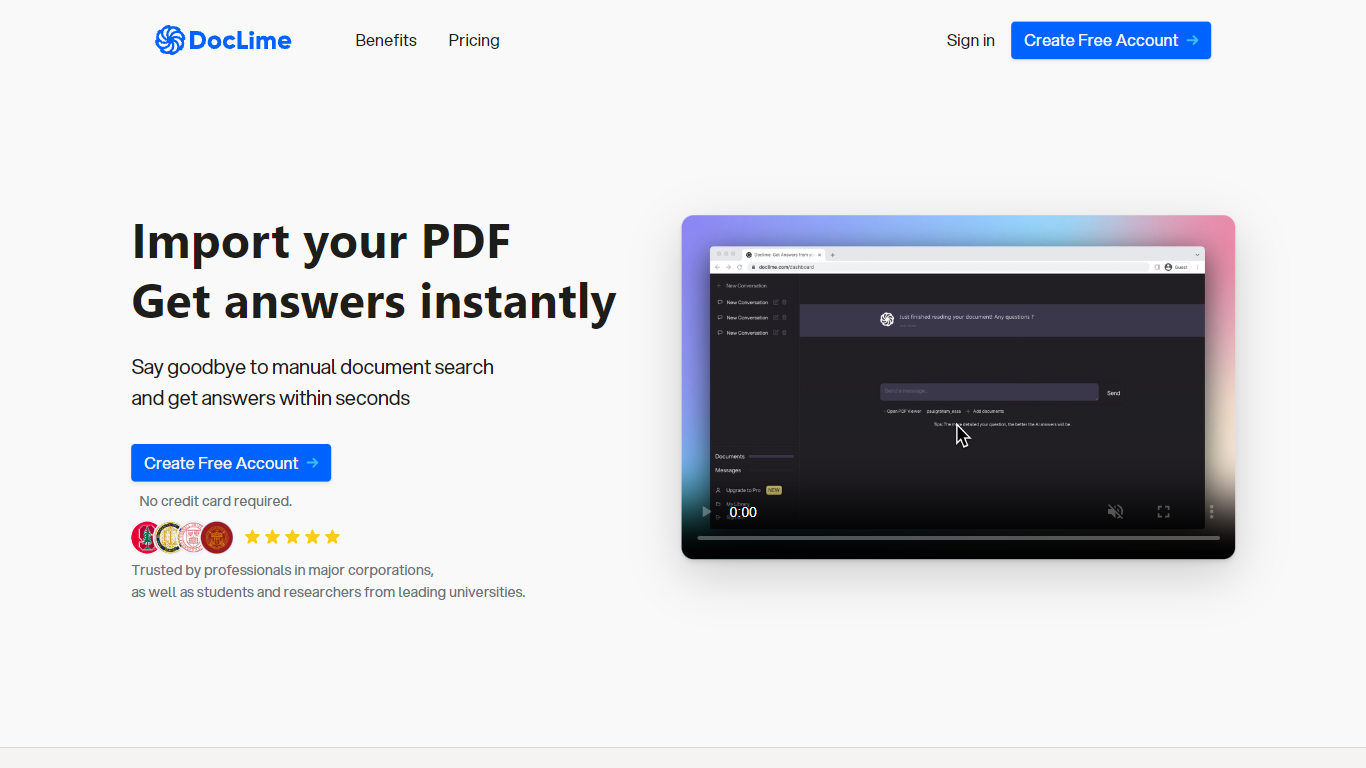
The homepage lists use cases like lesson planning from textbooks, chapter summaries, and pulling obligations from contract sections, with example answers showing bracketed source references. Stanford, Berkeley, Cornell, and USC logos appear on the landing page, and the interface ships in nine languages including English, Spanish, French, German, Japanese, Korean, Arabic, and Chinese.
Ask questions about uploaded PDFs and receive answers with bracketed citation references to source passages
Built-in PDF viewer includes search, zoom, and page navigation alongside the chat panel
Split-screen layout opens PDF, notes, and chat views simultaneously in one workspace
Vision support lets you screenshot any document section and ask questions about that image
OCR converts scanned PDF files into searchable text before answering questions
Context-aware search adds multiple PDFs and notes as context files to a single AI conversation
Returns cited answers with source references instead of uncited summaries.
Split-screen workspace combines PDF viewing, notes, and chat without switching apps.
OCR support handles scanned PDFs that many chat tools ignore.
No public pricing page was found on doclime.com during research.
Several footer links on the homepage point to placeholder anchors rather than live pages.
What is Doclime and how does it work?
Doclime is a PDF chat tool that uses advanced AI models to read uploaded documents and answer questions about them. Doclime returns responses with citation references pointing to the relevant passages in your file.
What should I use Doclime for?
Doclime extracts information from research papers, legal texts, financial reports, and technical manuals. Doclime suits students, researchers, and professionals who need quick answers from long PDFs without manual searching.
Does Doclime support scanned PDF files?
Yes. Doclime uses OCR to convert scanned PDF documents into machine-readable text before answering questions. Doclime then searches that text like any other uploaded PDF.
Can Doclime chat with multiple PDFs at once?
Yes. Doclime supports multi-document context, letting you add several PDFs and notes to one AI conversation. Doclime cross-references those files when generating cited answers.
Does Doclime include a PDF viewer and notes?
Yes. Doclime provides a PDF viewer with search and page navigation plus a rich text notes editor with real-time saving and version history. Doclime opens both alongside chat in a split-screen layout.
What AI models power Doclime?
Doclime uses frontier models from OpenAI and Anthropic to power document conversations. Doclime also offers a Vision feature for asking questions about screenshots taken from any part of a PDF.