BoloForms vs Doclime
In the contest of BoloForms vs Doclime, which AI PDF tool is the champion? We evaluate pricing, alternatives, upvotes, features, reviews, and more.
If you had to choose between BoloForms and Doclime, which one would you go for?
When we examine BoloForms and Doclime, both of which are AI-enabled pdf tools, what unique characteristics do we discover? Both tools are equally favored, as indicated by the identical upvote count. Since other aitools.fyi users could decide the winner, the ball is in your court now to cast your vote and help us determine the winner.
Disagree with the result? Upvote your favorite tool and help it win!
BoloForms

What is BoloForms?
BoloForms (branded on its site as BoloSign) is an electronic signature platform built for small businesses that need to send contracts, PDFs, and signature forms without per-user or per-document fees. You upload a document or build a form, add signature fields, and send it to recipients who can sign from a link without creating an account.
The platform covers the full signing workflow: reusable PDF templates, fillable forms with compliance fields, bulk send via CSV, automated reminders, audit trails, and multi-signer signing order. It also offers a Google Forms add-on, native iOS and Android apps, Gmail and Google Workspace integrations, and a REST API for embedding signing into other apps.
BoloForms is operated by Closer Innovation Labs Corp and is a member of the NVIDIA Inception program. The service holds ISO 27001:2022, SOC 2 Type I and II, GDPR, HIPAA, ESIGN Act, eIDAS, and UETA compliance certifications. Over 50,000 businesses use it across healthcare, education, retail, logistics, and professional services.
Doclime
What is Doclime?
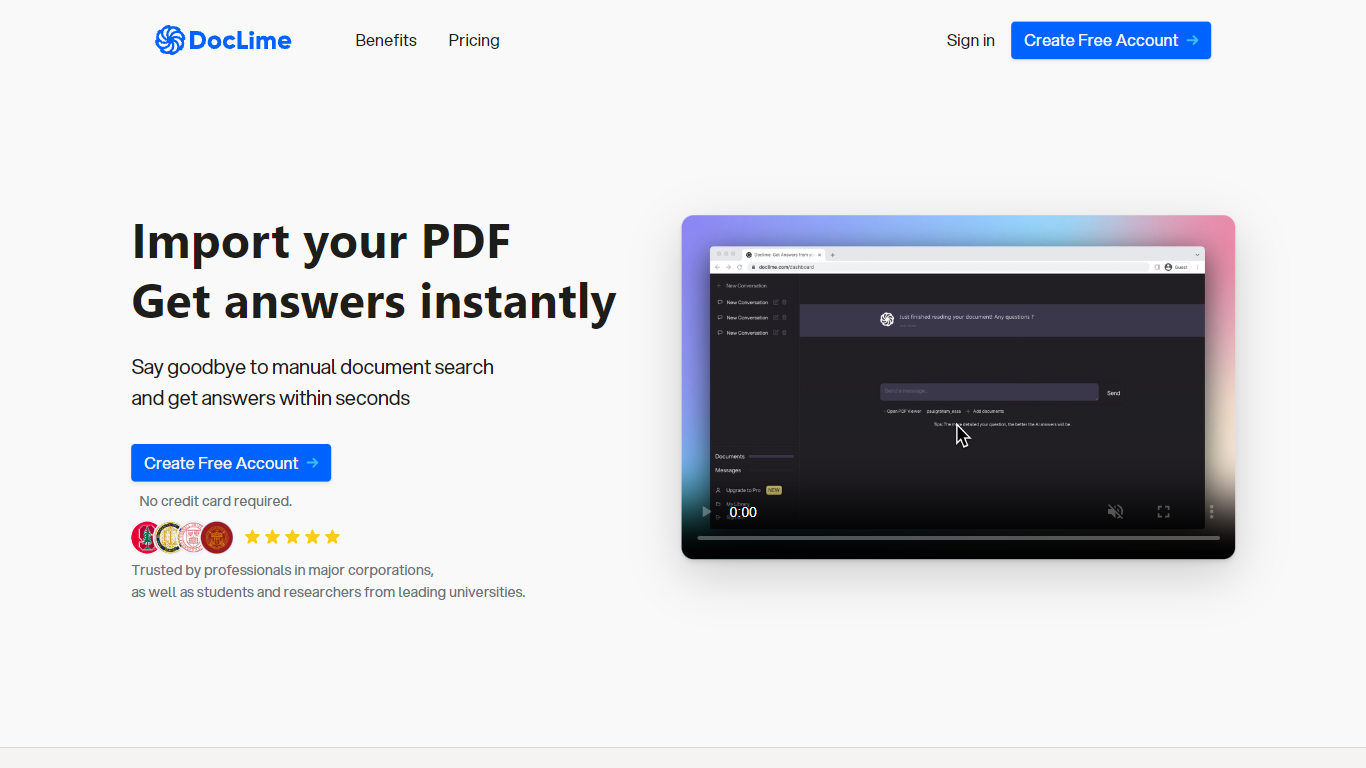
Doclime lets you upload PDFs and ask questions that come back with cited answers pulled from the file. You get a built-in PDF viewer with search and page navigation, a notes editor with version history, and a split-screen layout that keeps chat, documents, and notes open at once. It also reads scanned PDFs through OCR and accepts screenshot questions through its Vision feature.
Most PDF chat tools stop at a single file and a text box. Doclime stacks a hierarchical file tree, multi-document context for one conversation, and frontier models from OpenAI and Anthropic in the same workspace. That combination targets people cross-referencing textbooks, contracts, or research papers rather than doing one-off summaries.
The homepage lists use cases like lesson planning from textbooks, chapter summaries, and pulling obligations from contract sections, with example answers showing bracketed source references. Stanford, Berkeley, Cornell, and USC logos appear on the landing page, and the interface ships in nine languages including English, Spanish, French, German, Japanese, Korean, Arabic, and Chinese.
BoloForms Upvotes
Doclime Upvotes
BoloForms Top Features
Send unlimited PDFs, templates, and signature forms on paid plans with no per-user fees on the Team tier
Collect legally binding signatures on fillable forms with dropdown, radio, checkbox, and matrix fields
Bulk send personalized signing requests to hundreds of recipients from a CSV upload
Reusable PDF templates with pre-placed signature, text, date, and initials fields
Automated reminder emails on a 1, 3, 5, or 7-day schedule for unsigned documents
Tamper-proof audit trail recording signer identity, IP address, email, and timestamps
Google Forms add-on, Google Drive, Dropbox, and OneDrive integrations plus HubSpot and Pipedrive CRM connections
REST API and embedded signing iframe for developers building signing into their own apps
Map PDF AI that auto-detects where signature and form fields belong on uploaded documents
Native iOS and Android apps plus Gmail and Google Workspace marketplace extensions
Doclime Top Features
Ask questions about uploaded PDFs and receive answers with bracketed citation references to source passages
Built-in PDF viewer includes search, zoom, and page navigation alongside the chat panel
Split-screen layout opens PDF, notes, and chat views simultaneously in one workspace
Vision support lets you screenshot any document section and ask questions about that image
OCR converts scanned PDF files into searchable text before answering questions
Context-aware search adds multiple PDFs and notes as context files to a single AI conversation
BoloForms Category
- PDF
Doclime Category
- PDF
BoloForms Pricing Type
- Freemium
Doclime Pricing Type
- Freemium