BoloForms vs PDFPeer
In the face-off between BoloForms vs PDFPeer, which AI PDF tool takes the crown? We scrutinize features, alternatives, upvotes, reviews, pricing, and more.
When we put BoloForms and PDFPeer head to head, which one emerges as the victor?
If we were to analyze BoloForms and PDFPeer, both of which are AI-powered pdf tools, what would we find? The users have made their preference clear, PDFPeer leads in upvotes. PDFPeer has been upvoted 89 times by aitools.fyi users, and BoloForms has been upvoted 6 times.
Think we got it wrong? Cast your vote and show us who's boss!
BoloForms

What is BoloForms?
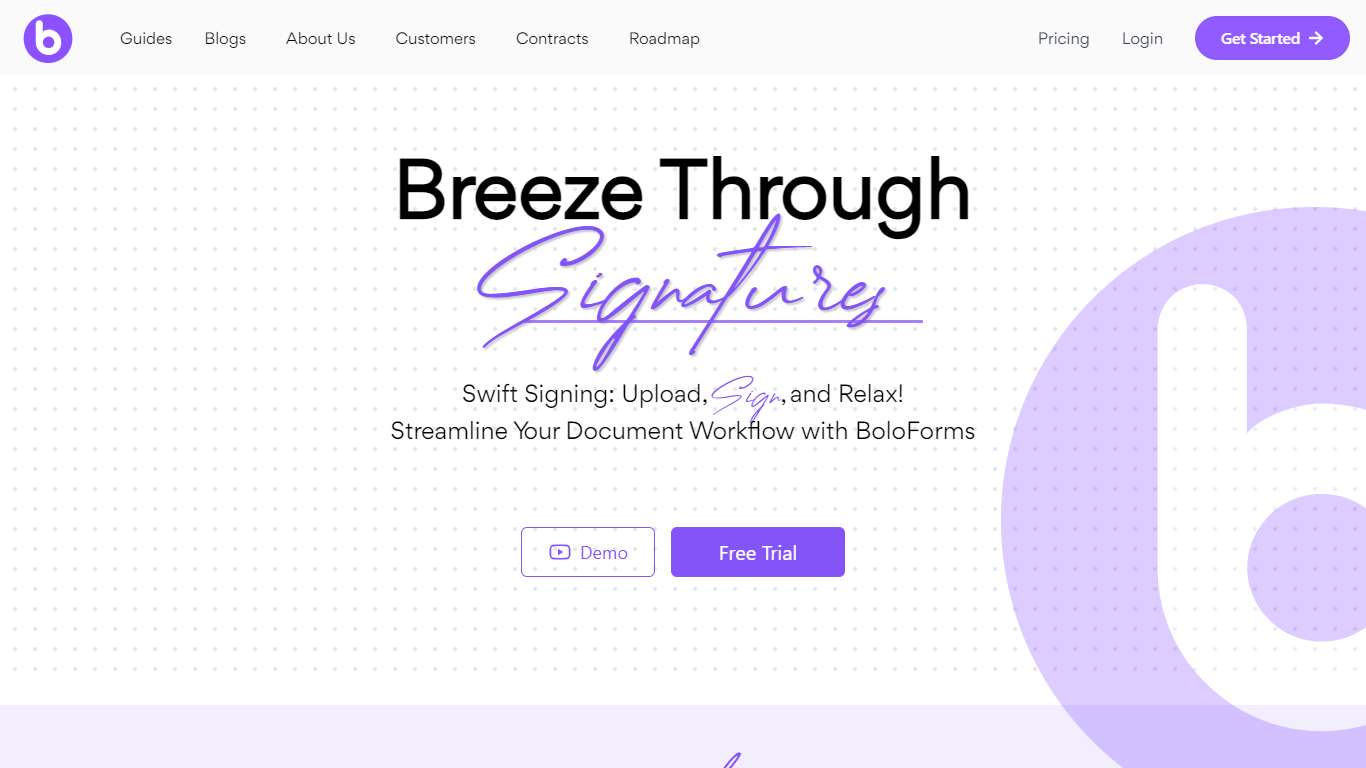
BoloForms (branded on its site as BoloSign) is an electronic signature platform built for small businesses that need to send contracts, PDFs, and signature forms without per-user or per-document fees. You upload a document or build a form, add signature fields, and send it to recipients who can sign from a link without creating an account.
The platform covers the full signing workflow: reusable PDF templates, fillable forms with compliance fields, bulk send via CSV, automated reminders, audit trails, and multi-signer signing order. It also offers a Google Forms add-on, native iOS and Android apps, Gmail and Google Workspace integrations, and a REST API for embedding signing into other apps.
BoloForms is operated by Closer Innovation Labs Corp and is a member of the NVIDIA Inception program. The service holds ISO 27001:2022, SOC 2 Type I and II, GDPR, HIPAA, ESIGN Act, eIDAS, and UETA compliance certifications. Over 50,000 businesses use it across healthcare, education, retail, logistics, and professional services.
PDFPeer
What is PDFPeer?
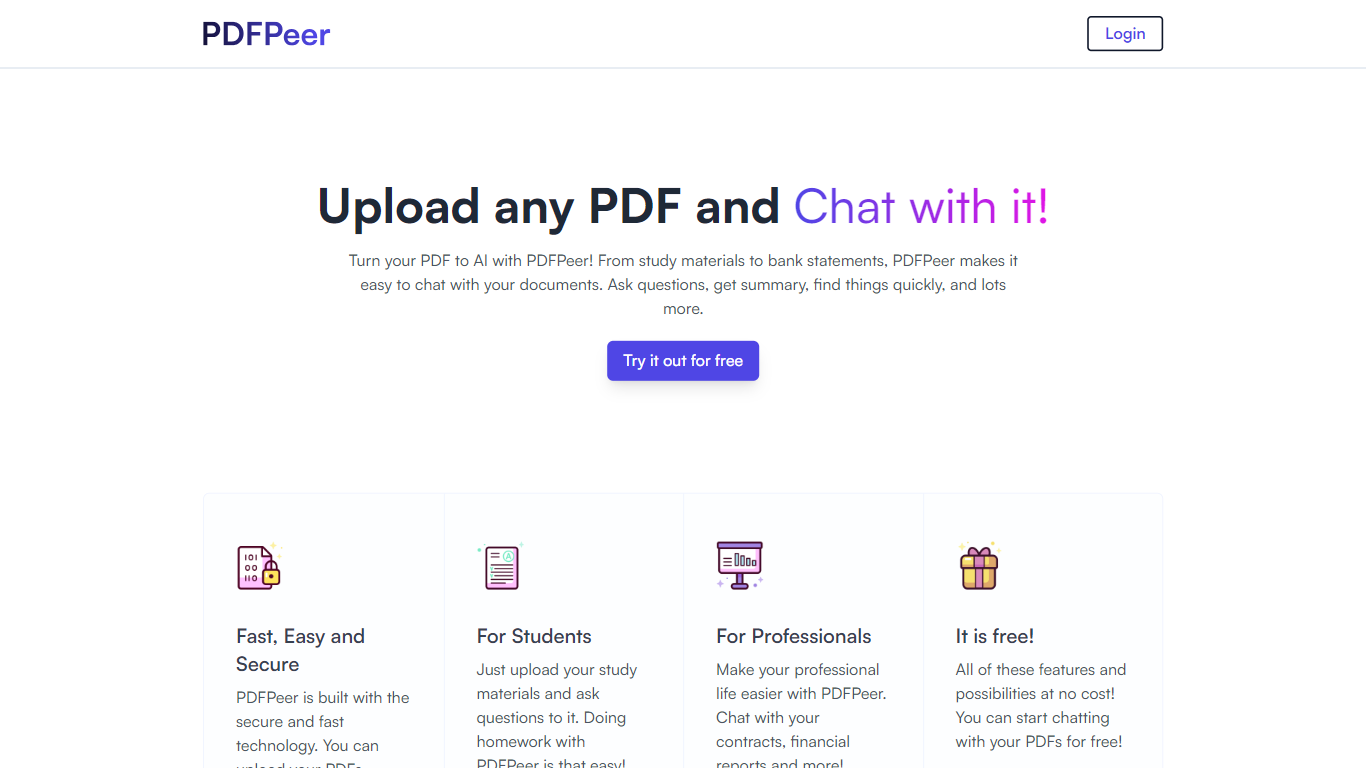
PDFPeer turns uploaded PDFs into documents you can question in plain language. Upload a file, then ask for summaries, specific facts, or quick lookups without scrolling page by page. The product targets students working through lecture notes and professionals handling contracts, reports, bank statements, and similar paperwork.
The homepage highlights use across study materials, invoices, resumes, contracts, tax forms, research papers, and other document types. PDFPeer also ships a separate free tools section for conversions and extraction, including PDF to text, OCR, image conversion, and split PDF workflows that do not require signing in.
Accounts support Google, GitHub, or email sign-in. Southern East Inc., based in Waterloo, Ontario, operates PDFPeer and handles billing through Stripe.
BoloForms Upvotes
PDFPeer Upvotes
BoloForms Top Features
Send unlimited PDFs, templates, and signature forms on paid plans with no per-user fees on the Team tier
Collect legally binding signatures on fillable forms with dropdown, radio, checkbox, and matrix fields
Bulk send personalized signing requests to hundreds of recipients from a CSV upload
Reusable PDF templates with pre-placed signature, text, date, and initials fields
Automated reminder emails on a 1, 3, 5, or 7-day schedule for unsigned documents
Tamper-proof audit trail recording signer identity, IP address, email, and timestamps
Google Forms add-on, Google Drive, Dropbox, and OneDrive integrations plus HubSpot and Pipedrive CRM connections
REST API and embedded signing iframe for developers building signing into their own apps
Map PDF AI that auto-detects where signature and form fields belong on uploaded documents
Native iOS and Android apps plus Gmail and Google Workspace marketplace extensions
PDFPeer Top Features
Upload a PDF and ask questions in natural language instead of searching manually
Generate summaries and pull specific details from long documents quickly
Works across study notes, contracts, invoices, resumes, tax forms, and research papers
Free tier includes one PDF with limits on file size, page count, and daily questions
Unlimited plan removes PDF, page, and question caps with priority support
Standalone free PDF utilities for text extraction, OCR, image conversion, and splitting files
BoloForms Category
- PDF
PDFPeer Category
- PDF
BoloForms Pricing Type
- Freemium
PDFPeer Pricing Type
- Freemium