
Last updated 08-31-2026
Category:
Overall Rating:
5.0 🏆
Reviews:
Privacy and Your Privacy Choices
Join thousands of AI enthusiasts in the World of AI!
PDFPeer
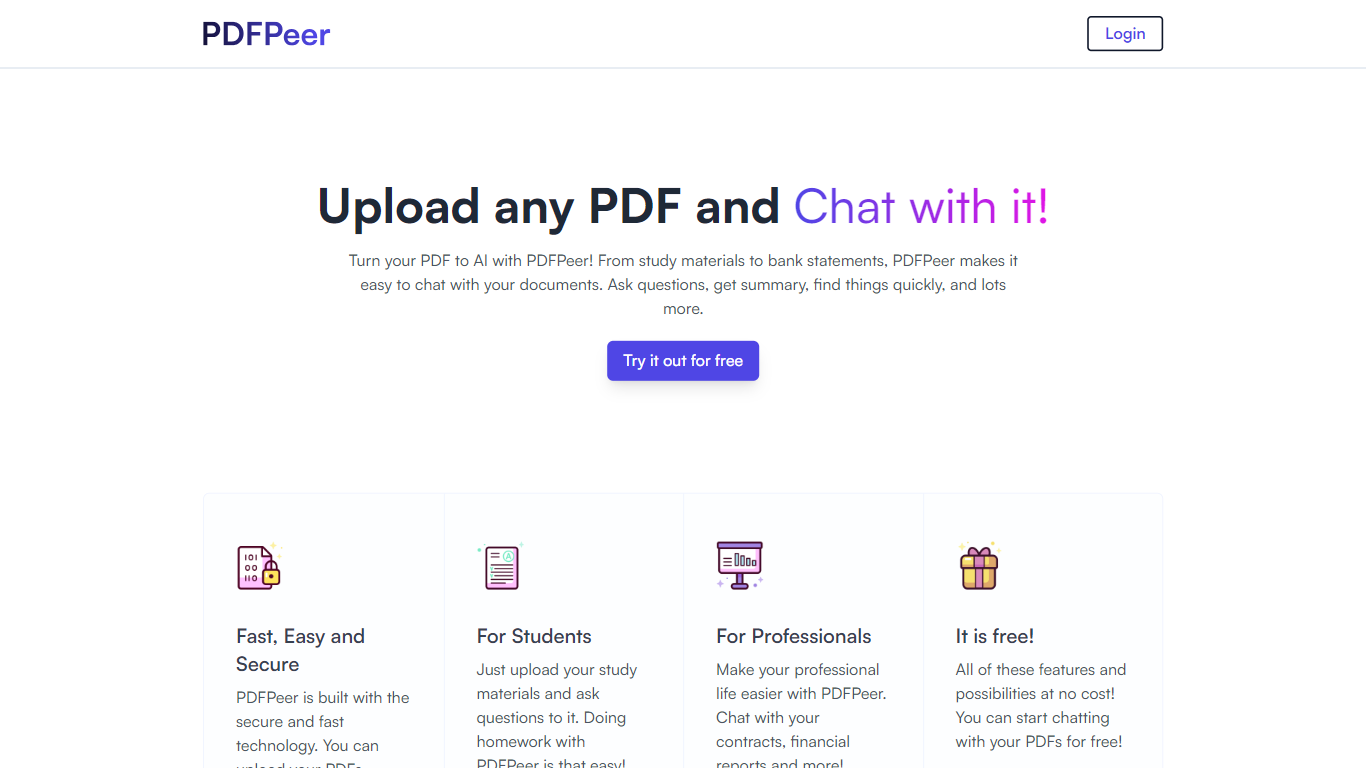
PDFPeer turns uploaded PDFs into documents you can question in plain language. Upload a file, then ask for summaries, specific facts, or quick lookups without scrolling page by page. The product targets students working through lecture notes and professionals handling contracts, reports, bank statements, and similar paperwork.
The homepage highlights use across study materials, invoices, resumes, contracts, tax forms, research papers, and other document types. PDFPeer also ships a separate free tools section for conversions and extraction, including PDF to text, OCR, image conversion, and split PDF workflows that do not require signing in.
Accounts support Google, GitHub, or email sign-in. Southern East Inc., based in Waterloo, Ontario, operates PDFPeer and handles billing through Stripe.
Upload a PDF and ask questions in natural language instead of searching manually
Generate summaries and pull specific details from long documents quickly
Works across study notes, contracts, invoices, resumes, tax forms, and research papers
Free tier includes one PDF with limits on file size, page count, and daily questions
Unlimited plan removes PDF, page, and question caps with priority support
Standalone free PDF utilities for text extraction, OCR, image conversion, and splitting files
Free tier lets you test PDF chat before paying.
Covers both conversational PDF Q&A and standalone conversion utilities.
Clear published limits on the free plan for file size, pages, and daily questions.
Free plan caps usage to one PDF and 200 questions per day.
Core chat workflow requires creating an account.
No public social profiles or mobile app listed on the site.
Is PDFPeer free to use?
Yes. PDFPeer offers a free plan with one PDF, up to 10 MB per file, up to 200 pages per PDF, and up to 200 questions per day. Paid Unlimited and lifetime plans remove those caps.
How much does PDFPeer Unlimited cost?
PDFPeer lists Unlimited at $14.99 per month on monthly billing or $10.49 per month on yearly billing. A lifetime deal is also offered at a one-time price shown on the site.
How do I sign in to PDFPeer?
PDFPeer supports Google, GitHub, and email sign-in from its chat page. You need an account to use the core PDF chat workflow.
Does PDFPeer store my private PDFs?
PDFPeer processes uploaded document content to answer questions. Its privacy policy states private PDFs are not stored in its databases, and users can request data removal by emailing [email protected].
What free PDF tools does PDFPeer offer?
Beyond chat, PDFPeer lists free browser tools for PDF to text, OCR PDF to text, PDF to PNG, PNG to PDF, PDF to JPG, JPG to PDF, and split PDF. The tools page says these utilities do not require sign-up.
What are PDFPeer's free plan limits?
PDFPeer's free plan allows one PDF at a time, up to 10 MB per file, up to 200 pages per PDF, and up to 200 questions per day. The Unlimited plan removes all of those caps.
Category:
Pricing:
Tasks:
Tags:
Tech used:
Overall Rating:
5.0 🏆
Reviews:
Privacy and Your Privacy Choices