
Last updated 08-11-2026
Category:
Reviews:
Join thousands of AI enthusiasts in the World of AI!
Boss Hub | AI (formerly DocGPT & ChatPDF➶)
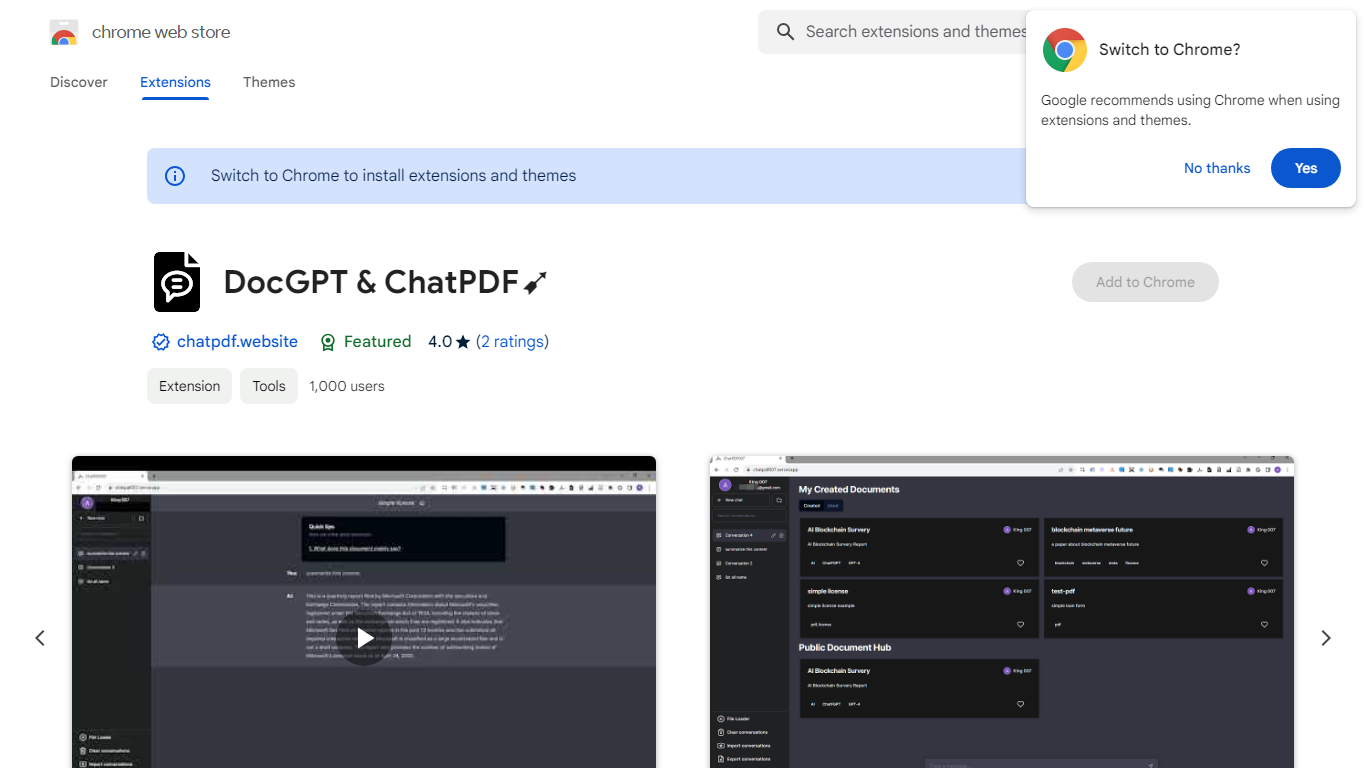
Boss Hub | AI is a Chrome extension sidebar for chatting with uploaded documents using ChatGPT and GPT-4. You upload a PDF, Markdown, Epub, or FB2 file, then ask questions, request summaries, and see highlighted source passages inside the side panel. It targets anyone who wants document Q&A without leaving the browser.
Compared with standalone ChatPDF sites, Boss Hub runs as a Chrome side panel and stores data locally on your machine. The listing highlights a built-in token usage tracker, periodic deletion of uploaded files, and support for Markdown alongside PDF. That local-first angle matters if you are comparing browser extensions rather than cloud-only upload tools.
Researchers, students, and office workers who already live in Chrome can use it to skim contracts, reports, or ebooks faster. The developer site is iambuffett.net, and the extension last updated to version 1.3.5 in July 2024.
Upload PDF, Markdown, Epub, and FB2 files, with best support called out for PDF and Markdown
Ask questions, summarize documents, and highlight source passages in the sidebar
Built-in token usage tracker for monitoring ChatGPT and GPT-4 consumption
Stores data locally on your device and deletes uploaded documents regularly
Uses ChatGPT, GPT-4, LangChain, llama_index, and vector storage under the hood
Chrome side panel workflow so document chat stays beside your browsing session
Side panel keeps document chat beside your browsing workflow in Chrome
Supports multiple document formats including PDF, Markdown, Epub, and FB2
Local storage and regular deletion of uploads are called out on the listing
Chrome-only extension with no standalone web app listed
Low 1.7 out of 5 rating from only 3 Chrome Web Store reviews
Collects personally identifiable and authentication information per the privacy disclosure
What file types does Boss Hub | AI support?
Boss Hub | AI accepts PDF, Markdown, Epub, and FB2 uploads in its Chrome sidebar. The Chrome Web Store listing notes that PDF and Markdown receive the best support among those formats.
Is Boss Hub | AI free to use?
Boss Hub | AI is listed as a freemium Chrome extension. The store page includes a token usage tracker, which suggests paid or metered model usage even though public pricing is not shown on the listing.
Does Boss Hub | AI work only in Chrome?
Yes. Boss Hub | AI is distributed through the Chrome Web Store and runs as a Chrome extension with a side panel interface. You need Google Chrome to install and use it.
How does Boss Hub | AI handle privacy?
Boss Hub | AI says uploaded documents are deleted regularly and that data is saved locally. The privacy disclosure also notes collection of personally identifiable information, authentication information, and website content.
What AI models power Boss Hub | AI?
The Chrome Web Store overview lists ChatGPT, GPT-4, LangChain, llama_index, vector storage, and document fragmentation technology. Boss Hub | AI uses those components to answer questions about uploaded files.
Who develops Boss Hub | AI?
Boss Hub | AI is published by the developer behind iambuffett.net. The Chrome Web Store lists [email protected] as the developer contact email and links to saas-ai1.web.app for support.