Boss Hub | AI (formerly DocGPT & ChatPDF➶) vs Converse
In the clash of Boss Hub | AI (formerly DocGPT & ChatPDF➶) vs Converse, which AI PDF tool emerges victorious? We assess reviews, pricing, alternatives, features, upvotes, and more.
When we put Boss Hub | AI (formerly DocGPT & ChatPDF➶) and Converse head to head, which one emerges as the victor?
Let's take a closer look at Boss Hub | AI (formerly DocGPT & ChatPDF➶) and Converse, both of which are AI-driven pdf tools, and see what sets them apart. The users have made their preference clear, Converse leads in upvotes. Converse has attracted 7 upvotes from aitools.fyi users, and Boss Hub | AI (formerly DocGPT & ChatPDF➶) has attracted 6 upvotes.
Does the result make you go "hmm"? Cast your vote and turn that frown upside down!
Boss Hub | AI (formerly DocGPT & ChatPDF➶)
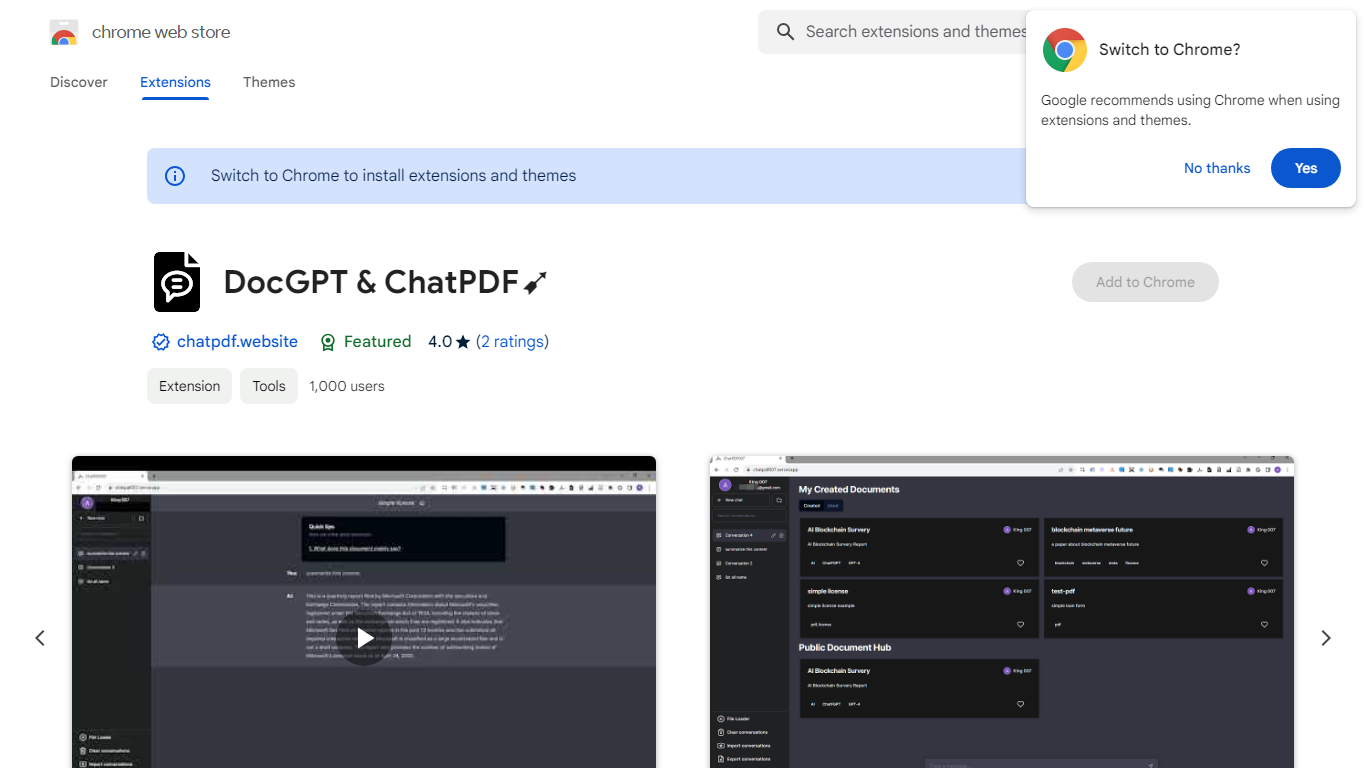

What is Boss Hub | AI (formerly DocGPT & ChatPDF➶)?
Boss Hub | AI is a Chrome extension sidebar for chatting with uploaded documents using ChatGPT and GPT-4. You upload a PDF, Markdown, Epub, or FB2 file, then ask questions, request summaries, and see highlighted source passages inside the side panel. It targets anyone who wants document Q&A without leaving the browser.
Compared with standalone ChatPDF sites, Boss Hub runs as a Chrome side panel and stores data locally on your machine. The listing highlights a built-in token usage tracker, periodic deletion of uploaded files, and support for Markdown alongside PDF. That local-first angle matters if you are comparing browser extensions rather than cloud-only upload tools.
Researchers, students, and office workers who already live in Chrome can use it to skim contracts, reports, or ebooks faster. The developer site is iambuffett.net, and the extension last updated to version 1.3.5 in July 2024.
Converse
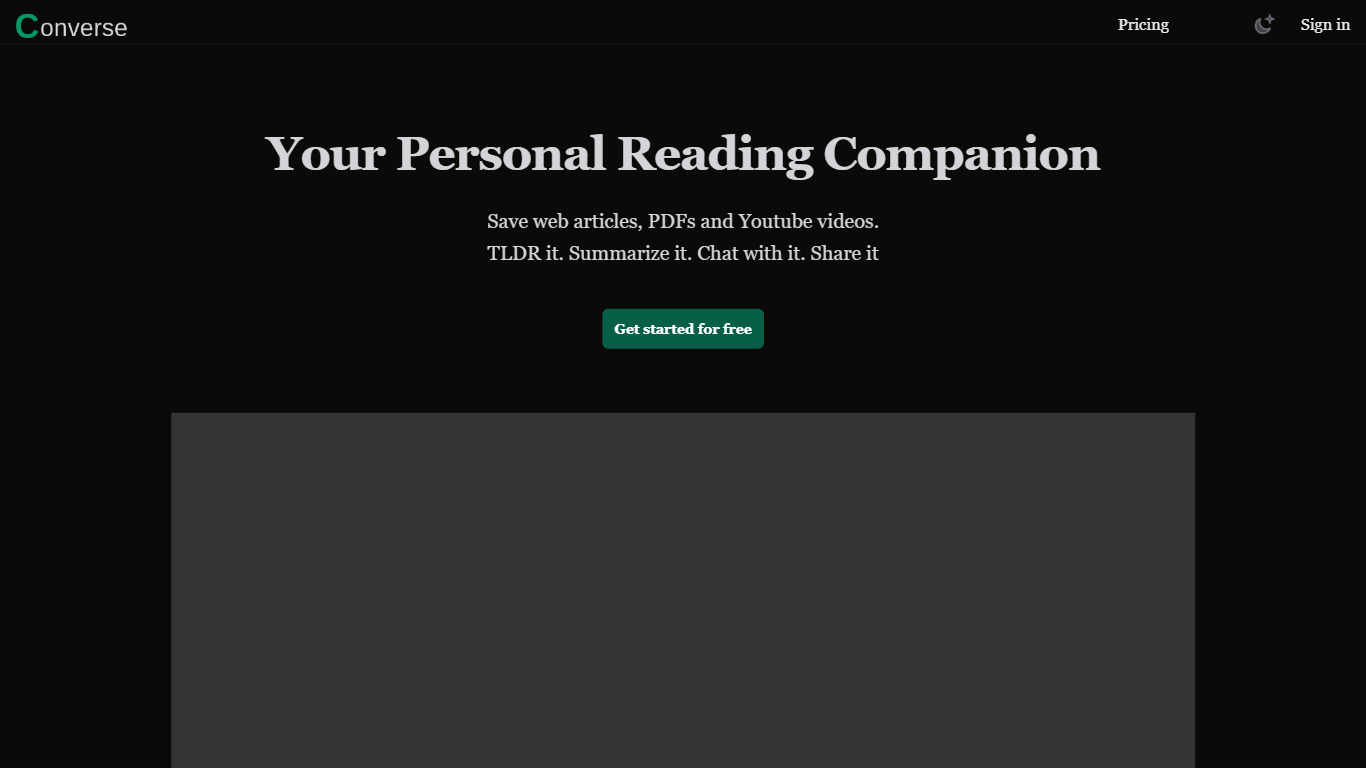
What is Converse?
Converse is a read-it-later and PDF chat tool that saves web articles, PDF uploads, and YouTube videos in one personal library. You clip content, get TLDR and detailed summaries with key takeaways, then ask questions in a chat panel that cites the source. It sits in the PDF and research assistant space rather than a plain bookmarking app.
Most read-it-later apps stop at saving links. Converse adds document chat with source references across all three formats, plus social sharing where friends can interact with a shared article or PDF. The free tier caps you at three summaries and one item per format per month, which pushes heavy readers toward Plus or the lifetime plan.
Researchers, students, and anyone drowning in long PDFs or video essays will get the most from it. Collections keep saved items organized, and the site claims detailed summaries can cut reading and watching time by up to 80 percent when you only need the gist.
Boss Hub | AI (formerly DocGPT & ChatPDF➶) Upvotes
Converse Upvotes
Boss Hub | AI (formerly DocGPT & ChatPDF➶) Top Features
Upload PDF, Markdown, Epub, and FB2 files, with best support called out for PDF and Markdown
Ask questions, summarize documents, and highlight source passages in the sidebar
Built-in token usage tracker for monitoring ChatGPT and GPT-4 consumption
Stores data locally on your device and deletes uploaded documents regularly
Uses ChatGPT, GPT-4, LangChain, llama_index, and vector storage under the hood
Chrome side panel workflow so document chat stays beside your browsing session
Converse Top Features
Free plan includes 3 AI summaries, 1 PDF, 1 web article, 1 YouTube video, and 20 chat messages per month
Plus plan at $9.99/month unlocks unlimited summaries, TLDRs, key takeaways, and chat messages
Chat with saved PDFs, web articles, and YouTube videos with answers cited to source sections
Library stores web articles and uploaded PDFs permanently with custom collections
Share saved articles so friends can read summaries and interact with the same document
Plus and Lifetime plans include 1,000 image generations per month via GenPictures
Boss Hub | AI (formerly DocGPT & ChatPDF➶) Category
- PDF
Converse Category
- PDF
Boss Hub | AI (formerly DocGPT & ChatPDF➶) Pricing Type
- Freemium
Converse Pricing Type
- Freemium