Boss Hub | AI (formerly DocGPT & ChatPDF➶) vs PDFPeer
Compare Boss Hub | AI (formerly DocGPT & ChatPDF➶) vs PDFPeer and see which AI PDF tool is better when we compare features, reviews, pricing, alternatives, upvotes, etc.
Which one is better? Boss Hub | AI (formerly DocGPT & ChatPDF➶) or PDFPeer?
When we compare Boss Hub | AI (formerly DocGPT & ChatPDF➶) with PDFPeer, which are both AI-powered pdf tools, PDFPeer is the clear winner in terms of upvotes. PDFPeer has garnered 89 upvotes, and Boss Hub | AI (formerly DocGPT & ChatPDF➶) has garnered 6 upvotes.
Disagree with the result? Upvote your favorite tool and help it win!
Boss Hub | AI (formerly DocGPT & ChatPDF➶)
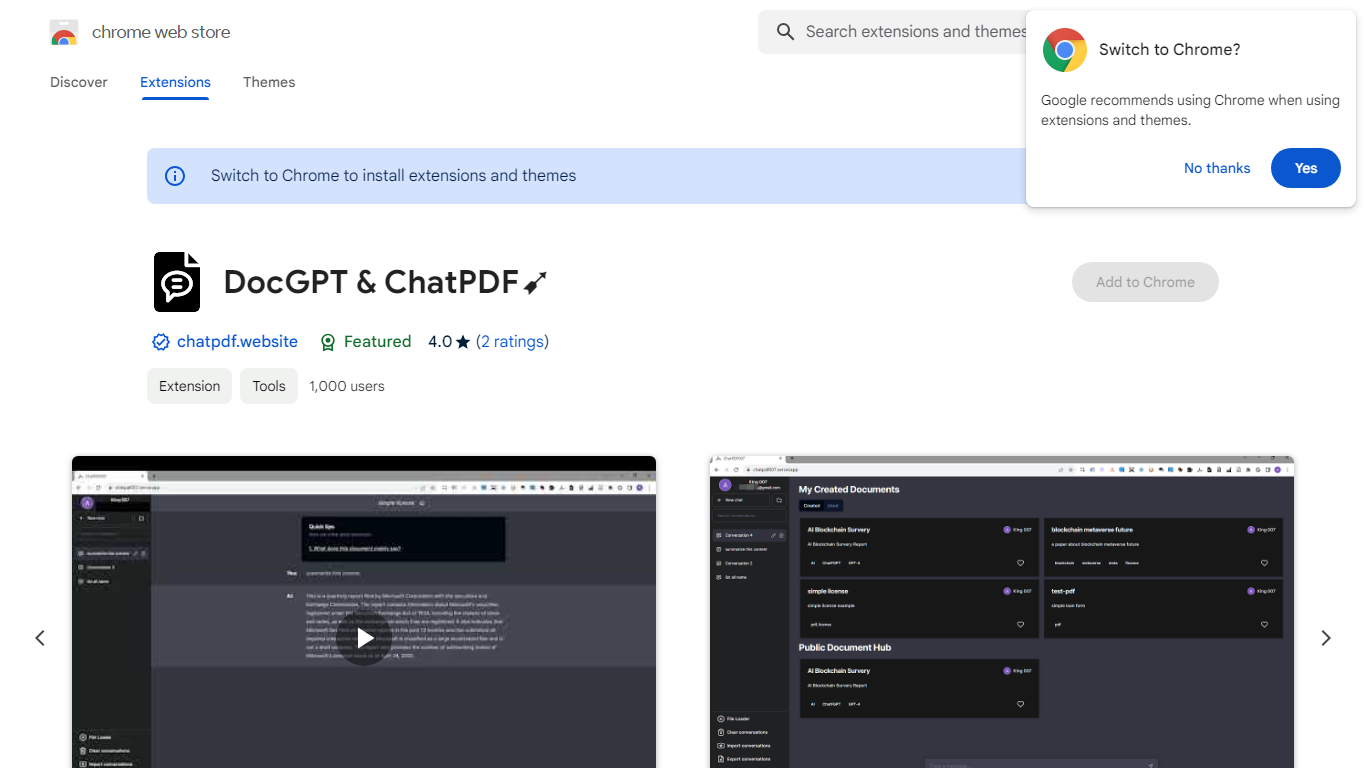

What is Boss Hub | AI (formerly DocGPT & ChatPDF➶)?
Boss Hub | AI is a Chrome extension sidebar for chatting with uploaded documents using ChatGPT and GPT-4. You upload a PDF, Markdown, Epub, or FB2 file, then ask questions, request summaries, and see highlighted source passages inside the side panel. It targets anyone who wants document Q&A without leaving the browser.
Compared with standalone ChatPDF sites, Boss Hub runs as a Chrome side panel and stores data locally on your machine. The listing highlights a built-in token usage tracker, periodic deletion of uploaded files, and support for Markdown alongside PDF. That local-first angle matters if you are comparing browser extensions rather than cloud-only upload tools.
Researchers, students, and office workers who already live in Chrome can use it to skim contracts, reports, or ebooks faster. The developer site is iambuffett.net, and the extension last updated to version 1.3.5 in July 2024.
PDFPeer
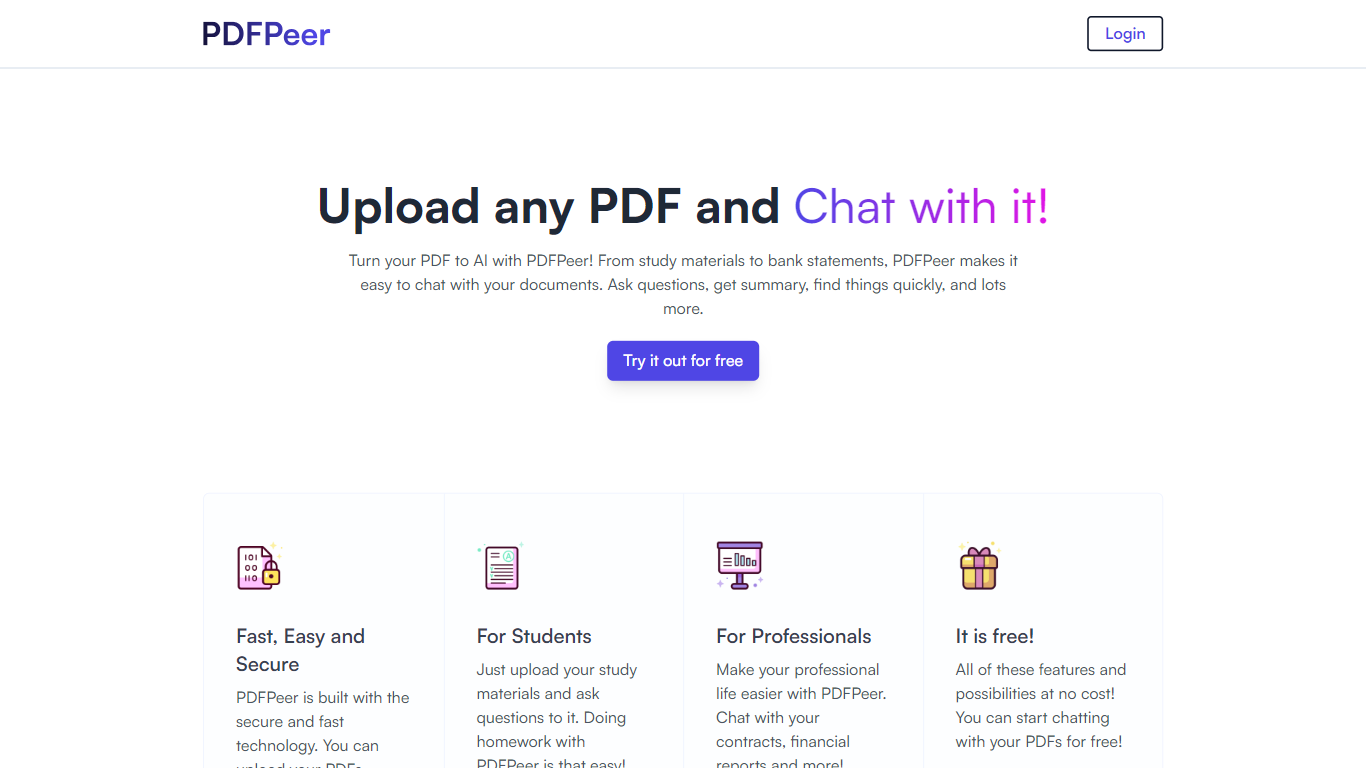
What is PDFPeer?
PDFPeer turns uploaded PDFs into documents you can question in plain language. Upload a file, then ask for summaries, specific facts, or quick lookups without scrolling page by page. The product targets students working through lecture notes and professionals handling contracts, reports, bank statements, and similar paperwork.
The homepage highlights use across study materials, invoices, resumes, contracts, tax forms, research papers, and other document types. PDFPeer also ships a separate free tools section for conversions and extraction, including PDF to text, OCR, image conversion, and split PDF workflows that do not require signing in.
Accounts support Google, GitHub, or email sign-in. Southern East Inc., based in Waterloo, Ontario, operates PDFPeer and handles billing through Stripe.
Boss Hub | AI (formerly DocGPT & ChatPDF➶) Upvotes
PDFPeer Upvotes
Boss Hub | AI (formerly DocGPT & ChatPDF➶) Top Features
Upload PDF, Markdown, Epub, and FB2 files, with best support called out for PDF and Markdown
Ask questions, summarize documents, and highlight source passages in the sidebar
Built-in token usage tracker for monitoring ChatGPT and GPT-4 consumption
Stores data locally on your device and deletes uploaded documents regularly
Uses ChatGPT, GPT-4, LangChain, llama_index, and vector storage under the hood
Chrome side panel workflow so document chat stays beside your browsing session
PDFPeer Top Features
Upload a PDF and ask questions in natural language instead of searching manually
Generate summaries and pull specific details from long documents quickly
Works across study notes, contracts, invoices, resumes, tax forms, and research papers
Free tier includes one PDF with limits on file size, page count, and daily questions
Unlimited plan removes PDF, page, and question caps with priority support
Standalone free PDF utilities for text extraction, OCR, image conversion, and splitting files
Boss Hub | AI (formerly DocGPT & ChatPDF➶) Category
- PDF
PDFPeer Category
- PDF
Boss Hub | AI (formerly DocGPT & ChatPDF➶) Pricing Type
- Freemium
PDFPeer Pricing Type
- Freemium