AccurateScribe AI vs PDFPeer
Dive into the comparison of AccurateScribe AI vs PDFPeer and discover which AI PDF tool stands out. We examine alternatives, upvotes, features, reviews, pricing, and beyond.
When comparing AccurateScribe AI and PDFPeer, which one rises above the other?
When we compare AccurateScribe AI and PDFPeer, two exceptional pdf tools powered by artificial intelligence, and place them side by side, several key similarities and differences come to light. The users have made their preference clear, PDFPeer leads in upvotes. The number of upvotes for PDFPeer stands at 89, and for AccurateScribe AI it's 6.
Think we got it wrong? Cast your vote and show us who's boss!
AccurateScribe AI
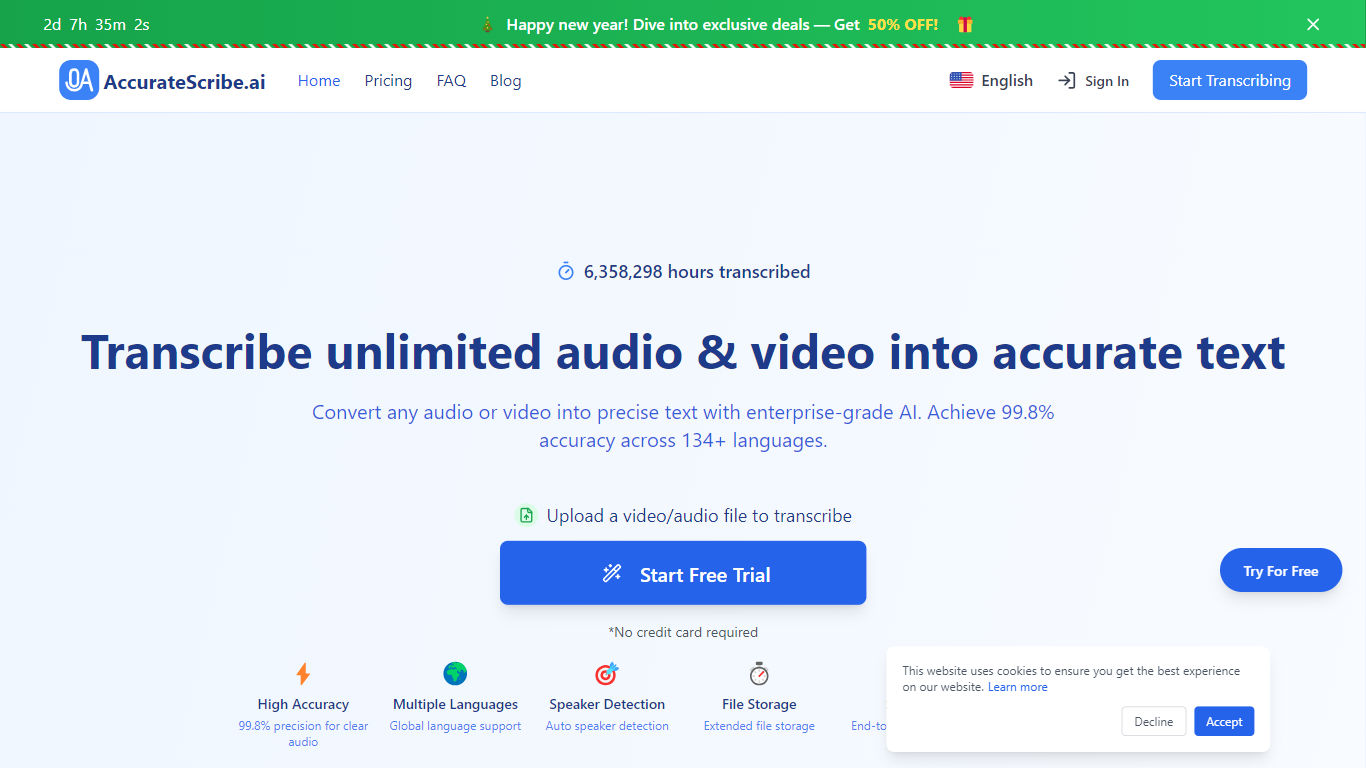

What is AccurateScribe AI?
AccurateScribe.ai turns audio and video files into text transcripts and subtitles. Upload MP3, WAV, MP4, MOV, and other common formats, or paste a URL, record voice directly, or capture screen audio. The platform reports 99.8% accuracy on clear audio and supports 134+ languages for transcription and translation.
The service runs on Whisper-based speech recognition with speaker identification, batch processing for up to 50 files, and file limits of 10 hours or 5GB per upload. You can export to DOCX, PDF, TXT, SRT, VTT, CSV, and FCPXML, then edit timestamps in the built-in transcript editor.
AccurateScribe targets journalists, researchers, legal and medical professionals, podcasters, and teams that need fast turnaround without hiring manual transcribers. It is available as a web app, iOS app, Microsoft Store app, and Chrome extension, with live support on Discord and WhatsApp.
PDFPeer
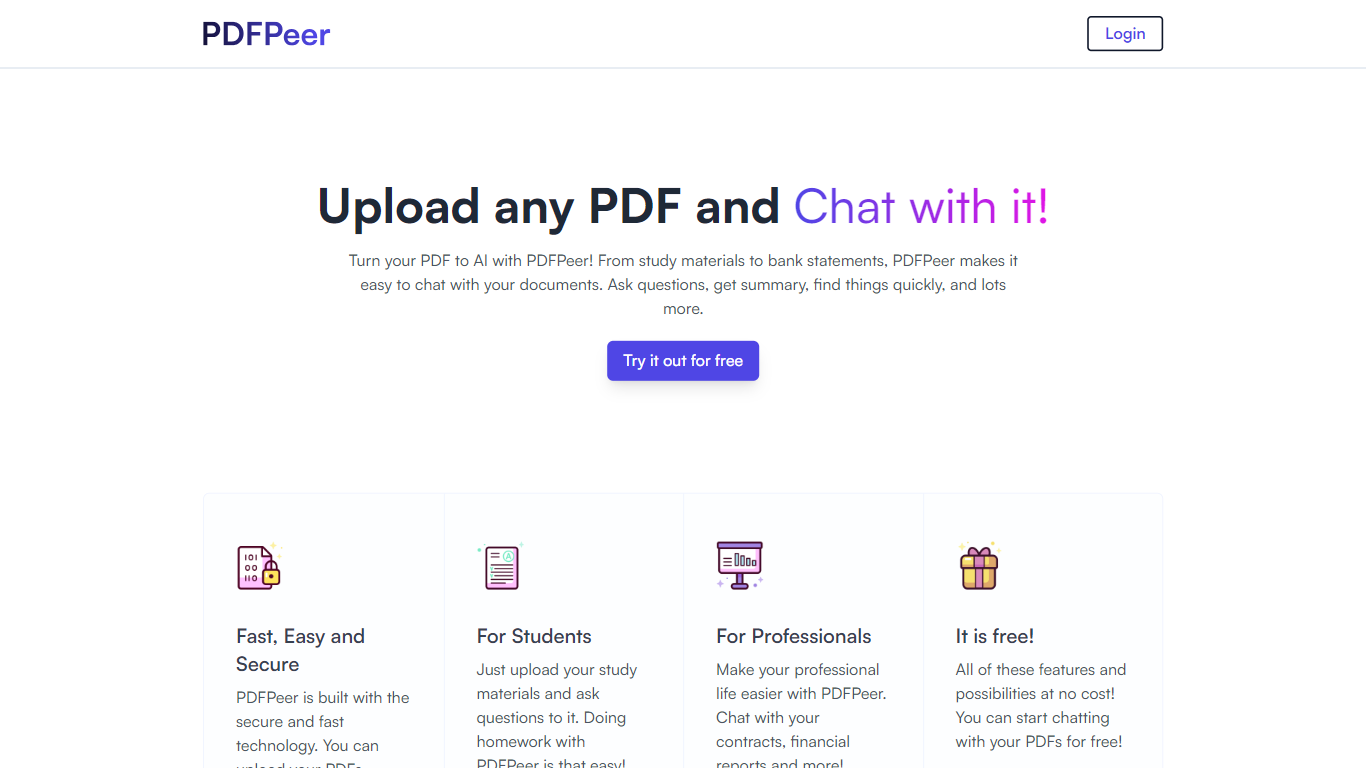
What is PDFPeer?
PDFPeer turns uploaded PDFs into documents you can question in plain language. Upload a file, then ask for summaries, specific facts, or quick lookups without scrolling page by page. The product targets students working through lecture notes and professionals handling contracts, reports, bank statements, and similar paperwork.
The homepage highlights use across study materials, invoices, resumes, contracts, tax forms, research papers, and other document types. PDFPeer also ships a separate free tools section for conversions and extraction, including PDF to text, OCR, image conversion, and split PDF workflows that do not require signing in.
Accounts support Google, GitHub, or email sign-in. Southern East Inc., based in Waterloo, Ontario, operates PDFPeer and handles billing through Stripe.
AccurateScribe AI Upvotes
PDFPeer Upvotes
AccurateScribe AI Top Features
Claims 99.8% accuracy on clear audio using Whisper-based speech recognition
Transcribes and translates across 134+ languages with automatic language detection
Labels speakers automatically in multi-person recordings
Handles files up to 10 hours or 5GB and batches up to 50 uploads at once
Exports DOCX, PDF, TXT, SRT, VTT, CSV, and FCPXML with an in-browser editor
PDFPeer Top Features
Upload a PDF and ask questions in natural language instead of searching manually
Generate summaries and pull specific details from long documents quickly
Works across study notes, contracts, invoices, resumes, tax forms, and research papers
Free tier includes one PDF with limits on file size, page count, and daily questions
Unlimited plan removes PDF, page, and question caps with priority support
Standalone free PDF utilities for text extraction, OCR, image conversion, and splitting files
AccurateScribe AI Category
- PDF
PDFPeer Category
- PDF
AccurateScribe AI Pricing Type
- Freemium
PDFPeer Pricing Type
- Freemium