AccurateScribe AI vs LightPDF
In the face-off between AccurateScribe AI vs LightPDF, which AI PDF tool takes the crown? We scrutinize features, alternatives, upvotes, reviews, pricing, and more.
In a face-off between AccurateScribe AI and LightPDF, which one takes the crown?
If we were to analyze AccurateScribe AI and LightPDF, both of which are AI-powered pdf tools, what would we find? Neither tool takes the lead, as they both have the same upvote count. You can help us determine the winner by casting your vote and tipping the scales in favor of one of the tools.
Does the result make you go "hmm"? Cast your vote and turn that frown upside down!
AccurateScribe AI

What is AccurateScribe AI?
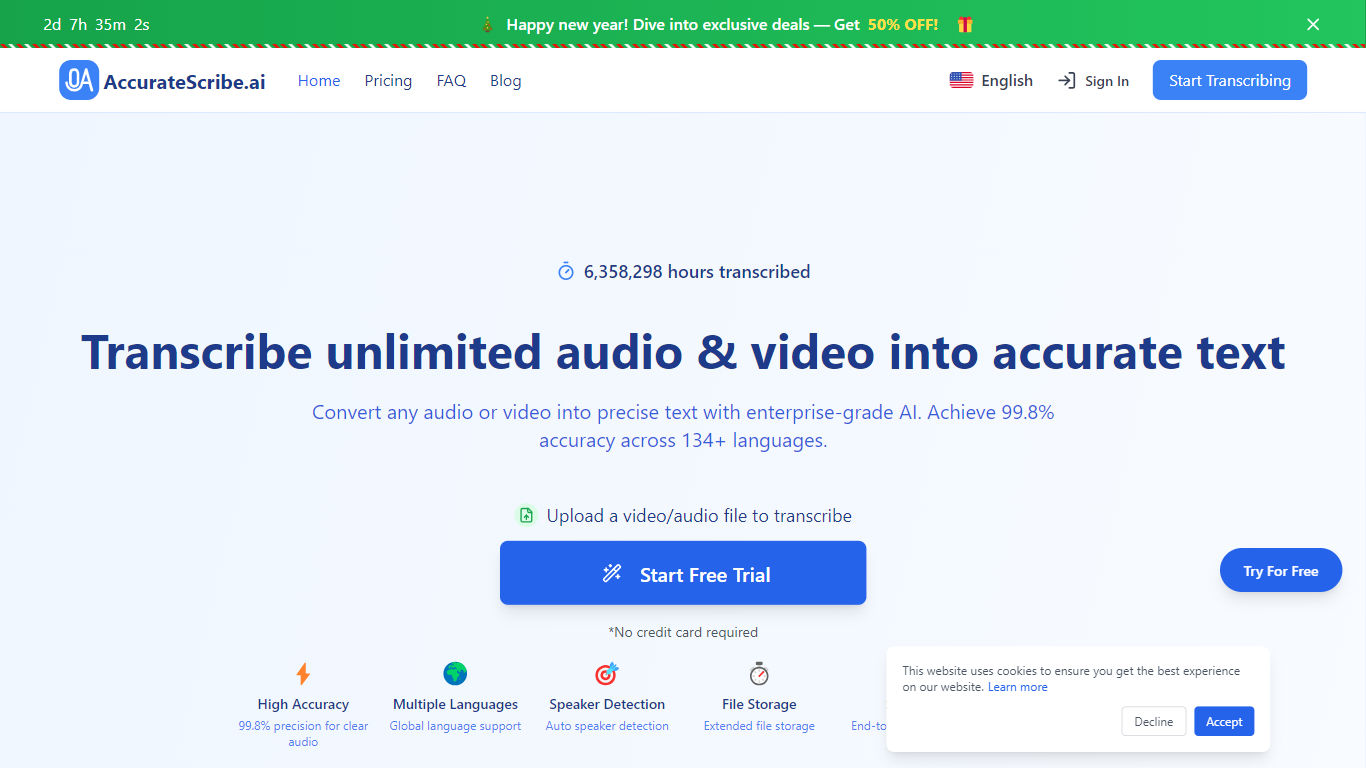
AccurateScribe.ai turns audio and video files into text transcripts and subtitles. Upload MP3, WAV, MP4, MOV, and other common formats, or paste a URL, record voice directly, or capture screen audio. The platform reports 99.8% accuracy on clear audio and supports 134+ languages for transcription and translation.
The service runs on Whisper-based speech recognition with speaker identification, batch processing for up to 50 files, and file limits of 10 hours or 5GB per upload. You can export to DOCX, PDF, TXT, SRT, VTT, CSV, and FCPXML, then edit timestamps in the built-in transcript editor.
AccurateScribe targets journalists, researchers, legal and medical professionals, podcasters, and teams that need fast turnaround without hiring manual transcribers. It is available as a web app, iOS app, Microsoft Store app, and Chrome extension, with live support on Discord and WhatsApp.
LightPDF
What is LightPDF?
LightPDF lets you upload PDFs, Word files, Excel spreadsheets, PowerPoint decks, and scanned documents, then ask questions and get cited answers back. The ChatPDF feature runs on GPT-4, supports multi-document chats, OCR for scanned files, and follow-up questions. You can upload a file up to 100 pages on the free web tier before upgrading.
Unlike standalone ChatPDF clones, LightPDF bundles document chat into a wider PDF toolkit with conversion, editing, e-signatures, and a dozen other AI tools like mind map creation, PDF translation, and presentation generation. One premium subscription covers Windows, Mac, Android, iOS, and the web app, with AI credits allocated monthly or as a one-time pool on the perpetual plan.
Researchers, students, and office workers use LightPDF to summarize contracts, extract tables from financial reports, and pull outlines from long readings. Business teams can also use it for document Q&A on proposals and compliance files. The company behind LightPDF has operated since 2015 and holds ISO/IEC 27001, ISO/IEC 27701, and GDPR certifications.
AccurateScribe AI Upvotes
LightPDF Upvotes
AccurateScribe AI Top Features
Claims 99.8% accuracy on clear audio using Whisper-based speech recognition
Transcribes and translates across 134+ languages with automatic language detection
Labels speakers automatically in multi-person recordings
Handles files up to 10 hours or 5GB and batches up to 50 uploads at once
Exports DOCX, PDF, TXT, SRT, VTT, CSV, and FCPXML with an in-browser editor
LightPDF Top Features
Chat with PDF, Word, Excel, PPT, EPUB, TXT, and scanned files using GPT-4
Upload documents up to 100 pages free on the web app before upgrading
Multi-document chat lets you query several files in one session
Answers include clickable citations pointing to the source passage
Premium includes 1,000 AI credits per month on monthly and annual plans
One subscription covers Windows, Mac, Android, iOS, and web platforms
AccurateScribe AI Category
- PDF
LightPDF Category
- PDF
AccurateScribe AI Pricing Type
- Freemium
LightPDF Pricing Type
- Freemium