
Last updated 07-02-2026
Category:
Reviews:
Join thousands of AI enthusiasts in the World of AI!
AccurateScribe AI
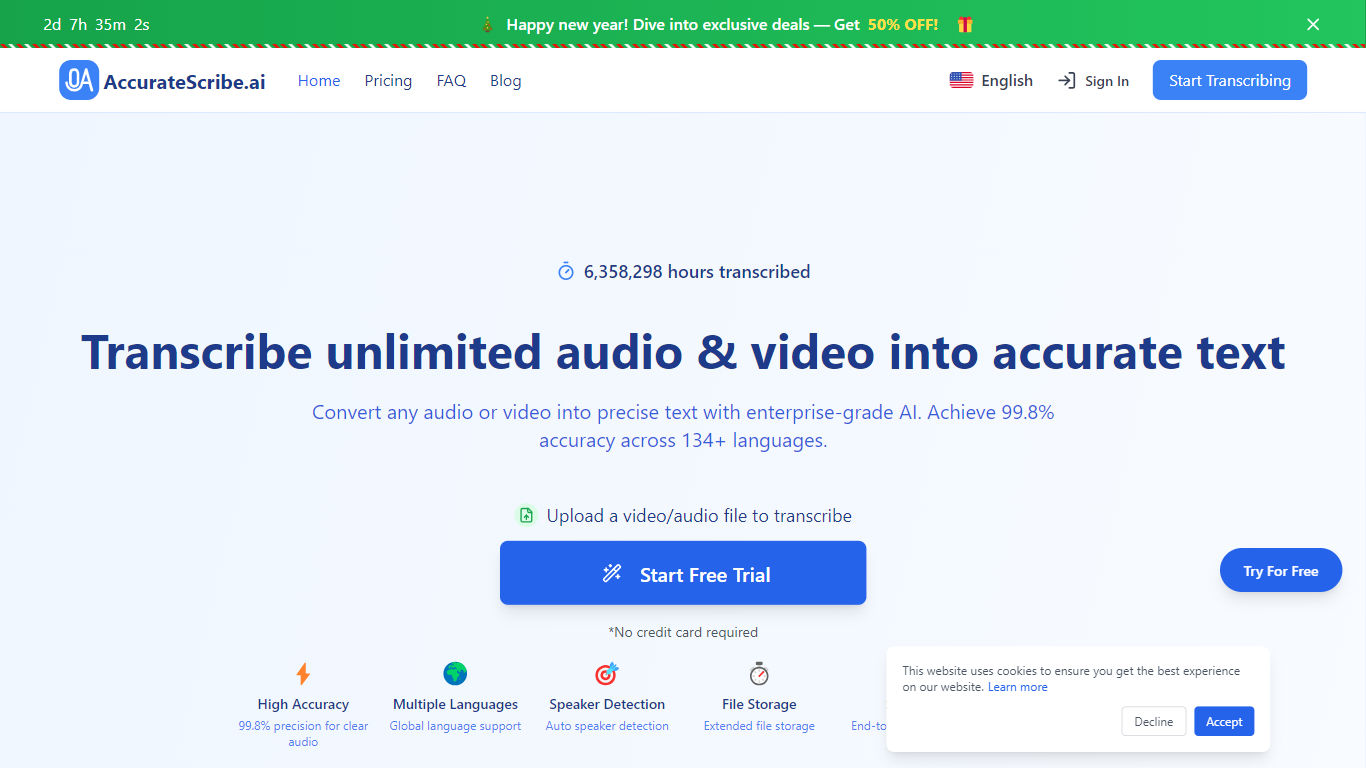
AccurateScribe.ai turns audio and video files into text transcripts and subtitles. Upload MP3, WAV, MP4, MOV, and other common formats, or paste a URL, record voice directly, or capture screen audio. The platform reports 99.8% accuracy on clear audio and supports 134+ languages for transcription and translation.
The service runs on Whisper-based speech recognition with speaker identification, batch processing for up to 50 files, and file limits of 10 hours or 5GB per upload. You can export to DOCX, PDF, TXT, SRT, VTT, CSV, and FCPXML, then edit timestamps in the built-in transcript editor.
AccurateScribe targets journalists, researchers, legal and medical professionals, podcasters, and teams that need fast turnaround without hiring manual transcribers. It is available as a web app, iOS app, Microsoft Store app, and Chrome extension, with live support on Discord and WhatsApp.
Claims 99.8% accuracy on clear audio using Whisper-based speech recognition
Transcribes and translates across 134+ languages with automatic language detection
Labels speakers automatically in multi-person recordings
Handles files up to 10 hours or 5GB and batches up to 50 uploads at once
Exports DOCX, PDF, TXT, SRT, VTT, CSV, and FCPXML with an in-browser editor
Free trial with no credit card required to start transcribing.
Supports very large files (up to 10 hours or 5GB) and batch uploads of 50 files.
Wide export options including subtitles, documents, and video editing formats.
Available on web, iOS, Microsoft Store, and Chrome extension.
Full unlimited access requires a paid subscription after the trial.
Advertised 99.8% accuracy applies to clear audio; noisy recordings may need manual edits.
No dedicated Android app listed; mobile access is primarily via iOS or browser.
Is AccurateScribe.ai free to use?
Yes. AccurateScribe.ai offers a free trial with no credit card required. Free users can view partial transcripts and use basic features. Full unlimited transcription requires a paid plan starting at $9.99 per month on the annual plan.
What file formats does AccurateScribe support?
AccurateScribe accepts MP3, WAV, M4A, MP4, MOV, and most popular audio and video formats. You can also transcribe from a URL, record voice in the browser, or use the screen recorder tool.
How accurate is AccurateScribe transcription?
AccurateScribe reports 99.8% accuracy on clear audio. Results can vary with heavy accents or poor recording quality, but the platform includes audio enhancement to reduce background noise.
Can AccurateScribe generate subtitles?
Yes. Upload video to produce subtitles in SRT or VTT format. The subtitle generator and translation tools support 130+ languages for captions and translated transcripts.
Does AccurateScribe identify different speakers?
Yes. Enable speaker recognition when uploading to label each speaker in the transcript, which is useful for interviews, meetings, and depositions.
Is my data secure on AccurateScribe?
AccurateScribe states it uses enterprise-grade encryption and automatically deletes files after processing. End-to-end encryption is advertised for file handling and storage.
What apps and extensions are available?
Beyond the web app, AccurateScribe offers an iOS app, a Microsoft Store desktop app, a Chrome extension, and a ChatGPT assistant for transcription tasks.