Konjer vs Boss Hub | AI (formerly DocGPT & ChatPDF➶)
When comparing Konjer vs Boss Hub | AI (formerly DocGPT & ChatPDF➶), which AI PDF tool shines brighter? We look at pricing, alternatives, upvotes, features, reviews, and more.
In a comparison between Konjer and Boss Hub | AI (formerly DocGPT & ChatPDF➶), which one comes out on top?
When we put Konjer and Boss Hub | AI (formerly DocGPT & ChatPDF➶) side by side, both being AI-powered pdf tools, There's no clear winner in terms of upvotes, as both tools have received the same number. Every vote counts! Cast yours and contribute to the decision of the winner.
Does the result make you go "hmm"? Cast your vote and turn that frown upside down!
Konjer


What is Konjer?
Konjer is a chat library where books become conversational partners instead of static files. The site calls itself a library full of books you can talk to, and the portal welcomes visitors to chat with any title in the collection.
Unlike a PDF reader or a general-purpose chatbot, Konjer lists each book with a short topic blurb before you open a chat. The portal shows nonfiction titles like The Mom Test and Sapiens, so you choose a work and then ask questions in dialogue form.
Konjer fits curious readers who want to probe ideas through back-and-forth conversation rather than linear reading. Students and self-learners exploring business or science books can use it as a lightweight study companion when they want a title to answer follow-up questions.
Boss Hub | AI (formerly DocGPT & ChatPDF➶)
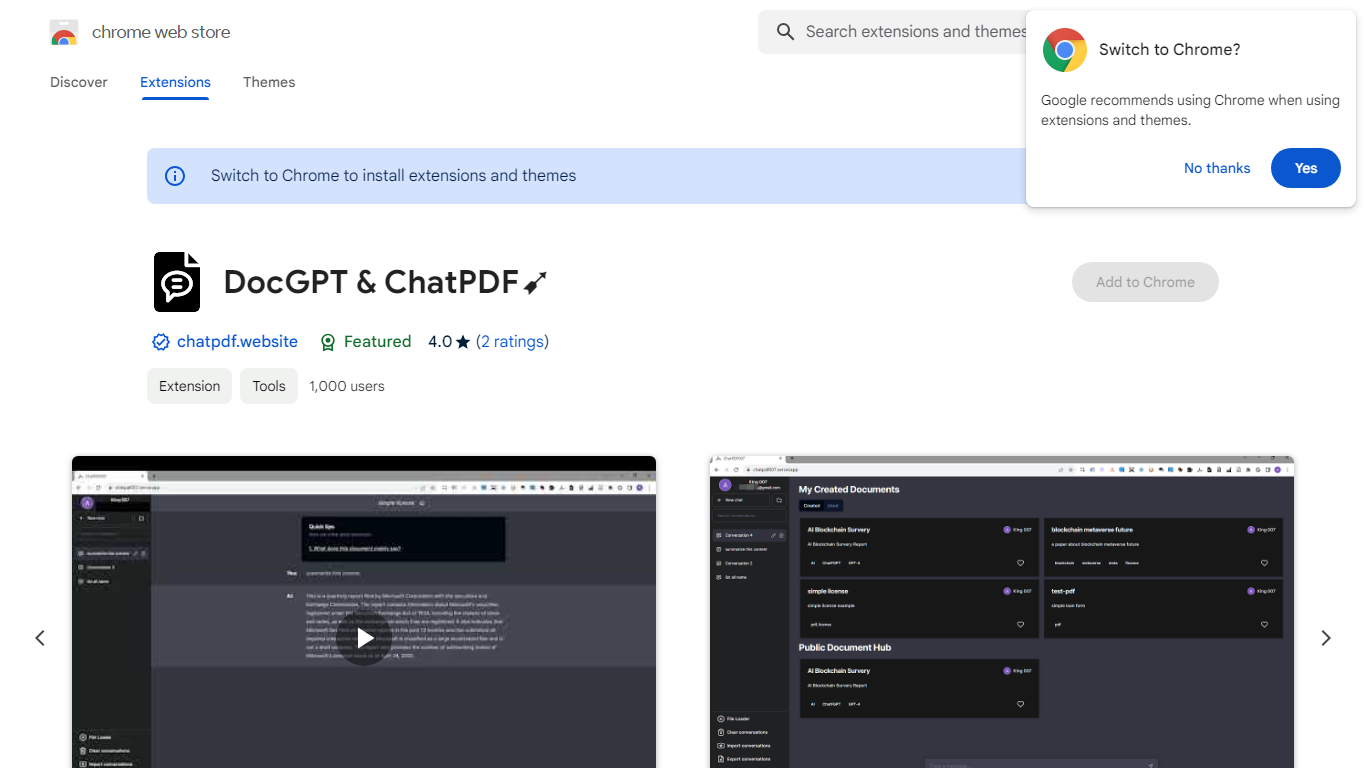
What is Boss Hub | AI (formerly DocGPT & ChatPDF➶)?
Boss Hub | AI is a Chrome extension sidebar for chatting with uploaded documents using ChatGPT and GPT-4. You upload a PDF, Markdown, Epub, or FB2 file, then ask questions, request summaries, and see highlighted source passages inside the side panel. It targets anyone who wants document Q&A without leaving the browser.
Compared with standalone ChatPDF sites, Boss Hub runs as a Chrome side panel and stores data locally on your machine. The listing highlights a built-in token usage tracker, periodic deletion of uploaded files, and support for Markdown alongside PDF. That local-first angle matters if you are comparing browser extensions rather than cloud-only upload tools.
Researchers, students, and office workers who already live in Chrome can use it to skim contracts, reports, or ebooks faster. The developer site is iambuffett.net, and the extension last updated to version 1.3.5 in July 2024.
Konjer Upvotes
Boss Hub | AI (formerly DocGPT & ChatPDF➶) Upvotes
Konjer Top Features
Portal lists books such as The Mom Test and Sapiens with a one-line topic blurb before you chat
Homepage tagline frames the product as a library full of books you can talk to
Meta description promises chats with favorite characters and historical figures, not just text search
Each book entry opens as a conversational session from the living library portal
Built as a Next.js web app hosted on konjer.xyz with a dedicated portal-sub entry path
Boss Hub | AI (formerly DocGPT & ChatPDF➶) Top Features
Upload PDF, Markdown, Epub, and FB2 files, with best support called out for PDF and Markdown
Ask questions, summarize documents, and highlight source passages in the sidebar
Built-in token usage tracker for monitoring ChatGPT and GPT-4 consumption
Stores data locally on your device and deletes uploaded documents regularly
Uses ChatGPT, GPT-4, LangChain, llama_index, and vector storage under the hood
Chrome side panel workflow so document chat stays beside your browsing session
Konjer Category
- PDF
Boss Hub | AI (formerly DocGPT & ChatPDF➶) Category
- PDF
Konjer Pricing Type
- Freemium
Boss Hub | AI (formerly DocGPT & ChatPDF➶) Pricing Type
- Freemium