Top 11 AI Chat Generator tools in 2026
Expertise AI (formerly Chatsimple)
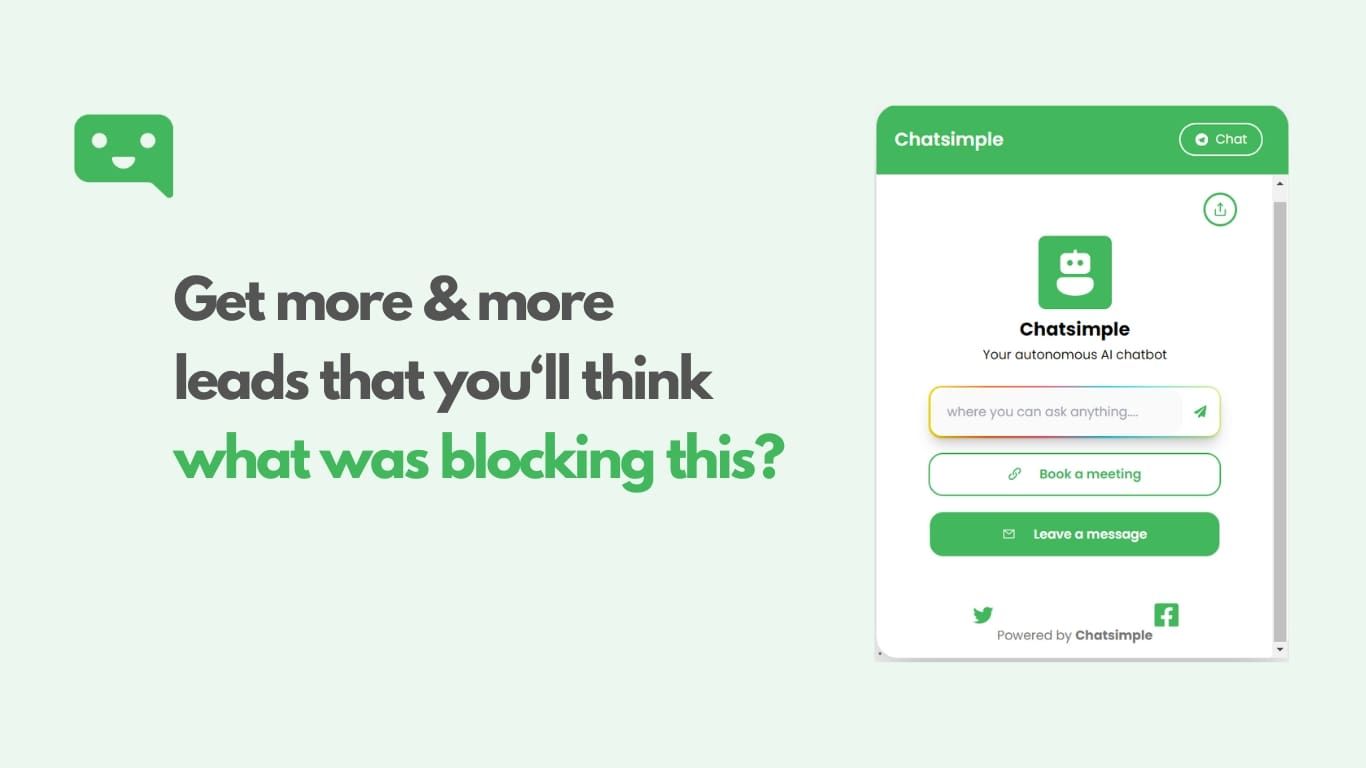
Why use Expertise AI (formerly Chatsimple)? and how does it work?
Expertise AI is a GTM skills marketplace where operators publish ready-to-run AI playbooks and revenue teams install them on their own stack in one click. Browse skills for stalled-deal rescue, outbound diagnostics, pipeline hygiene, and account research, preview sample outputs, then connect Salesforce, HubSpot, Gmail, or Outlook to run the workflow on live data. Expertise Live, sold separately on the same site, handles website visitor conversations that identify buyers and route qualified leads into your CRM. Signup includes $100 in starting credits with no credit card required.
Most sales automation tools make you configure features from scratch. Expertise packages complete GTM workflows as installable skills from named experts, so a team can run a proven playbook instead of rebuilding prompts and logic. That marketplace model trades blank-slate flexibility for speed when you want a vetted motion someone else already runs at scale.
RevOps leaders, account executives, and B2B sales teams use the assistant side for scheduled pipeline work across seats. Marketing and customer support teams reach for Expertise Live when they want real-time buyer chat, visitor identification, and CRM routing instead of inferred intent scores alone.
Free plan includes 200 credits per day, one seat, and $100 in starting credits at signup
Pro adds 5,000 monthly credits plus 200 daily credits at $40 per user per month billed annually
Install expert-built GTM skills from the marketplace in one click with CRM and inbox connectors
Connects to 30+ integrations including Salesforce, HubSpot, Gong, Slack, and Gmail
Human-approval controls gate CRM and inbox writes before they go live
Expertise Live identifies website visitors, scores ICP fit, and routes conversations to Slack or your CRM
DeepAI
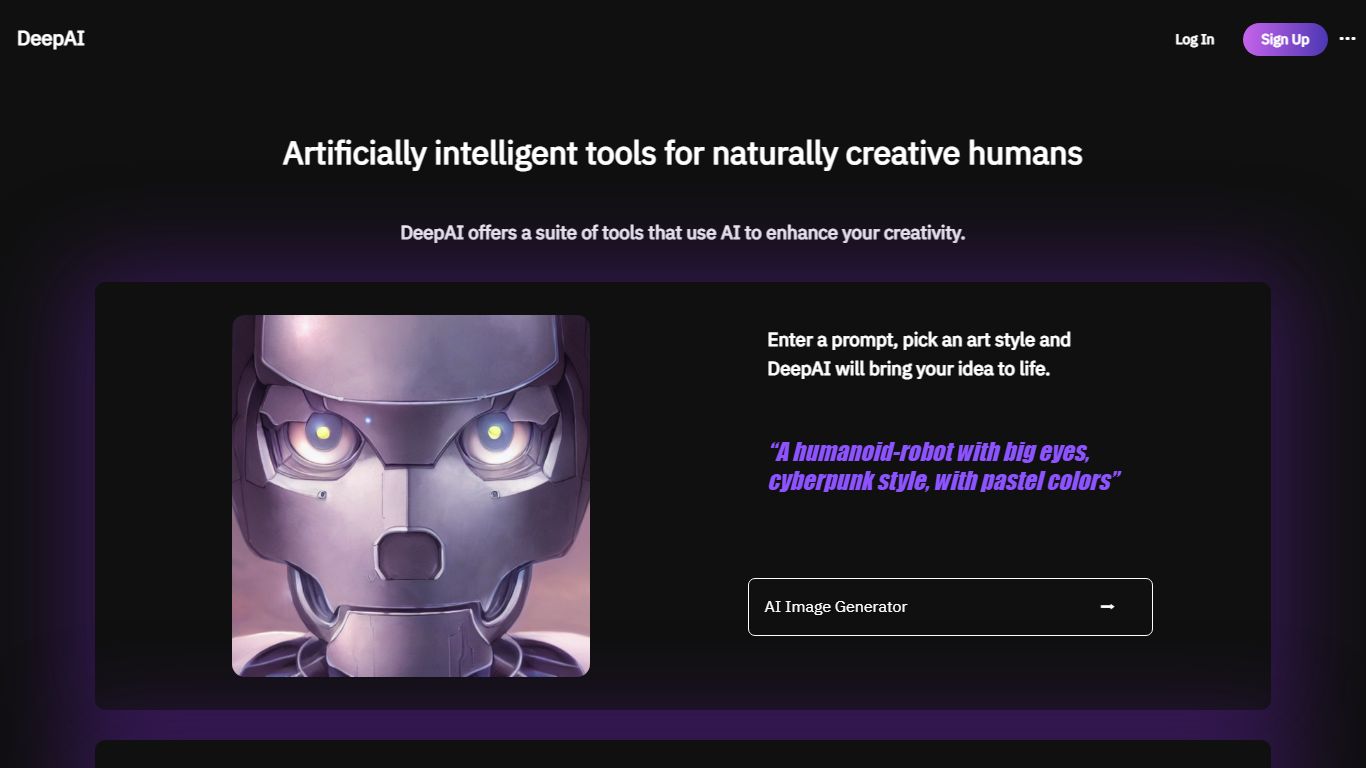
How does DeepAI work?
DeepAI bundles chat, image, video, music, voice chat, and photo editing behind one web dashboard. The homepage routes you into separate generators for text-to-image, video, music, and conversational AI, and it advertises answering billions of questions for more than 5% of Americans. Free users get limited basics while DeepAI Pro unlocks Genius Mode outputs and higher quotas.
Unlike single-purpose image sites, DeepAI runs a prepaid wallet on top of subscription allowances. Pro includes monthly packs such as 500 HD images, 1,750 chat messages, 25 seconds of video, and 100 songs, then charges pay-as-you-go rates from a wallet balance when you exceed them. Genius Mode images, Hollywood Mode video with audio, and Super Genius 2K renders sit on the premium side of that meter.
Creators who want one login for images, clips, and chat, developers browsing the APIs page, and casual users testing prompts before subscribing are the natural fit. Monthly Pro costs $9.99 and yearly billing is $89.99, which the pricing page markets as three months free versus paying monthly.
DeepAI Pro includes 500 HD image generations per month on the $9.99 monthly plan
Pro allowance covers 1,750 standard chat messages and 100 AI songs monthly
Video tier includes 25 seconds of standard video and 8 seconds of Hollywood Mode
Genius Mode adds 60 higher-quality images and 250 smarter chat messages monthly
Pay-as-you-go wallet charges $0.01 per extra HD image after allowances expire
Yearly Pro is $89.99, marketed as saving $29.89 versus monthly billing
AI Chatting
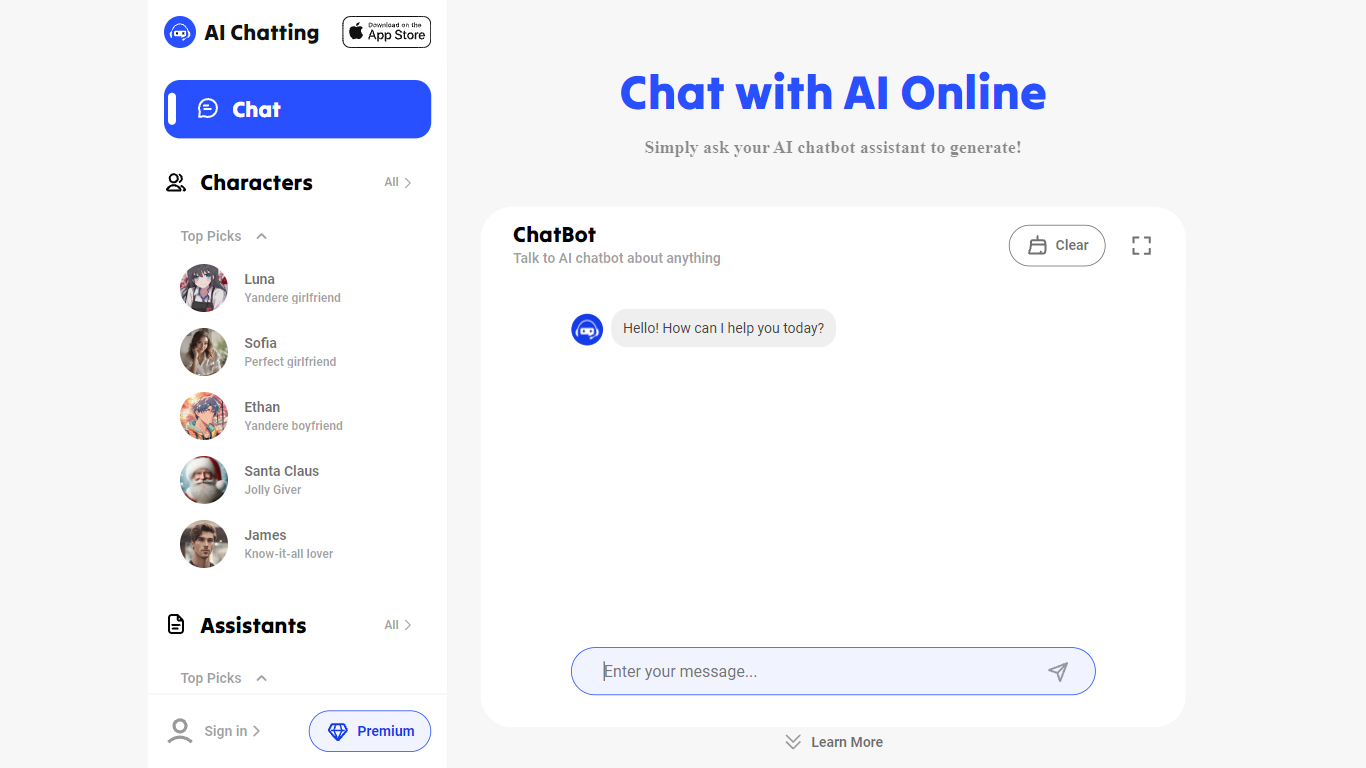
Why use AI Chatting?
AI Chatting is the ultimate destination for anyone looking to engage with AI chatbots online. At this free AI Chat Website, users can ask AI chatbots any question and receive expert-level responses. The chatbots, powered by GPT, are designed to be user-friendly, providing quick and accurate answers to a variety of inquiries. Whether you need to generate content such as emails, articles, and poems, or seek guidance on topics like education, careers, and lifestyle, AI Chatting is equipped to assist. With a suite of AI writing tools, the platform is dedicated to helping users overcome writer's block and create content faster. Additionally, AI Chatting prioritizes user data protection, ensuring a secure experience. Engage, create, and get inspired with the limitless potential of AI at AI Chatting.
User-Friendly Interface: Easy to chat with AI chatbots and get fast responses.
Expert-Level Content Generation: High-quality content generation using GPT-powered chatbots.
Diverse AI Writing Tools: Generate emails articles copy lyrics scripts and much more.
Variety of AI Characters: Engage with AI characters for conversations on various topics.
Emphasis on Security: Information security and data protection are prioritized for users.
WebWhiz
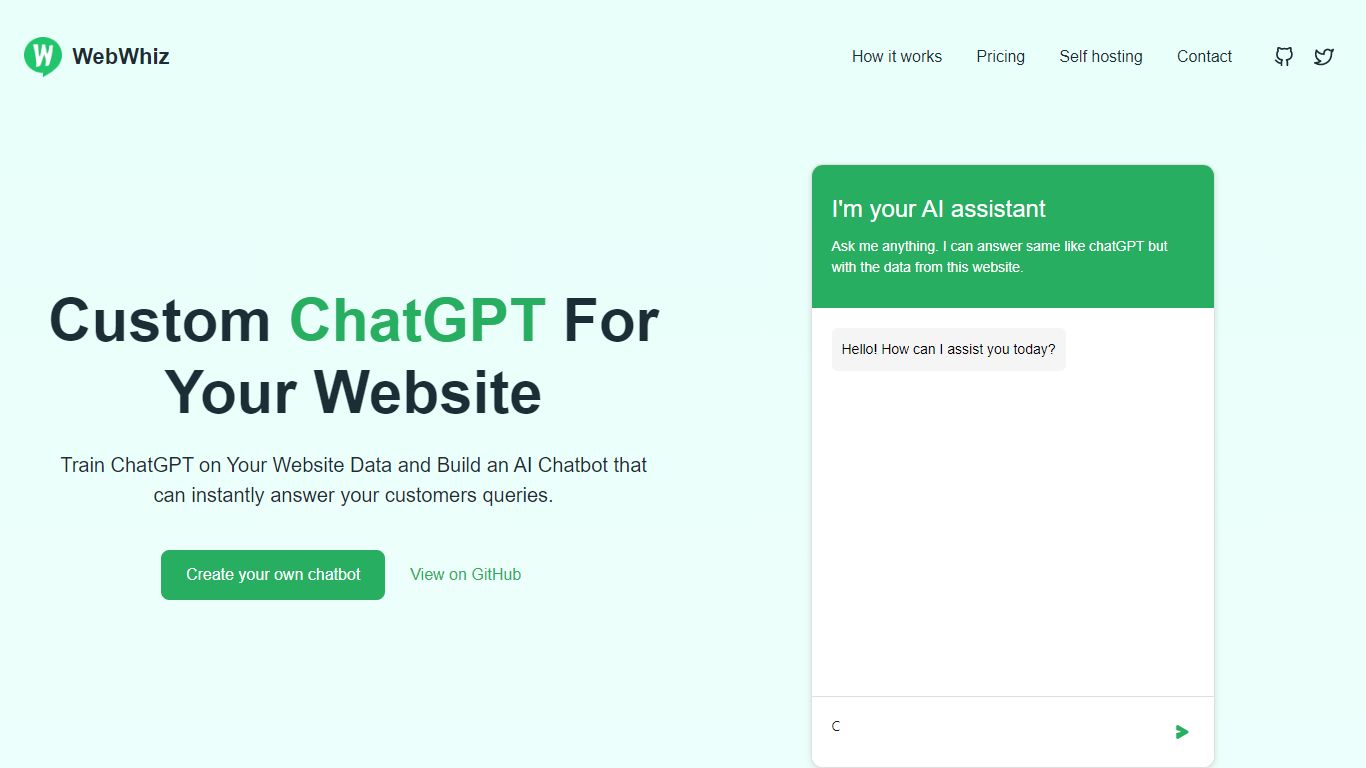
What is WebWhiz? and how does it work?
WebWhiz is a customer support chatbot you train on your own website content, then embed with a single script tag. You point it at your site URL, it crawls public pages, and builds a ChatGPT-backed assistant that answers from that material only. The hosted product runs in the EU without cookies, and the same codebase is open source under AGPL 3.0 if you want to self-host with Docker.
Most website chatbots will guess when they lack context. WebWhiz refuses to invent answers outside its training data, which is why its homepage pitches data-specific responses as the core difference. You can also paste custom text, bring your own OpenAI API key, and fine-tune replies from the project dashboard when answers drift.
It fits teams that want first-line customer support on a marketing site or docs without building a custom RAG stack. SaaS vendors, e-commerce shops, and agencies reselling white-label bots all show up in its customer logos. Plans cap messages, projects, and crawled pages, while a free self-hosting path keeps data on your own servers if you accept AGPL obligations.
Answers only from trained website data, not open-ended guessing
Cloud plans from $19 per month with 2,000 to 40,000 messages depending on tier
Free AGPL self-hosting via Docker with UI on port 3030
100+ language support for visitor conversations
Bring your own OpenAI API key on hosted or self-hosted setups
Remove branding add-on for $19 per month on any plan
Monthly website crawl keeps the bot trained on public pages
Gepetto
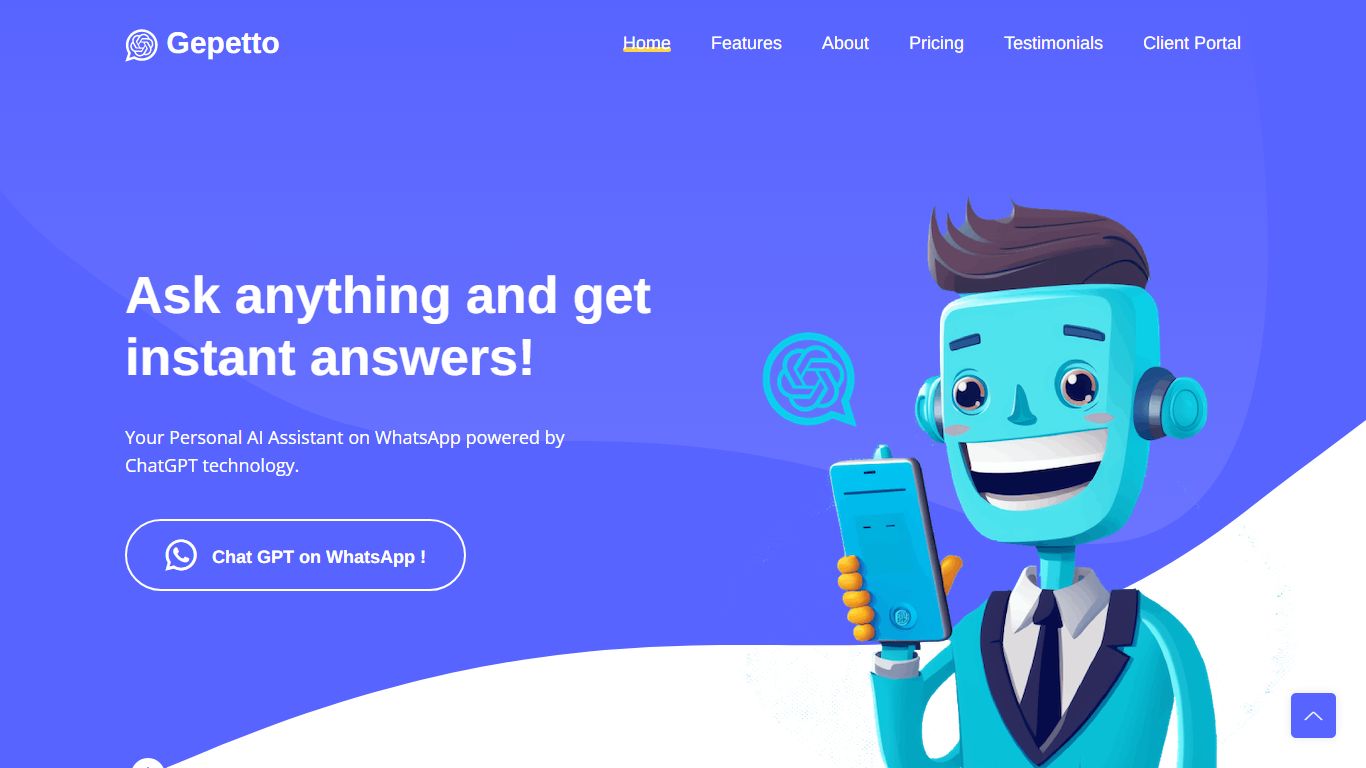
What is Gepetto?
Ask anything and get instant answers! Your Personal AI Assistant on WhatsApp powered by ChatGPT technology.
Craftman
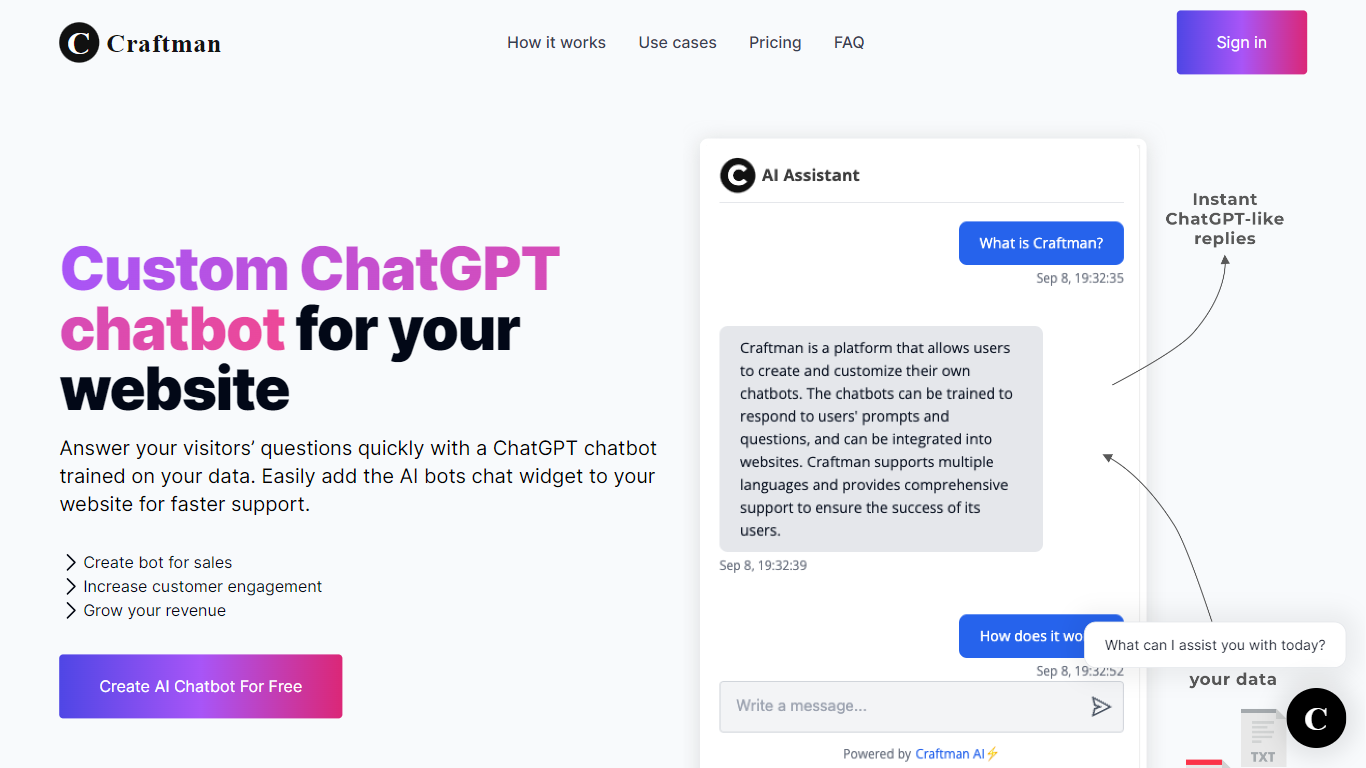
Why use Craftman?
Craftman is a customer support inbox built for startup founders who need chat and email in one feed with AI-drafted replies. You connect a site chat widget and forward support email, then review AI-generated response drafts before sending. The product targets solo founders and small teams who want Intercom-style support without enterprise pricing or feature bloat.
Most support platforms either auto-send bot replies or charge $70+ per month for features you never touch. Craftman stays in the middle: AI writes drafts you approve, not messages that go out unsupervised. At $29 per month on the Pioneer plan, it positions itself as the lightweight Intercom alternative for teams that need inbox plus AI, not product tours or enterprise reporting.
Founders, indie hackers, and one-person SaaS shops use Craftman to clear repetitive support in minutes, train the AI on PDFs and website URLs, and optionally run a chatbot for common questions around the clock. Over 300 founders are listed on the site.
Unified inbox combines chat and email in one feed instead of separate tabs
AI drafts replies from your knowledge base for human review before sending
Free plan includes 1 chat widget and 20 AI replies per month at $0
Pioneer plan at $29 per month includes 1,000 AI replies per month
Train the AI on PDFs, website URLs, or pasted text for contextual drafts
Optional AI chatbot handles common questions on autopilot 24/7
7-day free trial on paid plans with signup and no credit card required
PDFPeer
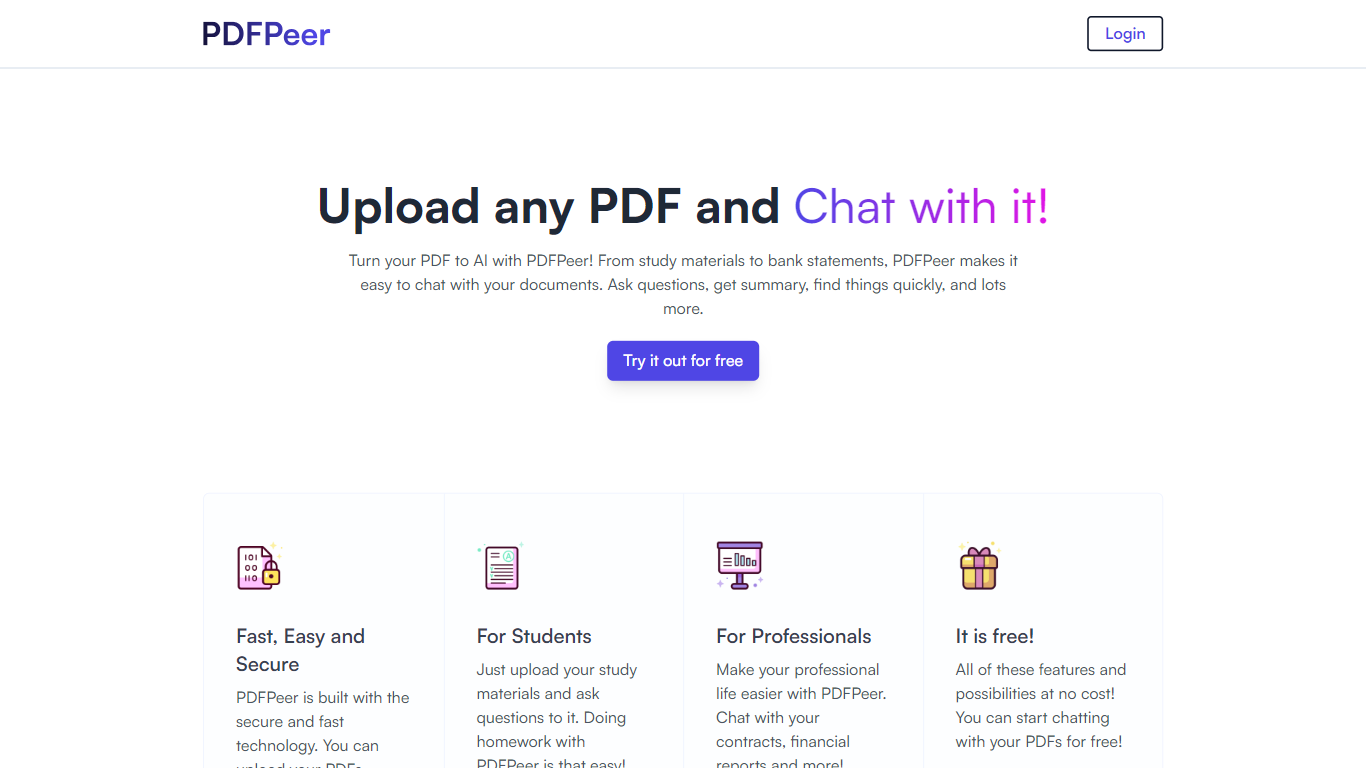
Why use PDFPeer? and how does it work?
PDFPeer turns uploaded PDFs into documents you can question in plain language. Upload a file, then ask for summaries, specific facts, or quick lookups without scrolling page by page. The product targets students working through lecture notes and professionals handling contracts, reports, bank statements, and similar paperwork.
The homepage highlights use across study materials, invoices, resumes, contracts, tax forms, research papers, and other document types. PDFPeer also ships a separate free tools section for conversions and extraction, including PDF to text, OCR, image conversion, and split PDF workflows that do not require signing in.
Accounts support Google, GitHub, or email sign-in. Southern East Inc., based in Waterloo, Ontario, operates PDFPeer and handles billing through Stripe.
Upload a PDF and ask questions in natural language instead of searching manually
Generate summaries and pull specific details from long documents quickly
Works across study notes, contracts, invoices, resumes, tax forms, and research papers
Free tier includes one PDF with limits on file size, page count, and daily questions
Unlimited plan removes PDF, page, and question caps with priority support
Standalone free PDF utilities for text extraction, OCR, image conversion, and splitting files
Tidio
Why use Tidio?
Tidio combines live chat, a help desk, and chat automations so support teams can answer website visitors, email, and social messages from one inbox. Its headline product, Lyro AI Agent, pulls answers from your knowledge base, hands off to humans when needed, and is built to resolve a large share of inquiries without making customers feel like they are talking to a generic bot.
Where many live chat tools stop at a widget, Tidio bundles Lyro AI Agent, Flows automations, ticketing, and a multichannel inbox in one panel. You can also buy Lyro alone through Lyro Connect and attach it to Zendesk, Salesforce, or another help desk when you want AI resolution without replacing your ticket system.
It fits ecommerce stores, SaaS teams, and service businesses that want one inbox for chat, email, and social messages while scaling support with AI rather than hiring for every repetitive question.
Lyro AI Agent targets up to a 67% resolution rate and learns from links, PDFs, and manual knowledge entries
Unified help desk pulls live chat, email, Messenger, Instagram, WhatsApp, and ticketing into one dashboard
Flows builder includes 40+ ecommerce templates for cart recovery, lead capture, and FAQ-style replies
Starter plan at $24.17 per month on annual billing includes 100 billable conversations and 100 Flows visitors reached
Integrations cover Shopify, WordPress, HubSpot, Mailchimp, Zendesk, Zapier, and 120+ other tools
Tidio AI Reply Assistant rewrites agent drafts with GPT-4 technology inside the live chat panel
Dante AI
What is Dante AI? and how does it work?
Dante AI builds customer support chatbots that train on your website, PDFs, and help docs, then answer visitor questions from an embeddable widget. Paste a URL, upload files, or write Q&A pairs and the agent can go live in under 60 seconds with no code. Over 100,000 agents have been built on the platform, and the free tier lets you test before adding a script tag to your site.
Most chatbot builders charge per resolution or per conversation, which means costs climb when the bot works well. Dante uses flat monthly plans with no per-ticket fees, and paid tiers add lead capture, CRM sync, and human handover when the AI cannot finish a thread. White-label branding, custom domains, and SSO sit on higher plans for agencies and larger teams.
Support leads use Dante to deflect repeat questions about refunds, shipping, and passwords while keeping a live inbox for escalations. Starter at $40 per month fits side projects, Advanced at $120 adds weekly knowledge refreshes and lead capture, and Pro at $400 unlocks API access, daily auto-updates, and full white-label removal of Dante branding.
Paste a website URL and Dante crawls content to launch an AI agent in under 60 seconds
Free plan includes 100 monthly credits after 700 onboarding credits with GPT-4o mini access
Starter plan at $40 per month includes 2,000 credits and 25M characters of training data
Advanced plan at $120 per month adds lead capture, weekly knowledge refreshes, and 8,000 credits
Human Handover passes full chat history to a live teammate when the AI cannot answer
Deploy via one script tag on HTML, WordPress, Webflow, or connect 9,000+ apps through Zapier
OSS Chat
What is OSS Chat?
OSS Chat lets you pick an open source project and ask questions against that project's docs, GitHub issues, blog posts, and community Q&A in one chat window. Instead of searching scattered documentation, you talk to a ChatGPT-style assistant grounded in project-specific sources.
The interface is built around swapping projects: choose favorites like Flink, Kafka, Spark, Elasticsearch, CockroachDB, or YOLO, then ask technical questions and get answers tied to that codebase's materials. Ray and PyTorch community posts describe the same pattern for their ecosystems.
Developers, OSS contributors, and community members use OSS Chat when they need quick answers about a familiar project without opening five tabs of documentation. The public site is free to use and runs on OpenAI ChatGPT with vector search, including Milvus in early Ray deployments.
Swap between open source projects such as Flink, Kafka, Spark, Elasticsearch, CockroachDB, and YOLO from the homepage
Grounds answers in documentation, GitHub issues, blog posts, and community Q&A for each selected project
Sample prompts cover stable diffusion models, deep learning papers, PyTorch image classification, and DeFi basics
Powered by OpenAI ChatGPT with vector database retrieval described in Ray and PyTorch launch posts
Free public chat interface at osschat.io with no pricing page or paid tier listed on the site
Built with Next.js and Tailwind CSS according to homepage asset fingerprints
TextGPT
Why use TextGPT? and how does it work?
Text with ChatGPT right from your messages app. No apps to download or passwords to remember.