Symvol CV vs PDFPeer
Dive into the comparison of Symvol CV vs PDFPeer and discover which AI PDF tool stands out. We examine alternatives, upvotes, features, reviews, pricing, and beyond.
In a comparison between Symvol CV and PDFPeer, which one comes out on top?
When we compare Symvol CV and PDFPeer, two exceptional pdf tools powered by artificial intelligence, and place them side by side, several key similarities and differences come to light. PDFPeer stands out as the clear frontrunner in terms of upvotes. PDFPeer has 89 upvotes, and Symvol CV has 6 upvotes.
Disagree with the result? Upvote your favorite tool and help it win!
Symvol CV
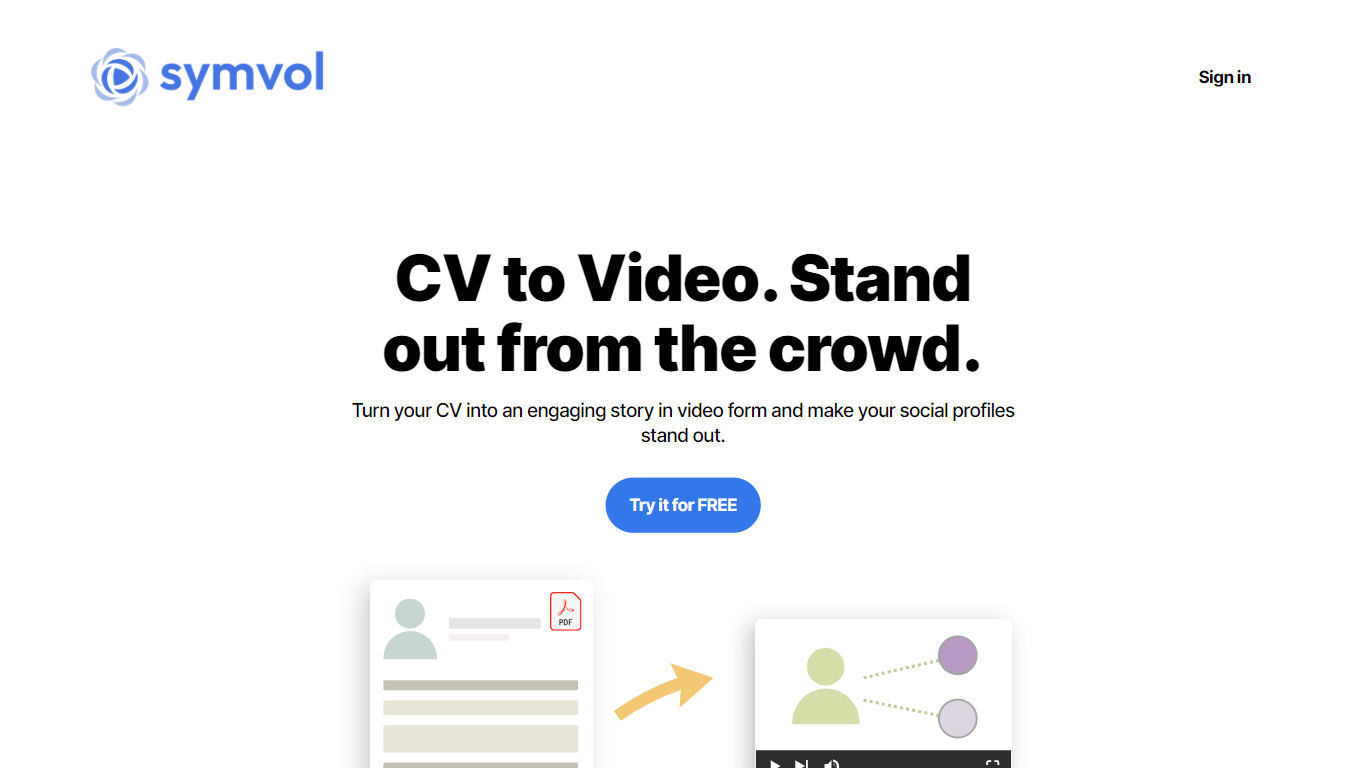

What is Symvol CV?
Symvol CV turns a PDF resume into a narrated video profile you can share with recruiters or on social feeds. You upload a CV in PDF format, Symvol pulls the text, and its Lumina video models build a presentation without you touching a timeline editor. The workflow lives on app.symvol.io, where Symvol also converts other documents and webpages into teaching-style videos.
Video resume tools usually expect you to script and design slides from scratch. Symvol CV keeps the input to a PDF and focuses on the words inside it, so layout quality matters less than the experience and skills you list. Paid Symvol plans add downloadable exports, watermark removal, and higher monthly character limits, while the free tier still lets you generate previews within a 50,000 character cap.
Job seekers, career switchers, and freelancers who want a shareable video intro without learning Premiere or Canva timelines are the natural audience. Pick from 200+ premium voices and 25+ languages on paid tiers, then download the MP4 or share a hosted link. The older cv.symvol.io subdomain no longer responds, so new sessions start through the main Symvol web app.
PDFPeer
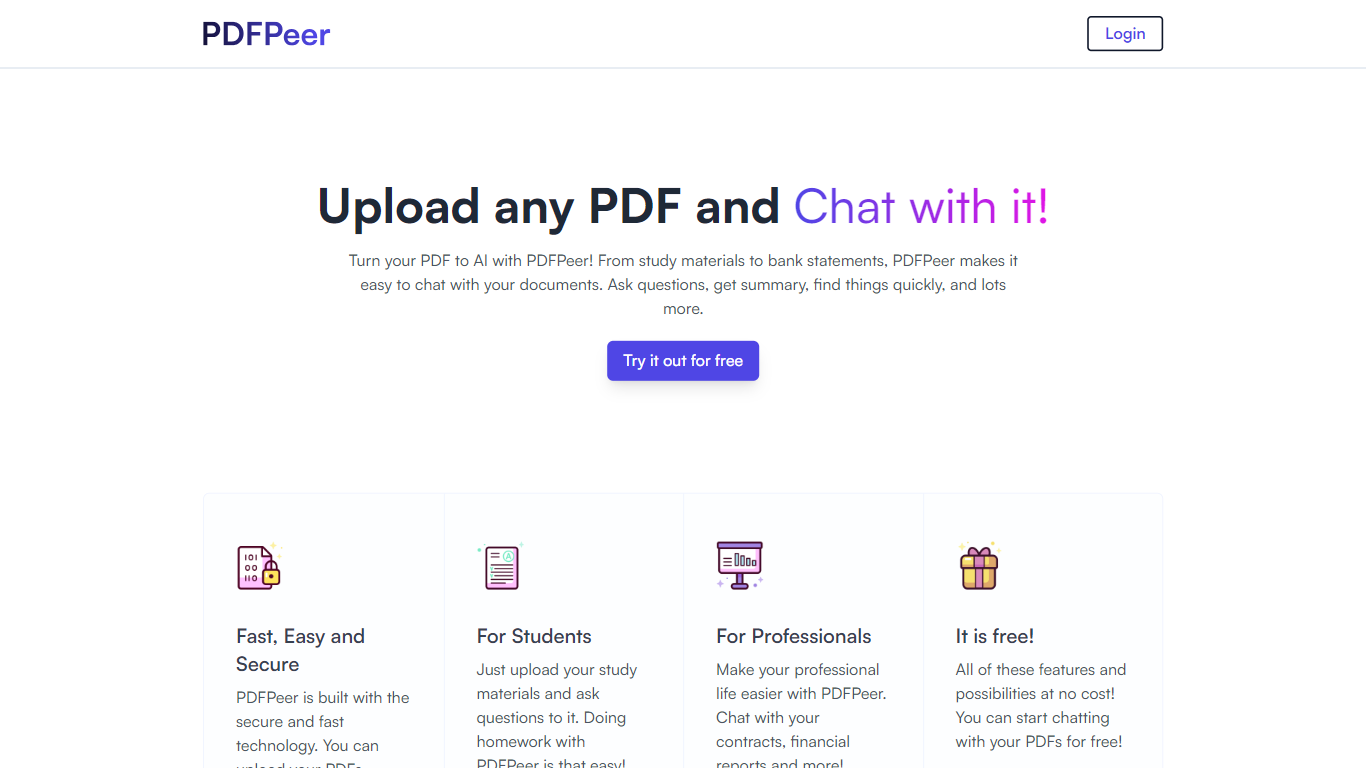
What is PDFPeer?
PDFPeer turns uploaded PDFs into documents you can question in plain language. Upload a file, then ask for summaries, specific facts, or quick lookups without scrolling page by page. The product targets students working through lecture notes and professionals handling contracts, reports, bank statements, and similar paperwork.
The homepage highlights use across study materials, invoices, resumes, contracts, tax forms, research papers, and other document types. PDFPeer also ships a separate free tools section for conversions and extraction, including PDF to text, OCR, image conversion, and split PDF workflows that do not require signing in.
Accounts support Google, GitHub, or email sign-in. Southern East Inc., based in Waterloo, Ontario, operates PDFPeer and handles billing through Stripe.
Symvol CV Upvotes
PDFPeer Upvotes
Symvol CV Top Features
Accepts CV uploads in PDF format and uses the extracted text for video generation
Symvol plans include Lumina v1, v2.5, and v3.5 video models on app.symvol.io/plans
Free tier includes 50,000 monthly text characters; Creator Pro allows 1,200,000 characters
Choose from 200+ premium voices and 25+ languages on paid Symvol plans
Paid tiers unlock video downloads, starting at 3 per month on the $4.10 Starter plan
Share finished profiles via download or a public Symvol-hosted link
PDFPeer Top Features
Upload a PDF and ask questions in natural language instead of searching manually
Generate summaries and pull specific details from long documents quickly
Works across study notes, contracts, invoices, resumes, tax forms, and research papers
Free tier includes one PDF with limits on file size, page count, and daily questions
Unlimited plan removes PDF, page, and question caps with priority support
Standalone free PDF utilities for text extraction, OCR, image conversion, and splitting files
Symvol CV Category
- PDF
PDFPeer Category
- PDF
Symvol CV Pricing Type
- Freemium
PDFPeer Pricing Type
- Freemium