Doclime vs Konjer
In the contest of Doclime vs Konjer, which AI PDF tool is the champion? We evaluate pricing, alternatives, upvotes, features, reviews, and more.
If you had to choose between Doclime and Konjer, which one would you go for?
When we examine Doclime and Konjer, both of which are AI-enabled pdf tools, what unique characteristics do we discover? Neither tool takes the lead, as they both have the same upvote count. Be a part of the decision-making process. Your vote could determine the winner.
Disagree with the result? Upvote your favorite tool and help it win!
Doclime
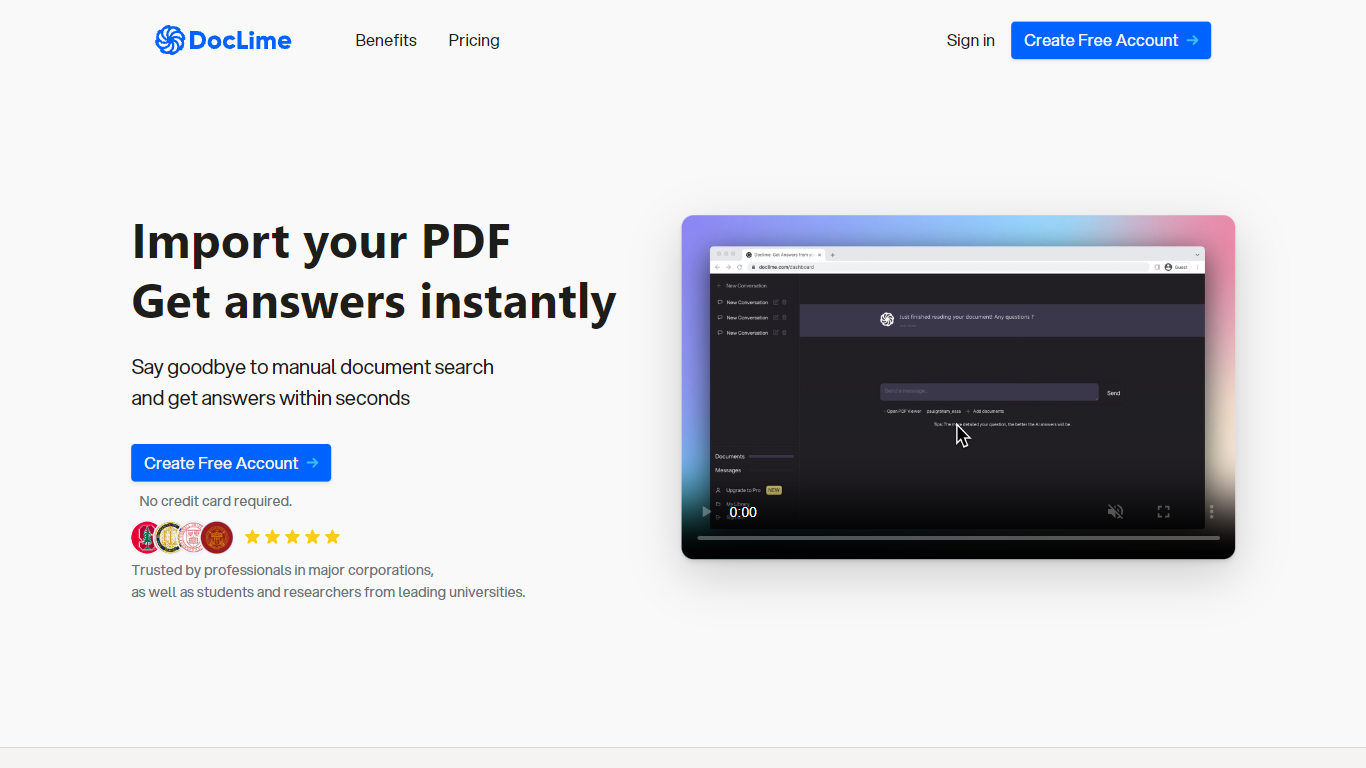

What is Doclime?
Doclime lets you upload PDFs and ask questions that come back with cited answers pulled from the file. You get a built-in PDF viewer with search and page navigation, a notes editor with version history, and a split-screen layout that keeps chat, documents, and notes open at once. It also reads scanned PDFs through OCR and accepts screenshot questions through its Vision feature.
Most PDF chat tools stop at a single file and a text box. Doclime stacks a hierarchical file tree, multi-document context for one conversation, and frontier models from OpenAI and Anthropic in the same workspace. That combination targets people cross-referencing textbooks, contracts, or research papers rather than doing one-off summaries.
The homepage lists use cases like lesson planning from textbooks, chapter summaries, and pulling obligations from contract sections, with example answers showing bracketed source references. Stanford, Berkeley, Cornell, and USC logos appear on the landing page, and the interface ships in nine languages including English, Spanish, French, German, Japanese, Korean, Arabic, and Chinese.
Konjer
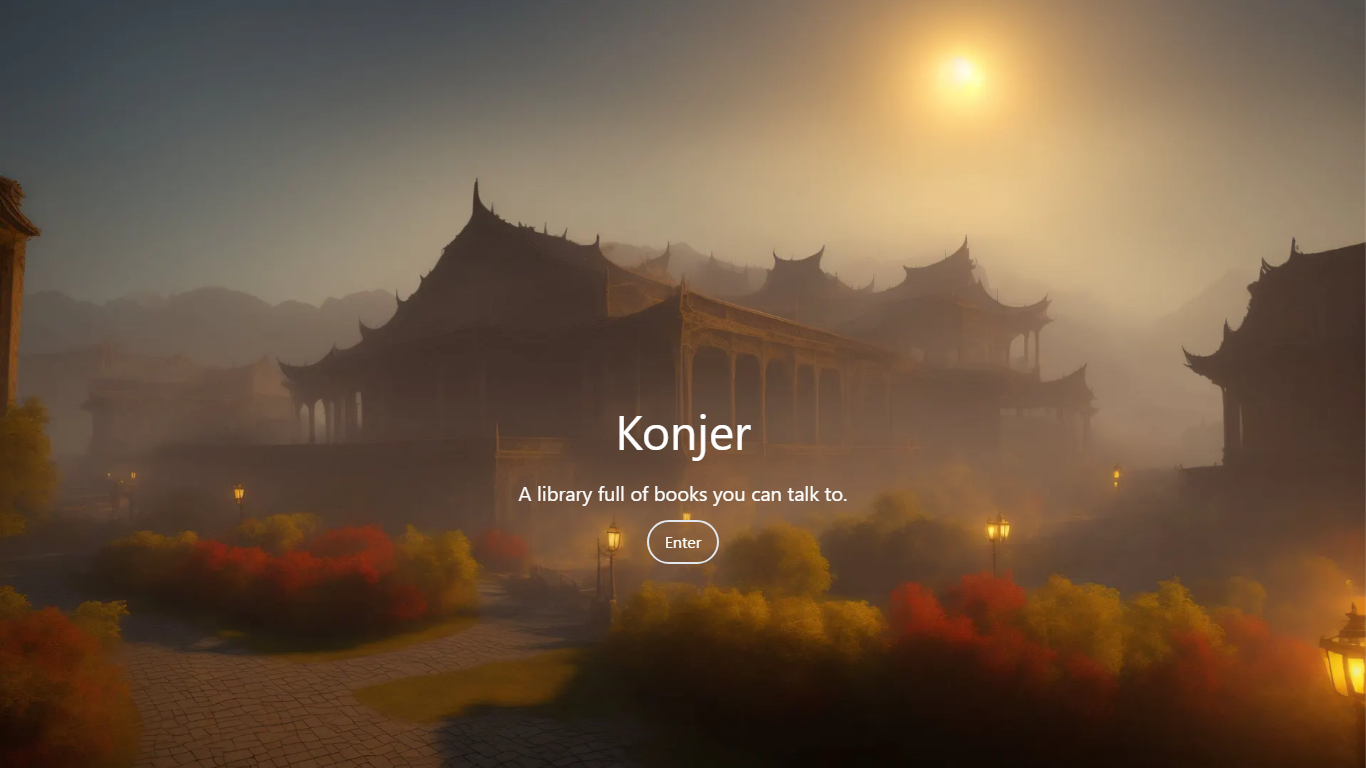
What is Konjer?
Konjer is a chat library where books become conversational partners instead of static files. The site calls itself a library full of books you can talk to, and the portal welcomes visitors to chat with any title in the collection.
Unlike a PDF reader or a general-purpose chatbot, Konjer lists each book with a short topic blurb before you open a chat. The portal shows nonfiction titles like The Mom Test and Sapiens, so you choose a work and then ask questions in dialogue form.
Konjer fits curious readers who want to probe ideas through back-and-forth conversation rather than linear reading. Students and self-learners exploring business or science books can use it as a lightweight study companion when they want a title to answer follow-up questions.
Doclime Upvotes
Konjer Upvotes
Doclime Top Features
Ask questions about uploaded PDFs and receive answers with bracketed citation references to source passages
Built-in PDF viewer includes search, zoom, and page navigation alongside the chat panel
Split-screen layout opens PDF, notes, and chat views simultaneously in one workspace
Vision support lets you screenshot any document section and ask questions about that image
OCR converts scanned PDF files into searchable text before answering questions
Context-aware search adds multiple PDFs and notes as context files to a single AI conversation
Konjer Top Features
Portal lists books such as The Mom Test and Sapiens with a one-line topic blurb before you chat
Homepage tagline frames the product as a library full of books you can talk to
Meta description promises chats with favorite characters and historical figures, not just text search
Each book entry opens as a conversational session from the living library portal
Built as a Next.js web app hosted on konjer.xyz with a dedicated portal-sub entry path
Doclime Category
- PDF
Konjer Category
- PDF
Doclime Pricing Type
- Freemium
Konjer Pricing Type
- Freemium