PDFgen vs Journey
In the battle of PDFgen vs Journey, which AI PDF tool comes out on top? We compare reviews, pricing, alternatives, upvotes, features, and more.
Between PDFgen and Journey, which one is superior?
Upon comparing PDFgen with Journey, which are both AI-powered pdf tools, The upvote count favors PDFgen, making it the clear winner. PDFgen has received 7 upvotes from aitools.fyi users, while Journey has received 6 upvotes.
Disagree with the result? Upvote your favorite tool and help it win!
PDFgen

What is PDFgen?
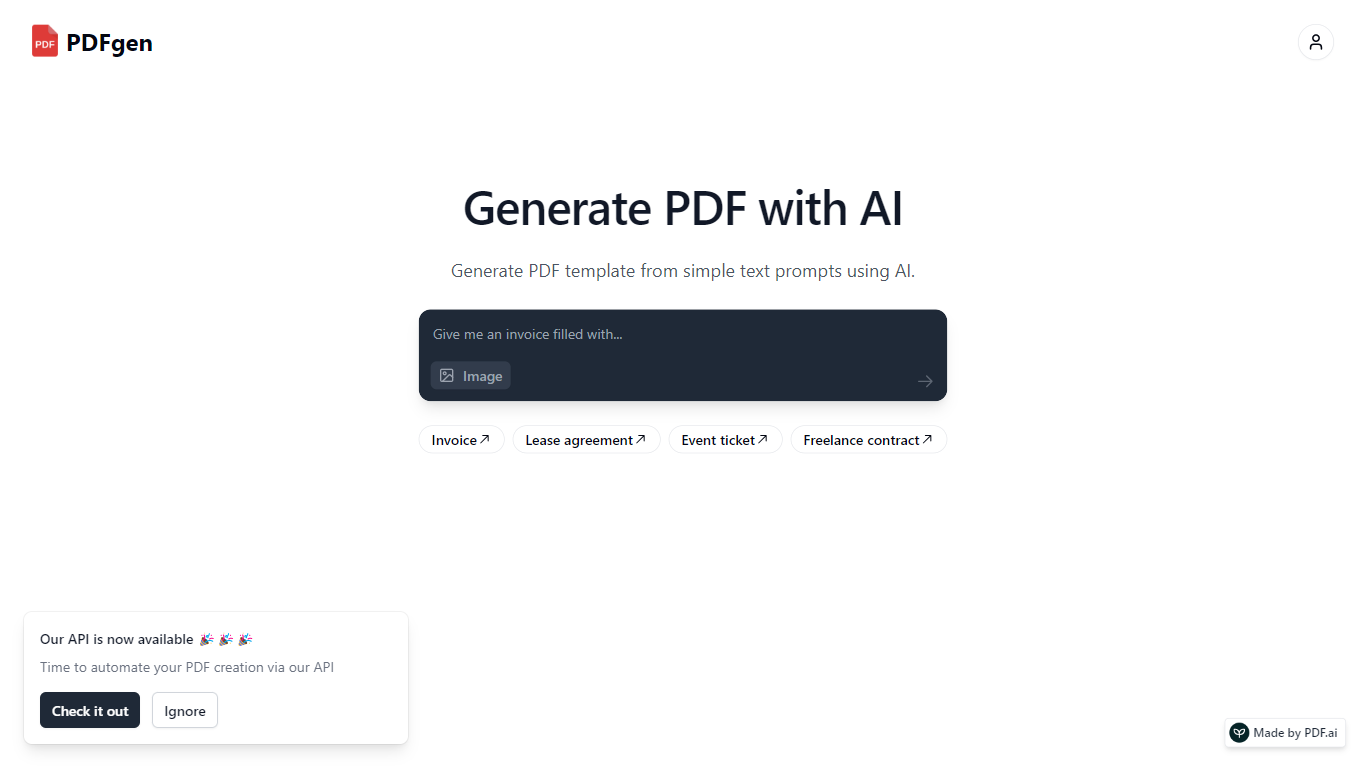
PDFgen turns AI prompts, HTML, Markdown, or saved templates into pixel-perfect PDFs through a REST API. You can design documents in a browser dashboard, mark Handlebars fields for dynamic data, then call one endpoint to render invoices, tickets, certificates, or custom layouts at scale. The docs bill usage in credits where one credit covers up to five pages.
Unlike self-hosted headless Chrome setups, PDFgen runs the rendering stack for you and returns either the binary file or a signed URL. Prompt-based generation costs double the standard page rate because the model writes HTML before render, which is worth knowing if you plan to generate documents from natural language rather than fixed templates.
Developers wiring PDF output into SaaS billing, event platforms, or no-code automations use PDFgen to skip browser infrastructure. Starter and Business plans expose rate limits of 120 and 240 requests per minute, and Business adds bring-your-own AWS S3 delivery plus priority support.
Journey
What is Journey?
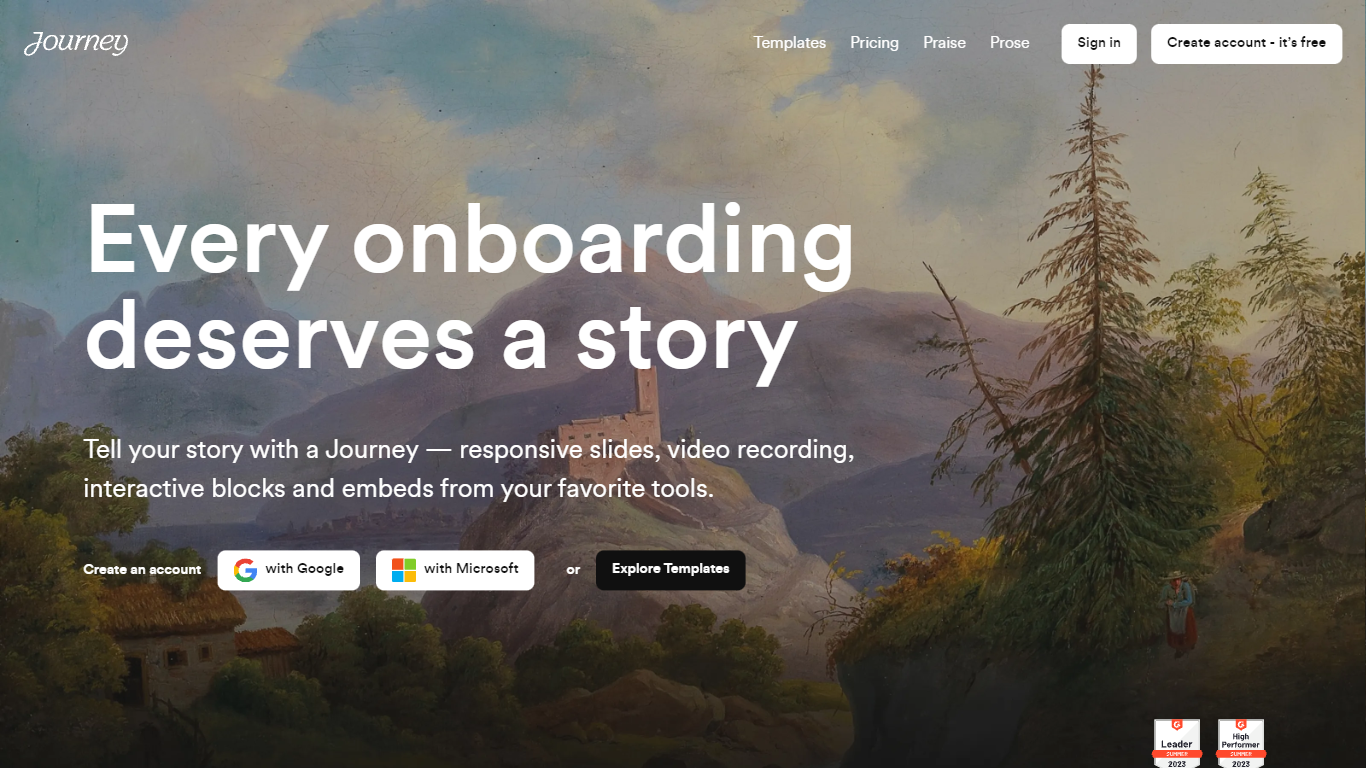
Journey packages pitch decks, case studies, pricing sheets, and follow-up docs into one branded page your buyer can forward internally. Instead of emailing scattered PDFs and links, you build a structured page with folders, a table of contents, and embeds from tools like Loom, Gong, Notion, and DocuSign. Recipients open a single URL, skim sections in any order, and you see who engaged and for how long.
Where a Google Doc or Notion page feels like homework, Journey is built for post-call follow-up and deal rooms. Pitch Mode and Microsite Mode give you two layouts for the same content blocks, and the Grow plan adds an AI chatbot that answers questions about your page. The free Start tier caps you at two live Journeys, which is the main trade-off against sending a plain shared folder.
Sales reps, founders, and customer success teams use Journey after demos to give busy stakeholders one place for the pitch, proof, and trust materials. It fits teams that already have good content but lose momentum when buyers dig through email threads to find it.
PDFgen Upvotes
Journey Upvotes
PDFgen Top Features
Generate PDFs from saved templates, raw HTML, Markdown, or AI prompts via POST /api/v1/generate
Free plan includes 30 credits per month and up to 5 templates with watermark downloads
Starter plan at $29 per month includes 1,000 credits and 120 API requests per minute
Handlebars fields, loops, and conditionals for line items, totals, and conditional sections
Page sizes include A4, US Letter, Legal, A3, A5, and Tabloid
Password-protected PDF export with print and copy permission controls
Business plan supports bring-your-own AWS S3 delivery and 240 requests per minute
Journey Top Features
Start plan includes up to 2 Journeys; Grow and Scale offer unlimited Journeys with a 14-day free trial on every tier
Embed blocks for Loom, Gong, Calendly, Notion, PandaDoc, DocuSign, Google Drive, Dropbox, and YouTube without leaving the page
Grow plan unlocks an AI chatbot that lets recipients ask questions about your Journey content
Scale adds session replays plus Clay and Zapier integrations for outbound personalization workflows
Engagement insights show who viewed your page, what sections they opened, and how long they spent
Custom domain add-on costs $10 per month on any paid plan
Recipients view published Journeys without creating an account or logging in
PDFgen Category
- PDF
Journey Category
- PDF
PDFgen Pricing Type
- Freemium
Journey Pricing Type
- Freemium