BoloForms vs Journey
In the face-off between BoloForms vs Journey, which AI PDF tool takes the crown? We scrutinize features, alternatives, upvotes, reviews, pricing, and more.
In a face-off between BoloForms and Journey, which one takes the crown?
If we were to analyze BoloForms and Journey, both of which are AI-powered pdf tools, what would we find? Both tools are equally favored, as indicated by the identical upvote count. Since other aitools.fyi users could decide the winner, the ball is in your court now to cast your vote and help us determine the winner.
Feeling rebellious? Cast your vote and shake things up!
BoloForms

What is BoloForms?
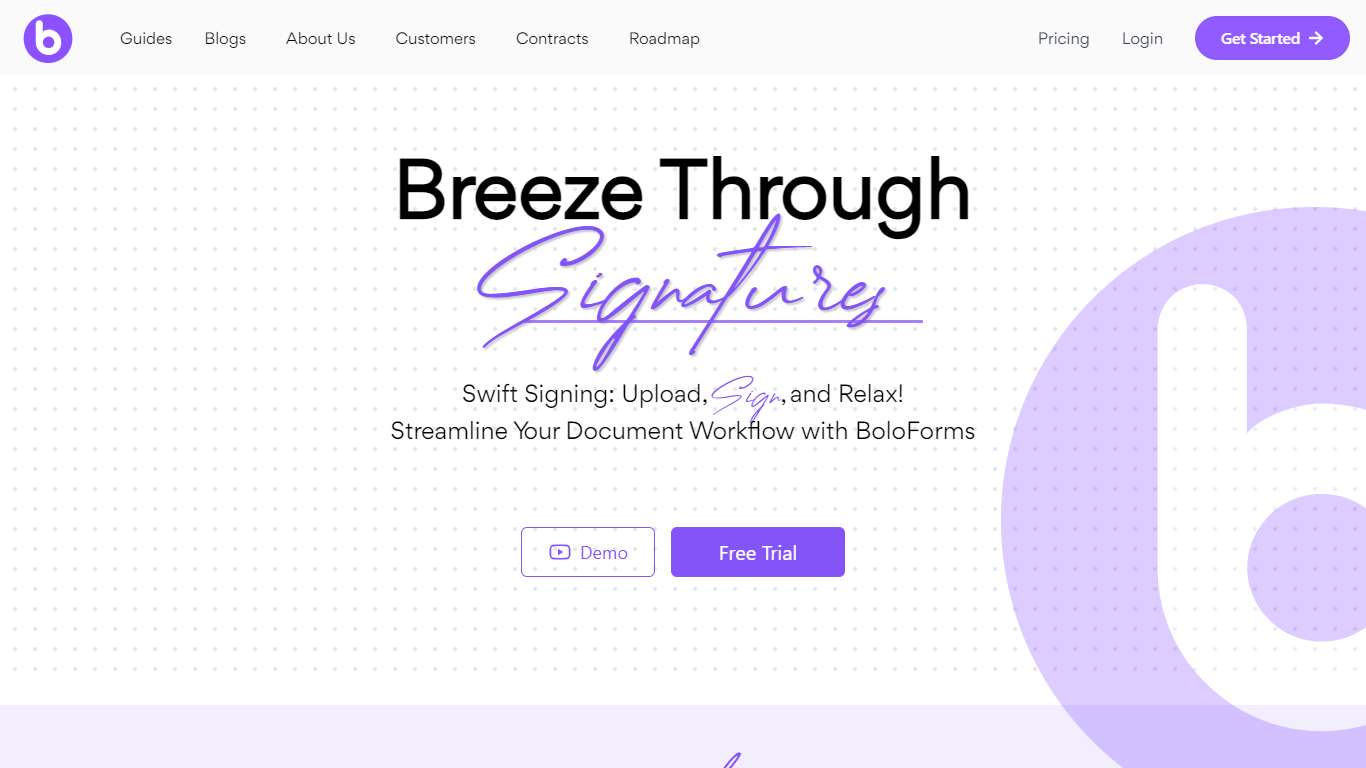
BoloForms (branded on its site as BoloSign) is an electronic signature platform built for small businesses that need to send contracts, PDFs, and signature forms without per-user or per-document fees. You upload a document or build a form, add signature fields, and send it to recipients who can sign from a link without creating an account.
The platform covers the full signing workflow: reusable PDF templates, fillable forms with compliance fields, bulk send via CSV, automated reminders, audit trails, and multi-signer signing order. It also offers a Google Forms add-on, native iOS and Android apps, Gmail and Google Workspace integrations, and a REST API for embedding signing into other apps.
BoloForms is operated by Closer Innovation Labs Corp and is a member of the NVIDIA Inception program. The service holds ISO 27001:2022, SOC 2 Type I and II, GDPR, HIPAA, ESIGN Act, eIDAS, and UETA compliance certifications. Over 50,000 businesses use it across healthcare, education, retail, logistics, and professional services.
Journey
What is Journey?
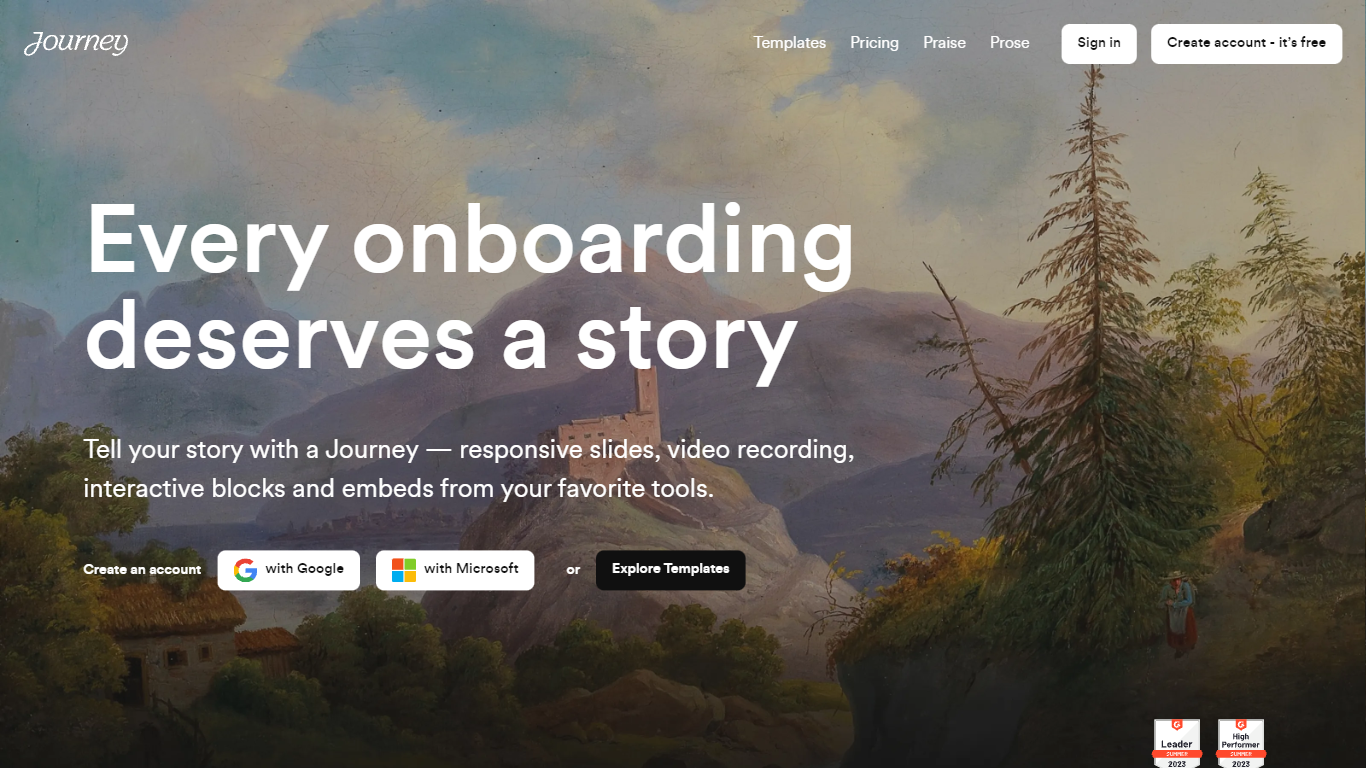
Journey packages pitch decks, case studies, pricing sheets, and follow-up docs into one branded page your buyer can forward internally. Instead of emailing scattered PDFs and links, you build a structured page with folders, a table of contents, and embeds from tools like Loom, Gong, Notion, and DocuSign. Recipients open a single URL, skim sections in any order, and you see who engaged and for how long.
Where a Google Doc or Notion page feels like homework, Journey is built for post-call follow-up and deal rooms. Pitch Mode and Microsite Mode give you two layouts for the same content blocks, and the Grow plan adds an AI chatbot that answers questions about your page. The free Start tier caps you at two live Journeys, which is the main trade-off against sending a plain shared folder.
Sales reps, founders, and customer success teams use Journey after demos to give busy stakeholders one place for the pitch, proof, and trust materials. It fits teams that already have good content but lose momentum when buyers dig through email threads to find it.
BoloForms Upvotes
Journey Upvotes
BoloForms Top Features
Send unlimited PDFs, templates, and signature forms on paid plans with no per-user fees on the Team tier
Collect legally binding signatures on fillable forms with dropdown, radio, checkbox, and matrix fields
Bulk send personalized signing requests to hundreds of recipients from a CSV upload
Reusable PDF templates with pre-placed signature, text, date, and initials fields
Automated reminder emails on a 1, 3, 5, or 7-day schedule for unsigned documents
Tamper-proof audit trail recording signer identity, IP address, email, and timestamps
Google Forms add-on, Google Drive, Dropbox, and OneDrive integrations plus HubSpot and Pipedrive CRM connections
REST API and embedded signing iframe for developers building signing into their own apps
Map PDF AI that auto-detects where signature and form fields belong on uploaded documents
Native iOS and Android apps plus Gmail and Google Workspace marketplace extensions
Journey Top Features
Start plan includes up to 2 Journeys; Grow and Scale offer unlimited Journeys with a 14-day free trial on every tier
Embed blocks for Loom, Gong, Calendly, Notion, PandaDoc, DocuSign, Google Drive, Dropbox, and YouTube without leaving the page
Grow plan unlocks an AI chatbot that lets recipients ask questions about your Journey content
Scale adds session replays plus Clay and Zapier integrations for outbound personalization workflows
Engagement insights show who viewed your page, what sections they opened, and how long they spent
Custom domain add-on costs $10 per month on any paid plan
Recipients view published Journeys without creating an account or logging in
BoloForms Category
- PDF
Journey Category
- PDF
BoloForms Pricing Type
- Freemium
Journey Pricing Type
- Freemium