Journey vs PDFPeer
When comparing Journey vs PDFPeer, which AI PDF tool shines brighter? We look at pricing, alternatives, upvotes, features, reviews, and more.
In a comparison between Journey and PDFPeer, which one comes out on top?
When we put Journey and PDFPeer side by side, both being AI-powered pdf tools, The upvote count shows a clear preference for PDFPeer. PDFPeer has been upvoted 89 times by aitools.fyi users, and Journey has been upvoted 6 times.
You don't agree with the result? Cast your vote to help us decide!
Journey

What is Journey?
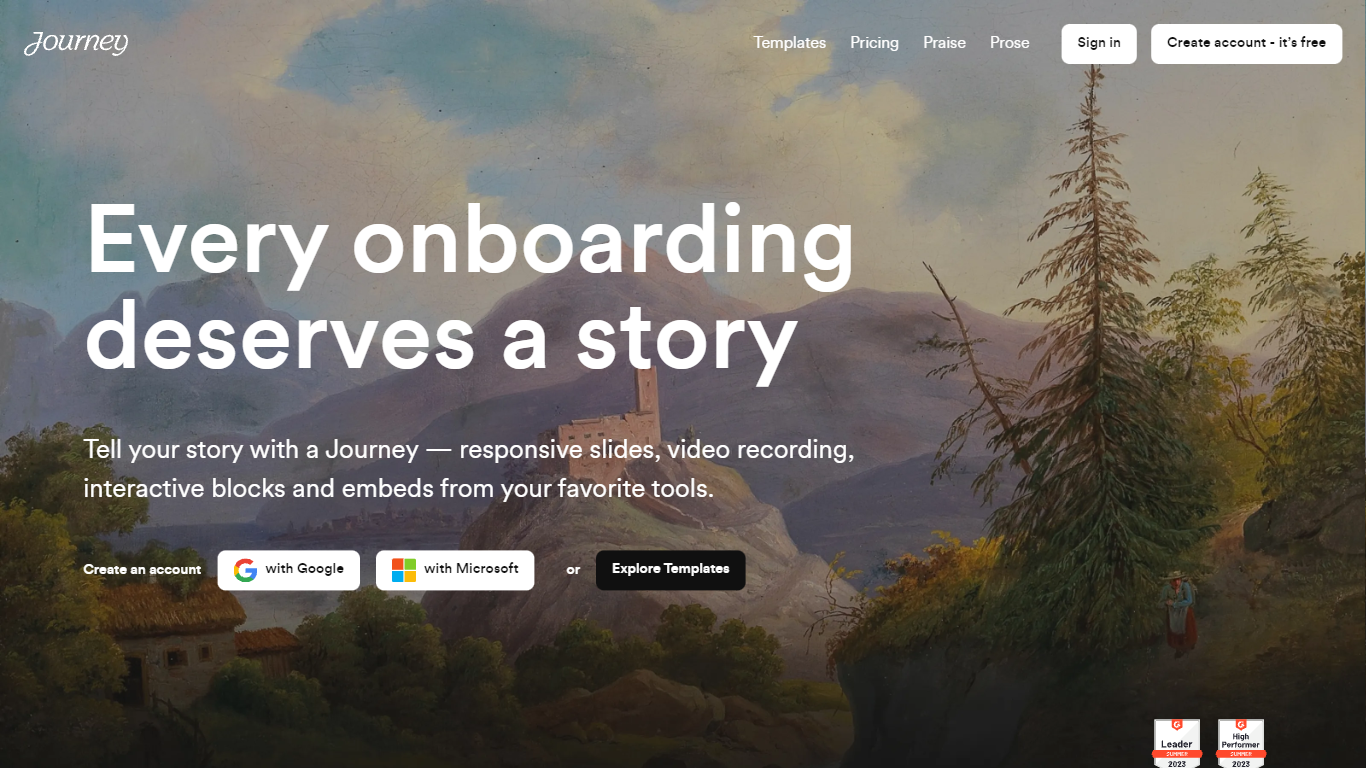
Journey packages pitch decks, case studies, pricing sheets, and follow-up docs into one branded page your buyer can forward internally. Instead of emailing scattered PDFs and links, you build a structured page with folders, a table of contents, and embeds from tools like Loom, Gong, Notion, and DocuSign. Recipients open a single URL, skim sections in any order, and you see who engaged and for how long.
Where a Google Doc or Notion page feels like homework, Journey is built for post-call follow-up and deal rooms. Pitch Mode and Microsite Mode give you two layouts for the same content blocks, and the Grow plan adds an AI chatbot that answers questions about your page. The free Start tier caps you at two live Journeys, which is the main trade-off against sending a plain shared folder.
Sales reps, founders, and customer success teams use Journey after demos to give busy stakeholders one place for the pitch, proof, and trust materials. It fits teams that already have good content but lose momentum when buyers dig through email threads to find it.
PDFPeer
What is PDFPeer?
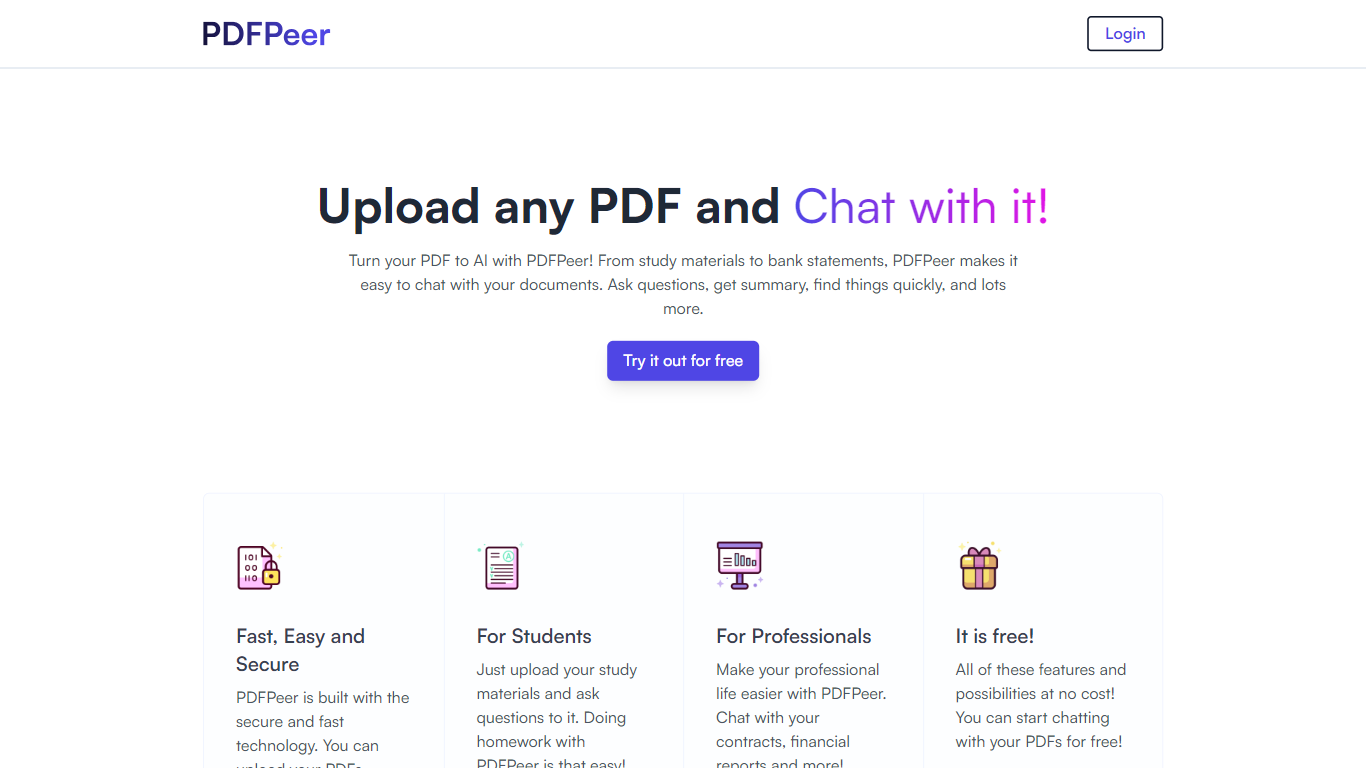
PDFPeer turns uploaded PDFs into documents you can question in plain language. Upload a file, then ask for summaries, specific facts, or quick lookups without scrolling page by page. The product targets students working through lecture notes and professionals handling contracts, reports, bank statements, and similar paperwork.
The homepage highlights use across study materials, invoices, resumes, contracts, tax forms, research papers, and other document types. PDFPeer also ships a separate free tools section for conversions and extraction, including PDF to text, OCR, image conversion, and split PDF workflows that do not require signing in.
Accounts support Google, GitHub, or email sign-in. Southern East Inc., based in Waterloo, Ontario, operates PDFPeer and handles billing through Stripe.
Journey Upvotes
PDFPeer Upvotes
Journey Top Features
Start plan includes up to 2 Journeys; Grow and Scale offer unlimited Journeys with a 14-day free trial on every tier
Embed blocks for Loom, Gong, Calendly, Notion, PandaDoc, DocuSign, Google Drive, Dropbox, and YouTube without leaving the page
Grow plan unlocks an AI chatbot that lets recipients ask questions about your Journey content
Scale adds session replays plus Clay and Zapier integrations for outbound personalization workflows
Engagement insights show who viewed your page, what sections they opened, and how long they spent
Custom domain add-on costs $10 per month on any paid plan
Recipients view published Journeys without creating an account or logging in
PDFPeer Top Features
Upload a PDF and ask questions in natural language instead of searching manually
Generate summaries and pull specific details from long documents quickly
Works across study notes, contracts, invoices, resumes, tax forms, and research papers
Free tier includes one PDF with limits on file size, page count, and daily questions
Unlimited plan removes PDF, page, and question caps with priority support
Standalone free PDF utilities for text extraction, OCR, image conversion, and splitting files
Journey Category
- PDF
PDFPeer Category
- PDF
Journey Pricing Type
- Freemium
PDFPeer Pricing Type
- Freemium