Animatable vs AI Video Editing | Clipchamp
In the clash of Animatable vs AI Video Editing | Clipchamp, which AI Video Editing tool emerges victorious? We assess reviews, pricing, alternatives, features, upvotes, and more.
When we put Animatable and AI Video Editing | Clipchamp head to head, which one emerges as the victor?
Let's take a closer look at Animatable and AI Video Editing | Clipchamp, both of which are AI-driven video editing tools, and see what sets them apart. Both tools are equally favored, as indicated by the identical upvote count. Be a part of the decision-making process. Your vote could determine the winner.
You don't agree with the result? Cast your vote to help us decide!
Animatable
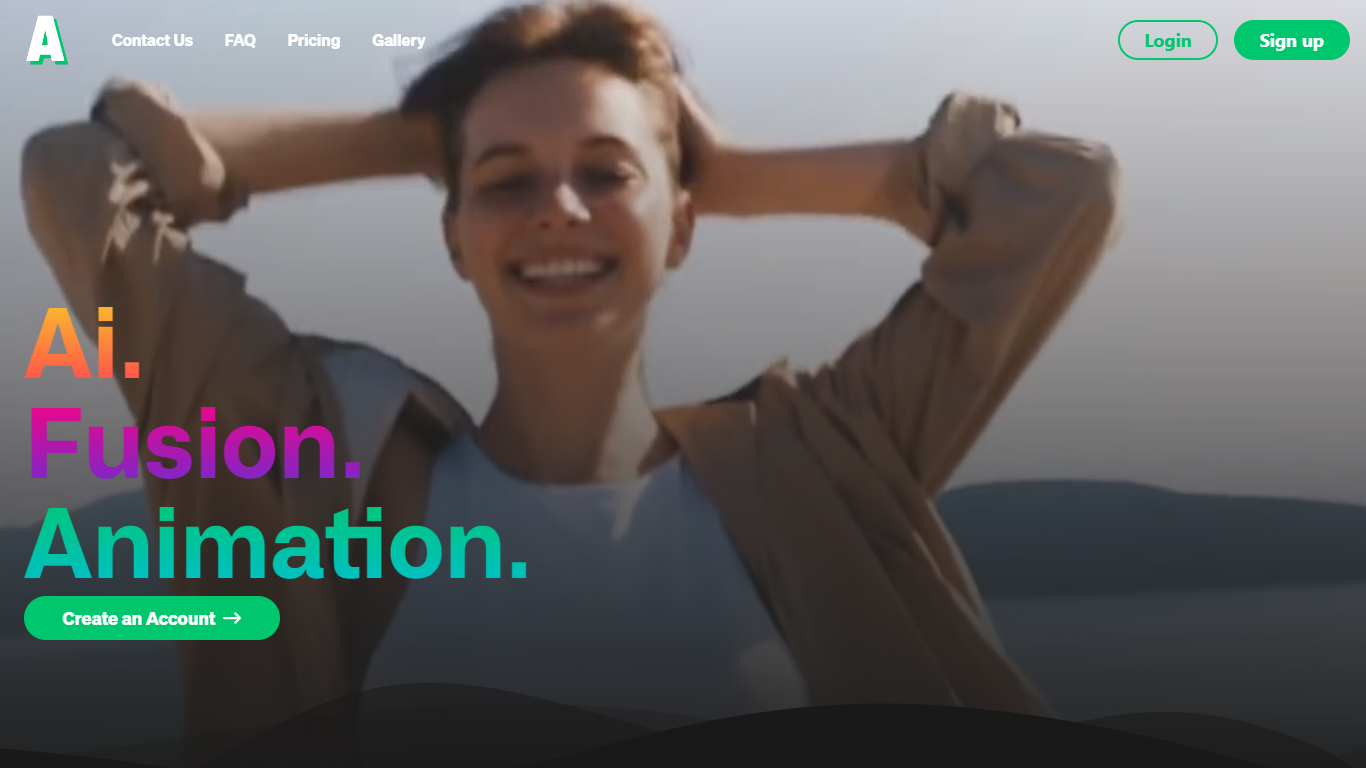

What is Animatable?
Animatable turns uploaded videos into stylized animations through a video-to-video workflow. You pick a style, describe hair, eyes, clothing, and background details, then generate a preview image before committing credits to the full render.
Where most animation tools start from text or static images, Animatable works from footage you already have. That makes it useful when you want to restyle an existing clip rather than build motion from scratch. Each second of output costs 7 credits, and the Basic plan includes 1,000 monthly credits at $20 per month.
The platform targets creators and marketers who need commercial-use animations without a full 3D or motion-design stack. Generation averages about one minute per second of video, and Stripe handles billing with optional credit rollover on paid plans.
AI Video Editing | Clipchamp
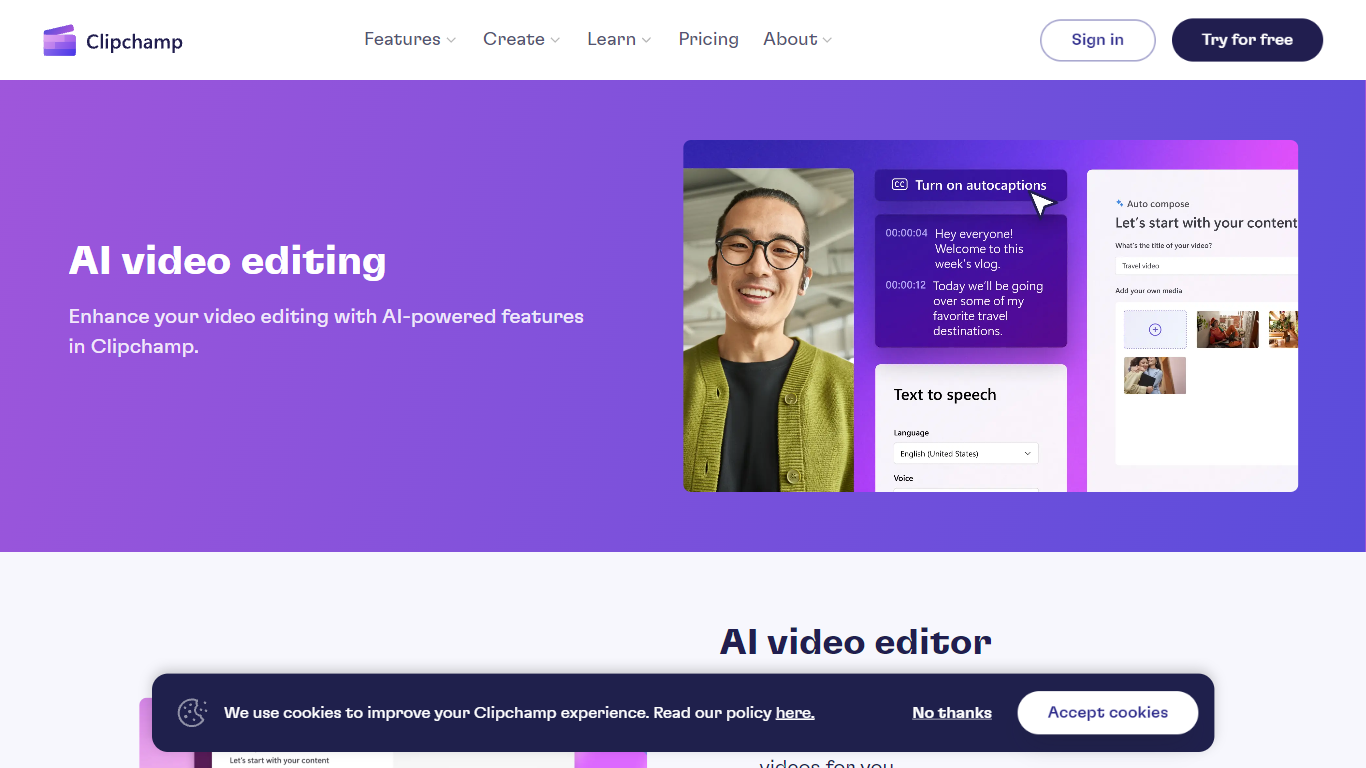
What is AI Video Editing | Clipchamp?
Experience the next level of video editing with Clipchamp's AI Video Editing tools, designed to elevate your creative projects effortlessly. Clipchamp harnesses the power of AI to provide an array of intelligent features that assist you in producing stunning videos without the need for any downloads. It's time to unleash your inner director using the AI video editor and craft short videos that leave a lasting impression. Whether you’re a TikTok enthusiast or a business professional, the AI voiceover maker offers over 400 lifelike voices in various languages and styles to match your video's tone. Autocaptions make your content more accessible, with precise voice detection technology for captions in 140 languages. For those looking to refine their speaking skills, the Speaker Coach offers real-time feedback on your recording sessions. Discover the wealth of AI-powered capabilities at your fingertips with Clipchamp and transform your digital storytelling.
Animatable Upvotes
AI Video Editing | Clipchamp Upvotes
Animatable Top Features
🎨 Diverse animation styles to fit any creative vision
⚡ Fast generation speed averaging 1 minute per second of video
🔍 Preview images to check and adjust animations before finalizing
💳 Flexible credit system for pay-as-you-go animation creation
🔒 Full commercial rights granted for all created animations
AI Video Editing | Clipchamp Top Features
AI Video Editor: Simplify the video creation process with an AI editor that can generate engaging short videos automatically.
Text to Speech: Utilize a versatile AI voiceover maker featuring over 400 lifelike voices in a variety of languages.
Autocaptions: Increase accessibility and engagement with precise autocaptions available in 140 languages.
Speaker Coach: Improve your presentation skills with real-time feedback on your speech during recording.
AI Audio Enhancements: Look forward to upcoming features that will further enhance audio quality in your videos.
Animatable Category
- Video Editing
AI Video Editing | Clipchamp Category
- Video Editing
Animatable Pricing Type
- Paid
AI Video Editing | Clipchamp Pricing Type
- Freemium