AnimateAI vs Veggie AI
In the battle of AnimateAI vs Veggie AI, which AI Video Generation tool comes out on top? We compare reviews, pricing, alternatives, upvotes, features, and more.
Between AnimateAI and Veggie AI, which one is superior?
Upon comparing AnimateAI with Veggie AI, which are both AI-powered video generation tools, Both tools are equally favored, as indicated by the identical upvote count. Since other aitools.fyi users could decide the winner, the ball is in your court now to cast your vote and help us determine the winner.
Want to flip the script? Upvote your favorite tool and change the game!
AnimateAI


What is AnimateAI?
You turn a script into a multi-scene animated series without leaving one browser tab. AnimateAI chains character design, storyboard editing, and final video rendering into a single video generation workflow built for serialized animation rather than one-off clips.
Standalone text-to-video tools generate disconnected scenes. AnimateAI centers a Character Vault that stores your cast and reuses the same faces across episodes, then turns scripts into editable storyboards with narration and voiceovers before Kling, Minimax, Runway, or Luma models render the footage. The homepage also lists Seedance1.5Pro as a newly live model option.
Creators producing anime web series, lofi music videos, kids bedtime stories, movie trailers, and social shorts are the target audience. Product Hunt badges on the site highlight it as a video generator for animated series, and the platform claims 10x faster creation plus 30% savings on bundled model access compared with juggling separate apps.
Autopilot mode can optimize prompts and assemble full videos with minimal manual steps. Community templates let you regenerate videos in a matching style with one click, and paid subscribers get watermark-free downloads with full commercial rights.
Veggie AI
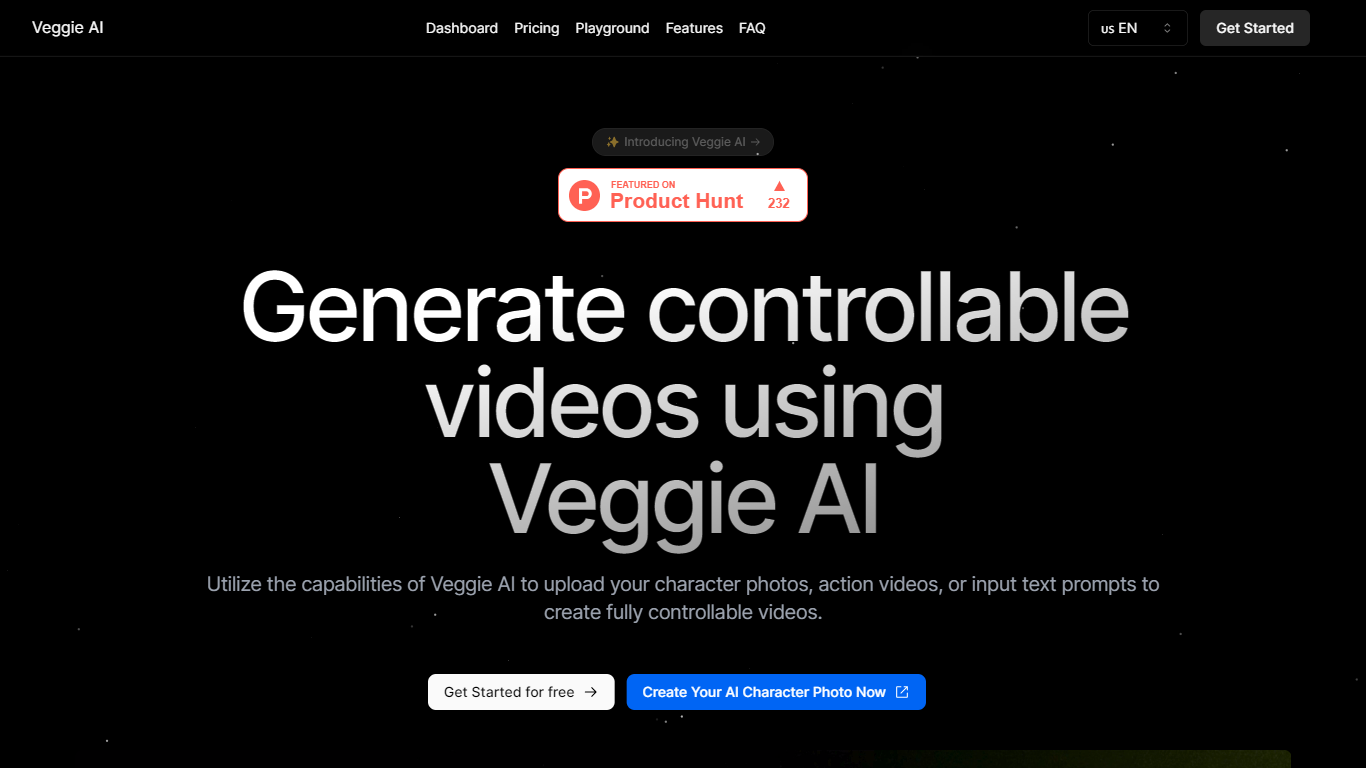
What is Veggie AI?
Veggie AI turns still character images into short, controllable action videos in your browser. Upload a photo of a real person, anime character, or illustrated figure, pair it with an action reference video or text motion prompt, and the tool generates a clip that follows those movements. Four creation modes (Mix, Animate, Ideate, and Stylize) cover different input combinations, from transferring motion off a reference clip to generating both character and action from text alone. A separate Live Portrait workflow animates faces from a still photo plus a driver video.
Most text-to-video generators invent scenes from prompts alone. Veggie AI instead locks motion to something you supply, either a reference video whose actions get mapped onto your character image, or text that describes specific movement. That trade-off suits creators who need a particular pose sequence or facial performance repeated on a custom character, not open-ended scene generation.
Marketers, social media managers, and indie animators use Veggie AI for character clips without building rigs or filming talent. The Pro and Unlimited plans include a commercial license for ads and client work. Generation runs in the browser on any connected device, and outputs download as MP4 files.
AnimateAI Upvotes
Veggie AI Upvotes
AnimateAI Top Features
Character Vault stores generated anime characters for reuse across multi-episode series
Standard trial costs $5.99 for 7 days with 200 credits, then $39.99 per month with 500 credits
Pro plan at $99.99 per month includes 2000 credits plus Kling 2.0 Master and V2.5 Turbo Pro access
Script-to-storyboard builds scene visuals, narration, and voiceovers from text in minutes
Integrates GPT-4o, Claude, Gemini, MidJourney, FLUX, ElevenLabs, Suno, Kling, Minimax, Runway, and Luma
Full-length videos support up to 10 scenes with up to 2 generation tasks in queue
Seedance1.5Pro is listed on the homepage as a newly live video model option
Veggie AI Top Features
Four creation modes: Mix, Animate, Ideate, and Stylize cover image-plus-video, image-plus-text, text-only, and style-transfer workflows
Live Portrait animates a JPEG or PNG photo from an MP4 driver video in about 3 minutes for 4 credits
Basic plan includes 100 credits per month at $7.9; Pro adds 500 credits and a commercial license at $13.9 per month
Accepts JPEG and PNG images plus MP4 reference videos as input materials
Unlimited yearly plan at $199 removes monthly credit caps for one year
AnimateAI Category
- Video Generation
Veggie AI Category
- Video Generation
AnimateAI Pricing Type
- Freemium
Veggie AI Pricing Type
- Paid