Arcwise vs deepsheet
Dive into the comparison of Arcwise vs deepsheet and discover which AI Excel tool stands out. We examine alternatives, upvotes, features, reviews, pricing, and beyond.
In a comparison between Arcwise and deepsheet, which one comes out on top?
When we compare Arcwise and deepsheet, two exceptional excel tools powered by artificial intelligence, and place them side by side, several key similarities and differences come to light. Both tools have received the same number of upvotes from aitools.fyi users. Be a part of the decision-making process. Your vote could determine the winner.
Disagree with the result? Upvote your favorite tool and help it win!
Arcwise

What is Arcwise?
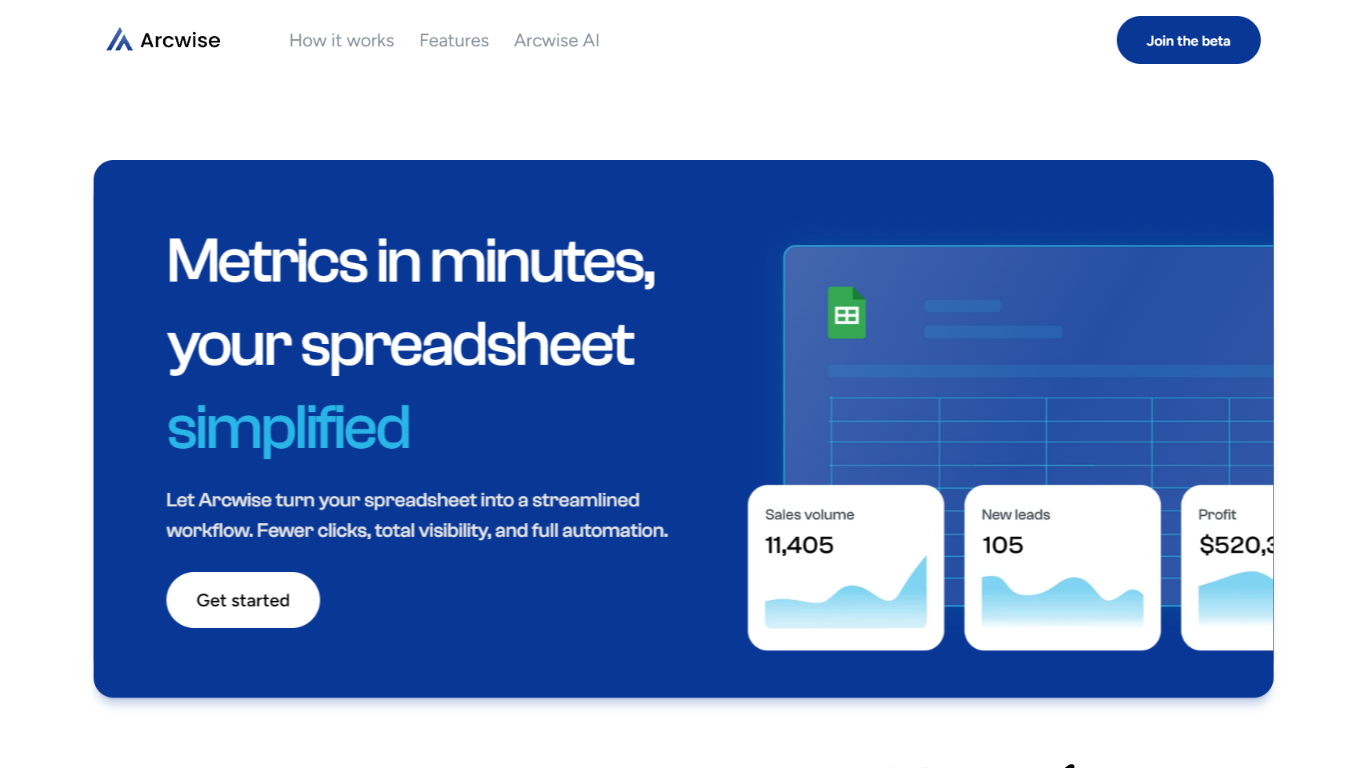
Arcwise is an AI-powered analyst that integrates directly with Google Sheets, enabling users to perform data analysis and build reports without leaving their spreadsheets. It connects seamlessly to popular data warehouses and business tools like Snowflake, BigQuery, Salesforce, and Hubspot, centralizing data access and ensuring a single source of truth. Users can work with massive datasets, handling millions or even billions of rows, without crashing their sheets. Arcwise automatically generates SQL queries, tables, and reports based on natural language questions, making data exploration accessible to non-technical users.
The platform supports visualization of data responses, helping users quickly identify trends and patterns. It also allows deep dives into data by tracing numbers back to their original sources, correcting errors, and uncovering drivers of change. Arcwise offers scheduling features to automate report updates and send alerts when key metrics fall outside expected ranges, keeping teams informed in real time.
Arcwise’s AI model can be customized: users can bring their own models or have Arcwise fine-tune a large language model based on their data. The system learns from user feedback to improve accuracy and relevance over time. This makes Arcwise suitable for a wide range of professionals, including financial analysts, project managers, and business owners who need fast, reliable insights directly within their spreadsheets.
The tool emphasizes ease of use by embedding AI capabilities into familiar spreadsheet environments, reducing the learning curve and speeding up report generation from hours to minutes. It supports team collaboration by allowing users to share reports and find trusted data sources within their organization. Arcwise is currently available in beta with a focus on helping teams integrate AI into their business processes efficiently.
deepsheet
What is deepsheet?
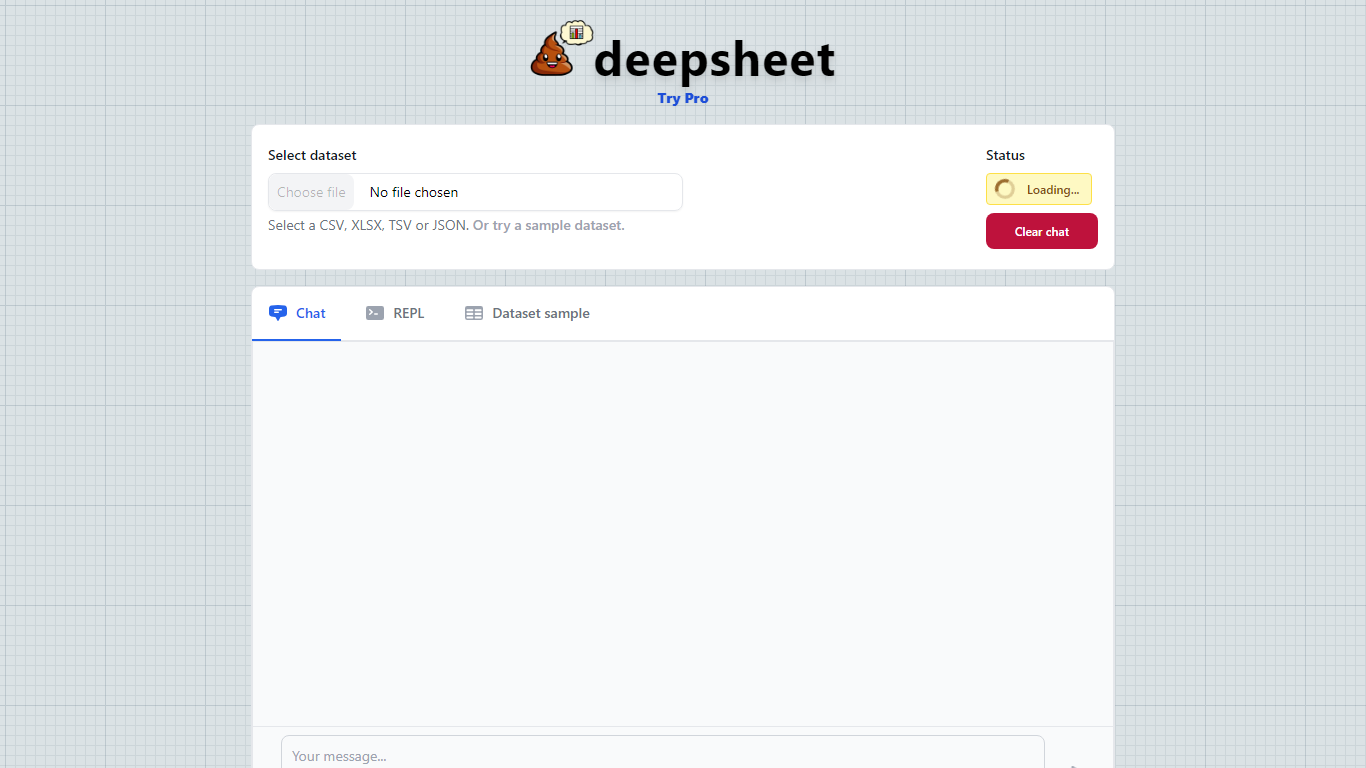
deepsheet is a data analysis tool that lets you explore your datasets by asking questions in plain English. It supports common file formats like CSV, XLSX, TSV, and JSON, making it easy to upload and start analyzing data immediately. The interface is designed to be simple and approachable, so both data experts and beginners can use it without needing to write complex code.
Users interact with their data through a chat-like environment where they type queries and receive insights in real time. This conversational approach helps uncover patterns and answers that might be hidden in the data. The tool also provides sample datasets to help new users get started quickly and understand how to phrase their questions.
Built with a focus on clarity and ease of use, deepsheet includes features like real-time status updates and a clear chat history to keep track of your analysis steps. It also offers a REPL (Read-Eval-Print Loop) environment where users can write and run Python code snippets, giving more advanced users the flexibility to perform custom analyses.
The tool is developed by Dylan Castillo and emphasizes a user-friendly experience without sacrificing the power needed for meaningful data exploration. It is suitable for business professionals, analysts, educators, and anyone interested in making sense of their data without deep technical skills.
Overall, deepsheet stands out by combining natural language queries with support for multiple data formats and an interactive coding environment, making data analysis accessible and adaptable to different user needs.
Arcwise Upvotes
deepsheet Upvotes
Arcwise Top Features
🤖 AI-powered analysis directly inside Google Sheets for easy access
🔗 Connects to major data warehouses and tools for centralized data
📊 Automatic visualization of data responses to spot trends fast
⚙️ Handles millions of rows without crashing your spreadsheet
⏰ Schedule report updates and alerts to stay informed automatically
deepsheet Top Features
📊 Supports multiple data formats like CSV, XLSX, TSV, and JSON for easy data import
💬 Natural language chat interface to ask questions and get instant insights
⏳ Real-time status updates keep you informed during data processing
🧪 Built-in Python REPL lets advanced users run custom code snippets
📚 Sample datasets available to help new users learn and experiment quickly
Arcwise Category
- Excel
deepsheet Category
- Excel
Arcwise Pricing Type
- Freemium
deepsheet Pricing Type
- Freemium